DECAN_S1_Operation_EN.pdf - 第52页
It ems t o b e inspe ct e d du r ing p r oduction Chap ter 4 Nex t Generation, Multi- Funct ional Placer DE CAN S 1 Ope ra tio n Han db oo k 4 -7 This chapter describes the methods for temporary stop of the machine(Conti…
Items to be inspected during production
Chapter 4
Next Generation, Multi-Functional Placer
DECAN S1 Operation Handbook
4-6
This chapter describes the methods for temporary stop of the
machine(Continue / Start mode), emergency stop (by manual/ by
system) and the restarting the production after emergency stop when
checking errors or other items and taking measures during production.
Take measures of instantaneous stop > Take measures against defective pickup
Take measures of instantaneous stop
Items to be inspected during production
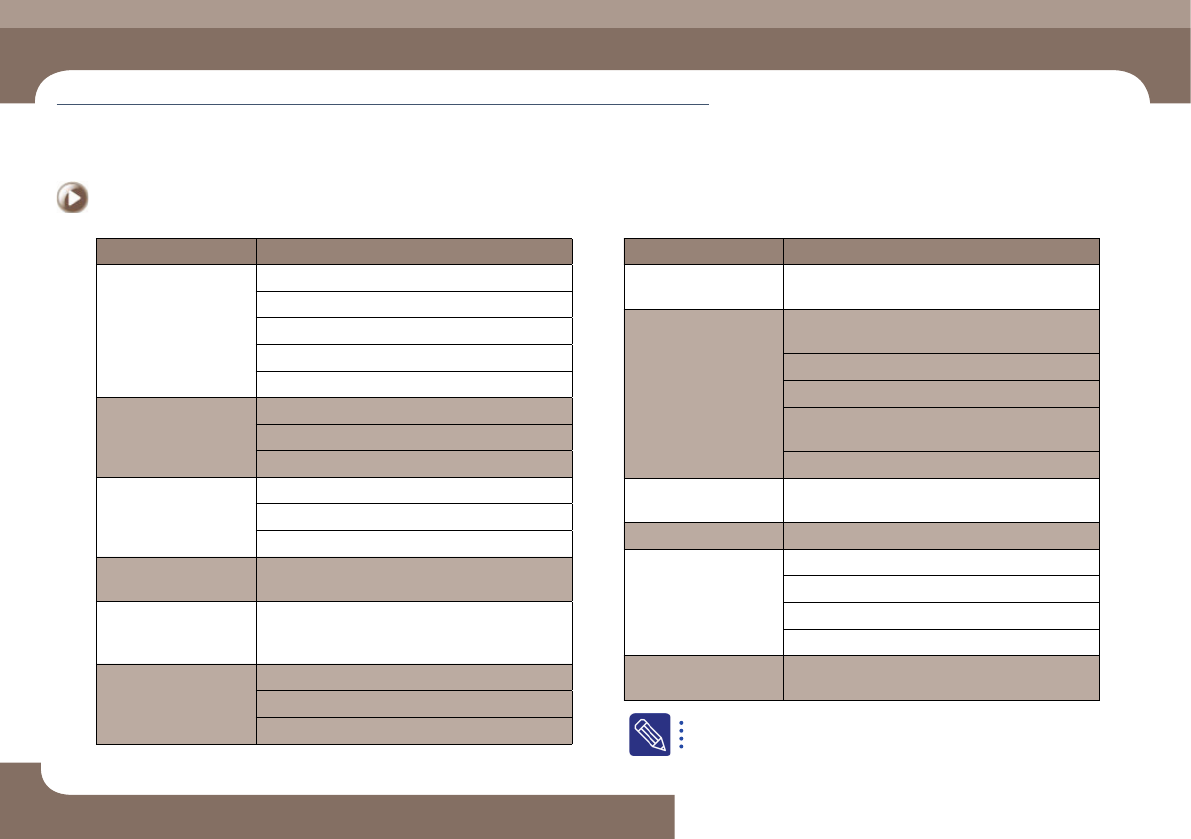
Classification of Causes Sub-classification of Causes
Vision processing timeout
/ Failed to recognize the
vision board
Defective Vision board connection
Defective SBC
Defective vision board
Defective backplane board
Damaged vision board driver file due to infection by virus
Damage to the mirror
Scratch to the mirror
Damaged mirror
Mirror contaminated with foreign material
Part data registration
error
Part recognition data registration error
Recognition parameter setup error
Illumination setup error
Defective part
The part size is different from that of the recognition
data of the registered part due to a defective part
Camera recognition
timeout error / Vision
processing timeout error
Defective vision board
Fiducial camera noise
(Occurrence of distorted
image, half image,
overlapped image, etc.)
Defective Vision board connection
Defective fiducial camera
Defective vision board I/F
Classification of Causes Sub-classification of Causes
Defective
cameraassembling
The camera recognition area is not located at the part
center but slightly offset in the X-axis or Y-axis direction
The image from the
camera is dark Abnormal
illumination brightness
Defective camera illumination board (Defective outer
illumination board)
Defective head illumination board
Defective fix camera illumination
The illumination LEDs turn on and off repeatedly due
to defective contact of the cable related to the lighting
Light mapping error
Foreign materials on the
cover glass
Contaminated nozzle
Defective side cylinder
Defective cable connection
Defective head I/O board
Abnormal sensor
Defective cylinder
Defective recognition of
'Ref' mark on the head
Contaminated 'Ref' mark on the head
For further details about the causes of defects and measures against
them, refer to '1.2.1. Pickup Error' in the Troubleshooting Guide.
Items to be inspected during production
Chapter 4
Next Generation, Multi-Functional Placer
DECAN S1 Operation Handbook
4-7
This chapter describes the methods for temporary stop of the
machine(Continue / Start mode), emergency stop (by manual/ by
system) and the restarting the production after emergency stop when
checking errors or other items and taking measures during production.
Take measures of instantaneous stop > Take measures against stuck tape vinyl
Take measures of instantaneous stop
2. Take measures against stuck tape vinyl
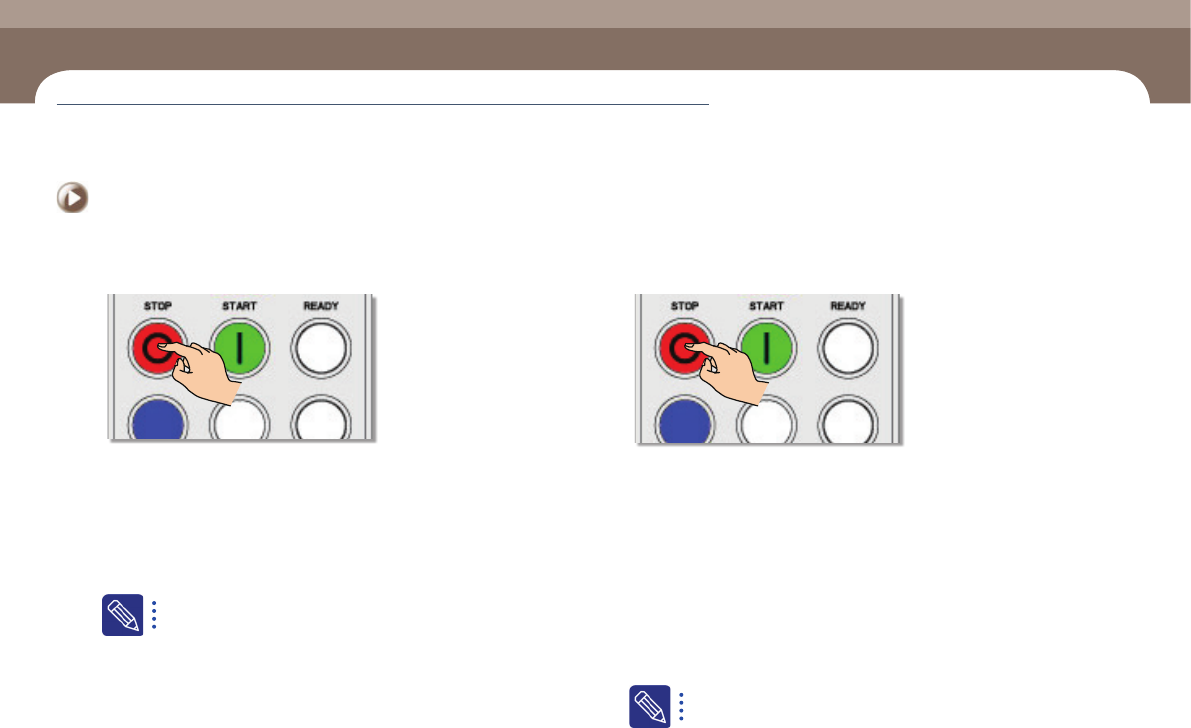
1. Stop the machine temporarily
Step 1.
Pressing the STOP button on the OP panel at the section where
the problem occurred will stop the machine temporarily.
Step 2.
Separate the tape feeder to which the problem occurred from
the feeder base and install the tape properly after eliminating
the cause of the problem. Then insert the tape feeder into the
feeder base and secure it and then start production again
Regarding tape installation, refer to 'Chapter2. Operation of the
Feeder' in the Feeder User Manual.
Step 3.
If the tape vinyl is stuck in the tape guide without being peeled
off properly, release the locker securing the tape guide and lift
it to examine the cause of the stuck tape.
Step 4.
In order to restart production, press the START button on the
corresponding OP panel.
3. Measures against PCB jamming
1. Manual emergency stop of the machine
Step 1.
If a PCB is jammed while moving between stations of the
conveyor, press STOP to stop the machine temporarily.
Step 2.
Open the door of the section to which the problem occurred
and press STOP and RESET and then solve the problem.
Step 3.
After solving the PCB jamming problem, select the station
indicated in red in the 'Conveyor Utilities' dialog box of the
MMI and click the <Delete> button.
Step 4.
Select the station in which the PCB is located currently and
click the <ReAcquire> button.
Regarding the method to restart the production after emergency stop
of the machine, refer to "2. Start mode: Restarts the production after
the occurrence of an error" (page 4-10)
Items to be inspected during production
Chapter 4
Next Generation, Multi-Functional Placer
DECAN S1 Operation Handbook
4-8
This chapter describes the methods for temporary stop of the
machine(Continue / Start mode), emergency stop (by manual/ by
system) and the restarting the production after emergency stop when
checking errors or other items and taking measures during production.
Take measures of instantaneous stop > Part exhaustion
Take measures of instantaneous stop
Items to be inspected during production
4. Part exhaustion
◈Reel placement
When changing the reel, press the STOP button on the OP panel corresponding
to the section where a reel needs to be changed in order to stop the machine
temporarily.
For more details, refer to "1. Continue mode: Halts the production
temporarily and then restarts the production" (page 4-9).
For more details regarding reel replacement, refer to "1. Change
the part reel" (page 6-14).
◈Splicing
When performing splicing, it is not necessary to stop the machine.
For more details regarding splicing,refer to "2. Tape Connection
Method (Paper Type)" (page 6-17).
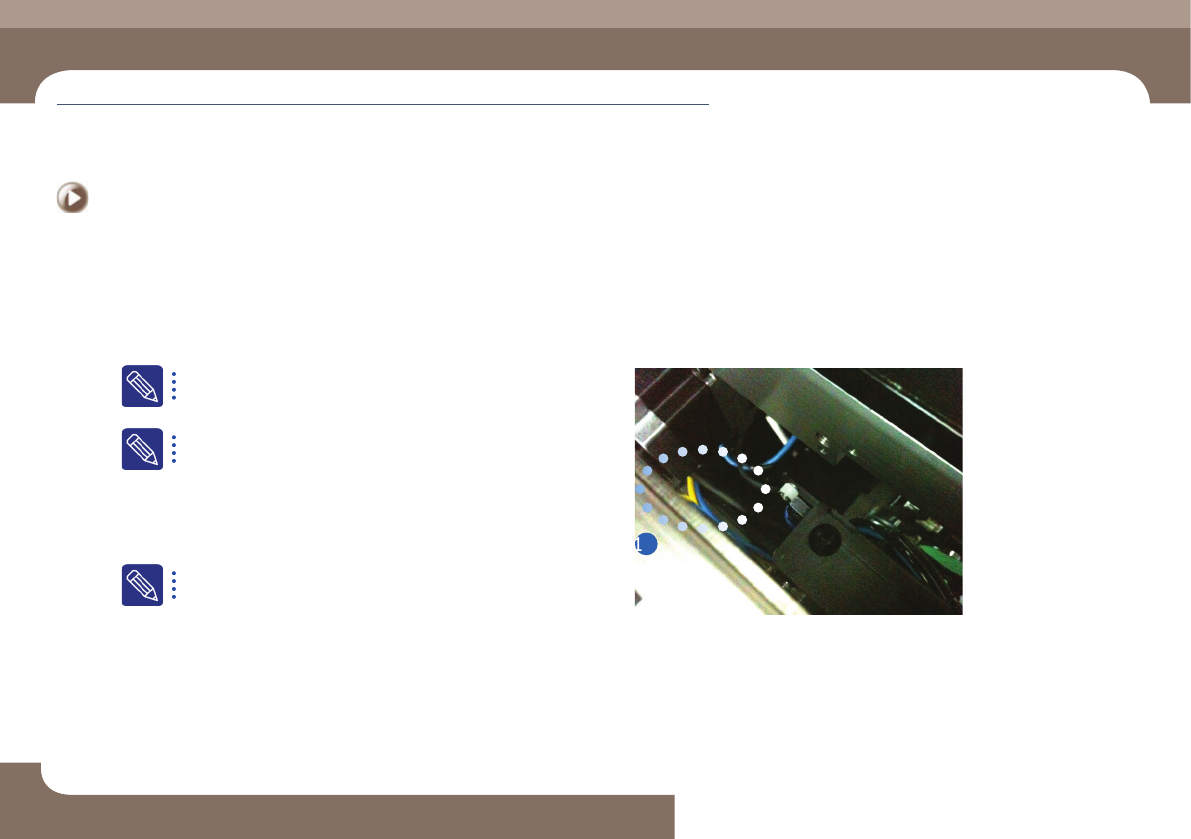
5. Measures against dump box error
◈Incorrect installation
ㆍ If the dump box is not installed properly, the dump box installation sensor detects this
and the MMI displays an error message.
ㆍ Install the dump box properly by placing it on the dump box rack horizontally.
① Dump Box Installation Sensor