YSI_Prog_E - 第30页
The instructi on manual of this machine is written for those who operate this machine. P le a s e r ea d t hi s m a nu a l ca r e fu l l y f o r c or r e ct o p er a t io n s a nd p a y special attention to safety precau…

1.9 Comparison 4-25
1.10 Shape Check 4-28
1.11 Code Recognition 4-31
3
6
9
2
Chapter 5 Inspection machine settings
1
1.1 Registering a new operator 5-1
1.2 Changing registered operator details 5-4
1.3 Editing groups 5-5
1.4 Editing access levels 5-7
2. 8
2.1 Installation settings 5-9
2.2 Conveyor transfer settings 5-11
2
2.4 Server settings 5-13
2.5 Library settings 5-14
2.6 Editing signal tower settings 5-15
6
Appendix
1. List of keyboard shortcut keys i
X

The instruction manual of this machine is written for those who operate
this machine.
Please read this manual carefully for correct operations and pay
special attention to safety precautions.
After reading through this manual, please use this manual as an
occasional reference and keep it within reach.
Before using the machine
Contents
1. Using this manual i
1.1 Available manuals i
1.2 Manual contents i
2. Warranty ii
3. Contents of each chapter iii
4. Page layout iv
i
1. Using this manual
1.1 Available manuals
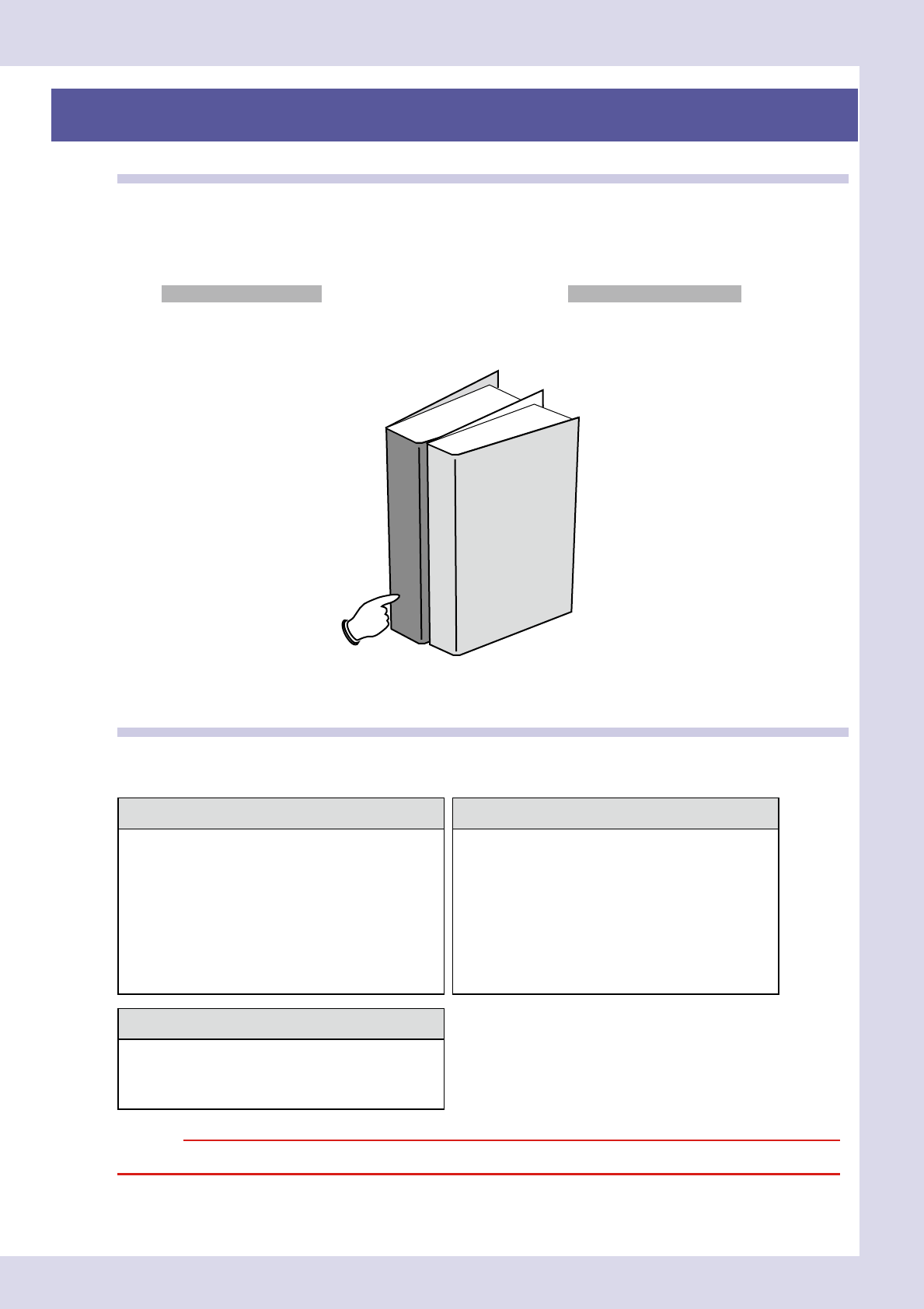
There are several different manuals available including this manual to help users use the machine effectively
depending on their skills, expertise, and applications. Available manuals are shown below.
n
Available manuals
Manuals supplied with machine
The following manuals are supplied with the machine you purchased.
This manual
Operator's Manual
Programming Manual
23000-P6-00
1.2 Manual contents
The contents of each manual are briefly explained below.
n
Contents of manuals supplied with machine
Operator's Manual Programming Manual
This manual is intended for machine operators. It provides
an overview of the machine and information necessary to
operate the machine.
This manual is intended for those who program inspection
data. It describes how to create and edit data needed for
machine operation and board inspection.
Before using the machine
Chapter 1: Part names and functions
Chapter 2: Basic operation
Chapter 3: Daily operation
Chapter 4: Maintenance
Appendix Specifications, option units, etc.
Before using the machine
Chapter 1: Basic operation
Chapter 2: Creating inspection programs
Chapter 3: Step screen
Chapter 4: Inspection status
Chapter 5: Inspection machine settings
Appendix List of keyboard shortcut keys
Software option manual (CD)
The manual for each software option for inspection
equipment is stored on the installation CD.
n
Repair station
n
Remote judgment station
c