00197597-02_IM_Station_Programming_1.1_EN.pdf - 第11页
Station Programmi ng 1.1 / Installation M anual 05/2015 Edition 11 After successful installation, the following dialog is displayed. Figure 4-6: Finishing install ation The station comput er has to be restarte d before S…
Station Programming 1.1 / Installation Manual 05/2015 Edition
10
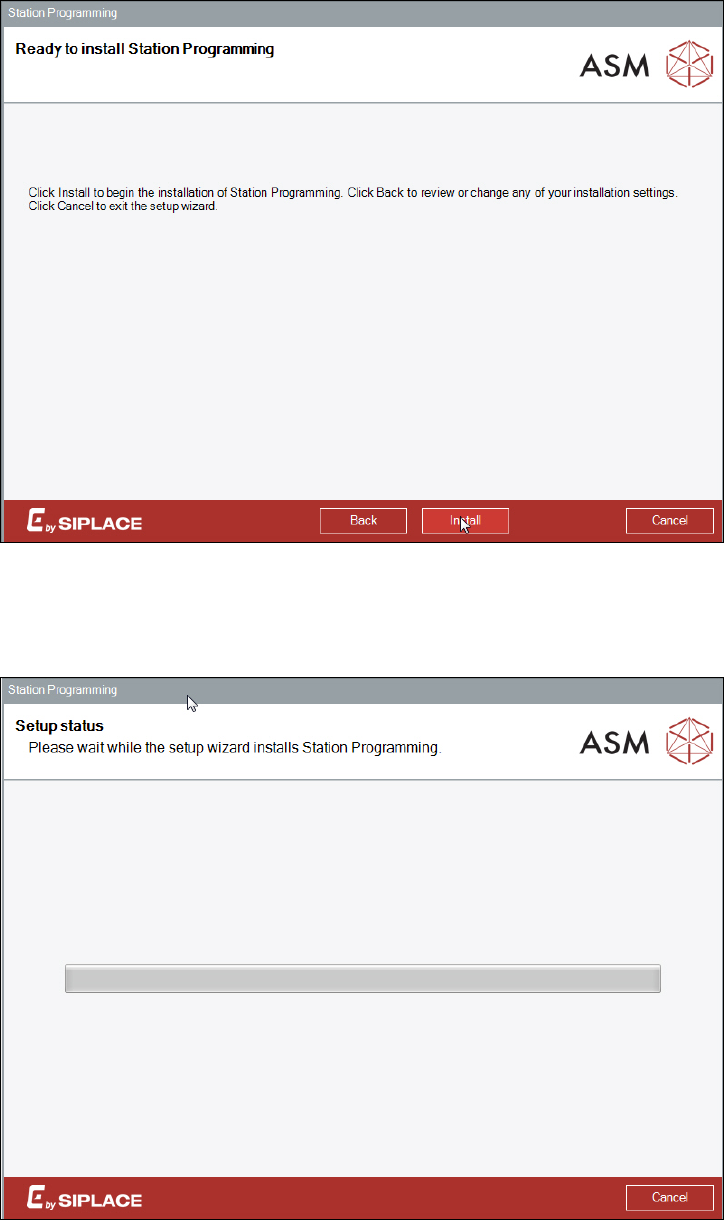
The following dialog is displayed.
Figure 4-4: Starting installation
► Click the Install button to start the installation.
The following dialog is displayed.
Figure 4-5: Installing Station Programming
The installation of all components may take a while and one system restart will be performed
automatically.
Station Programming 1.1 / Installation Manual 05/2015 Edition
11
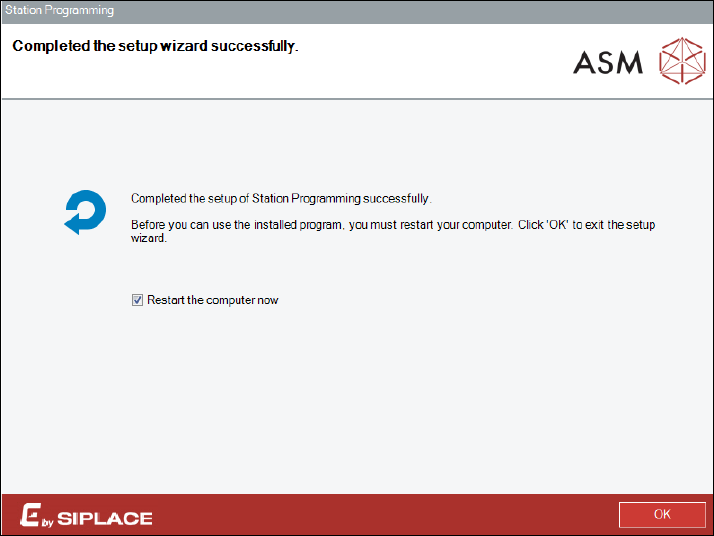
After successful installation, the following dialog is displayed.
Figure 4-6: Finishing installation
The station computer has to be restarted before Station Programming can be used.
► Ensure that the Restart the computer now check box is tagged (default).
► Click the OK button to exit the setup wizard.
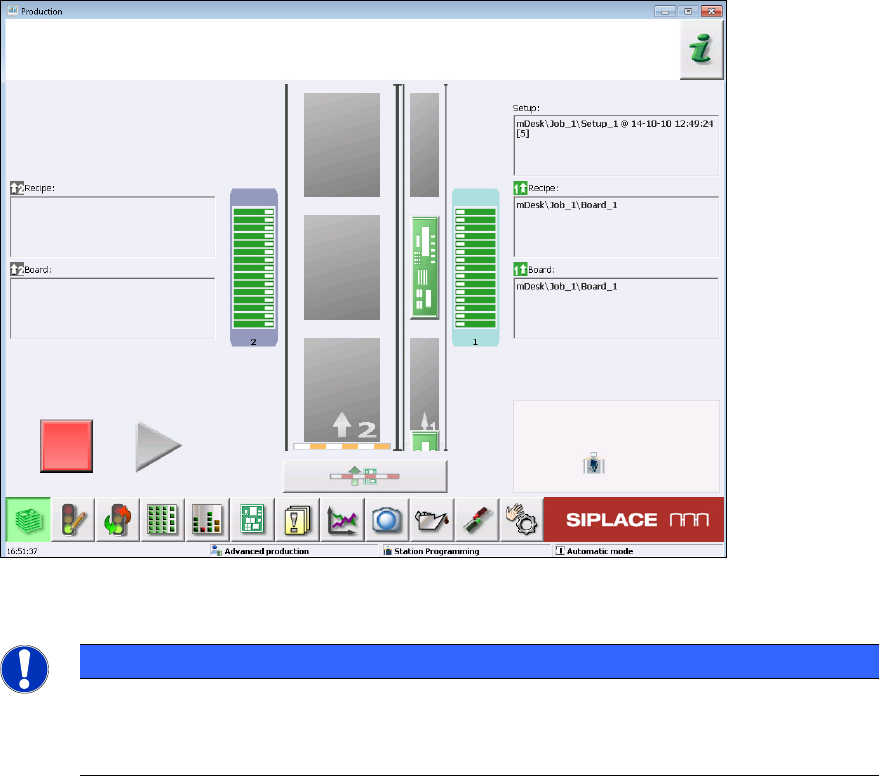
After restart, the station computer logs in automatically using the Operator account and the station
software including Station Programming is started.
Station Programming 1.1 / Installation Manual 05/2015 Edition
12
Figure 4-7: Station software with Station Programming
NOTICE
Modifying / Repairing the Installation
If necessary, the installation can be modified or repaired by restarting the Setup.exe file
and using the correspondent options in the setup.