00195346-0302_SM_WPC4_EN.pdf - 第82页
SITEST for WPC4 SITEST Functions Production Data 82 Ser vice Manual SIPLACE WPC4 5.6.4 Production Dat a Level change: Shows the tota l number of level changes since initial operation. Operating hours: Shows the total…
SITEST for WPC4
Changing WPTCs SITEST Functions
Service Manual SIPLACE WPC4
81
5.6.3 Changing WPTCs
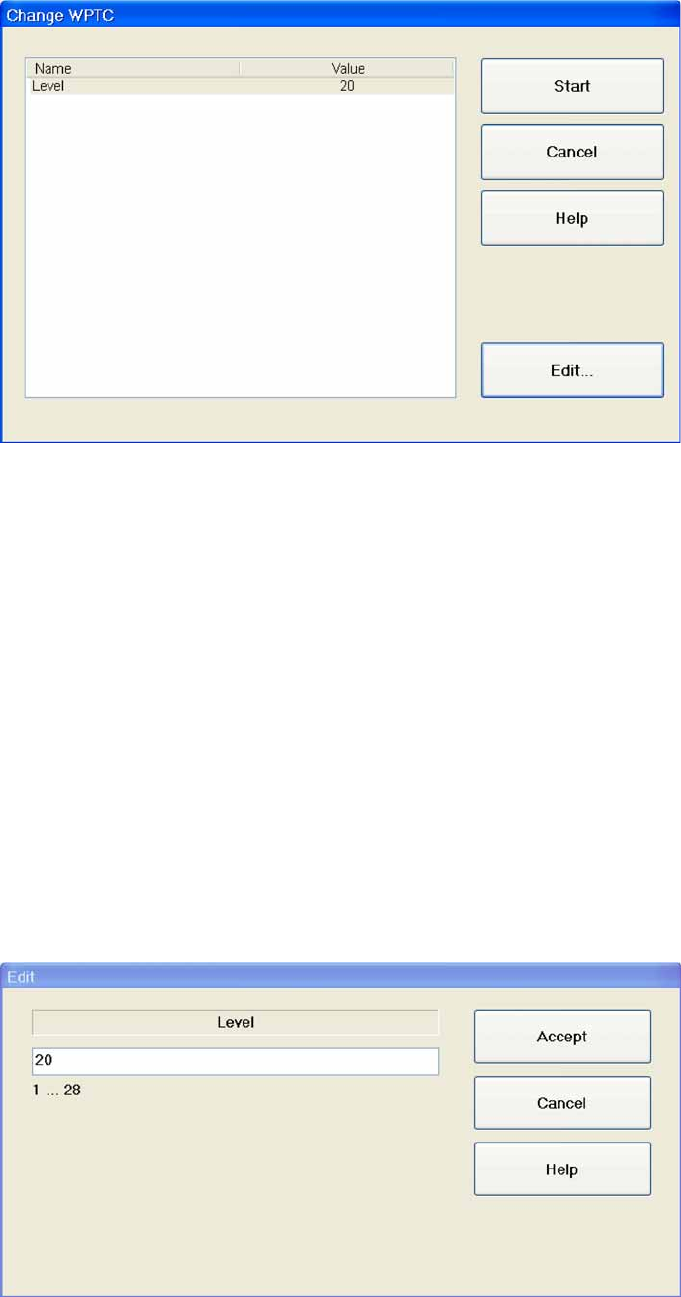
Name: The name is always "Level".
Value: Shows the number of the level for which a WPTC is to be made available.
Start: The lifting axis moves the selected level to the feed axis position and the waffle pack tray
carrier to be changed will be moved to the staging position.The waffle pack tray carrier which was
made available previously (if applicable) will be moved back into the tower.
Cancel: Closes the dialog box without saving any changes made.
Edit...: Opens a dialog box in which the relevant value can be entered for the level. The waffle pack
tray carrier for this level will then be made available.
Change WPTC…
X Select the level containing the waffle pack tray carrier (WPTC) which you want to change.
X Select
Start
.
A menu will be shown with the WPTC changeover time.
Edit
X Mark the
Level
X field and select
Edit...
.
X Enter the required value in the input field. Make sure the value entered is within the permissible limits.
X Select
Accept
to confirm your entry or
Cancel
to reject the entry.
SITEST for WPC4
SITEST Functions Production Data
82 Service Manual SIPLACE WPC4
5.6.4 Production Data
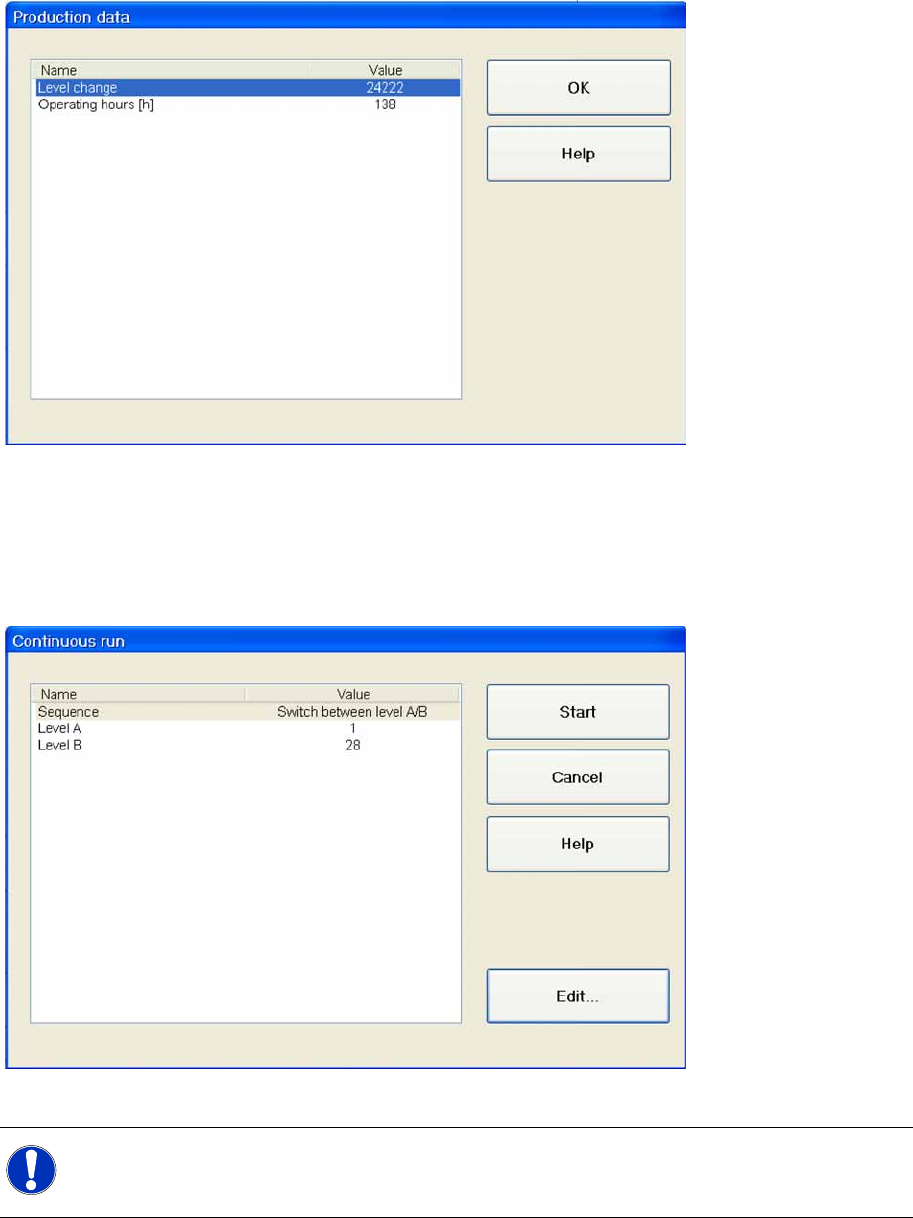
Level change: Shows the total number of level changes since initial operation.
Operating hours: Shows the total number of operating hours since initial operation.
OK : Closes the dialog box.
5.6.5 Continuous Run
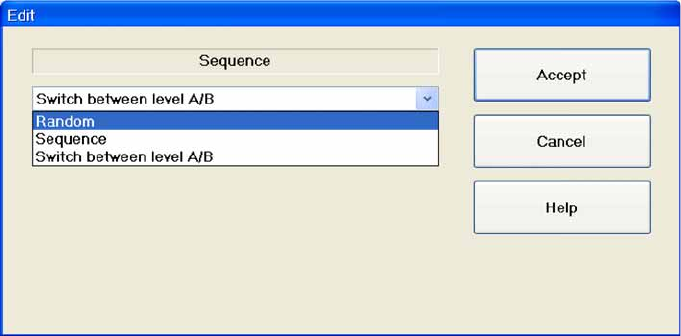
Sequence: The following options are available for defining the sequence:
Level A: Shows the number of the level into which the waffle pack tray carrier is to be changed.
Level B: Shows the number of the level into which the waffle pack tray carrier is also to be changed.
Start: Closes the dialog box and starts the continuous run with all the settings defined.
Cancel: Closes the dialog box and rejects any changes made.
Edit...: Opens a dialog box in which you can select the mode in which the continuous run is to be
tested.
NOTE:
The two options
Level A
and
Level B
are only shown if
Switch between level A/B
has already
been selected as the sequence for a continuous run.
SITEST for WPC4
Continuous Run SITEST Functions
Service Manual SIPLACE WPC4
83
Selecting the continuous run mode
Shows the various types of continuous run available for selection:
Random: The WPC checks which waffle pack tray carriers are present and changes these in a
random order.
Sequence: The WPC checks which waffle pack tray carriers are present and changes these in
sequence.
Switch between level A/B: The WPC changes the waffle pack tray carriers alternatively from "Level
A" and "Level B" until the end of the continuous run.
"Level A" and "Level B" are assigned in the menu
Continuous run
.
X Mark the mode required for the continuous run in the selection list provided.
X Select
Accept
to confirm your entry or
Cancel
to reject the entry.