00194994_01.pdf - 第22页
3 Graphical user interface SIPLACE Software Guide Version 408.xx 3.2 Components of the user interface Issue 03/06 EN 22 Meaning of other icons and marking s 3 If a track error , machine error or conveyor erro r occurs, a…

SIPLACE Software Guide Version 408.xx 3 Graphical user interface
Issue 03/06 EN 3.2 Components of the user interface
21
3
Abort processing 3
This icon is active after an error occurs which leads to a machine standstill. 3
3
Æ Click the icon.
The current processing operation is aborted after you confirm the dialog box which appears.
The incompletely assembled PCB is transported to the output conveyor and the operator is re-
quested to remove it by hand.
3 Graphical user interface SIPLACE Software Guide Version 408.xx
3.2 Components of the user interface Issue 03/06 EN
22
Meaning of other icons and markings 3
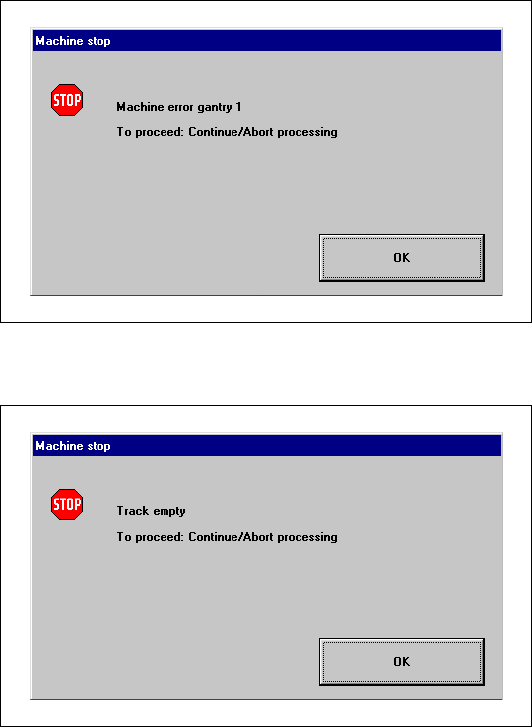
If a track error, machine error or conveyor error occurs, a corresponding information box is shown
(see examples below). 3
Machine error gantry 1 3
3
3
3
3
3
3
3
3
Track empty error 3
3
3
SIPLACE Software Guide Version 408.xx 3 Graphical user interface
Issue 03/06 EN 3.2 Components of the user interface
23
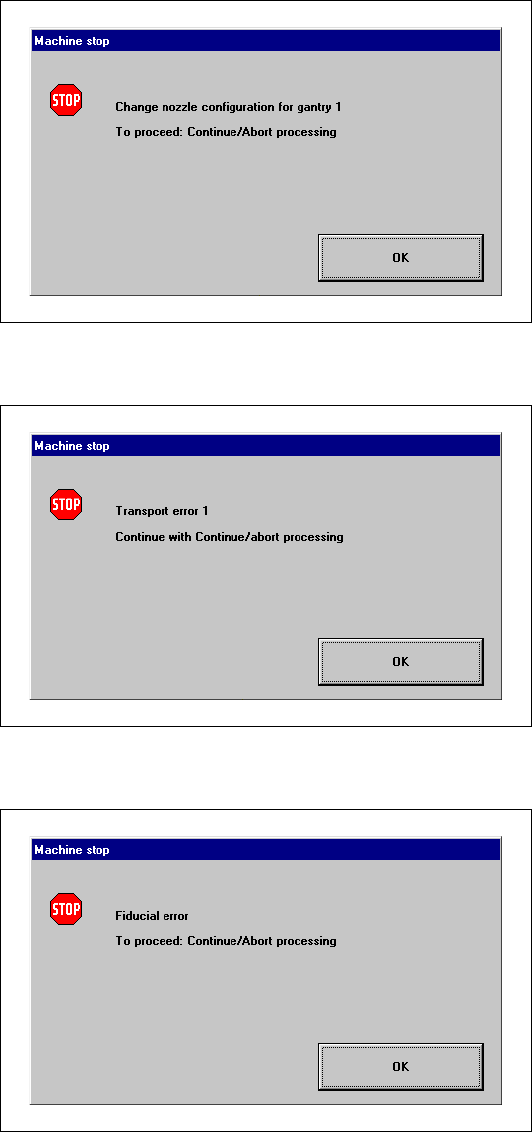
Nozzle configuration error 3
3
3
Transport error 3
3
3
Fiducial error 3
3
3
3
3
3
3
3
3
3