00194994_01.pdf - 第23页
SIPLACE Software Guide Version 408.xx 3 Graphical user interface Issue 03/06 EN 3.2 Components of the user interface 23 Nozzle configuration error 3 3 3 Transport error 3 3 3 Fiducial error 3 3 3 3 3 3 3 3 3 3
3 Graphical user interface SIPLACE Software Guide Version 408.xx
3.2 Components of the user interface Issue 03/06 EN
22
Meaning of other icons and markings 3
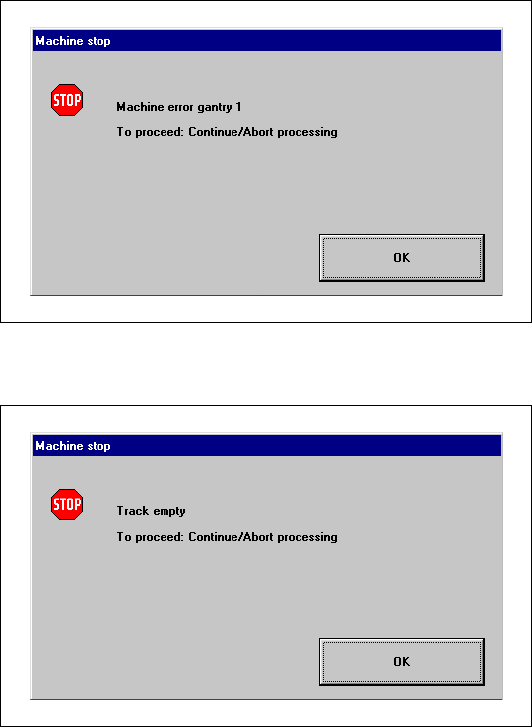
If a track error, machine error or conveyor error occurs, a corresponding information box is shown
(see examples below). 3
Machine error gantry 1 3
3
3
3
3
3
3
3
3
Track empty error 3
3
3
SIPLACE Software Guide Version 408.xx 3 Graphical user interface
Issue 03/06 EN 3.2 Components of the user interface
23
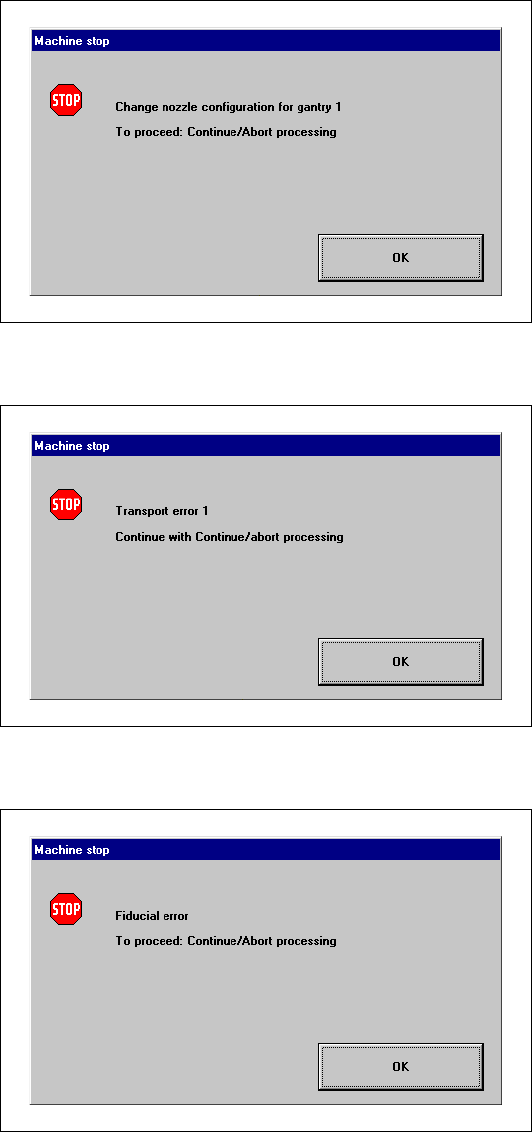
Nozzle configuration error 3
3
3
Transport error 3
3
3
Fiducial error 3
3
3
3
3
3
3
3
3
3

3 Graphical user interface SIPLACE Software Guide Version 408.xx
3.2 Components of the user interface Issue 03/06 EN
24
3.2.2 Toolbar in Main view
3
Fig. 3.2 - 2 Toolbar in the Main view (example: SIPLACE S23)
Key to Fig. 3.2 - 2
(1) Main view
(2) Set-up, placement functions
(3) Error, placement functions
(4) Component feeder, placement functions
(5) Gantry 1 and 2 (only SIPLACE CS and S23), single functions
(6) Conveyor or Dual conveyor (only S23 and F5 HM), single functions
(7) Teach fiducials, vision functions
(8) Test component, vision functions
(9) Start SITEST test program
3
Æ Click the required icon in the toolbar.
This switches the user interface to the appropriate view.
The icon corresponding to the view which is currently active itself becomes inactive.
3
1
2
3
4
5
6
7
8
9