X7056_Operating manual_en.pdf - 第157页
Operation Operating the inspec tion system 157 Inspection system X7056 | Operating manual | Version 3.1 Rev.006| 2016-01-06 | 30.009.1930a Interrupting PCB Inspection Perform the following work steps: Click S TOP PCB I…
Operation
Operating the inspection system
156
Inspection system X7056 | Operating manual |
Version 3.1 Rev.006| 2016-01-06 | 30.009.1930a
Log on
Perform the following work steps:
1. Enter the user name and keyword.
2. Click L
OG IN (Page 110).
The window SYSTEM STATUS INFORMATION (Page 111) is
displayed.
Log on to VVP is successful.
The Viscom software is started.
Choosing an inspection program
Changing the inspection program is described as follows.
Precondition: A valid inspection program was generated and is present on the
system.
Perform the following work steps:
1. Click C
HANGE INSPECTION PLAN (Page 112).
The window CHANGING INSPECTION PLANS (Page 141) opens.
2. Select an inspection plan and click on E
XECUTE (Page 141).
The inspection program is loaded.
The VISCOM VISION PILOT (Page 110) start display opens.
The inspection program is selected.
Starting PCB inspection
Precondition: The appropriate inspection program is loaded.
A PCB is in the transport system.
NOTE
The "Automatic operation" window is fully described in Chapter
„Software“ > „Automatic mode“ (Page 114).
Perform the following work steps:
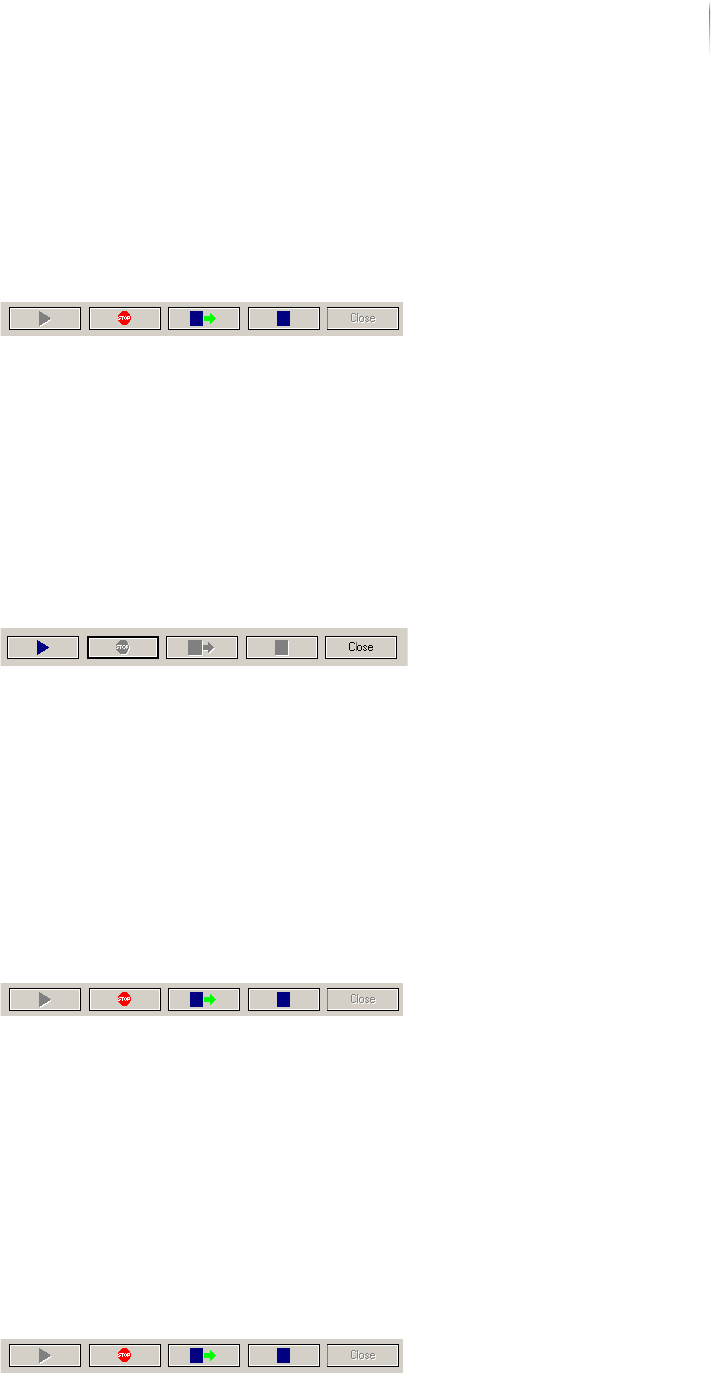
1. Click A
UTOMATIC OPERATION (Page 112).
The AUTOMATIC MODE (Page 114) window is opened.
2. Click S
TART PCB INSPECTION (Page 116) in the operations
bar.
Automatic PCB inspection begins.
Inspection operation is started.
Operation
Operating the inspection system
157
Inspection system X7056 | Operating manual |
Version 3.1 Rev.006| 2016-01-06 | 30.009.1930a
Interrupting PCB Inspection
Perform the following work steps:
Click S
TOP PCB INSPECTION (Page 116) in the operations bar.
The automatic PCB inspection is immediately interrupted.
Inspection operation is interrupted
Continuing Inspection Operation
Perform the following work steps:
Click S
TART PCB INSPECTION (Page 116) in the operations
bar.
Inspection operation continues at the point it was interrupted.
Inspection operation continues.
Ending inspection operation with PCB outfeed
Perform the following work steps:
Click E
ND INSPECTION OPERATION WITH OUTFEED (Page 116)
in the operations bar.
The automatic PCB inspection ends.
The PCB is outfed.
Inspection operation is ended and the PCB is outfed.
End inspection operation
Perform the following work steps:
Click E
ND INSPECTION OPERATION (Page 116) in the opera-
tions bar.
The automatic PCB inspection ends.
The PCB is not outfed.
Inspection operation is ended.
Operation
Operating the inspection system
158
Inspection system X7056 | Operating manual |
Version 3.1 Rev.006| 2016-01-06 | 30.009.1930a
Closing the automatic operation window
Perform the following work steps:
Click C
LOSE (Page 116) in the operations bar.
The Automatic Operation window is closed.
The VISCOM VISION PILOT (Page 110) start display opens.
The Automatic Operation window is closed.
Ending the Viscom software
Perform the following work steps:
1. Click V
ISCOM VISION PILOT (Page 110) in the SHUT DOWN
(Page 113) start display.
The window VVP INFORMATION (Page 145) is displayed.
2. Click Y
ES (Page 145).
The Viscom software is ended.