X7056_Operating manual_en.pdf - 第34页
Product description Operation and display elements 34 Inspection system X7056 | Operating manual | Version 3.1 Rev.006| 2016-01-06 | 30.009.1930a Operation and display elements This section explains the inspecti on syste…

Product description
Operation and display elements
34
Inspection system X7056 | Operating manual |
Version 3.1 Rev.006| 2016-01-06 | 30.009.1930a
Operation and display elements
This section explains the inspection system operation and display
features.
This section covers the following themes:
Operation elements (Page 34)
Display elements (Page 34)
Operation elements
This section explains the basic operation elements of the inspec--
tion system. The position of each corresponding element on the
system is presented in section „Front view“ (Page 29).
The following elements are described:
ON button
Light switch
Key switch
Power toggle switch
Keyboard and Mouse
ON button
Supplies the control elements with current.
Light switch
Switches on the interior illumination of the inspection system.
Key switch
Prevents operation of the X-ray device by unauthorized personnel.
Power toggle
switch
Switches on the power supply for the system components.
Keyboard and
Mouse
The Viscom control software is operated with the keyboard and
mouse.
Display elements
This section explains the inspection system display features.
The following elements are described:
Monitor
Signal lamp
X-ray signal lamp
Additional radiation signal column (optional)
X-ray warning lamp
Monitor
Displays the control software.
Product description
Operation and display elements
35
Inspection system X7056 | Operating manual |
Version 3.1 Rev.006| 2016-01-06 | 30.009.1930a
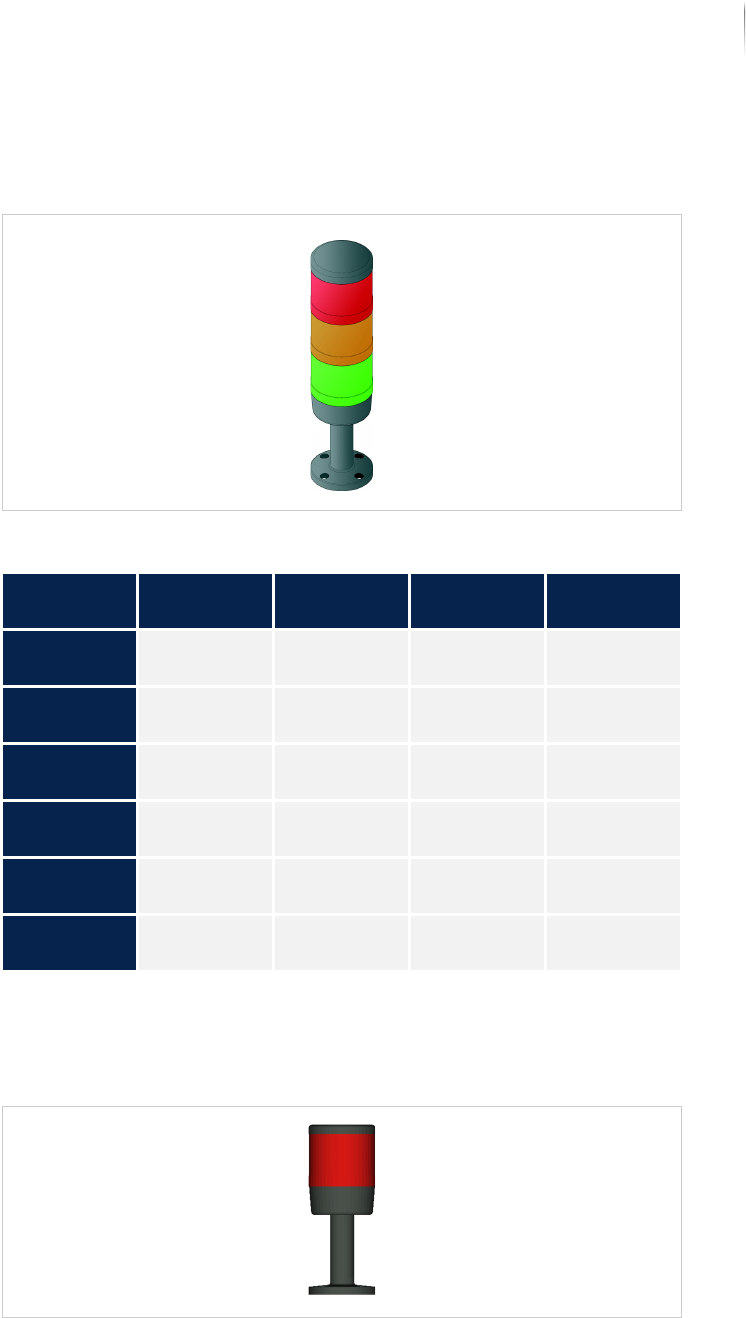
Signal lamp
Indicates the operating state of the inspection system and warns
the operator of malfunctions.
Signal lamp
X-ray signal
lamp
The red light element indicates radiation operation; optionally, an
additional orange light element displays the generator operation of
the inspection system.
X-ray signal lamp
Configuration of the signal lamp
Type of oper--
ation
Green Orange Red Horn
Continuous
operation
Lit - - -
Setup opera-
tion
- Lit - -
Manual oper--
ation
- Lit - -
No printed
circuit board
Lit Lit - Horn beeps
at intervals
Too long
without PCB
Lit Lit - Horn beeps
continuously
Malfunction: - - Blinks Horn beeps
continuously