X7056_Operating manual_en.pdf - 第62页
Delivery Unpacking the in spection system 62 Inspection system X7056 | Operating manual | Version 3.1 Rev.006| 2016-01-06 | 30.009.1930a CAUTION Hazard of injury from tippin g of the transport case sides. While being uns…

Delivery
Unpacking the inspection system
61
Inspection system X7056 | Operating manual |
Version 3.1 Rev.006| 2016-01-06 | 30.009.1930a
Unpacking the inspection system
This section describes how to unpack the inspection system, step
by step. If the inspection system was not delivered in a transport
case, proceed with step „Removing the covering films“ (Page 63).
The work steps in detail:
Checking the transport indicators (Page 61)
Opening the transport case (Page 61)
Removing the covering films (Page 63)
Removing the transport clamps (Page 65)
Checking the transport indicators
The inspection system and the transport case each have two trans-
port indicators. Check them before unpacking the system.
Perform the following work steps:
1. Check the transport indicators. See „Transport indicators“
(Page 59)
? Has an indicator been triggered?
Do not refuse the delivery.
Note the red transport indicator on the delivery receipt.
2. Check the delivery for damage immediately.
? Is there any damage?
Leave everything in its original packaging and require an
immediate damage inspection from the transport company.
Contact the Viscom AG immediately, see „Contact“ (Page
16).
Transport indicators are checked.
Opening the transport case
Precondition: 2 persons are required.
Required: Cordless screwdriver
NOTE
Store the transport case for later use.
Delivery
Unpacking the inspection system
62
Inspection system X7056 | Operating manual |
Version 3.1 Rev.006| 2016-01-06 | 30.009.1930a
CAUTION
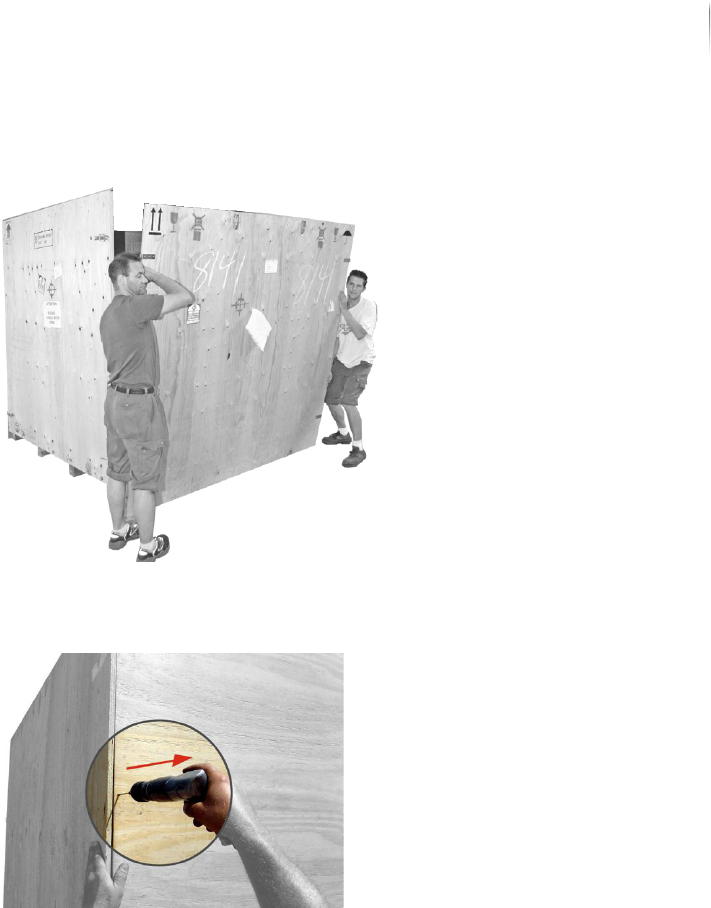
Hazard of injury from tipping of the transport case sides.
While being unscrewed, the side panels may tip and fall, causing
injury.
Thus, always perform this work with two people.
One person holds the panel securely while the other unscrews
it.
Perform the following work steps:
1. Check the transport indicators, see „Checking the transport
indicators“ (Page 61).
2. Open the latches on the cover.
3. Completely remove all of the screws from the cover.
4. Lift the cover from the transport case and set it aside.
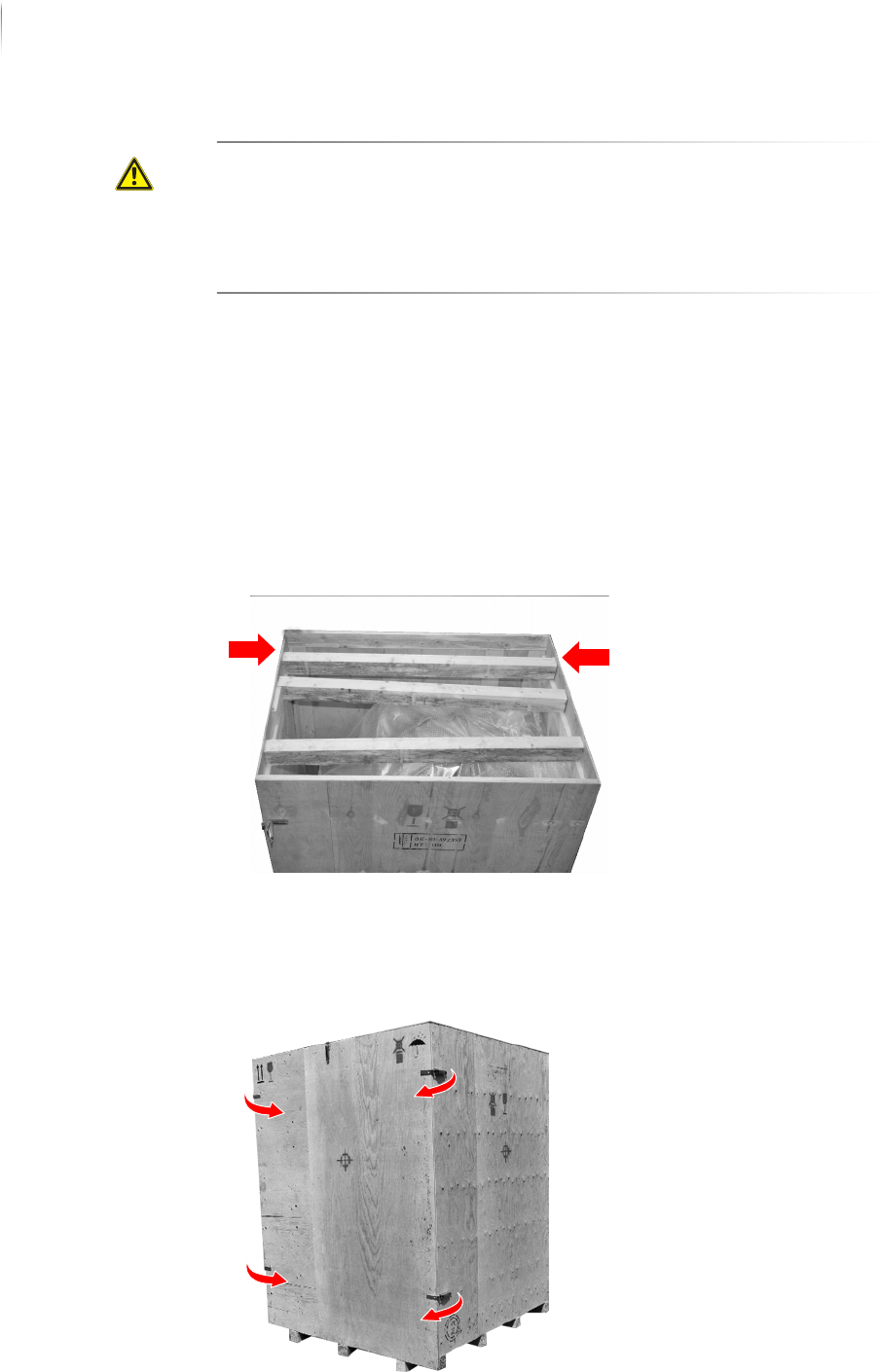
The ends of the wooden beams are screwed to the transport
case.
5. Remove all the screws from the wooden beams.
6. Remove the wooden beams and set them aside.
7. Open the latches on the side panels.
Delivery
Unpacking the inspection system
63
Inspection system X7056 | Operating manual |
Version 3.1 Rev.006| 2016-01-06 | 30.009.1930a
8. Set the front panel aside.
9. Support a side panel of the transport case.
10.Remove all screws from the back panel of the transport case.
11.Remove the side panel.
12.Repeat steps 9 to 11 for the other side panel.
13.Remove the back panel of the transport case.
The transport case is open.
Removing the covering films
The inspection system is packed with several airtight films. This
section describes how to remove the films, step by step.
Required: Utility knife