X7056_Operating manual_en.pdf - 第82页
Installation Integrating th e inspection system into the line 82 Inspection system X7056 | Operating manual | Version 3.1 Rev.006| 2016-01-06 | 30.009.1930a Integrating the inspection system into the line After the syste…
Installation
Electrical installation
81
Inspection system X7056 | Operating manual |
Version 3.1 Rev.006| 2016-01-06 | 30.009.1930a
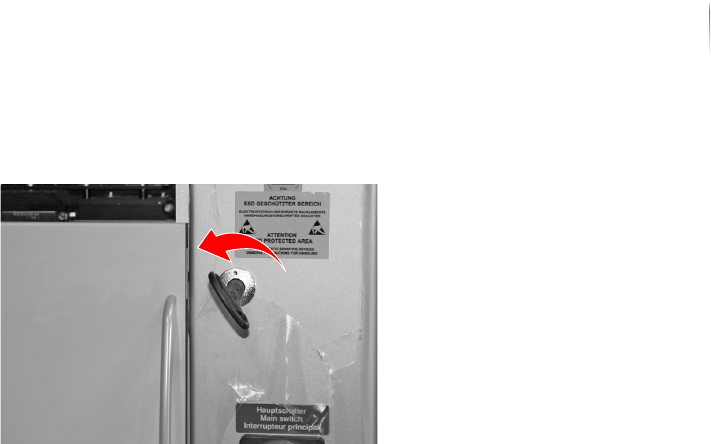
4. Latch the front door.
FE (TE) is connected.
Check motor overload switch settings (Q1EA)
Perform the following work steps:
1. Use the current circuit diagram to make sure that the fuses
correspond to the input voltage.
2. Adjust the settings, if required.
The motor overload switch is adjusted.
Installation
Integrating the inspection system into the line
82
Inspection system X7056 | Operating manual |
Version 3.1 Rev.006| 2016-01-06 | 30.009.1930a
Integrating the inspection system into the
line
After the system is installed and then connected, integrate it into
the production line.
The work steps in detail:
Engineering Drawings (Page 82)
Adjusting the height of the inspection system (Page 84)
Leveling the inspection system to horizontal (Page 85)
Adjusting the transport track width (Page 86)
Checking the transport track width (Page 87)
Communication with adjacent devices (Page 87)
Network connection (Page 89)
Engineering Drawings
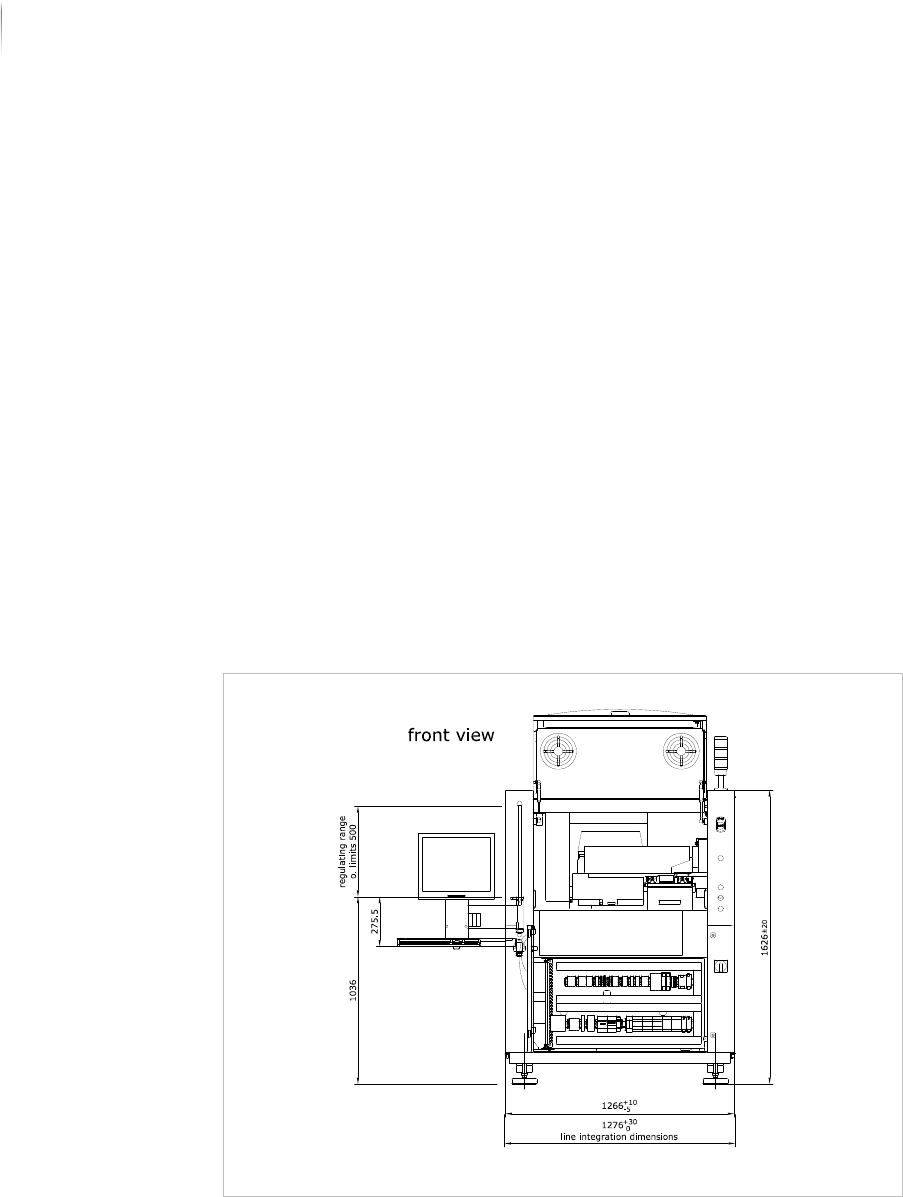
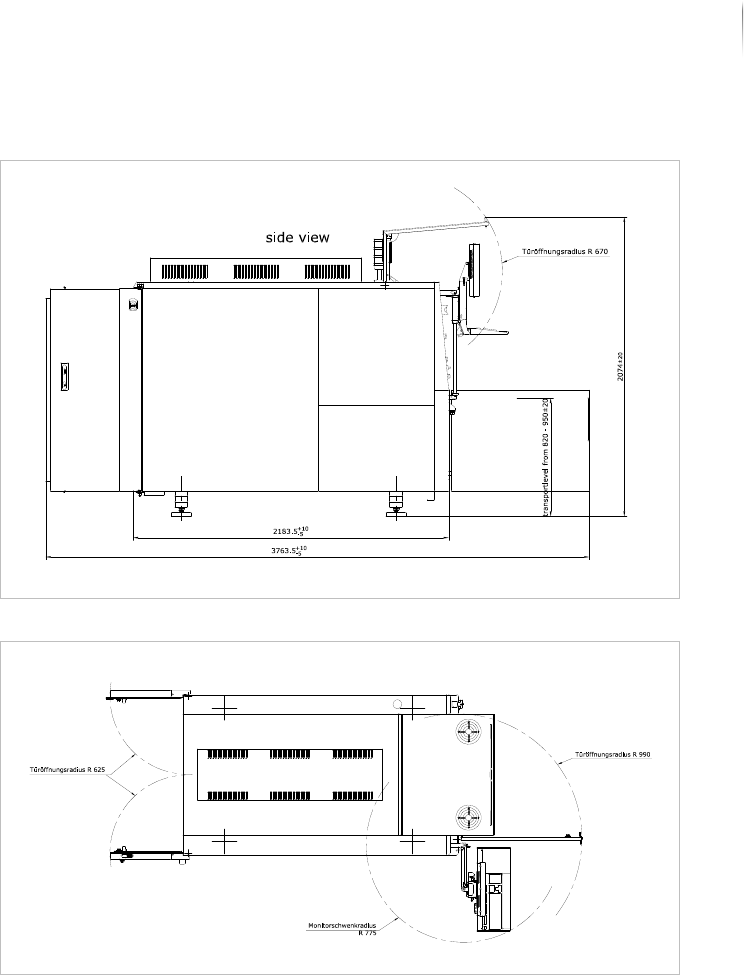
The following drawings assist integration into the line.
Line integration: front view
Installation
Integrating the inspection system into the line
83
Inspection system X7056 | Operating manual |
Version 3.1 Rev.006| 2016-01-06 | 30.009.1930a
Line integration: side view
Line integration: top view