X7056_Operating manual_en.pdf - 第87页
Installation Integrating the i nspection system into the lin e 87 Inspection system X7056 | Operating manual | Version 3.1 Rev.006| 2016-01-06 | 30.009.1930a Checking the transport track width Perform the following work …
Installation
Integrating the inspection system into the line
86
Inspection system X7056 | Operating manual |
Version 3.1 Rev.006| 2016-01-06 | 30.009.1930a
7. Fasten the lock nuts of the housing feet with an open-end
wrench while re-tightening the screws with a second open-end
wrench.
The inspection system is horizontally level.
Adjusting the transport track width
WARNING
Hazard of injury
Crushing of the hand from movement of the transport track.
Do not reach into the transport track when adjusting the width.
Perform the following work steps:
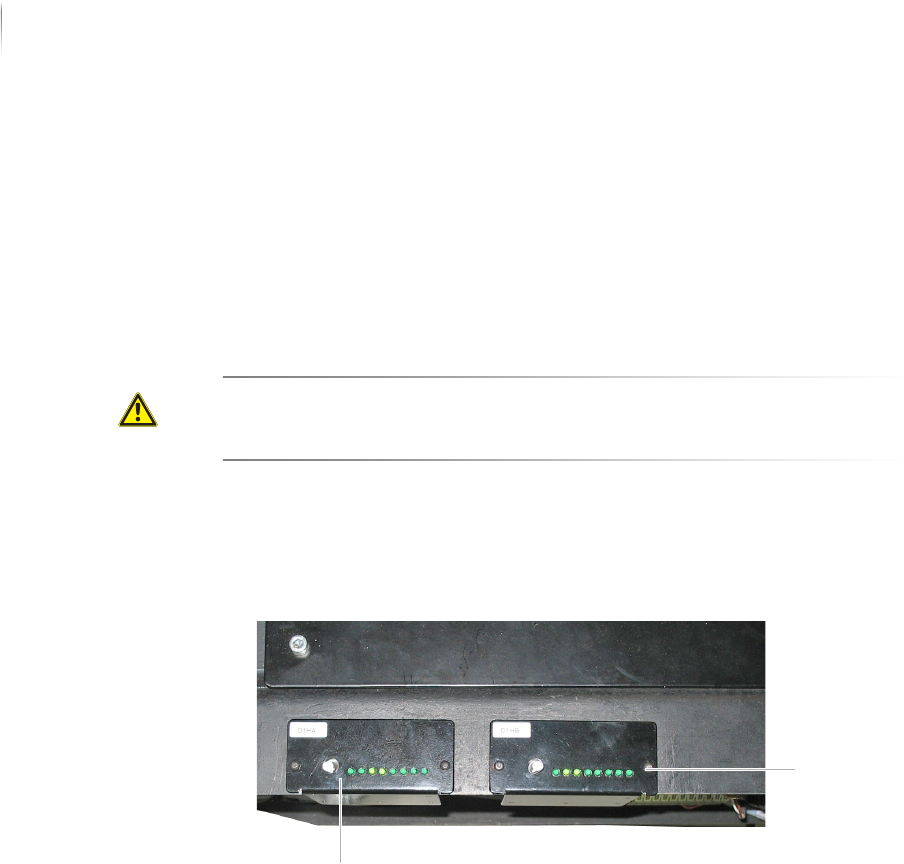
1. Open the front lift door.
The rotary knobs for manual width adjustment of the AOI (1)
and AXI (2) transport track widths are located toward the front.
2. Adjust the transport track width:
Make sure that there is a 0.5 to 1 mm clearance between the
transport track and printed circuit board.
3. Press and turn the pressure knob clockwise to increase the
transport track width.
4. Press and turn the pressure knob counterclockwise to decrease
the transport track width.
The transport track width is set.
(2)
(1)
Installation
Integrating the inspection system into the line
87
Inspection system X7056 | Operating manual |
Version 3.1 Rev.006| 2016-01-06 | 30.009.1930a
Checking the transport track width
Perform the following work steps:
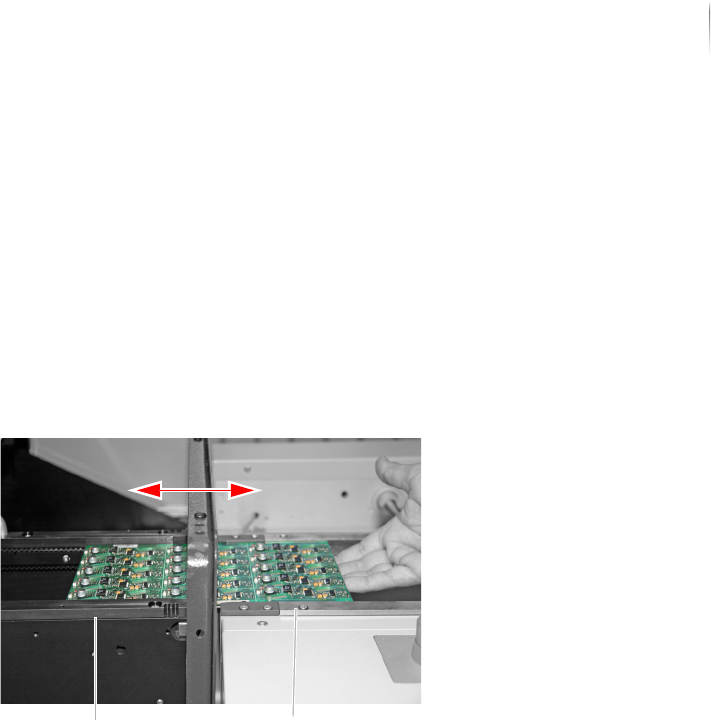
1. Place a PCB in the inspection system transport track that
adjoins the external transport conveyor of the production line.
2. Slide the PCB back and forth between inspection system and
conveyor belt.
The printed circuit board should not catch or get stuck, but
should be easy to slide between inspection system and trans-
port conveyor.
? Is the PCB difficult to move?
The transport track width is too narrow.
Set the transport track width, see step „Adjusting the trans-
port track width“ (Page 86).
The transport track width is checked.
Communication with adjacent devices
The communication with adjacent devices is provided by the
SMEMA/SV70 protocols and the Interlock linkage.
The following sections describe how to establish connection with
adjacent devices, step by step:
Open the pivoting frame (Page 87)
Connecting SMEMA/SV70
Linking the inspection system via Interlock
Open the
pivoting
frame
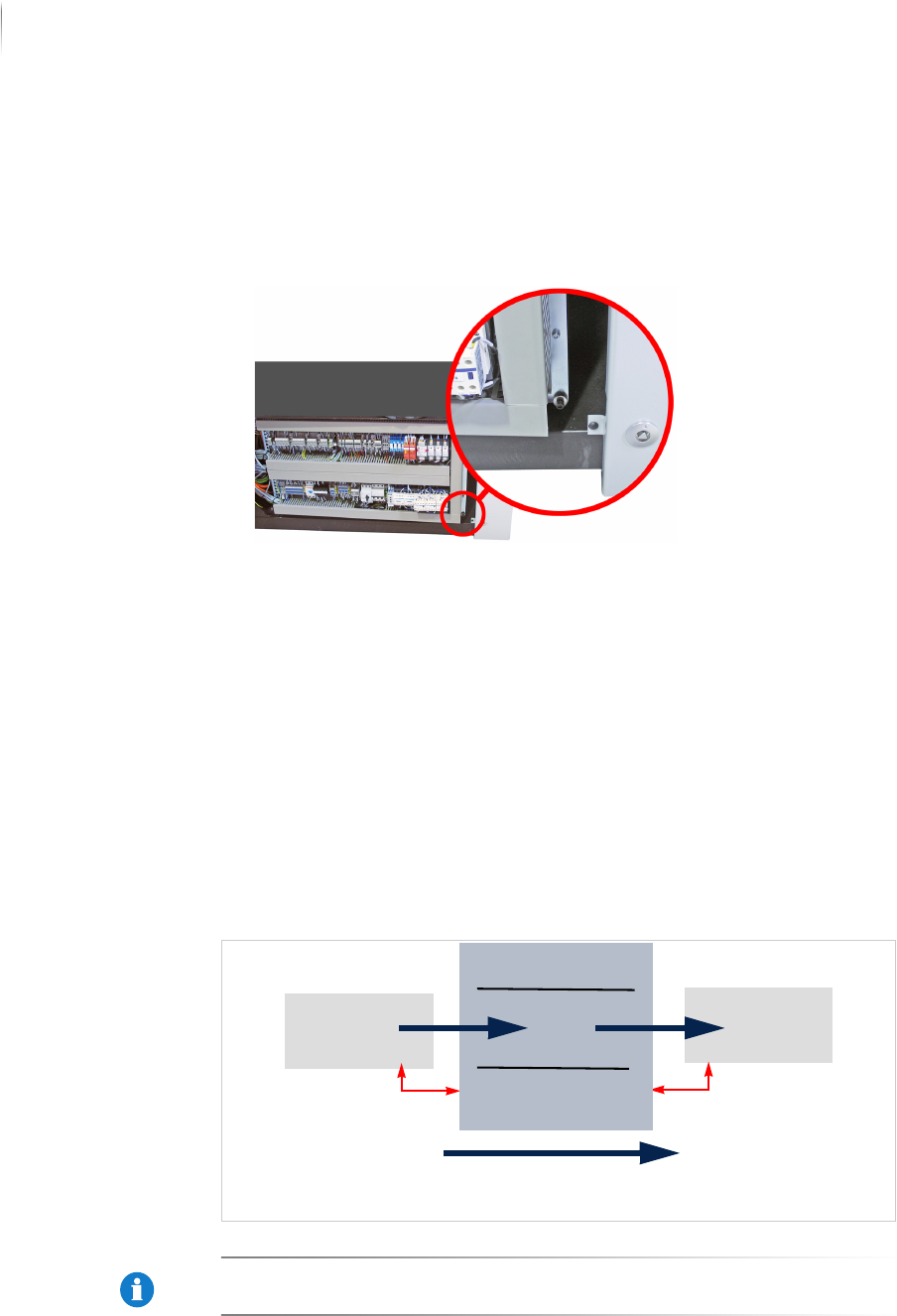
To get access to the communication plugs you have to open the
pivoting frame.
Required: 6 mm Allen (hex) key
Transport conveyor,
inspection system
Transport conveyor,
production line
Installation
Integrating the inspection system into the line
88
Inspection system X7056 | Operating manual |
Version 3.1 Rev.006| 2016-01-06 | 30.009.1930a
Perform the following work steps:
1. Open the front door.
2. Unscrew the fastening screw shown below to open the pivoting
frame.
The pivoting frame is opened.
Connecting SMEMA/SV70
This section contains information which are important for the
SMEMA/SV70-connection.
This section contains:
Connection schematic (Page 88)
Connecting SMEMA/SV70 (Page 88)
Connection
schematic
The following schematic is an example of the interface connection
for a ST1 transport configuration.
SMEMA connections: S6056 ST1
NOTICE
The connections have to be adjusted depending on the transport
system configuration.
n-1n+1
Infeed direction
n-1A n+1A
n-1A
n+1A