SECS GEM Manual.pdf - 第119页
GEM Manual for DEK Printers Equipment Variables Issue 1.6 January 22, 2018 Page 119 of 171 6.4.2 Modified Parameter List The Modified Parameter list is structured as follows: <Modified Parameter List> : Structure: …
GEM Manual for DEK Printers Equipment Variables
Issue 1.6 January 22, 2018 Page 118 of 171
The items in the list are as follows:
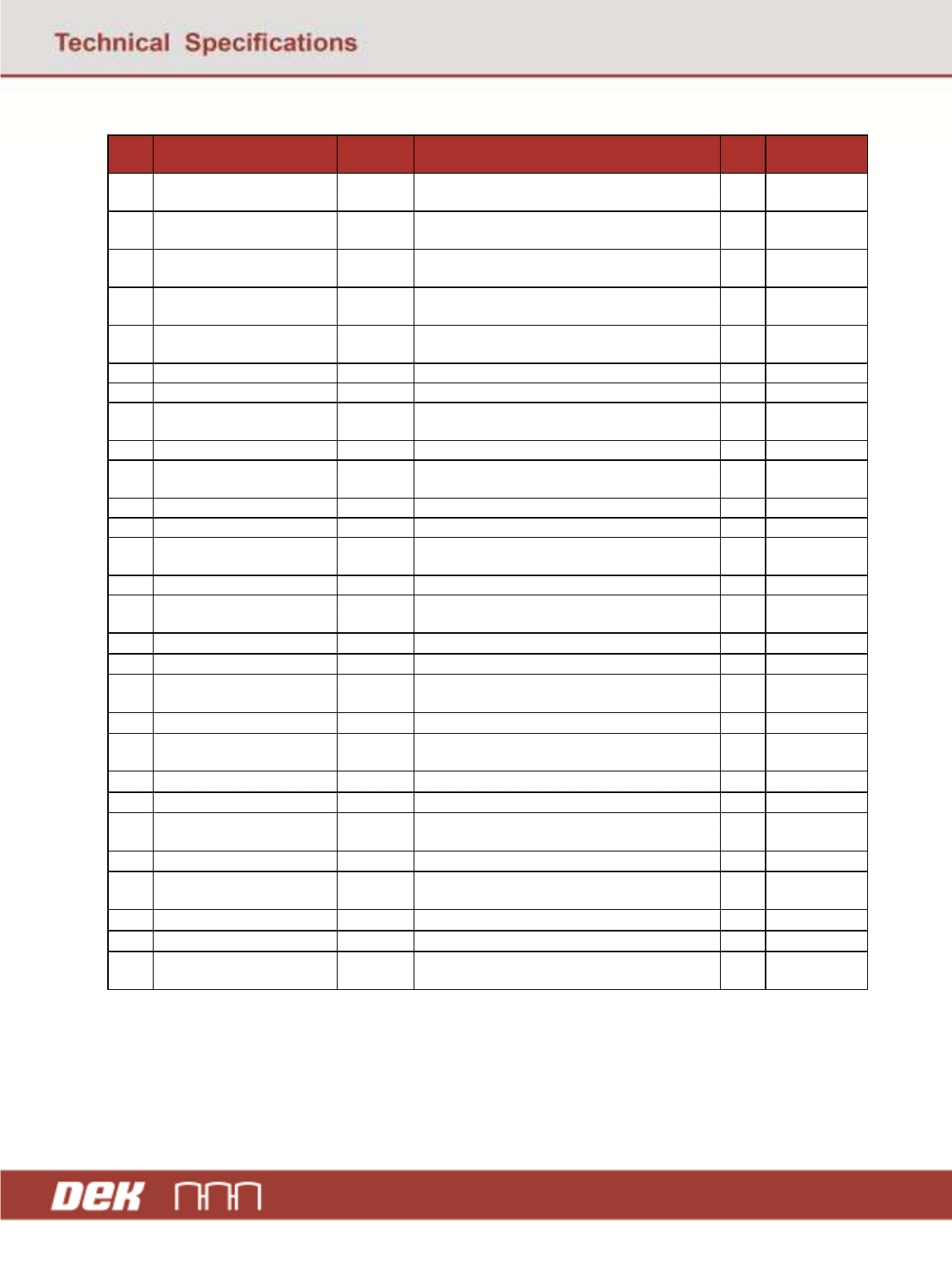
No. Item Limits
Monitor
Description Type Range
1 Limit Blockage Ave Yes Stencil average percentage aperture blockage
for limit set.
F4 0-100 %
2 Limit Blockage Max Yes
Stencil maximum percentage aperture blockage
for limit set.
F4 0-100 %
3 Limit Blockage Max Site
ID
No
Site ID that generated the maximum blockage
for limit set.
A20 Up to 20
characters max.
4 Limit Blockage Min Yes
Stencil minimum percentage aperture blockage
for limit set.
F4 0-100 %
5 Limit Blockage Max Site
ID
No
Site ID that generated the minimum blockage
for limit set.
A20 Up to 20
characters max.
6 Limit Paste Ave Yes Average paste present for limit set. F4 0-100 %
7 Limit Paste Max Yes Maximum paste present for limit set. F4 0-100 %
8 Limit Paste Max Site ID
No
Site ID that generated the maximum paste
present for limit set.
A20 Up to 20
characters max.
9 Limit Paste Min Yes Minimum paste present for limit set. F4 0-100 %
10 Limit Paste Min Site ID
No
Site ID that generated the minimum paste
present for limit set.
A20 Up to 20
characters max.
11 Limit Volume Ave Yes Average paste volume for limit set. F4 0-100 %
12 Limit Volume Max Yes Maximum paste volume for limit set. F4 0-100 %
13 Limit Volume Max Site ID
No
Site ID that generated the maximum volume
for limit set.
A20 Up to 20
characters max.
14 Limit Volume Min Yes Minimum paste volume for limit set. F4 0-100%
15 Limit Volume Min Site ID
No
Site ID that generated the minimum volume for
limit set.
A20 Up to 20
characters max.
16 Limit Print X Ave Yes Average paste-pad X error for limit set. F8
±
1 mm
17 Limit Print X Max Yes Maximum paste-pad X error for limit set. F8
±
1 mm
18 Limit Print X Max Site ID
No
Site ID that generated the maximum X error
for limit set.
A20 Up to 20
characters max.
19 Limit Print X Min Yes Minimum paste-pad X error for limit set. F8
±
1 mm
20 Limit Print X Min Site ID
No
Site I
D that generated the minimum X error for
limit set.
A20 Up to 20
characters max.
21 Limit Print Y Ave Yes Average paste-pad Y error for limit set. F8
±
1 mm
22 Limit Print Y Max Yes Maximum paste-pad Y error for limit set. F8
±
1 mm
23 Limit Print Y Max Site ID
No
Site ID that generated the maximum Y error
for limit set.
A20 Up to 20
characters max.
24 Limit Print Y Min Yes Minimum paste-pad Y error for limit set. F8
±
1 mm
25 Limit Print Y Min Site ID
No
Site ID that generated the minimum Y error for
limit set.
A20 Up o 20
characters max.
26 Limit Smear Yes Stencil paste smear area for limit set. F8
±
5 sq. mm
27 Limit Bridging Yes Board pad bridging for limit set. F8
±
1 mm
28 Limit ID
No
The limit set name. A20 Up to 20
characters max.
Exception: A zero length list m = 0 indicates that no limit sets are enabled for SPC output.
GEM Manual for DEK Printers Equipment Variables
Issue 1.6 January 22, 2018 Page 119 of 171
6.4.2 Modified Parameter List
The Modified Parameter list is structured as follows:
<Modified Parameter List>:
Structure: L, m ; m = Number of Modified Parameter list
1. L,4
1. Parameter Id ;Type U4
2. Parameter Name ;Type A
3. Parameter’s Old Value ;Type A
4. Parameter’s Modified Value ;Type A
…
m.
List of Parameter Ids and names are listed in Appendix A.
6.4.3 Traceability Data
The traceability data is a list of items structured as follows:
Structure: L, m ; m = number of trace items
1. L,3
1. Item name ; Type A
2. Item value ; Type A
3. Item units ; Type A
Possible items are as follows:
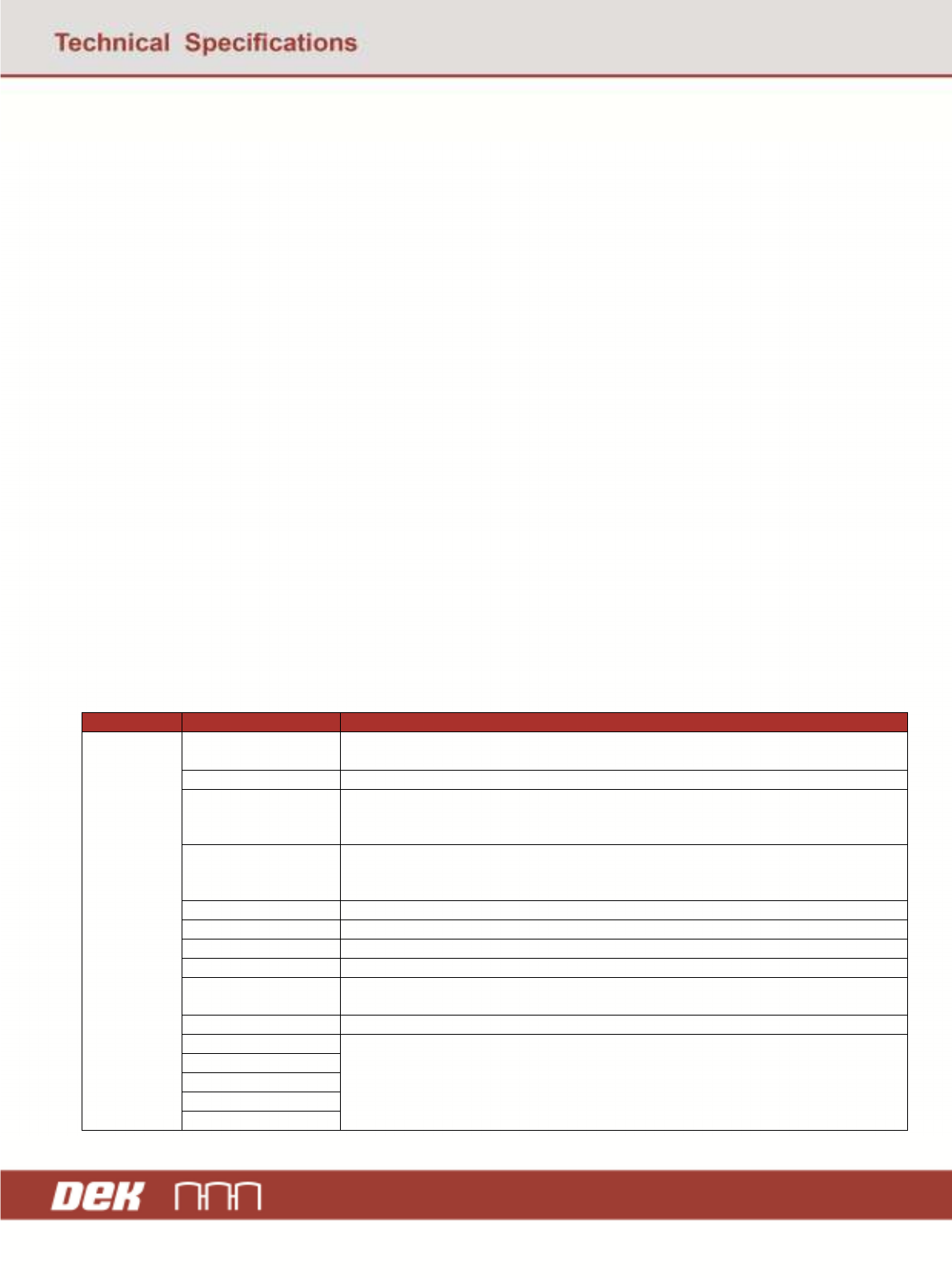
Category Item Name Description and Comments
Fixed DateTime The date and time the record was created as the product leaves the machine and the
entry is constructed before being written to the data file.
Product ID The product serial number or identifier. This is normally the products’ barcode value.
State A string representing the overall state of the product as it leaves the machine. This
provides a good board/bad board state.
Values “Pass” or “Fail”
State Detail A string that contains the detail of the state reasoning. For example if the board were
rejected due to a failed inspection operation, it would contain a message reflecting
this.
Product Name The name of the product as defined within the printer control software.
Batch ID The batch or lot ID associated with the products being printed.
Machine Serial No. The identifier that uniquely represents the printer machine.
Machine ID The identifier that represents the printer machine type
Operator ID The identifier that represents the operator currently logged into the printer control
software.
Line ID An identifier that represents the line the printer belongs to.
User Defined Field 1 Any user-defined fields that are associated with traceability, disabled user-defined
fields are not included. The title will be the index of the defined field.
User Defined Field 2
User Defined Field 3
User Defined Field 4
User Defined Field 5
GEM Manual for DEK Printers Equipment Variables
Issue 1.6 January 22, 2018 Page 120 of 171
Process
Parameters
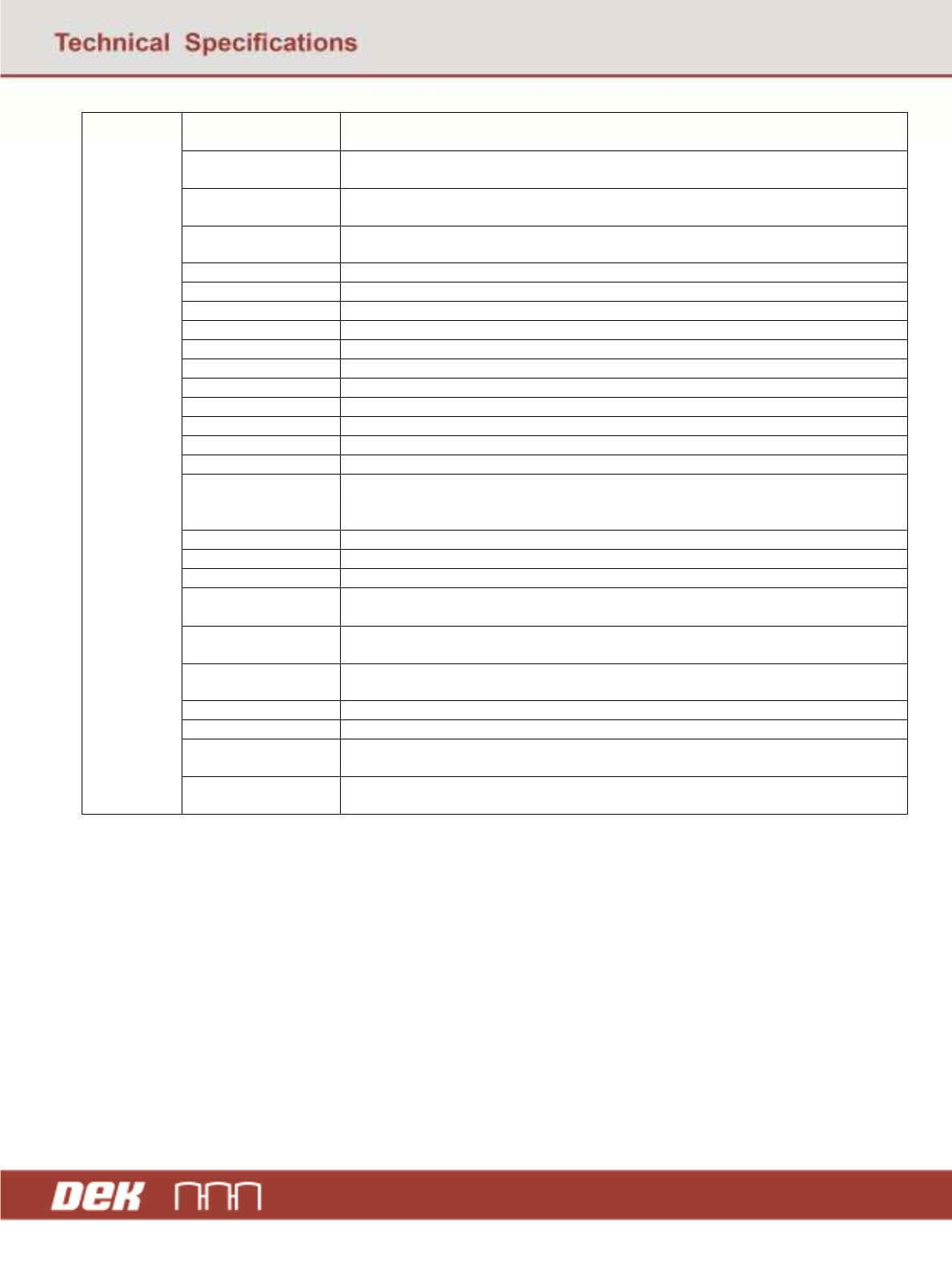
Front Pressure The front squeegee / Proflow process defined pressure value (not actual – SPC Data
contains actual)
Rear Pressure The rear squeegee process defined pressure value (not actual – SPC data contains
actual).
Front Print Speed The process defined front print speed (i.e. the rate the front squeegee moves when
performing the print stroke). The SPC data contains the actual value.
Rear Print Speed The process defined rear print speed (i.e. the rate the rear squeegee moves when
performing the print stroke). The SPC data contains the actual value.
Print Front Limit The maximum limit the front print stroke can be started from
Print Rear Limit The maximum limit the rear print stroke can be started from
Forward X Offset The offset applied in X to the screen when performing the forward print stroke
Reverse X Offset The offset applied in X to the screen when performing the rear print stroke
Forward Y Offset The offset in Y applied to the screen during the front print stroke
Reverse Y Offset The offset in Y applied to the screen during the rear print stroke
Reverse Theta Offset The angle at which the screen is positioned for the reverse print stroke
Forward Theta Offset The angle at which the screen is positioned for the forward print stroke
Separation Speed The rate at which the board is separated from the screen/stencil.
Separation Distance The distance the separation speed applies to before separating normally.
Print Gap The gap left between the board and stencil/screen when printing.
Clean Rate 1 /
Cyclone Clean Rate /
Blue Clean Rate
The number of print cycles that the clean 1, cyclone or blue cleaner operation occurs.
Clean Rate 2 The number of print cycles that the clean 2 operation occurs.
Vortex Clean Rate The number of print cycles that the Vortex clean operation occurs.
Paste While Clean Indicates if a dispense operation is performed when a clean operation occurs.
Paste Dispense Rate The number of prints that occur before the paste dispenser performs a dispense
operation.
Alternative Dispense
Rate
The number of prints that occur before the alternative dispense operation is
performed.
Proflow System
Pressure
The pressure that was applied to the Proflow unit when printing
Ball Place App Speed The rate at which the ball placement applicator moves
Ball Place App Dist The distance the ball placement applicator moves
Ball Place Tbl Dwn
Speed
The rate at which the table moves down when using ball placement
Ball Place Hopper
Pressure
The pressure applied to the ball placement hopper