SECS GEM Manual.pdf - 第153页
GEM Manual for DEK Printers Event M essages Issue 1.6 January 22, 2018 Page 153 of 171 8.14 Suggested Event Reports EVENT - CEID DESCRIPTION DVID DATA 31277 Boar d printed. 2008 Front print pressure 2009 Rear print press…
GEM Manual for DEK Printers Event Messages
Issue 1.6 January 22, 2018 Page 152 of 171
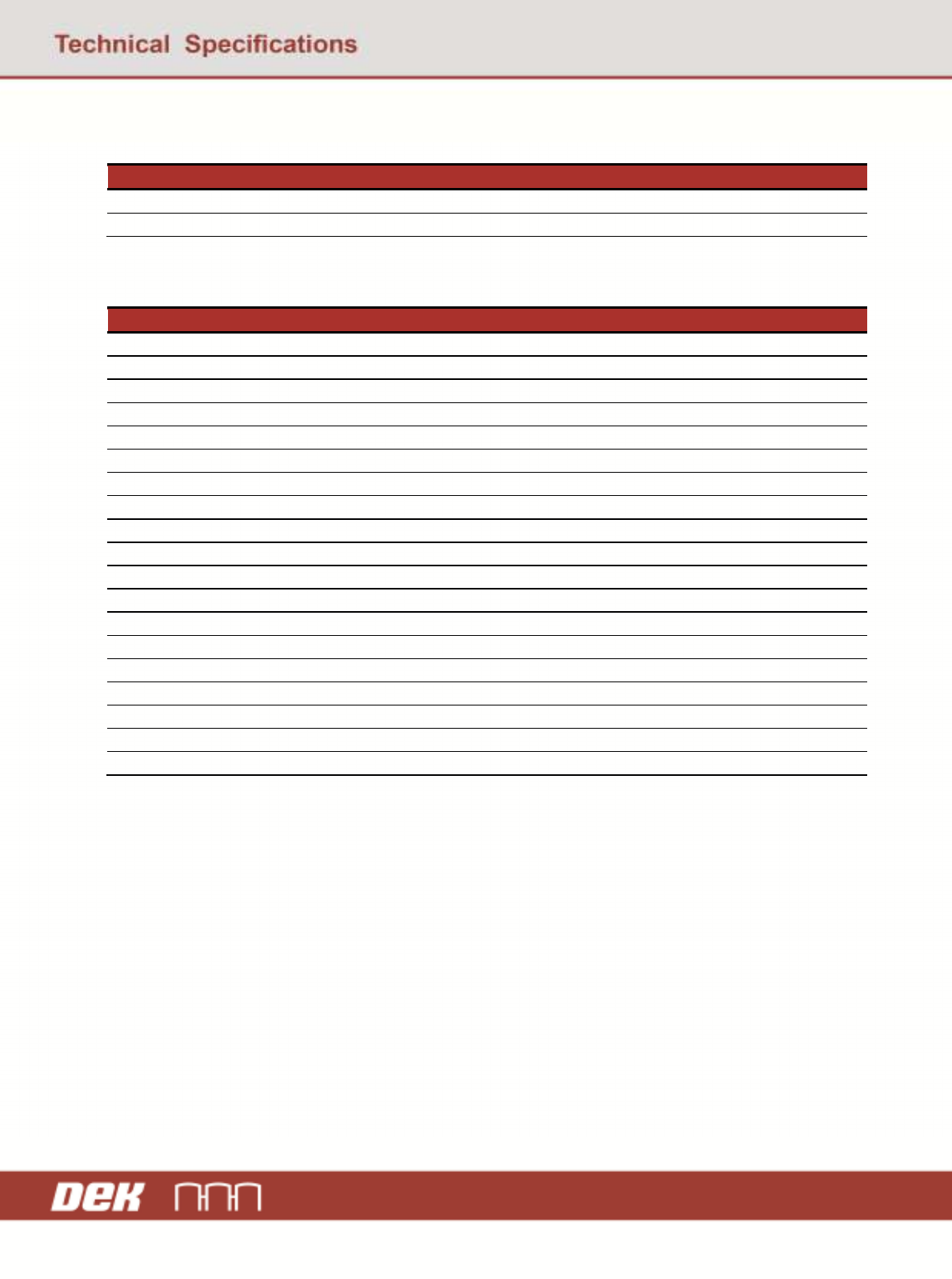
8.12 Limits Monitoring Events
EVENT - CEID
DESCRIPTION
31000-31200 Status Variables see section 5.5.
32000-33000 Discrete Variables see section 5.5.
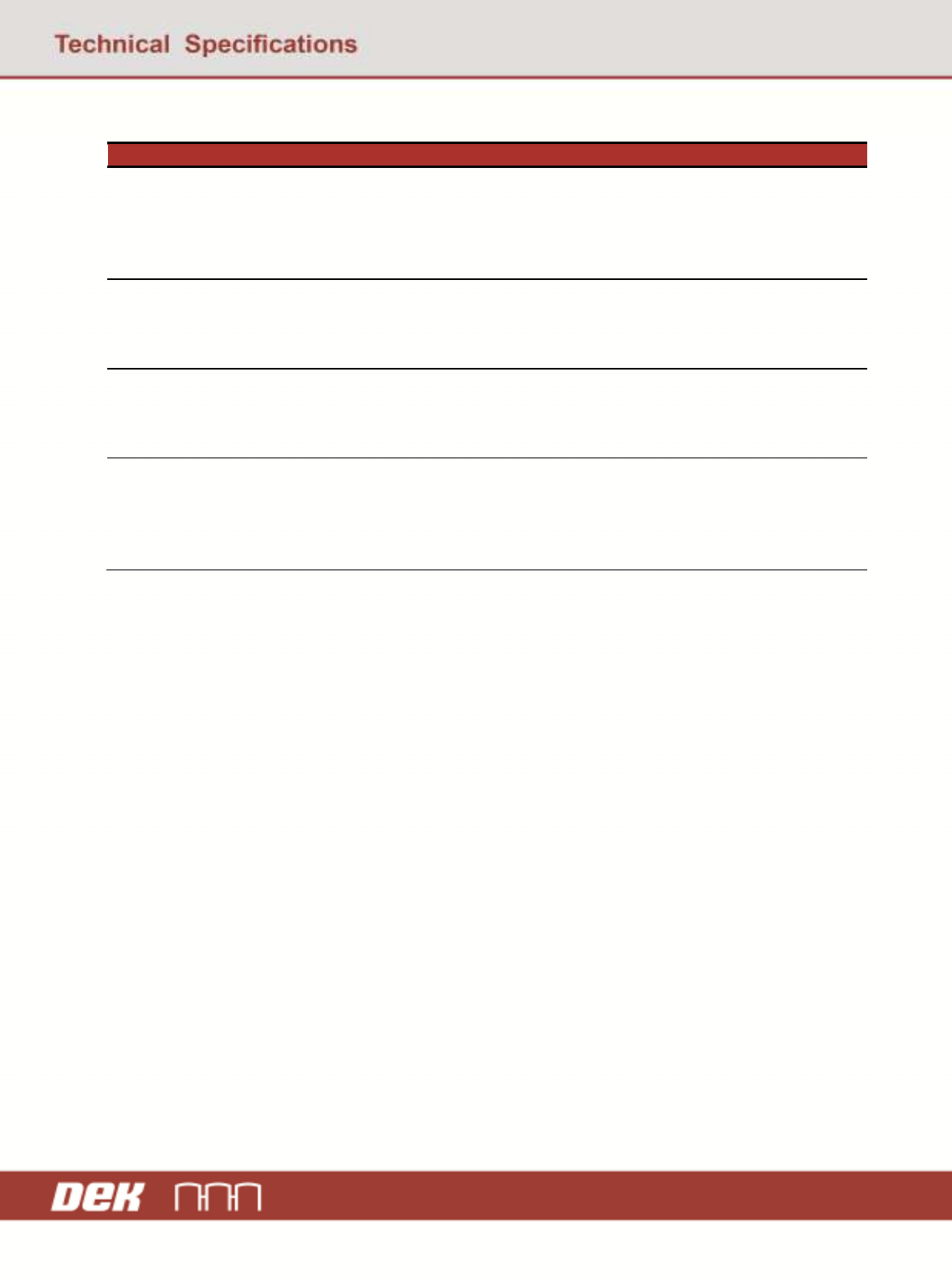
8.13 TRS Specific Events
EVENT - CEID
DESCRIPTION
40377 Top referencing plate is at home.
40378 Top referencing plate is at over rails.
40379 Top referencing plate error.
40380 TRS active surround plate engaged.
40381 TRS active surround plate released.
40382 TRS snuggers engaged.
40383 TRS snuggers released.
40384 TRS vacuum tooling threshold changed.
40385 TRS Z lock tooling engaged.
40386 TRS Z lock tooling released.
40389 TRS vacuum tooling error.
40395 TRS Vacuum Tooling Pressure.
40396 TRS rail at tooling error.
40457 TRP Home Sensor Bounce
40458 TRP Vac Adjust OK
40459 TRP Vac Adjust Failed
40460 Enhanced Vacuum Valve
40461 TRP Vac Adjust Started
40462 TRP Vac Adjust Not Required
GEM Manual for DEK Printers Event Messages
Issue 1.6 January 22, 2018 Page 153 of 171
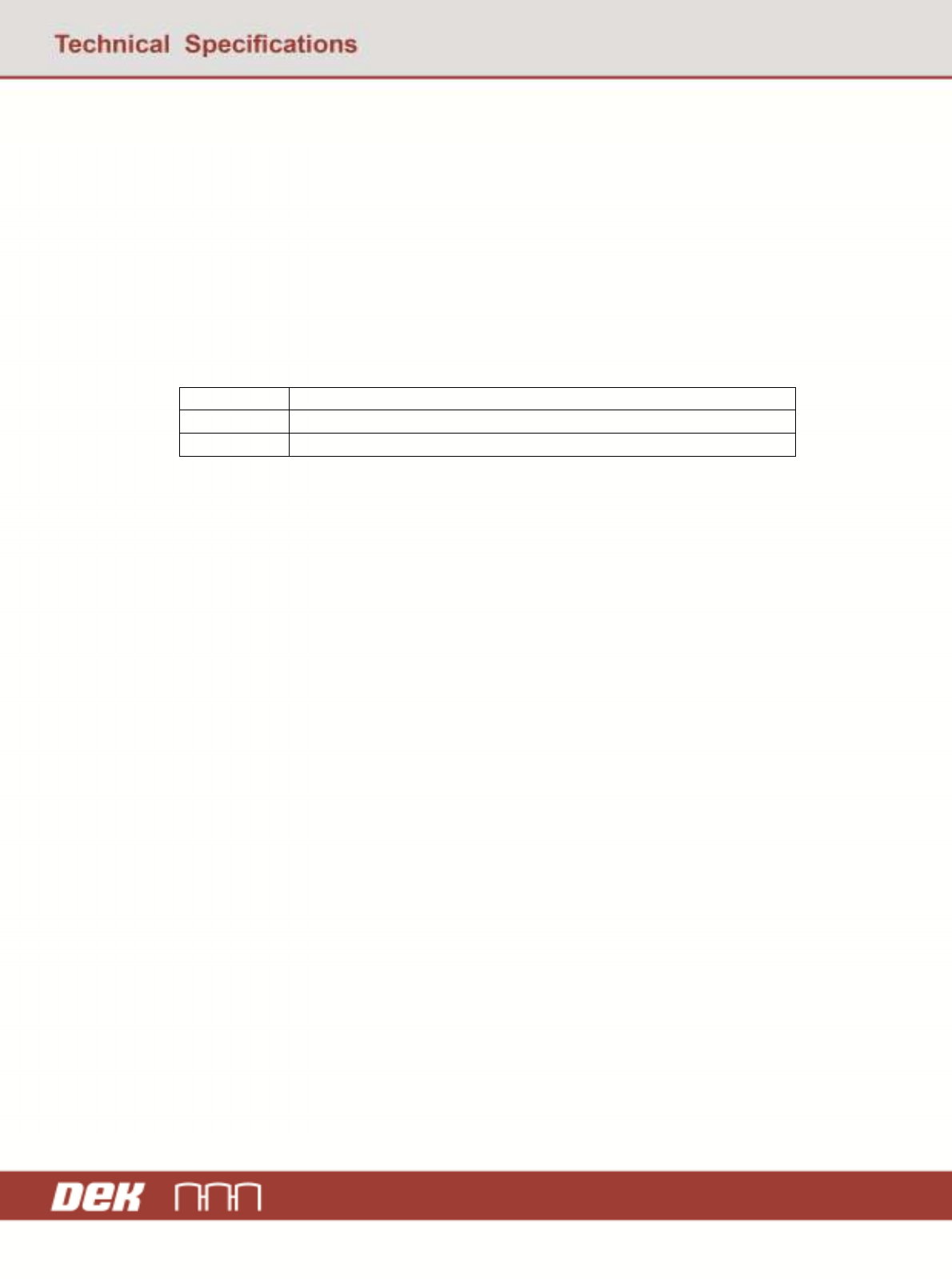
8.14 Suggested Event Reports
EVENT - CEID
DESCRIPTION DVID DATA
31277 Board printed. 2008 Front print pressure
2009 Rear print pressure
2010 Print speed
2016 Squeegee
2011 Separation speed
31316 Inspection cycle
complete.
2012 Stretch error
2013 X alignment accuracy
2014 Y alignment accuracy
2015 Theta alignment
32010
(example of a
report for Limits
monitoring)
print_speed crosses
a limit.
2010 print_speed
2027 LimitVariable
2028 EventLimit
2029 TransitionType
40177
(example of a
report for
Traceability
reporting)
Data is available 2033 Traceability Data
8.15 SIMULTANEOUS EVENTS (TIME)
Reference SEMI E30-95 section 4.10.4 Paragraph 4, assignment of centisecond values.
Simultaneous Events may occur on the equipment. The nature of the control software is such that
these events are collected serially as the programme executes. Each collection event that occurs and
is enabled is added to a queue for transmission. This queue is serviced once every program cycle.
Another event will not be transmitted until the previous event has been acknowledged by the Host.
This will always take longer than 10 ms. The program cycle in any case is always greater than 10
ms.
Take the case that the Host creates some reports containing the “clock” variable. The Host then
attaches two of these reports to "Event A" and "Event B". If Event A is detected first then the value
of “clock(A)” would be read as the report is compiled and transmitted. Subsequently the value of
“clock(B)” would be read as the report is compiled and transmitted. Thus, they will always be seen
by the host to occur at different times. The centisecond clock precision is provided by the operating
system.
GEM Manual for DEK Printers Event Messages
Issue 1.6 January 22, 2018 Page 154 of 171
8.16 MODIFIED PARAMETERS
Procedure to configure event report mentioned section 5.2.1.
Using event reports, Host machine can get notification for modified parameters on change.
• Define event report using S2F33 command. A report includes one or more machine
variables. To get list of modified parameters, include Modified Parameters (DVID 2088) in
report definition.
• Link event report using S2F35 command. The Host links one or more reports to a collection
event CEID using S2F35. Link defined report with following CEIDs.
31345 Configuration Parameter modified
31346 Product Data modified
31347 Adjust Parameter modified
• Enable event report using S2F37 command. Include all above-mentioned CEIDs to get
modified parameter list at all events.
After performing above steps from Host, When any parameters changed on instrument and
instrument is connected through GEM, Instrument will send report data to host.
<S6F11 W
<L[3/1]
<U4[1/1] 1>
<U4[1/1] 31345> /* CEID */
<L[1/1]
<L[2/1]
<U4[1/1] 35> /* RPID */
<L[1/1]
<L[6/1]
<L[4/1]
<U4[1/1] 5> /* Parameter Id */
<A[12/1] "SCREEN IMAGE"> /* Parameter Name */
<A[4/1] "EDGE"> /* Old value */
<A[6/1] "CENTRE"> /* Modified value */
>
<L[4/1]
<U4[1/1] 280>
<A[12/1] "SYSTEM PRESSURE">
<A[4/1] "3.8">
<A[6/1] "4.0">
>
… /* List of modified parameters */
>
>
>
>
>
>