SECS GEM Manual.pdf - 第167页
GEM Manual for DEK Printers Ap pendix B Issue 1.6 January 22, 2018 Page 167 of 171 11.3 Using GEM Once enabled and communicating with a host, the operator can perform the following functions: 1. Switch between online and…
GEM Manual for DEK Printers Appendix B
Issue 1.6 January 22, 2018 Page 166 of 171
11.2 Enabling GEM
Classic User Interface
From the Ready page:
1. Select Maintenance (F8)
2. Select Set Prefs (F5)
3. Change the value of Host Comms to GEM
4. Select Enable Comms (F1).
Instinctiv User Interface
From the Ready page:
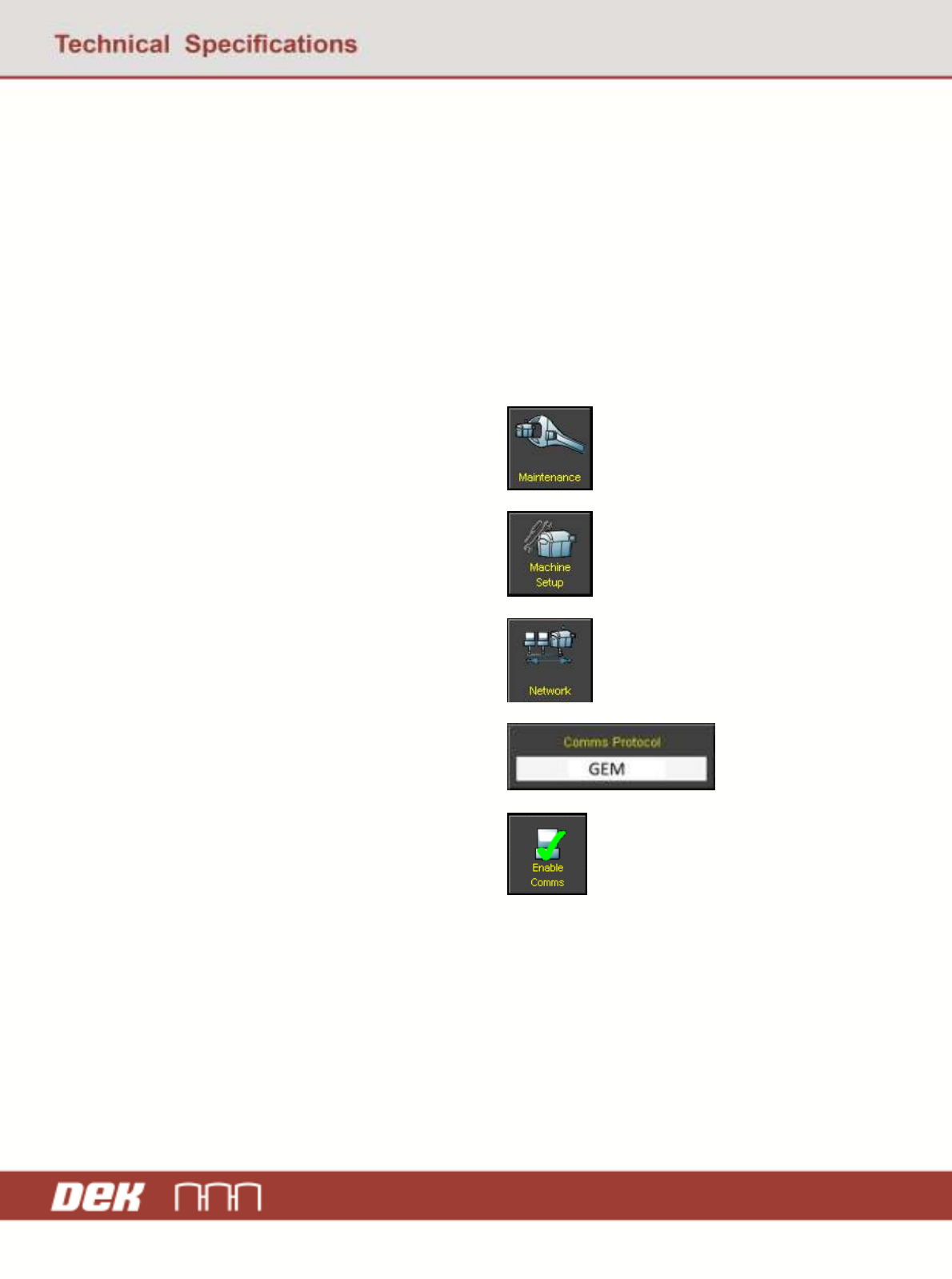
1. Select Maintenance
2. Select Machine Setup
3. Select Network
4. Change the Comms Protocol to GEM
5. Select Enable Comms
GEM Manual for DEK Printers Appendix B
Issue 1.6 January 22, 2018 Page 167 of 171
11.3 Using GEM
Once enabled and communicating with a host, the operator can perform the following functions:
1. Switch between online and online state
2. Switch between local and remote state
3. Transfer product files to and from the host
4. Terminal services
Instinctiv User Interface
From the Ready page:
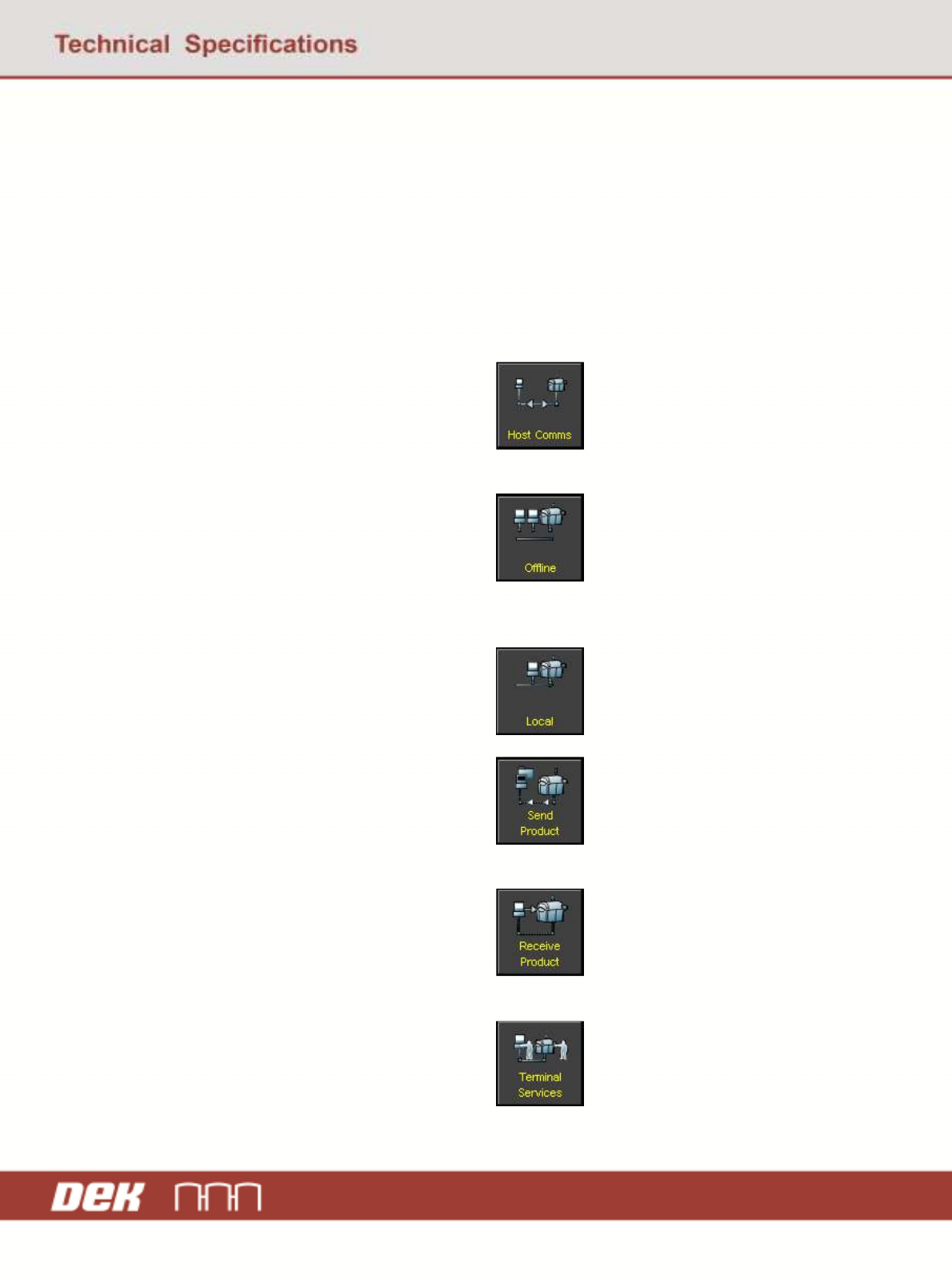
1. Select Host Comms
2. To switch to the online state, select Online
3. To switch to the offline state, select
Offline
4. To switch to the remote mode, select
Remote
5. To switch to the local mode, select Local
6. To transfer a product from the printer to
the host:
a. Select Send Product
b. Navigate to the required product
c. Select Send Product
7. To transfer a product from the host to the
printer:
a. Select Receive Product
b. Enter the name of the product file
c. Select Receive Product
8. To access terminal services, select
Terminal Services

GEM Manual for DEK Printers Appendix C
Issue 1.6 January 22, 2018 Page 168 of 171
12 Appendix C
This section explains how the information in this manual can be collected and checked against the data
in the current version of software. This will allow for effective verification of the information in this
manual.
12.1 SVIDs and DVIDs
To get a list of all of the SVIDs and DVIDs in the software send an S1F11 with a value of 0 to request
all.
Host initiated
Host to equipment: S1F11
Structure: L,0
12.2 ALIDs
To show a list of all of the ALIDs in the software , send an S5F5 with the ALID set to an empty value.
This will request a list of all possible alarms that are present in the software.
Host initiated
Host to equipment: S5F5
Structure: U0
12.3 CEIDs
To show a list of all of the CEIDs in the software requires sending two messages. The first being an
S2F37 with the CEED set to 1 to enable the specified events and the list set to 0 specify all events.
Host initiated
Host to equipment: S2F37
Structure: L,2
1. Boolean, 1
2. L, 0
The second message is an S1F3 with the SVID set to 1007. This requests a list of all enabled events
that are present in the software.
Host initiated
Host to equipment: S1F3
Structure: L, 1
U4, 1007