AOI_RS_v85_en - 第90页
C hapter3 SPC User Manual AOI Repair Station 86 Chapter3 SPC User Manual 1 Opening the program The path of the SPC program is [C:\rsinstall\SPCProj.exe]. Doubl e click on the icon to start the program. There will be …
Chapter 2 Repair Station Main Program
AOI Repair Station
85
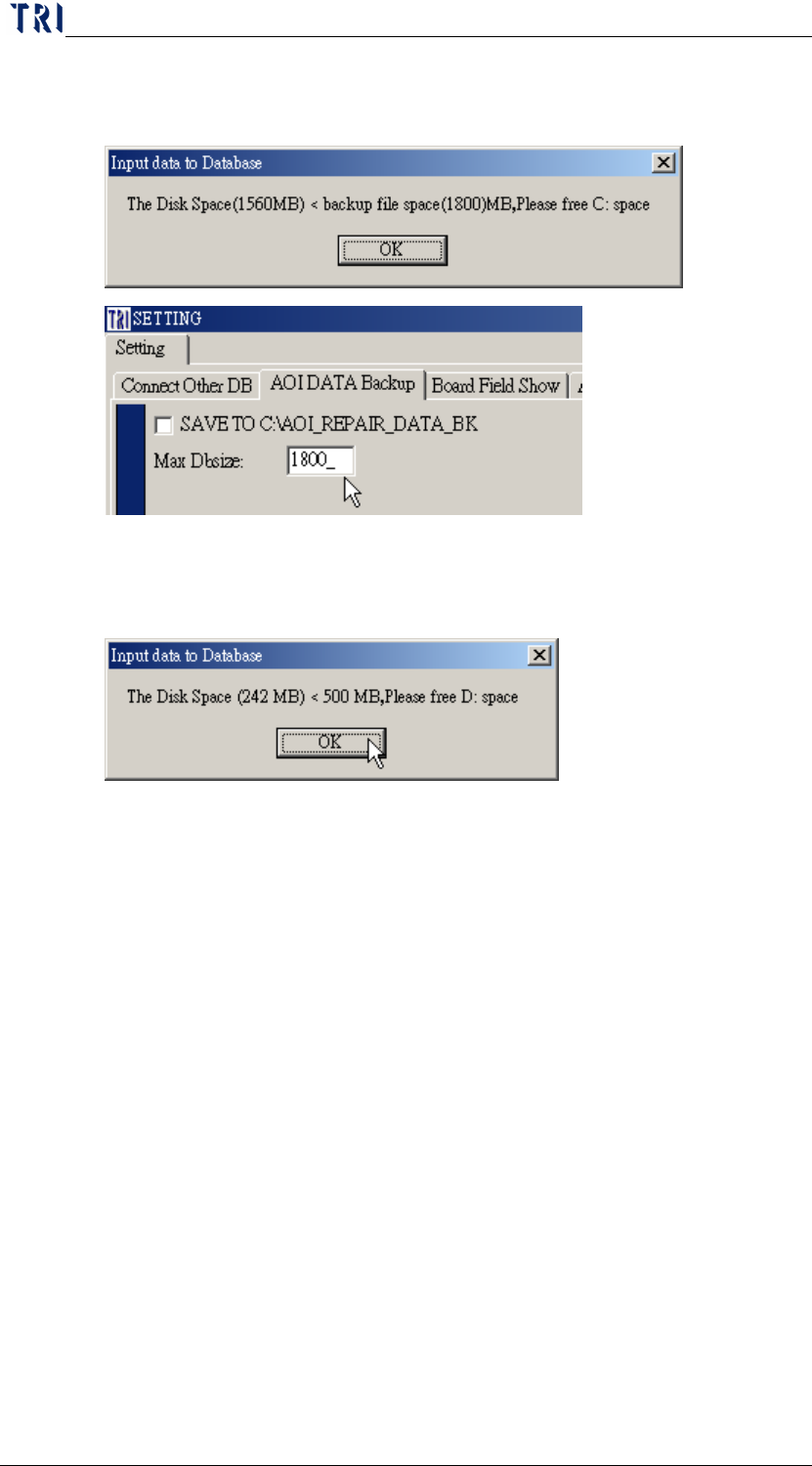
larger than the auto backup space that you set (Default is 1800MB).
User has to clear the C disc then restart the insertdat.exe.
The D disc space is not enough. The D available disc space has to be
larger than 500MB. User has to clear the D disc then restart the
insertdata.exe.
12.5 Database is full
If the TRI database size is over 1800MB, execute [Clear Data/Empty
DB/Backup and Empty DB] to backup and empty the database.
Chapter3 SPC User Manual
AOI Repair Station
86
Chapter3 SPC User Manual
1 Opening the program
The path of the SPC program is [C:\rsinstall\SPCProj.exe]. Double click on
the icon to start the program.
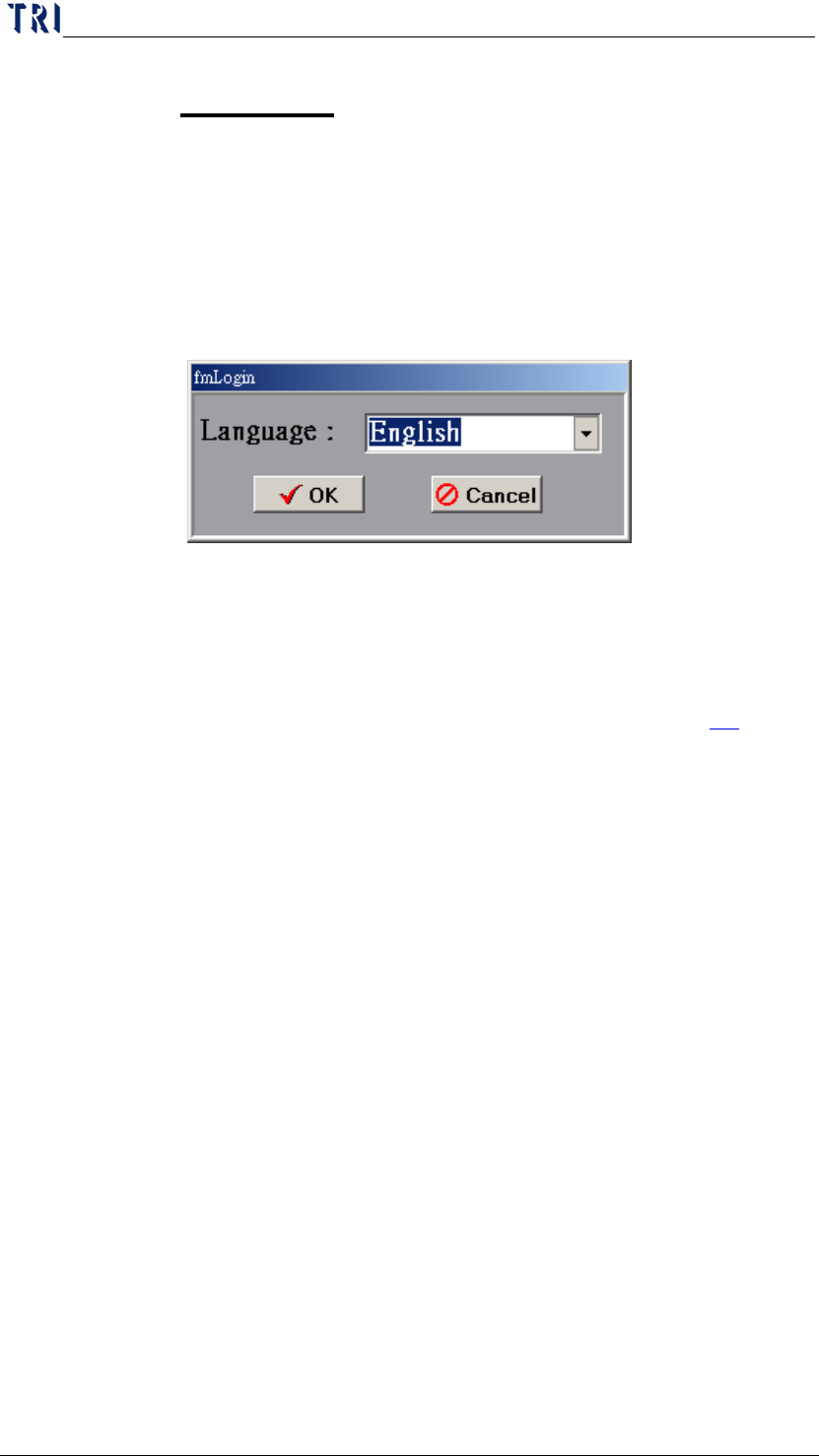
There will be language selection during the log in. You may also change the
language setting by editing [english.txt] or [big5.txt] under
[C:\rsinstall\SPCLanguage]
2 BOARD VIEW
Check for the condition of testing boards.
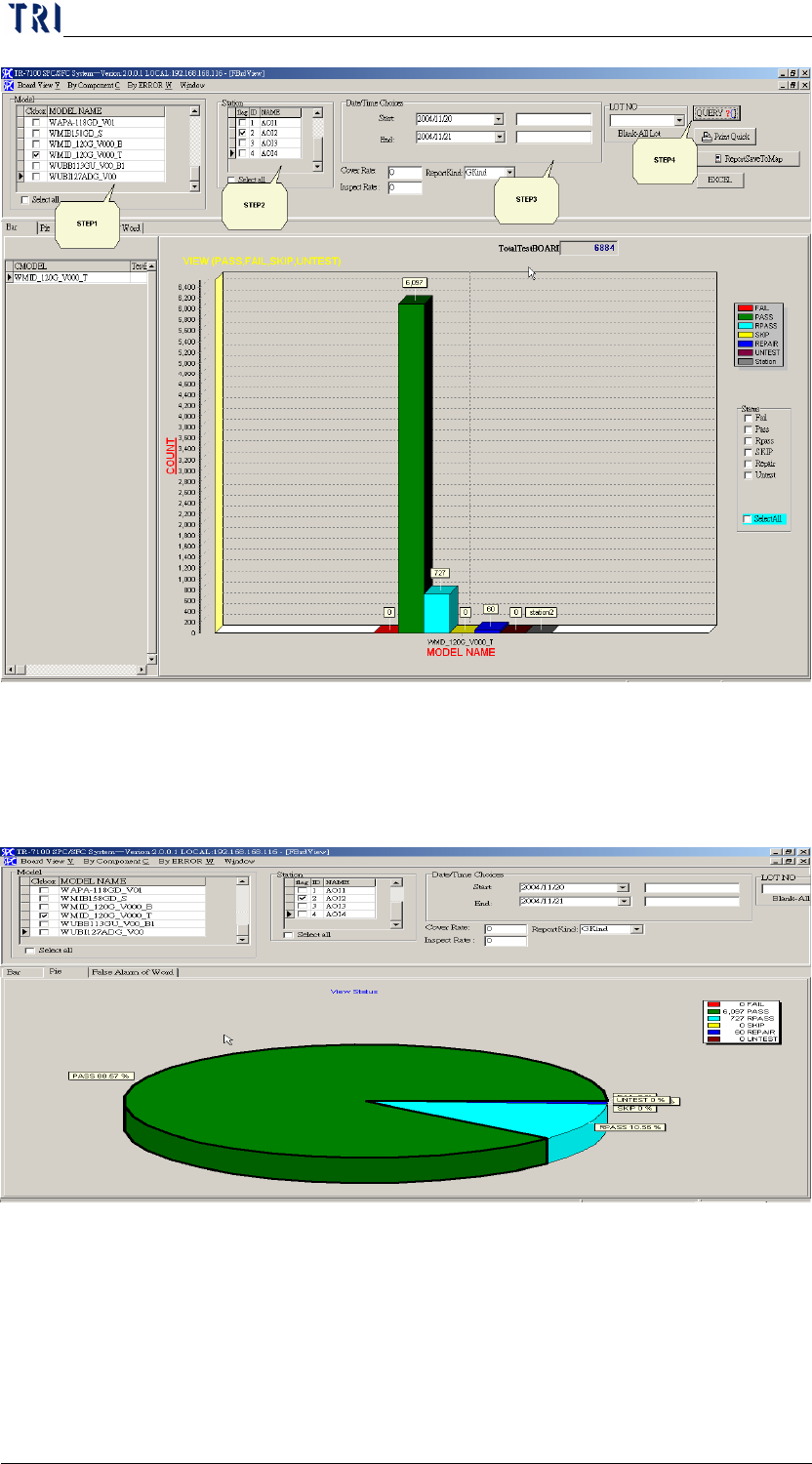
Step1. Select [Model]
Step2. Select [Station]. For the AOI station setting, go to [repair station main
program/Error Define/Define Error] and modify it. See Section 7.2 for
more information about it.
Step3. Select [date and time], select lot number in [LOTNO] if need it, if not,
empty the [LOTNO] column. Also, you may key in values for [Cover Rate]
and [Inspect Rate] report prints out.
Step4. Press [Query] to search. BAR graph is the default setting for graph type, it
displays number of boards, and the meaning of each condition:
FAIL-A condition has not been confirmed by user while [DEFECT]
has been detected by AOI
PASS-AOI detected as Pass
REPAIR-The board has been detected as failed by AOI, and also
confirmed as a defect board by the operator.
RPASS-The board has been detected as failed by AOI, but
confirmed as a pass board by the operator.
SKIP, Untest-Disregard the board, or been confirmed by the
operator that the board is not being calculated.
Chapter3 SPC User Manual
AOI Repair Station
87
Step5. Displays the percentages by switching to the PIE graph. Or switch to
[FASLE ALARM OF WORD] to display the percentage of false alarm on
characters.