MPM全自动印刷机中文操作手册 - 第34页
34 1.6 選擇 Print Parameters 進入印刷參數設定 Hardware Required: None Squeegee 刮刀設定參數 T otal Force 5.4 刮刀向下壓力 [( 刮刀長度 X1.2)/2.2] Down Stop 1.905 刮刀碰到鋼板後再向下壓之距離 Print Speed 25 刮刀印刷行程之速度 Enter squeegee printing parameters. ( 輸入刮刀印刷參…
33
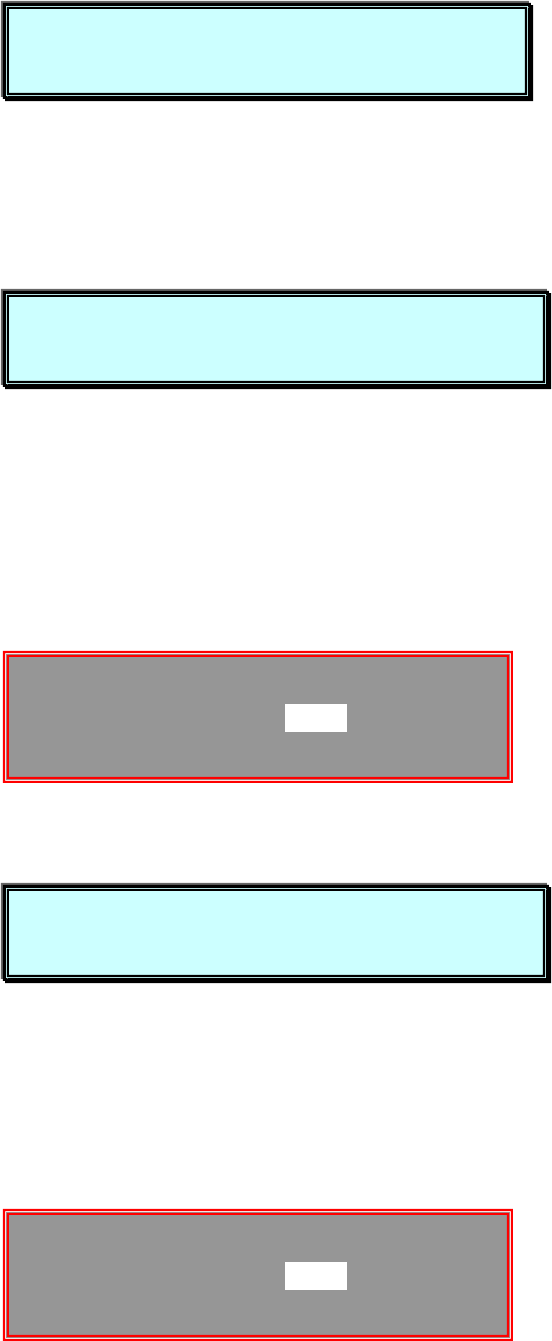
About to set SQUEEGEE STROKE. (開始設定刮刀行程)
Press NEXT to Continue, or EXIT to Quit. (按 NEXT 繼續, 按 EXIT 離開)
You must now jog to the Rear squeegee position. (你必須現在移動後刮
刀位置)
Press NEXT to Continue, or EXIT to quit. (按 NEXT 繼續, 按 EXIT 離開)
(開始移動刮刀行程,完畢按 EXIT 離開)
You must now jog to the(你必須現在移動前刮刀位置)
Rear squeegee position.
Press NEXT to Continus, or EXIT to quit. (按 NEXT 繼續, 按 EXIT 離開)
(開始移動刮刀行程,完畢按 EXIT 離開)
JOG ACTIVE…
SQUEEGEE STROKE -0.050
Press EXIT to quit.
JOG ACTIVE…
SQUEEGEE STROKE -0.050
Press EXIT to quit.
About to set SQUEEGEE STROKE.
Press NEXT to Continue, or EXIT to quit.
You must now jog to the Rear squeegee position.
Press NEXT to Continue, or EXIT to quit.
You must now jog to the front squeegee position.
Press NEXT to Continue, or EXIT to quit.
34
1.6 選擇 Print Parameters 進入印刷參數設定
Hardware Required:
None
Squeegee
刮刀設定參數
Total Force 5.4
刮刀向下壓力[(刮刀長度 X1.2)/2.2]
Down Stop 1.905
刮刀碰到鋼板後再向下壓之距離
Print Speed 25
刮刀印刷行程之速度
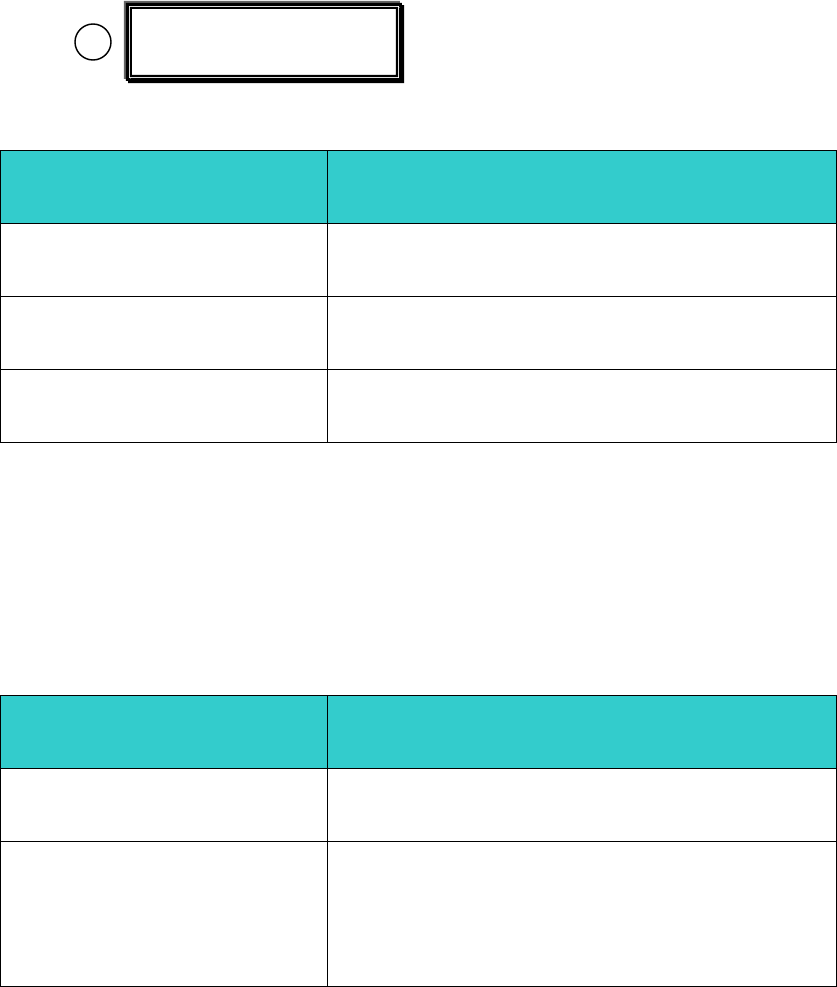
Enter squeegee printing parameters. (輸入刮刀印刷參數)
(this affects front AND rear squeegees) (包含前後刮刀)
Press Done when finished. (按 Done 完成)
Board Parameters
基板(PCB)參數設定
Snap off 0.000
PCB 與鋼板之間隙(數字越大,間隙越大)
Tooling Type Unier.
Dedicat.
治具 不使用治具
使用治具
Enter Snapoff into setup menu. (輸入 PCB 與鋼板之間隙印刷參數)
Set to zero for CONTACT printing. (接觸式印刷時,請設為”0”)
Print Parameters

35
Press Done when finished. (按 Done 完成)
Slow Snop off
慢速脫模參數設定
Enabled No
Yes
不使用慢速脫模
使用慢速脫模
Down Delay 0.00
脫離鋼板前延遲時間
Distance 1.570
慢速脫模之距離
Speed 1
2
3
4
5
6
慢速脫模速度 1 脫模速度 5mil/s
2 脫模速度 10mil/s
3 脫模速度 15mil/s
4 脫模速度 20mil/s
5 脫模速度 25mil/s
6 脫模速度 30mil/s
Enter Slow snapoff parameters. (輸入慢速脫模參數)
Press Done when finished. (按 Done 完成)