cp45头部故障判断.pdf - 第9页
1. Head Module Ver. Date CP45 CP45NEO 00 2004/11 O O 1-1 1-3.Head-Fly Offset *T o o l s a) Calibration Tool ( in ANC 1st poc ket) *P a r t s 1] Menu : Select Sys. seup = > Camera => Calibration => Head-Fly Offse…
1. Head Module
Ver. Date CP45
CP45NEO
00 2004/11 O O
1-1
Message
Process
'Adjust between vision screen center to mark
center by jogbox [head 2 Camera]
To calibratation, Click [Next]
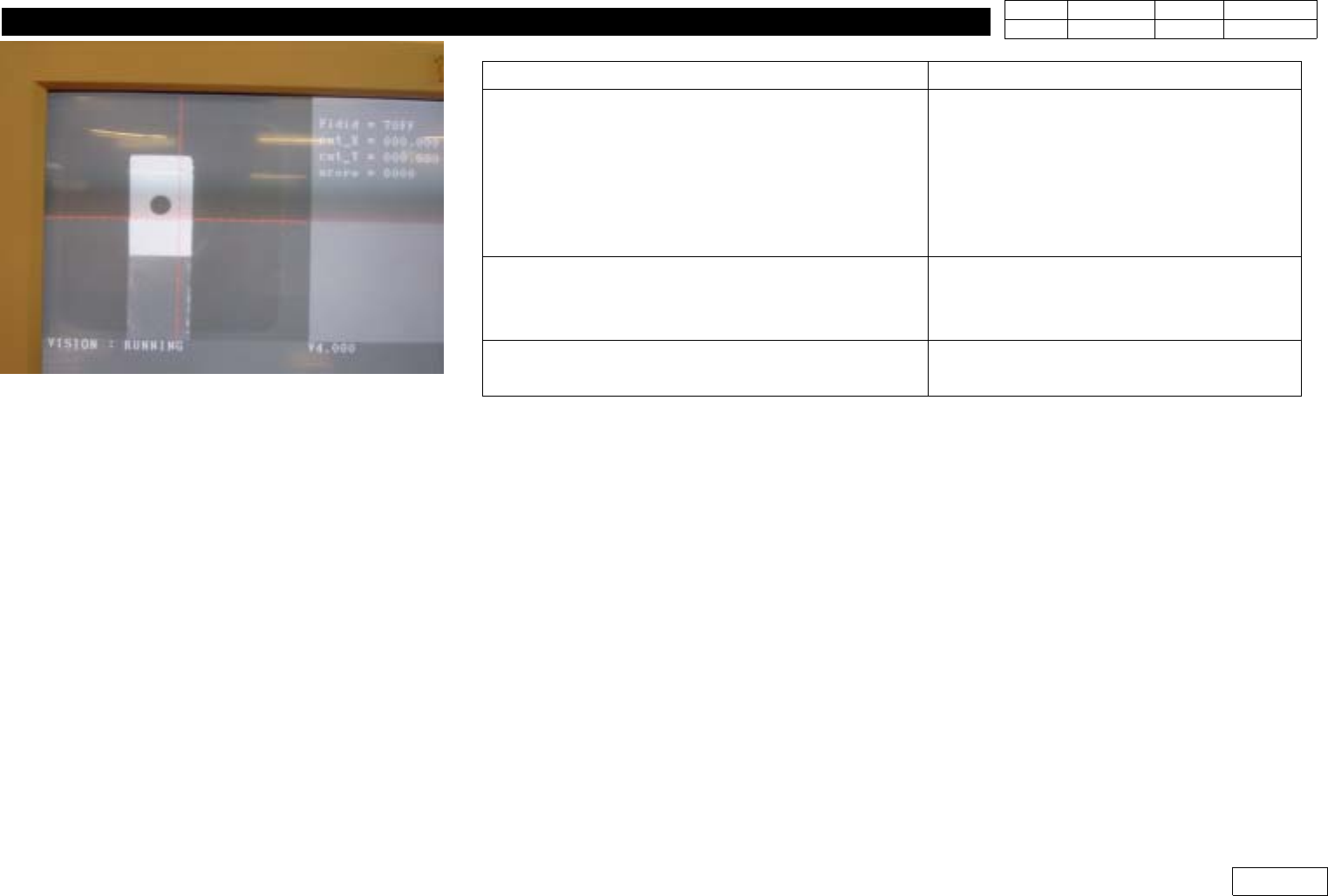
(1) Using Jogbox, Make the Center of
Head2 Camera(Center of Vision Monitor)
Coincide with the Center of Calibration Tool
and Click 'Next' (Ref. Fig.1-2-3) => Camera
of Head2 is Calibrated
2)ProceedtoHead6theSameWay
'Removing the tool on the conveyor Finished,
then click [Next]'
Be Sure to Remove Calibration Tool before
Clicking Next
'Fly head camera calibrationis finished'
Calibration is Finished
=> Press 'Update' to Apply the Result
Fig.1-2-3 Align the center between camera
and calibration tool
1. Head Module
Ver. Date CP45
CP45NEO
00 2004/11 O O
1-1
1-3.Head-Fly Offset
*Tools
a) Calibration Tool ( in ANC 1st pocket)
*Parts
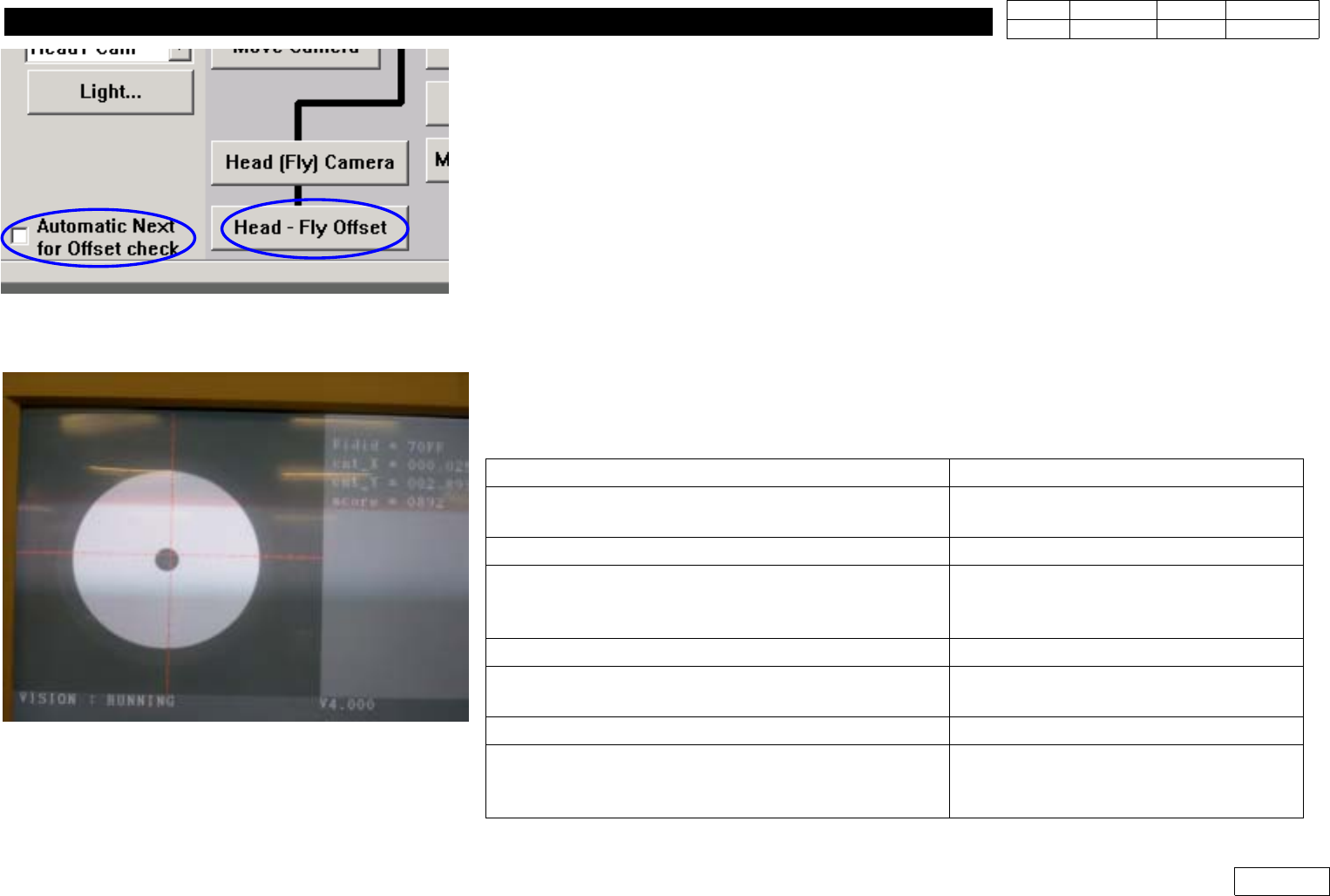
1] Menu : Select Sys. seup => Camera => Calibration => Head-Fly Offset (Ref. Fig1-3-1)
(Measure and Correct Offset btw. the Center of Flying Vision Camera and the Center of
Head(Nozzle End))
2) If There are Nozzles in Head, Remove All (Manually or Use Put All Nozzle in Lower Tool Menu)
3) In Case the Location of ANC Pocket is Exact
=> Be Able to Use It by Clicking 'Automatic Next for Offset Check' and Offset is Automatically
Measured
4) In Case the Location of ANC Pocket is Not Certain
=> Install Calibration Tool Each Time Manually w/o Selecting 'Automatic Next for Offset Check' and
Proceed Measurement (as Following Message)
Fig.1-3-1 Head-Fly Camera Offset manu
Message Process
'First, we must put all nozzles from head manually
To moving down Z axis, Click [Next]'
Click Next
=>MovetoHead1Home
'Z-axis moving down,Please wait for a moment'
Stand by Until Next Message
'Next, Attach the calibration tool to head 1.
Click[Next] for moving down head
After moving, Attach the tool to head manually.
Click Next => Head1 Goes Down
=>Insert Calibration Tool in Head1
'Z-axis moving down,Please wait for a moment'
Stand by Until Next Message
'Uptoalignheightandmirrorclose
To move, click [Next]
Click Next
=> Mirror Moves to Sensing Position
'Moving now, Please wait for a moment'
Stand by Until Next Message
'Calibration is prepared. To calibration,click[Next]
Click Next
=> Perform Calibration(Check Vision
Monitor)
Fig.1-3-2 Head-Fly Camera Offset Calibration
1. Head Module
Ver. Date CP45
CP45NEO
00 2004/11 O O
1-1
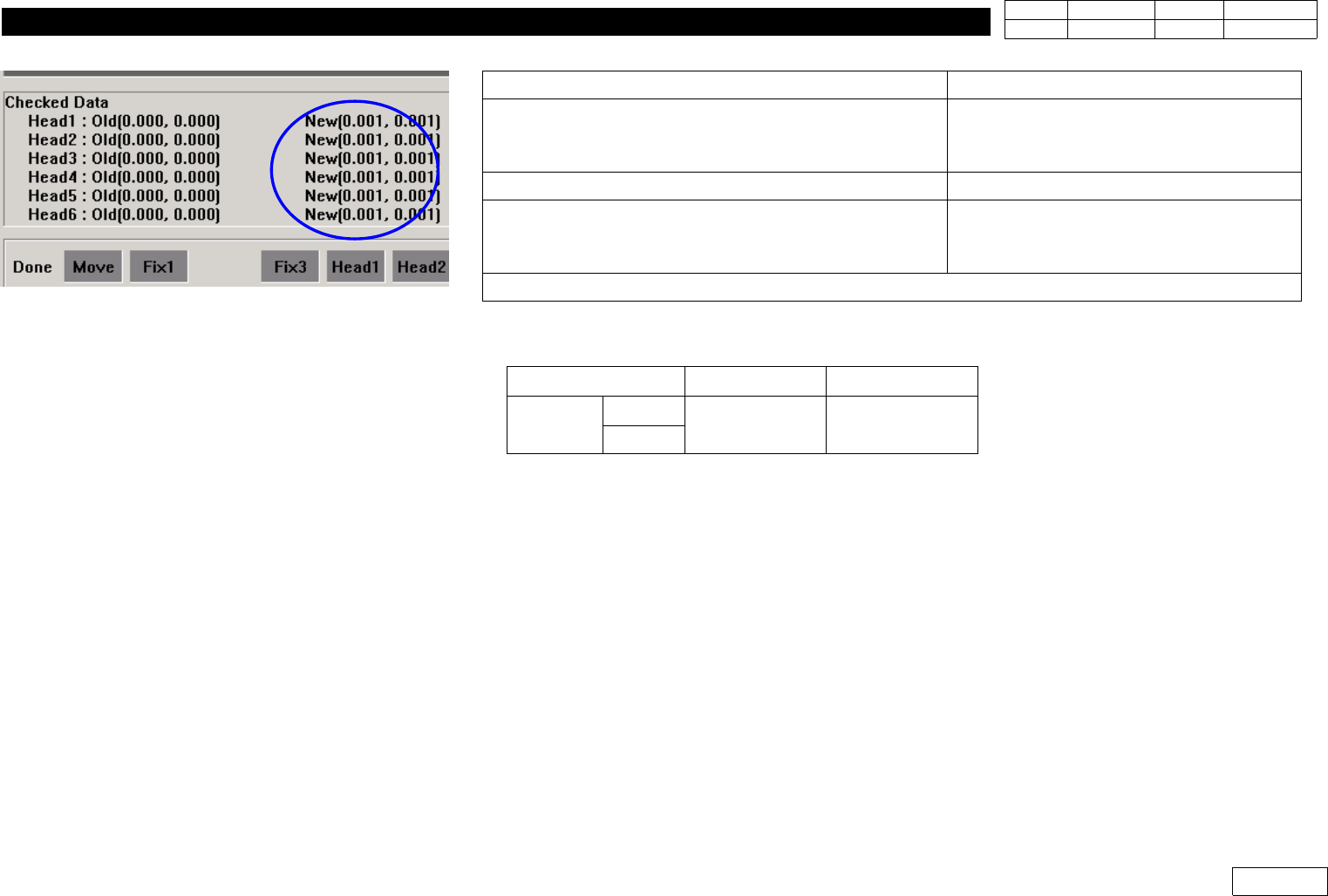
5) Check Calibration Result(Ref. Fig. 1-3-4 New Checked Data) Compared to the Standard below.
6) Click 'Update' Calibration to Apply New Offset Data if the Result is within the Standard,
and otherwise Check the Assembled Condition of Mirror to Re-assemble Mirror and Proceed
Calibration if Necessary.
Message
Process
'Next remove the calibration tool from head 1
Click[Next] for moving down head.
After moving, remove the tool manually
Click Next
=> Head1 Goes Down (Remove Tool)
Z-axis moving down Please wait for a moment
Stand by Until Next Message
'Next remove the calibration tool to head 2
Click[Next] for moving down head.
After moving, remove the tool manually
Click Next
=> Insert Calibration Tool in Head2
Proceed Calibration to Head6 in the Same Way
Item FOV 25mm FOV 15mm
Tolerance
X
+ - 0.75mm + - 0.45mm
Y
Fig.1-3-4 Head-Fly Camera Offset calibration
result (Checked data : New)