192277 - Micron Technical Reference Volume 3.pdf - 第128页
CYCLONE UNDER STENCIL CLEANER MODULE CALIBRATIONS 26.18 Technical Reference Manual Chapter Issue 11, Feb 18 CALIBRA TIONS CAUTION RECOMMENDED SOL VENTS. ANY SOL VENTS USED MUST COMPL Y WITH LOCAL ENVIRONMENT AL GUIDELINE…

CYCLONE UNDER STENCIL CLEANER MODULE
REPLACEMENT PROCEDURES
Chapter Issue 11, Feb 18 Technical Reference Manual 26.17
21. Close the printhead front cover.
22. Remove the lock from the mains lock-out.
23. Power up the printer.
24. Select Diagnostics.
25. Press the System switch.
26. Select the Camera Axes.
27. Select Home Camera X Axis and select Home Camera Y Axis to home
the camera axes.
28. Select Exit.
29. Select the Screen Cleaner module page.
30. Ensure that all functions within stencil cleaner diagnostics operate correctly
and that there are no leaks from the feed tubing.
31. Select Exit.
32. Select Exit.
CYCLONE UNDER STENCIL CLEANER MODULE
CALIBRATIONS
26.18 Technical Reference Manual Chapter Issue 11, Feb 18
CALIBRATIONS
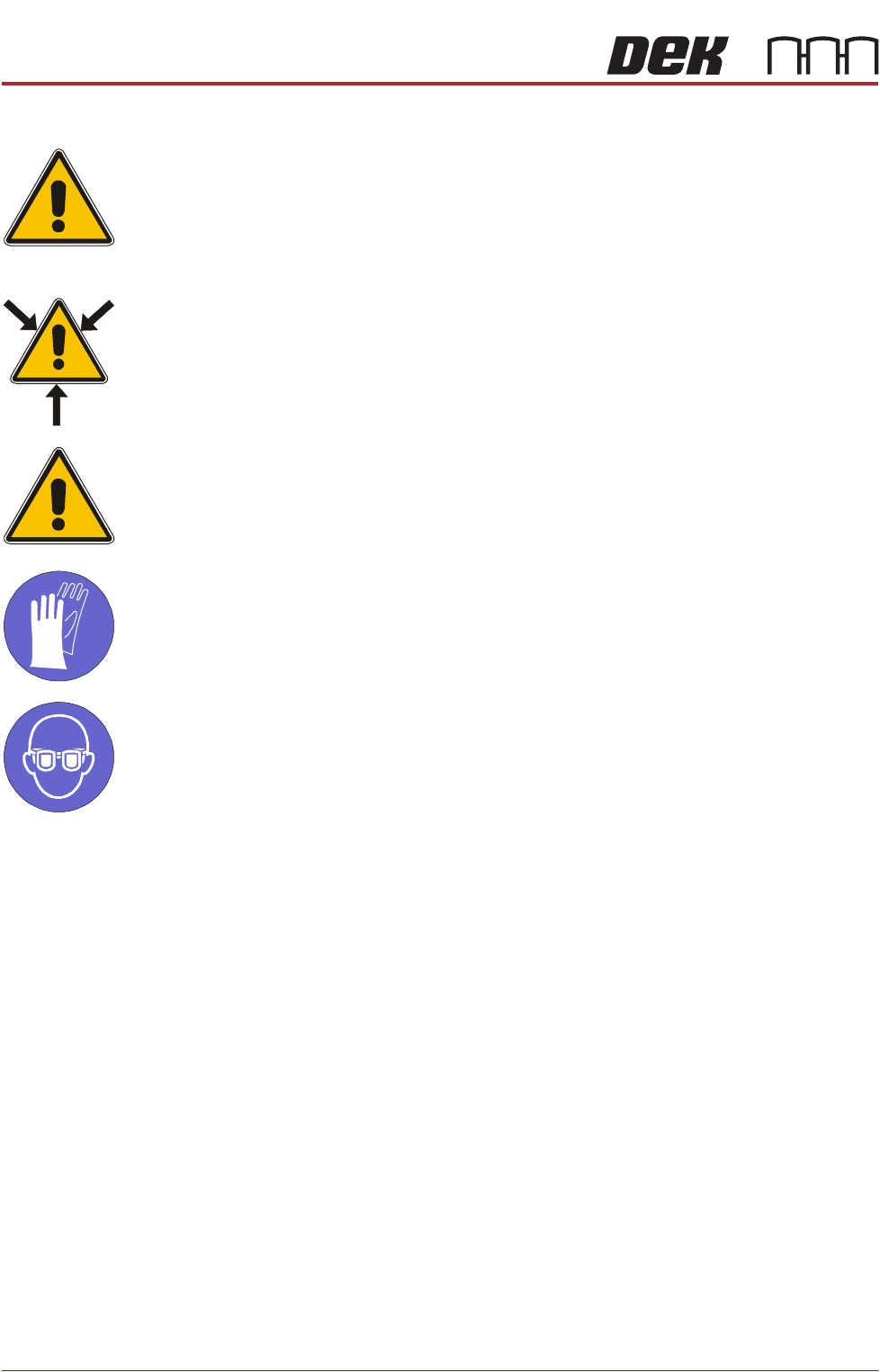
CAUTION
RECOMMENDED SOLVENTS. ANY SOLVENTS USED MUST COMPLY WITH
LOCAL ENVIRONMENTAL GUIDELINES. ASM RECOMMEND USING SOLVENTS
THAT ARE ENVIRONMENTALLY FRIENDLY, IE CFC FREE AND WATER BASED.
SOLVENTS USED MUST HAVE FAST EVAPORATION RATES AND FLASHPOINT
SPECIFICATIONS GREATER THAN 39ºC.
WARNING
SOLVENT SPRAY. THE UNDER STENCIL CLEANER SPRAYS A FINE JET OF
SOLVENT SOLUTION ON TO THE CLEANER. APPROVED PROTECTIVE
CLOTHING SHOULD BE WORN.
CAUTION
PRINT MEDIUM AND SOLVENTS. WHEN USING OR HANDLING ANY PRINT
MEDIUM OR SOLVENT FORMULATION THE MANUFACTURERS’ SAFETY DATA
SHEETS MUST BE STRICTLY ADHERED TO.
MANDATORY
TOXIC CHEMICALS MAY BE PRESENT. SAFETY GLOVES MUST BE WORN.
MANDATORY
TOXIC CHEMICALS MAY BE PRESENT. EYE PROTECTION MUST BE WORN.
External Solvent
Tank
The software needs to know the weight of the external solvent tank when fitted
with an empty container and when fitted with a full container of the solvent to be
used.
NOTE
Due to solvents having different gravities, the weight must be re-calibrated
when changing solvents.
To calibrate the software carry out the following procedure:
1. Ensure that the external solvent tank is fitted with an empty 5 litre container.
2. Select Maintenance.
3. Select Calibrations.
4. Select Solvent.
5. Select Set Solv Empty.
6. Confirm by selecting Yes.

CYCLONE UNDER STENCIL CLEANER MODULE
CALIBRATIONS
Chapter Issue 11, Feb 18 Technical Reference Manual 26.19
7. Replace the empty 5 litre container with a 5 litre container full of the solvent
to be used.
8. Select Set Solv Full and confirm by selecting Yes.
9. Select Exit.
10. Select Exit.
11. Select Back.
Fabric If fabric counting is enabled, the software needs to know the fabric roll length
when first fitted to the under stencil cleaner.
NOTE
The length of the fabric roll is printed on the fabric roll wrapping.
To calibrate the software carry out the following procedure:
1. Select Open Cover Commands.
NOTE
If the stencil image is centre justified, the stencil may need to be removed
to gain access to the Cyclone under screen cleaner.
2. Open the front printhead cover.
3. Change the fabric cassette as detailed in the consumable replenishment.
4. Select Change Paper.
5. Ensure the fabric length parameter matches that stated on the fabric roll
wrapper.
6. Select Continue.
7. Select Prime Paper.
8. When prompted, press the two control buttons simultaneously ensuring that
the fabric feeds correctly and any slack is taken up.
9. Close the front printhead cover.
10. Press the System button.
11. Select Back.
12. Select Back.