192277 - Micron Technical Reference Volume 3.pdf - 第201页
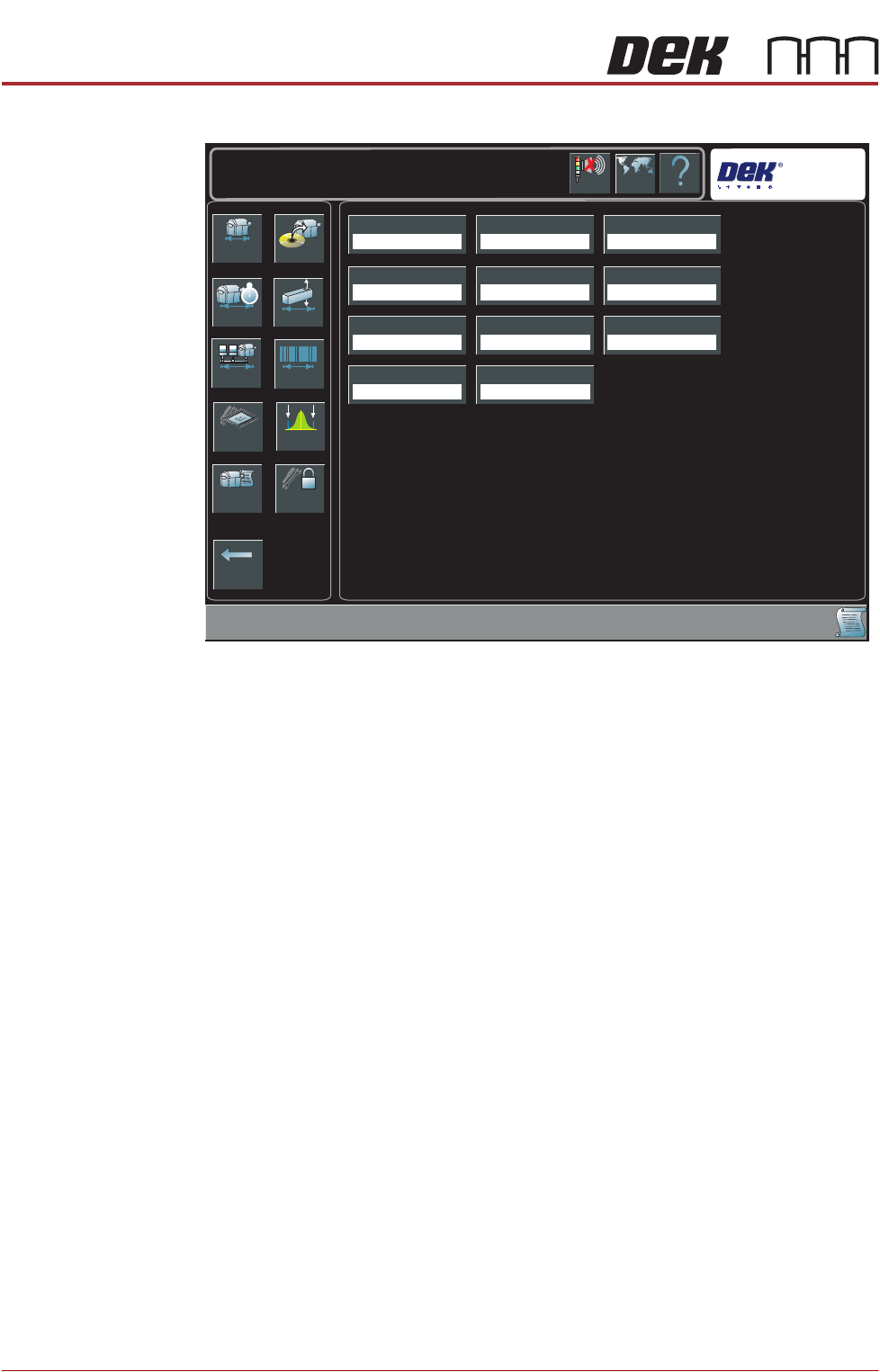
BARCODE READER AND VERIFICATION AND TRACEABILITY REPLACEMENT PROCEDURES Chapter Issue 10, Feb 17 Technical Reference Manual 32.13 The following page is displayed: 4. Select T raceability Network Output . 5. Select Enable…
BARCODE READER AND VERIFICATION AND TRACEABILITY
REPLACEMENT PROCEDURES
32.12 Technical Reference Manual Chapter Issue 10, Feb 17
Dependent upon the options available, the following page is displayed:
3. Select Verification.
4. Select Enabled.
5. Select Accept.
6. Select Traceability.
7. Select Enabled.
8. Select Accept.
9. Select Back.
10. Select Back.
Network Replication The traceability file is saved on the hard drive of the PC and may also be
replicated to a network drive, use the following procedure to enable replication:
1. Select Maintenance.
2. Select Machine Setup.
3. Select Network.
Back
Basics Options
Performance Vision
Network Barcodes
Screen SPC Limits
Event Log Passwords
Transport Mode
Left To Right
Printer Mode
Print
Consumable Action
Warn
Tooling Hardware
Plain
Screen Size
Library
Shift Time
8.00 Hours
2D Inspection
Disabled
Hawkeye
Disabled
TTG BTG Estimates
Enabled
Help
Maintenance \ Machine Setup
Language
Cancel
Buzzer
Verification
Disabled
Traceability
Disabled
BARCODE READER AND VERIFICATION AND TRACEABILITY
REPLACEMENT PROCEDURES
Chapter Issue 10, Feb 17 Technical Reference Manual 32.13
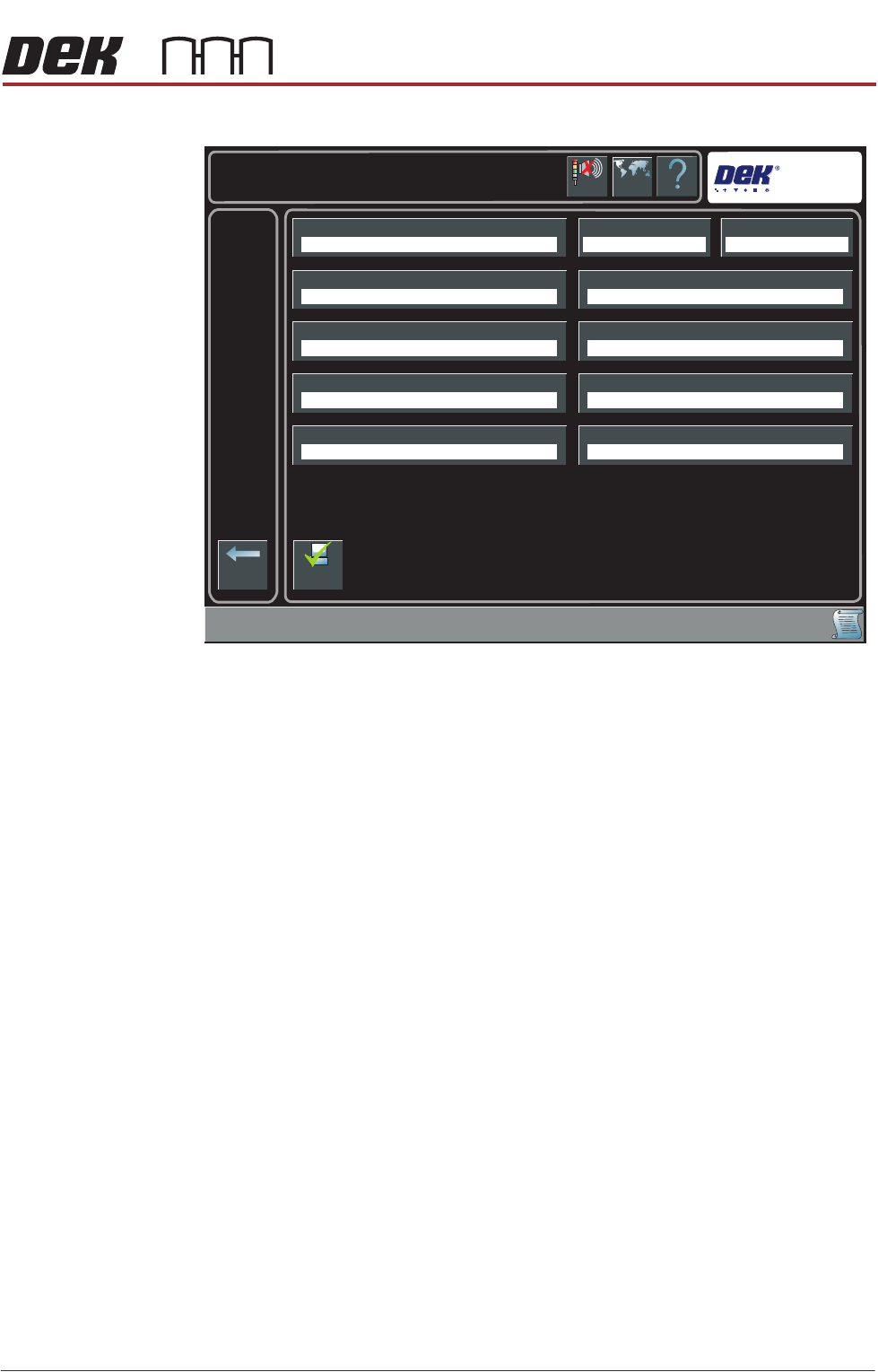
The following page is displayed:
4. Select Traceability Network Output.
5. Select Enabled.
6. Select Accept.
7. Select Traceability Network Drive.
8. Select the drive followed by the directory where the traceability files are to
be stored on the network.
9. Select Accept.
10. Select Back.
11. Select Back.
12. Select Back.
Help
Maintenance \ Machine Setup \ Network
Language
Cancel
Buzzer
Back
Comms ProtocolLocal CopiesMachine Location
Product Directory Data Directory
Remote Product Path
Run With GEM Remote
Traceability Network Drive
Gerber Directory
Remote Data Path
Traceability Network Output
No Comms Disabled
E:\configE:\Product
Disabled
Enable
Comms
BARCODE READER AND VERIFICATION AND TRACEABILITY
BARCODE READER SET UP
32.14 Technical Reference Manual Chapter Issue 10, Feb 17
BARCODE READER SET UP
For configuring and setting up the barcode reader, contact your local customer
support office.
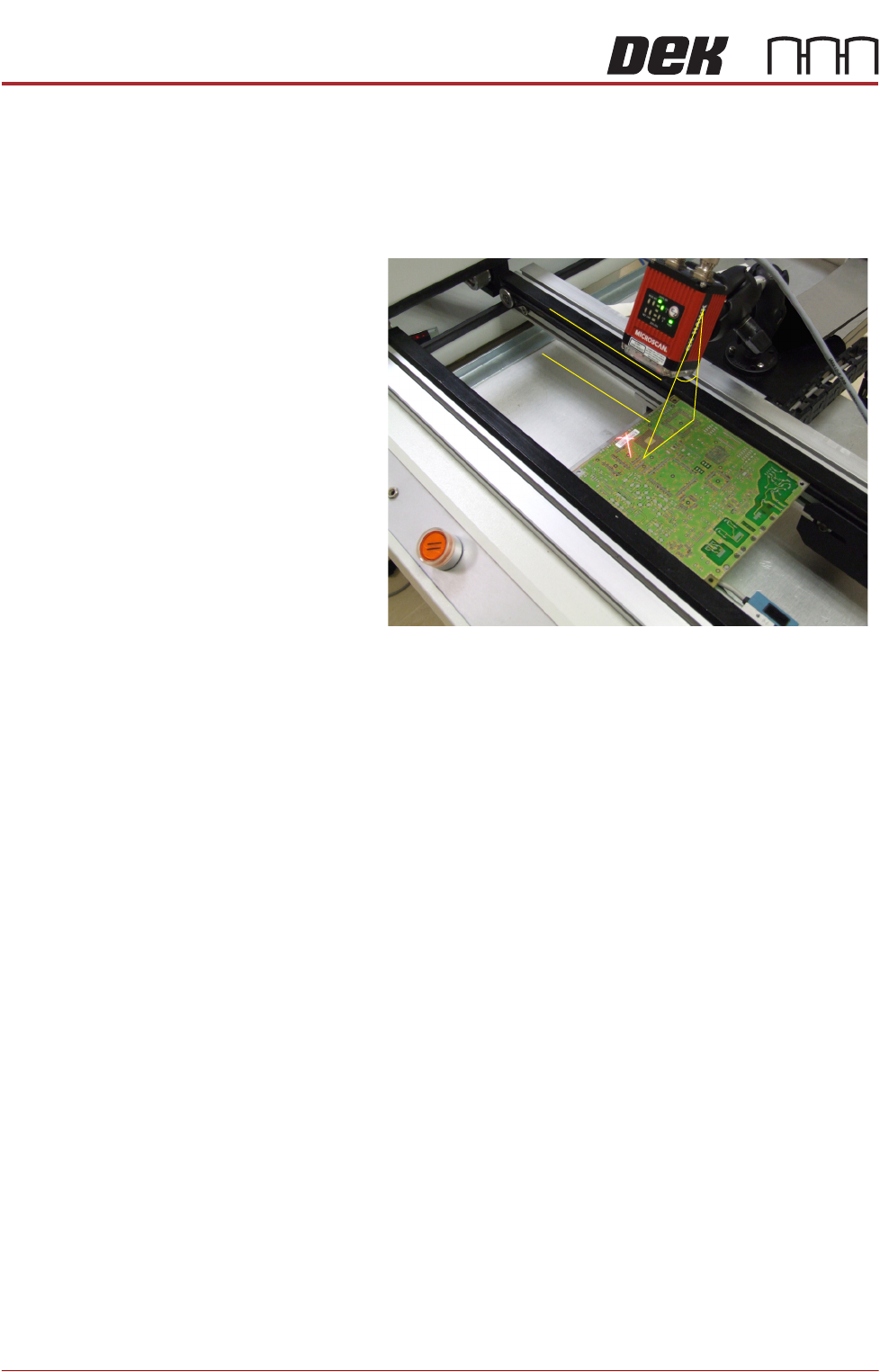
Complex Codes For reading complex codes or where a barcode read is particularly problematic,
it may be necessary to position the reader head with better precision.
The reader angle
from the perpendicular
must be approximately
30 degrees and, parallel
to the plane of the
product.
30