192277 - Micron Technical Reference Volume 3.pdf - 第253页
MAN MACHINE INTERFACE PROGRAMMABLE BEACON Chapter Issue 11, Jan 17 Technical Reference Manual 34.9 PROGRAMMABLE BEACON If the programmable beacon option is fitted, the user can configure it for operation in response to a…
MAN MACHINE INTERFACE
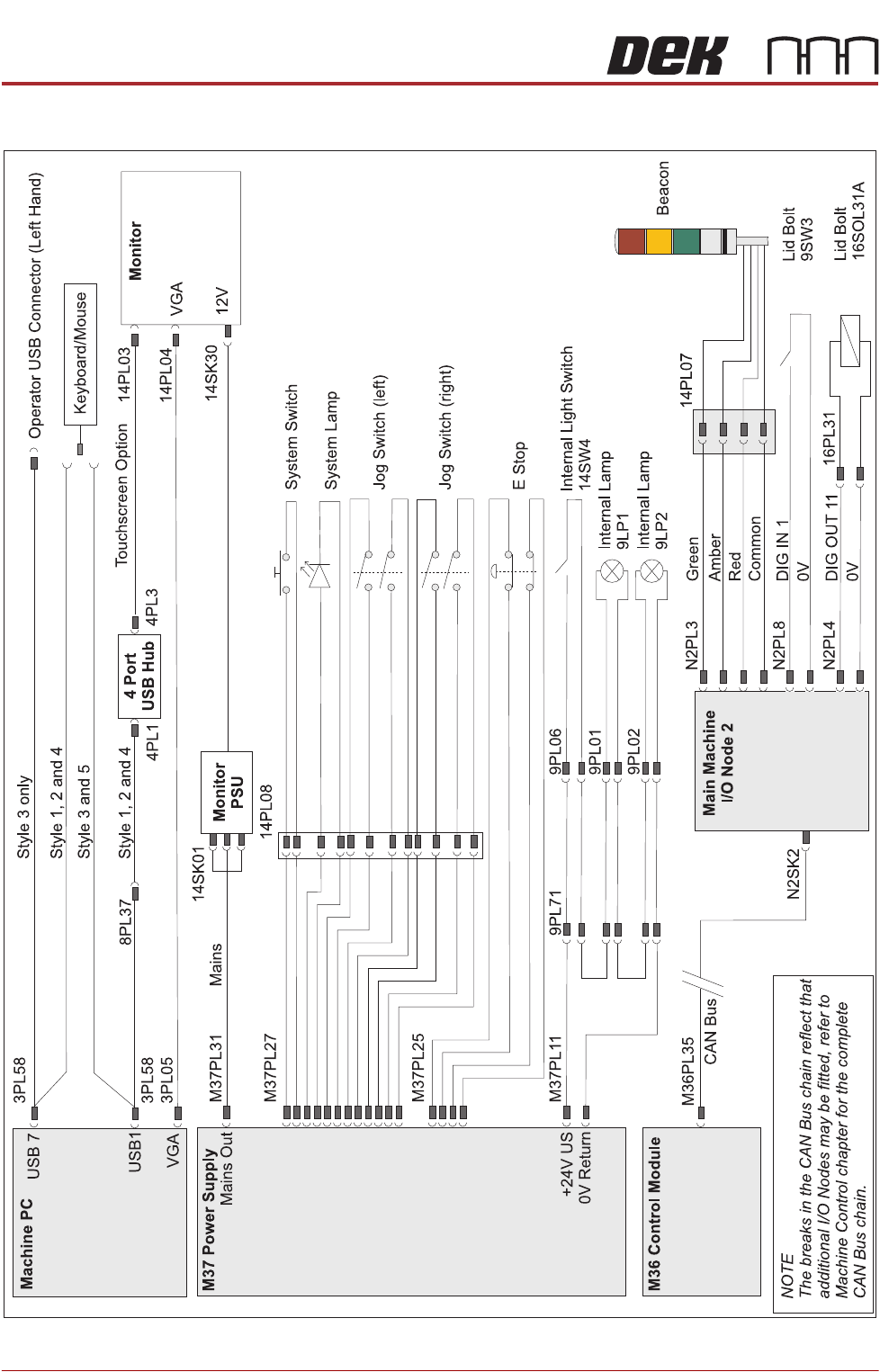
ELECTRICAL SCHEMATIC
34.8 Technical Reference Manual Chapter Issue 11, Jan 17
ELECTRICAL SCHEMATIC
MAN MACHINE INTERFACE
PROGRAMMABLE BEACON
Chapter Issue 11, Jan 17 Technical Reference Manual 34.9
PROGRAMMABLE BEACON
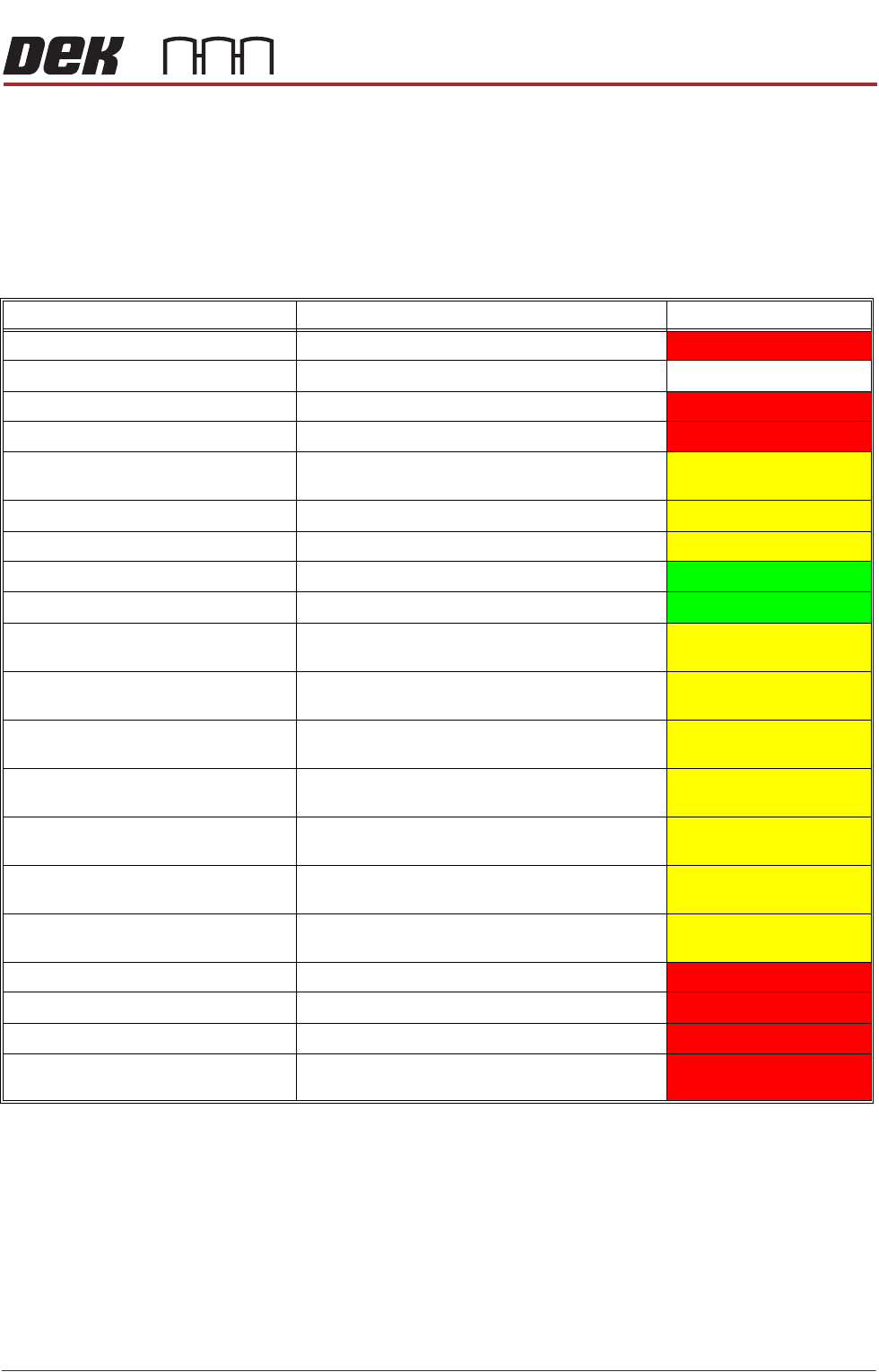
If the programmable beacon option is fitted, the user can configure it for
operation in response to a set of events; these events are listed in the table
below as categories. For example, a Paper Low condition instigates a warning
action; on the beacon, the user has programmed this event to have both the
amber and green indicators on constantly. The attribute is representative of the
state of the beacon indicators and the buzzer.
At printer start up, the programmable beacon information is loaded; if a file is
corrupt an action selection pane is displayed. The user may Retry the operation
to attempt to clear the failure or Restore the Factory Default settings.
NOTE
Restoring factory default settings overwrites the current data with settings
assigned at printer build. Any additional categories that have been created are
removed.
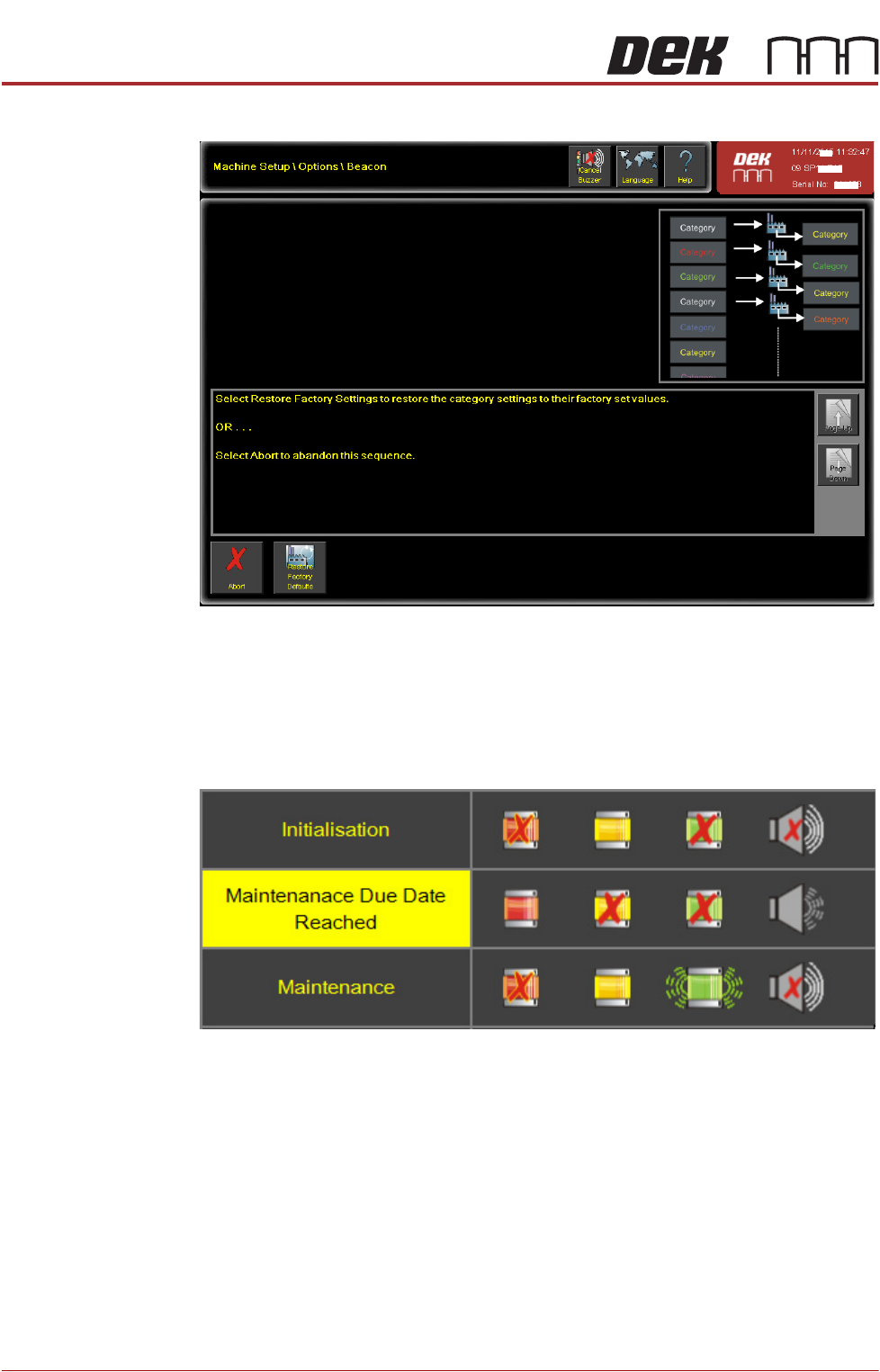
If during normal operation the factory default settings need to be restored;
navigate to: Machine \Options\ Beacon and select the Restore Factory Defaults
Categories Category Example Attribute
System Power Down E - Stop
STEADY
Consumable Warning Paper Low Warning STEADY STEADY
Consumable Pause Printer Paused for Low Paper
STEADY
Consumable Suspend Paper Low Suspend
STEADY
Initialisation Initialised from start up, diagnostics or ready page
STEADY
Setup While in Setup State
STEADY
+Maintenance While in Maintenance State
STEADY
Ready While in Ready State
STEADY
Run While in Run State
STEADY
Paused Operator or Host Computer have paused the print
cycle STEADY
Waiting for Up/Downline Machine While Printer is waiting for Up/Downline transfer
STEADY
Operator Adjust While operator has selected Adjust from ready or
running pages STEADY
Operator Clean Screen While operator has selected Clean Screen from
ready or running pages STEADY
Operator Paste Knead While operator has selected Paste Knead from
ready or running pages
STEADY
Operator Load Paste While operator has selected Paste Load from
ready or running pages STEADY
Operator Cover Open While operator has opened the printhead cover
STEADY
Hardware Recoverable Hardware Recoverable
STEADY
Process Process
STEADY
Hardware Un-recoverable Hardware Un-recoverable
STEADY
Kneading/Paste Load While printer is performing an automatic Knead or
Paste Load operation STEADY
MAN MACHINE INTERFACE
PROGRAMMABLE BEACON
34.10 Technical Reference Manual Chapter Issue 11, Jan 17
button from the left side panel. This opens the following action selection page:
Selecting Restore Factory Defaults overwrites the current data with settings
assigned at printer build.
NOTE
All factory categories are reset to the factory default conditions; any created
categories are deleted.
Figure 34-7 Factory Set and Created Categories