M7_ServiceManual_e.pdf - 第90页
4 Electrical Section 4-26 Control Board Handling Control Board Note the followings when handl ing PC boards. Do not touch control boards by wet hands. Do not handle control boards where there are m etal chips around.…
4 Electrical Section
4-25
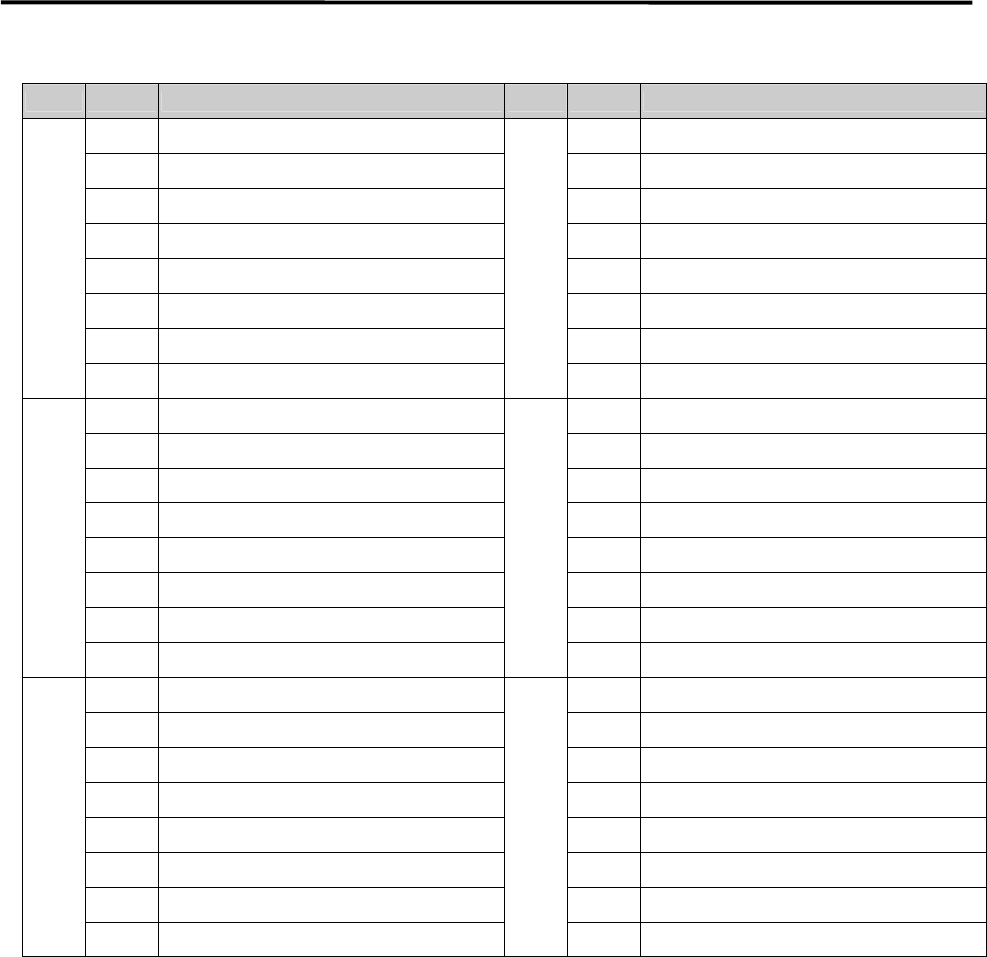
Address Bit No. Signal Name Address Bit No. Signal Name
000Ch 0 Air Pressure: Head C5 Bit 0 0012h 0 Air Pressure: Head C8 Bit 0
1 Air Pressure: Head C5 Bit 1 1 Air Pressure: Head C8 Bit 1
2 Air Pressure: Head C5 Bit 2 2 Air Pressure: Head C8 Bit 2
3 Air Pressure: Head C5 Bit 3 3 Air Pressure: Head C8 Bit 3
4 Air Pressure: Head C5 Bit 4 4 Air Pressure: Head C8 Bit 4
5 Air Pressure: Head C5 Bit 5 5 Air Pressure: Head C8 Bit 5
6 Air Pressure: Head C5 Bit 6 6 Air Pressure: Head C8 Bit 6
7 Air Pressure: Head C5 Bit 7 7 Air Pressure: Head C8 Bit 7
000Eh 0 Air Pressure: Head C6 Bit 0 0014h 0 INP CZ1
1 Air Pressure: Head C6 Bit 1 1 INP CZ2
2 Air Pressure: Head C6 Bit 2 2 INP CZ3
3 Air Pressure: Head C6 Bit 3 3 INP CZ4
4 Air Pressure: Head C6 Bit 4 4 INP CZ5
5 Air Pressure: Head C6 Bit 5 5 INP CZ6
6 Air Pressure: Head C6 Bit 6 6 INP CZ7
7 Air Pressure: Head C6 Bit 7 7 INP CZ8
0010h 0 Air Pressure: Head C7 Bit 0 0015h 0 INP CR1
1 Air Pressure: Head C7 Bit 1 1 INP CR2
2 Air Pressure: Head C7 Bit 2 2 INP CR3
3 Air Pressure: Head C7 Bit 3 3 INP CR4
4 Air Pressure: Head C7 Bit 4 4 INP CR5
5 Air Pressure: Head C7 Bit 5 5 INP CR6
6 Air Pressure: Head C7 Bit 6 6 INP CR7
7 Air Pressure: Head C7 Bit 7 7 INP CR8
4 Electrical Section
4-26
Control Board
Handling Control Board
Note the followings when handling PC boards.
Do not touch control boards by wet hands.
Do not handle control boards where there are metal chips around.
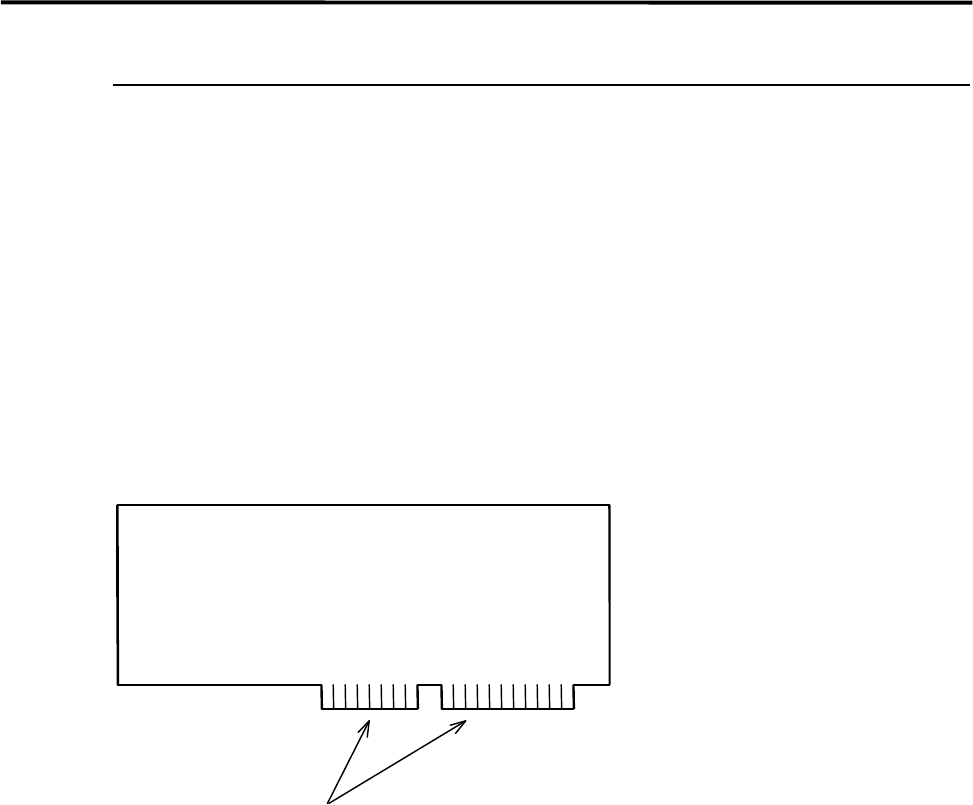
To handle control boards in the control rack, never touch the connecting portion where gold is plated. If
the connecting portion is covered with dust, the mounter doesn't work properly. Clean with alcohol.
Gold Plating
4 Electrical Section
4-27
Electrodes on Feeder / Feeder Bank
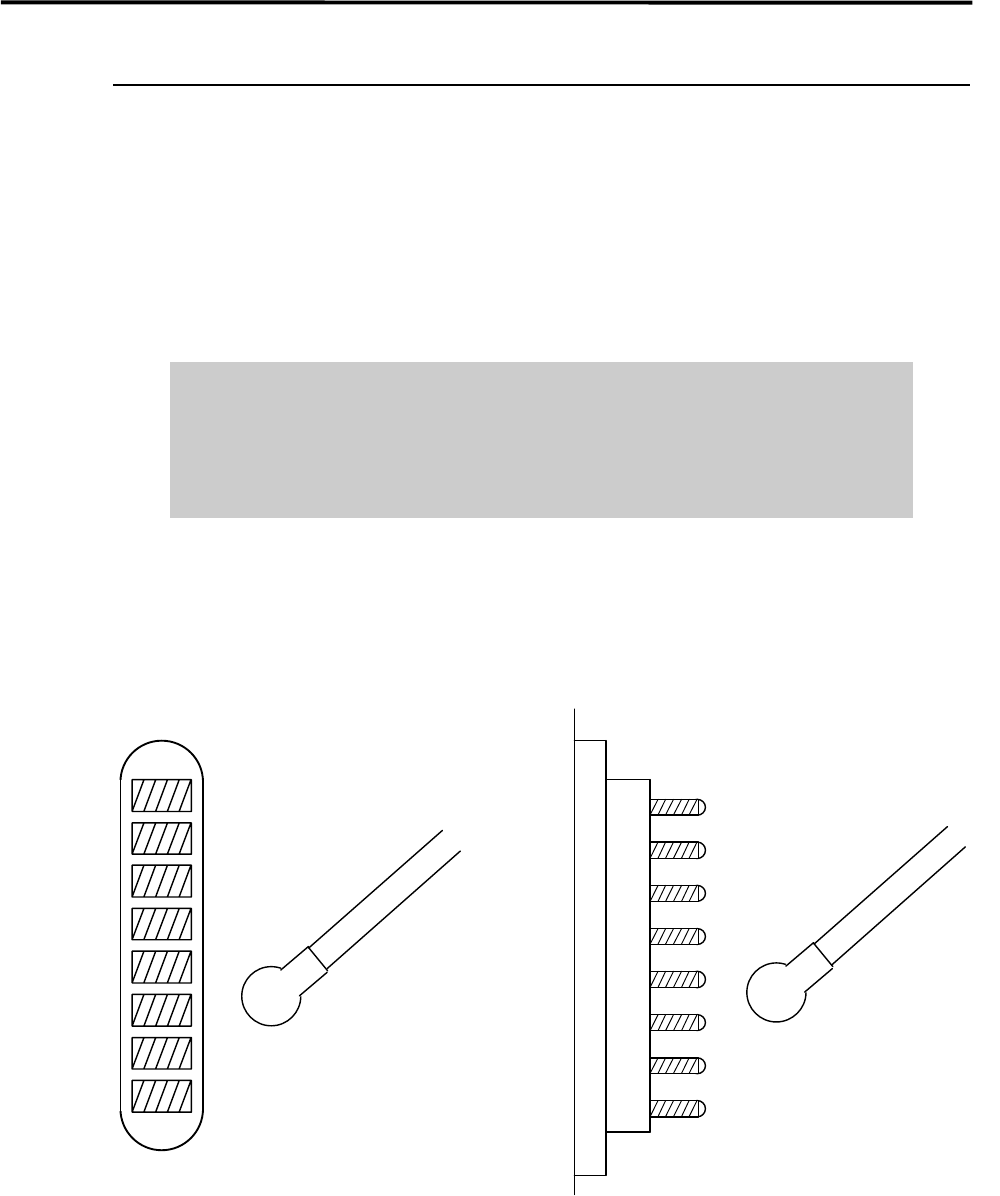
When electrodes on the feeder bank and the tape feeder get dirty, clean them as follows:
NOTE: If the electrodes are touched by hand or have come into contact with foreign matter, cleaning is
recommended even if no dirt can be observed visually.
ACTION: Clean the electrodes by wiping off dust gently with a dry cotton swab or non-woven fabric. When cleaning
them, check that the pins are not bent. If they are bent excessively, contact i-PULSE for repair. Continuing
to use them if the pins are bent may scratch the contact surface of the feeder bank.
Do not use alcohol, water base detergents and organic solvent, such as
thinner, benzene and acetone.
Do not use sandpaper and tools with sharp blade or edge, such as a knife and
a screwdriver.
NOTE: If they get stubborn stains, try not to get rid of them forcedly. Please contact us.
Cotton swab
Pin Electrodes on feederElectrodes on feeder bank
Cotton swab