SG_FSE_SiplaceHF_HF3_00193901-05_eng.pdf - 第141页
1 - 27 S tudent Guide SIPLACE HF/HF3 Edition 09/2005 4 Servic es to the machine 27 4.2.9.1 How does the SSK latch? Condition: When K5 is energize d, the following will happen: 4 – L+ will get 24 V and will light up the f…

1 - 26
Student Guide SIPLACE HF/HF3
4 Services to the machine Edition 09/2005
26
bottom row
6. GND for SSK (X6), from Message ’security loop OK’
7. start button pressed (24 VDC form start button).
8. M_X/Y: 24 VDC from SSK (power for K3 and K4).
9. power for transport 34 VDC from SSK
10. M_tape cutter: 24 VDC for contactor K2 and power for tape cutter (24 VDC)
About SSK K6
Contactor K6 is an industry standard safety combination contactor. Internally it consists of 3 relays
which are configured in a complex fashion to give maximum protection in a fail safe mode. Unfor-
tunately, for ease of understanding, these internal relays are labeled K1', K2' & K3'. The status of
the contactor is indicated by LEDs labeled as H1, H2 and H3.
When the contactor is in an energized state internal relays K2' and K3' are energized, relay K1' is
de-energized. This status closes the contacts 13 and 14, 23 and 24, 33 and 34.
IWhen this status is achieved K6 can be said to be ‚ON' and the 3 LEDs H1, H2 and H3 are all lit.
How is SSK K6 energized?
If the safety covers are closed, the emergency stop circuit intact and K5 closed, 24 V is supplied
to terminal X1, X3 and X4, when GND is given on contact 6 (X6) from Message ’security loop OK’
and when a start button is pressed. This voltage allows K1' to be energized and when it's contacts
close then K2' and K3' can energize. As soon as these relays energize, K1' is de-nergized how-
ever K2' and K3' now remain energized due to their contacts providing a self latching facility.
Pressing the ON Button
Assuming any ON button is pressed: 24 V will travel and will split into 2 path.
– 1st path: It will travel to the CAN I/O module 1. The signal from this module will travel from
the CAN bus to notify the Machine Controller that ON button is pressed; this should disable
the Press Start Key message.
– 2nd path: It will travel to the power supply main distributor X16_2, from here, this signal (On
Button) will travel to K1.4 (closed when main switch On), K2.4 (NC), K3.4 (NC), K4.4 (NC),
K5 (NO) and stop at pin 6 of SSK.
The 24 V will only travel when the following conditions are met:
4
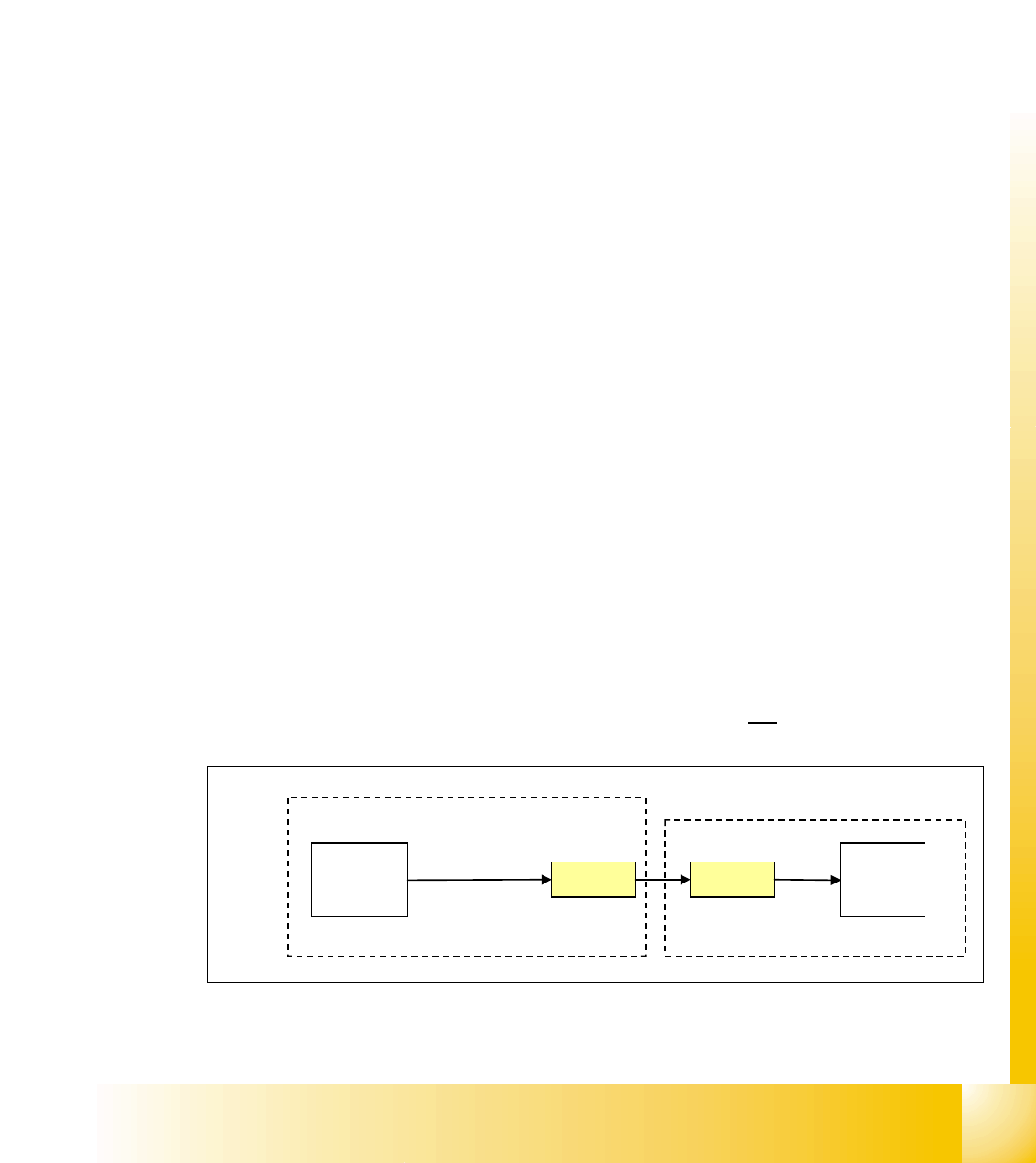
When the machine controller gets the signal (1st path) ’START BUTTON pressed’, it will
through the CAN I/O module set an output and proceed to A1 of contactor K5 to energize
K5 (C_Software_On)
4
So when K5 is energized, the signal from 2nd path will flow to X4 of the SSK. 4
1 - 27
Student Guide SIPLACE HF/HF3
Edition 09/2005 4 Services to the machine
27
4.2.9.1 How does the SSK latch?
Condition: When K5 is energized, the following will happen: 4
– L+ will get 24 V and will light up the first LED
– Since L+ and X1 are internally connected, this 24 V signal will be fed back from X1 to the
CAN I/O module as a SSK READY signal to the MC.
– The X4 on SSK will have 24 V temporary (only when ON is pressed), but it is enough to
energize K1' internal of the SSK. When K1’ is energized, K2' and K3' will also be energized
internally of SSK - only if X3 and X5 of SSK has 24 V with them.
How does X3 and X5 of SSK get the 24V?
– If all covers closed, feeder table locked on, E_Stop released - a 24 V will pass as the emer-
gency loop signal to K5 pin 3 and 4. It proceeds then to X3 and X 5 of SSK.
How does X14 and X34 get hte 24 V?
– When K2' and K3' are latched inside the SSK, pin 34 of SSK will have 24 V.
Main task of them is to power the tape cutter and to energize K2.
4
– When K2’ and K3’ are latched inside the SSK, pin 14 of SSK will have 24 V.
Main task of it is to energize K3 and K4 (with a slight delay).
4
4.2.10 Various Signal
4.2.10.1 Software Release (Software Enabled)
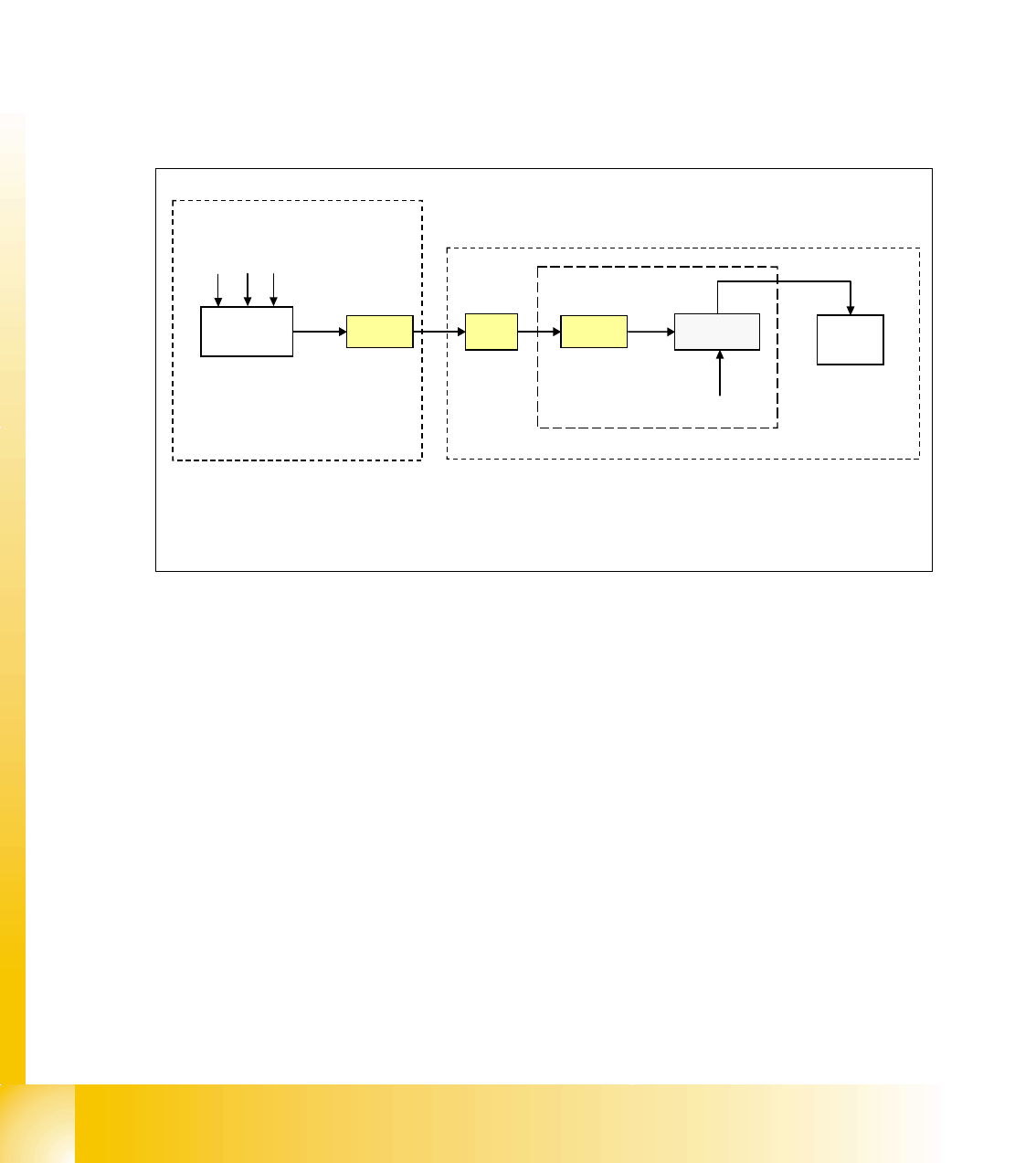
The software release signal is given by the CAN I/O card when the machine controller software is
fully booted. This means that not only must the machine controller software be booted but com-
munication must be established to the vision system, axis cards, CAN BUS, station computer and
line computer (unless it is operating in stand-alone mode).
The software release signal is only present on K5, contact A1 when the CAN I/O gives the signal
in combination when the start button is pressed.
If the emergency stop circuit is broken then the software release is
not given.
Fig. 4.2 - 18 software release signal
X2qa
CAN I/O
24 V
X16
K5
contact
A1
power supply
M_software
release
section 2
output
1 - 28
Student Guide SIPLACE HF/HF3
4 Services to the machine Edition 09/2005
28
4.2.10.2 Security Loop OK signal
The security loop signal is given by the CAN I/O when following conditions are filled.
Emergency stop loop is closed and in addition, every single safety device send a message to the
CAN I/O module. Inside this module, they are logical matched by using a FPGA and the
CAN I/O set an output 24V ’security messages OK’ which travels to the power supply.
Conditions:
– all covers closed
– all component tables connected
– all emergency stop button released
–
Fig. 4.2 - 19 signal security loop
This signal runs into the power supply X-20 and connects GND to SSK, contact X6.
CAN I/O
module
X2qa
X16
24 V
X8-20
BTS 117
SSK
X6
GND
GND
M_ covers closed
M_ tables connected
M_stop button released
power supply
1
Legend:
1: BTS 117 power switch for GND
section 2
output
inrush current limiter board