Horizon APiX Appendix Manual-low res.pdf - 第100页
TECHNICAL REFERENCE APPENDIX PREVENTIVE MAINTENANCE Chapter Issue 1 June 15 Appendix to Micron Technical Manuals 3.63 Monthly Maintenance Each month the following t ables are fill ed in prior to carrying out any equipmen…
TECHNICAL REFERENCE APPENDIX
PREVENTIVE MAINTENANCE
3.62 Appendix to Micron Technical Manuals Chapter Issue 1 June 15
dates or a specific word or phrase.
Each occurrence of an error for example, can be examined to see if the rate at
which it has occurred has increased (is it a random occurrence or an increasing
trend?).
Authorization At the end of each monthly task a Summary/Remarks form is provided to allow
the engineer to make comments or express observations. He must sign off and
date the form so that there is a record that the schedule has been completed.
NOTE
The following pages can be used as a template to create a preventive mainte-
nance schedule. They can be photocopied and stored as a permanent record
of maintenance tasks performed.
readings.dek
event.dat
27/04/2000 14:00:02 40022 Valid Dongle Detected
27/04/2000 14:00:22 41570 Rail Lifted Error
27/04/2000 14:00:14 48273System Initialised
27/04/2000 14:00:14 48273System Initialised
DATA X reverse [mm] ,0,0000.0,0000.0,0.414,-0.02234
DATA Y reverse [mm] ,0,0000.0,0000.0,0.521,-0.07776
DATA T reverse [mm] ,1,0000.0,0000.0,2.414,-0.05568
CONFIG CamAx2
CONFIG FACTORALTTHJXCK
27/04/2000 14:00:30 50001 Machine RecoveryStarted
27/04/2000 14:00:14 56183 System Power On
27/04/2000 14:00:14 56183 System Power On
27/04/2000 14:00:28 41212 Product Data Changed
27/04/2000 14:00:16 325876 PCIB Ready
27/04/2000 14:00:16 325876 PCIB Ready
27/04/2000
14:00:02 40022 V
alid Dongle Detected
27/04/2000 14:00:02 3867 Power Up
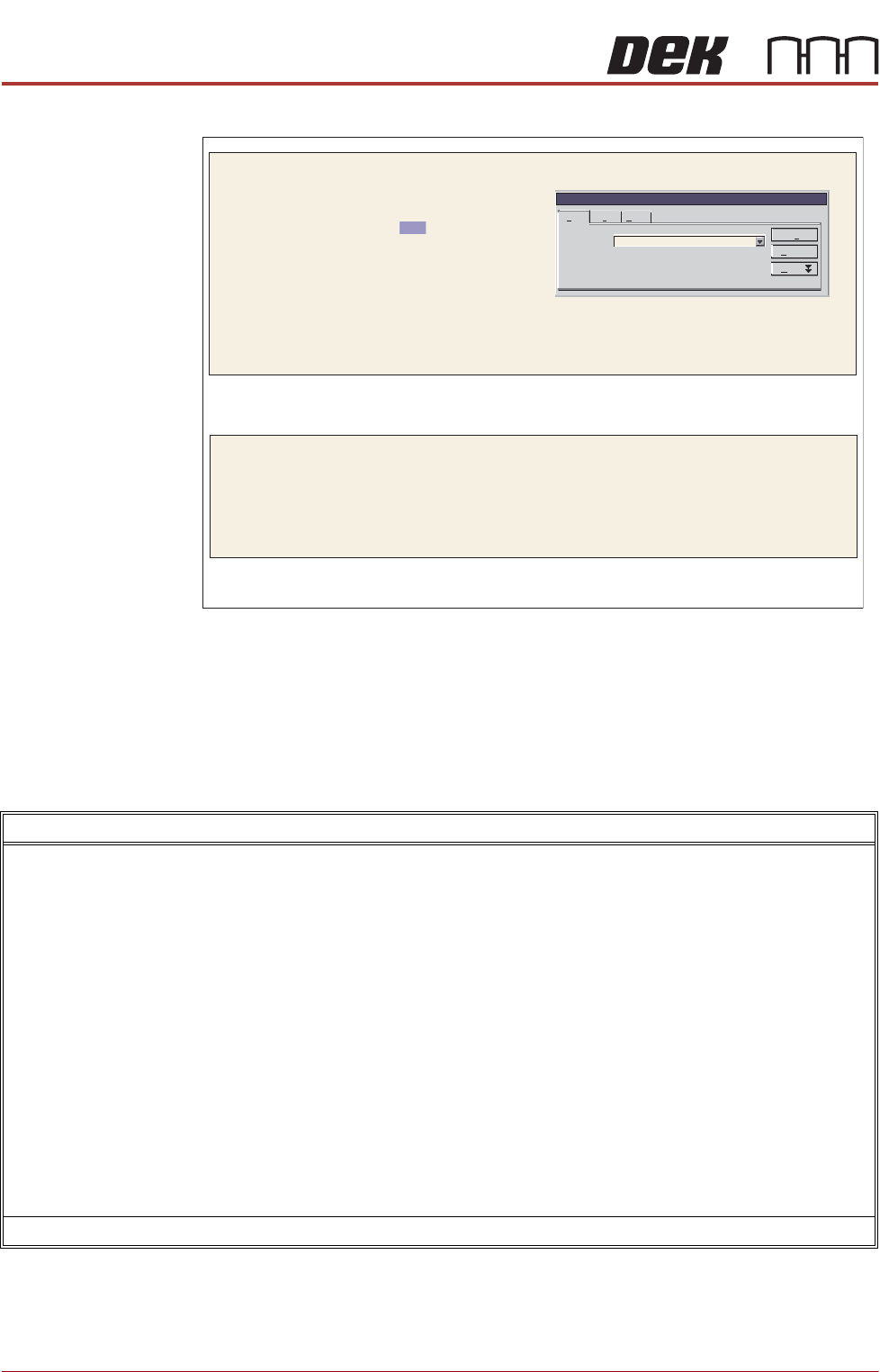
Find and ReplaceFind and Replace
Find
Find what:
Find extN
Cancel
More
Options: Search Down
Error
Re lacep
Go To
Error
y
Summary/Remarks
Signed: Date:
TECHNICAL REFERENCE APPENDIX
PREVENTIVE MAINTENANCE
Chapter Issue 1 June 15 Appendix to Micron Technical Manuals 3.63
Monthly
Maintenance
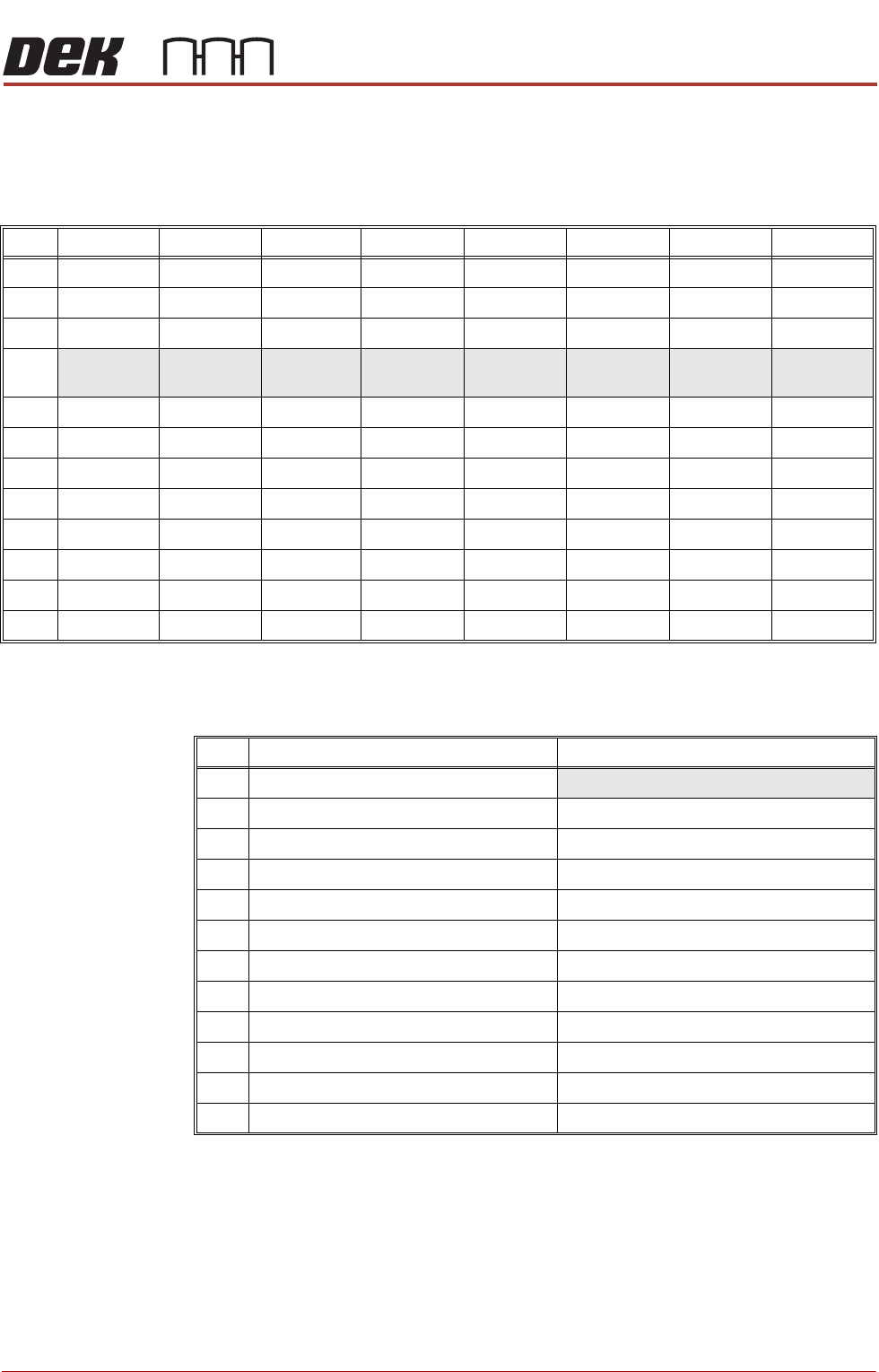
Each month the following tables are filled in prior to carrying out any equipment
checks. Run ten cycles prior to making the thirty test measurements.
SPC Alignment
Check
Follow details in the Accuracy Check section previously described in this
chapter. Record details for each visit.
Machine Cycle
Count
Record the machine cycle count for each visit.
Visit Pre X Pre Y Pre Theta Post X Post Y Post Theta Front Sqy Rear Sqy
1
2
3
4 100 Cycles 100 Cycles 100 Cycles 100 Cycles 100 Cycles 100 Cycles 100 Cycles 100 Cycles
5
6
7
8
9
10
11
12
Visit Insert the Cycle Count No. of cycles between visits
1
2-
3-
4-
5-
6-
7-
8-
9-
10 -
11 -
12 -
TECHNICAL REFERENCE APPENDIX
PREVENTIVE MAINTENANCE
3.64 Appendix to Micron Technical Manuals Chapter Issue 1 June 15
Month January Maintenance Procedure
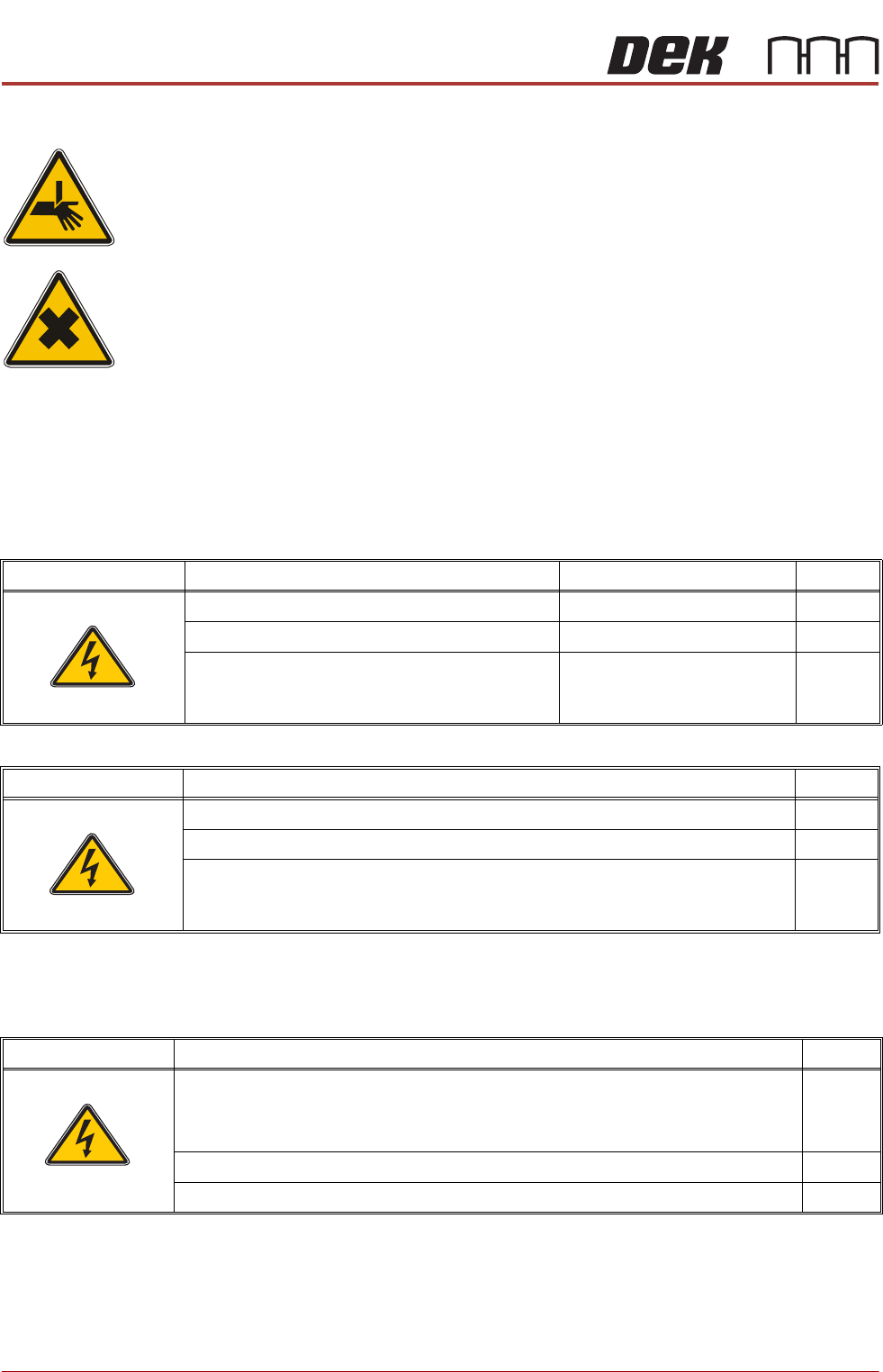
WARNING
BOARD CLAMPS. EXTREME CARE MUST BE EXERCISED WHEN WORKING IN
THE TOOLING AREA OF THE MACHINE TO AVOID INJURY. THE FOILS ON THE
FRONT AND REAR BOARD CLAMPS ARE VERY SHARP.
WARNING
HARMFUL SUBSTANCES. CLEANING WIPES AND CLEANING SOLUTIONS MAY
CONTAIN SUBSTANCES HAZARDOUS TO HEALTH. OBSERVE ALL
MANUFACTURERS’ HEALTH AND SAFETY GUIDELINES. ALWAYS WEAR
APPROVED PROTECTIVE CLOTHING WHEN CLEANING THE MACHINE.
SPC Alignment
Check and Machine
Cycle Count
Fill out details: SPC Alignment Check and Machine Cycle Count at the start of
this section.
Software
Monthly Maintenance
SEMI Level Software Check Record Tick
Check the date and time settings.
Check the software loaded and options.
Check the software version is the latest issue.
SEMI 2
SEMI Level View Event Log Tick
Check for initialisation errors.
Check for screen position errors (31210, 31211, 31212).
Check for camera errors (31207, 31208).
SEMI 2
SEMI Level Under Screen Cleaner (USC) Tick
Check the condition of the squeegee blades (Blue).
NOTE
ASM recommend squeegee blades are replaced every six months.
Check the screen cleaner height.
Check the condition of all hoses and connections.
SEMI 1