CM602all_EJM8AESM_Service Manual.pdf - 第12页
CM602- L Se r vi c e Manual 12 Locations of safety sw itches This m achi ne has four sa fety switches on the front/rear sa fety covers and tw o ones on the optiona l extens i on conveyors. EJM 8A-E- XX A00-A03- 00 EJM4…
CM602-L
Service Manual
11
Safety Precautions
Be sure to observe
The precautions that shall be observed in order to prevent an injury to the user or the
other persons, and damage to property, are described as follows.
The degrees of danger or injury, resulting from incorrect usage owing to failure to read an
indication, are classified and described as follows.
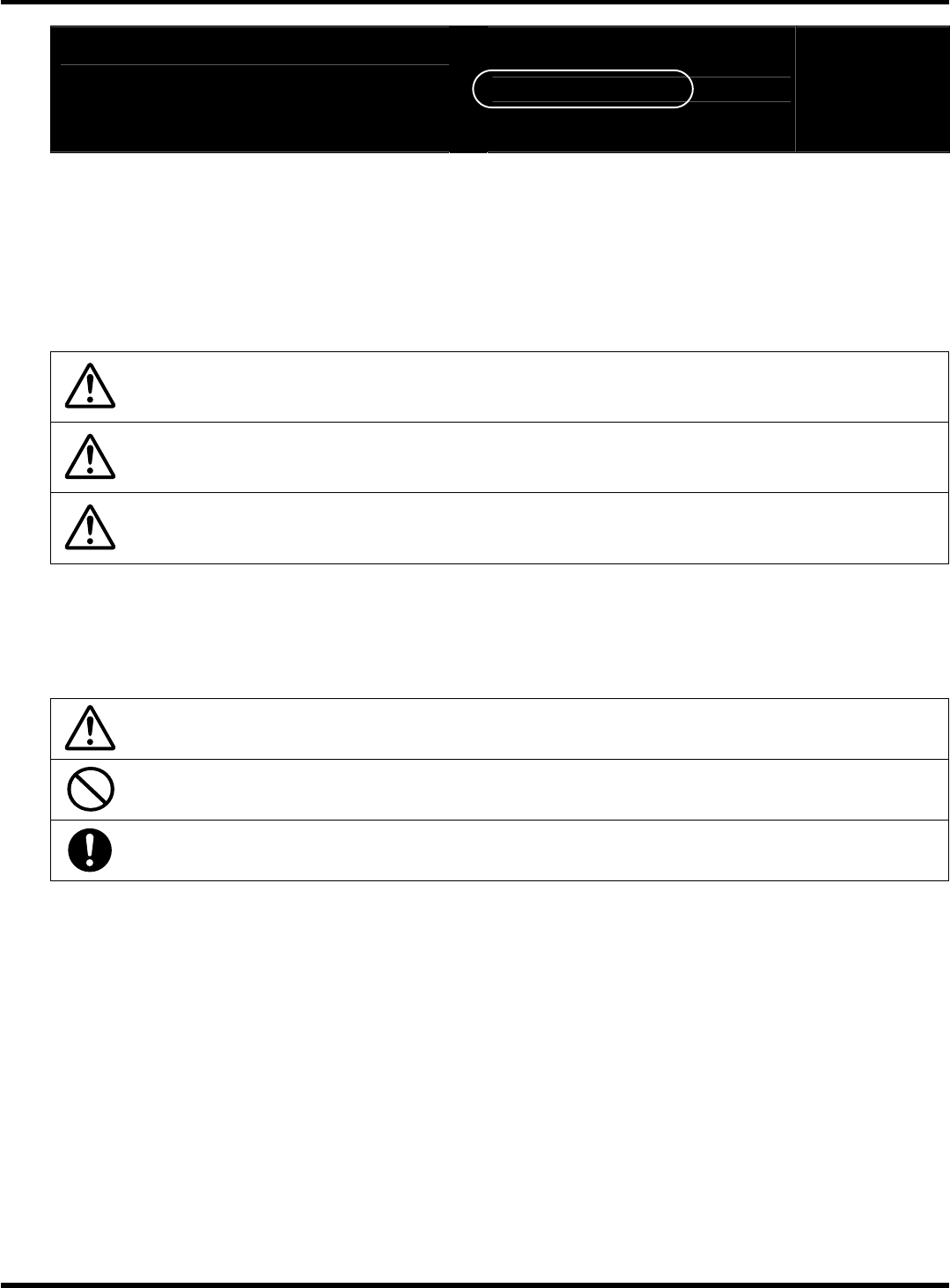
DANGER
This indication refers to a situation which is considered that there is
imminent danger of death or serious injury.
WARNING
This indication refers to a situation which is considered that there is a
possibility of death or serious injury.
CAUTION
This indication refers to a situation which is considered that there is a
possibility of only injury or physical damage.
The matters that shall be observed are classified by the symbols shown below, and
described.
(The following are the examples of the symbols.)
This kind of symbol indicates the matters to which attention must be paid.
This kind of symbol indicates an action that must not be carried out.
This kind of symbol indicates an action that must be carried out.
EJM8A-E-XXA00-A03-00
CM602-L
Service Manual
12
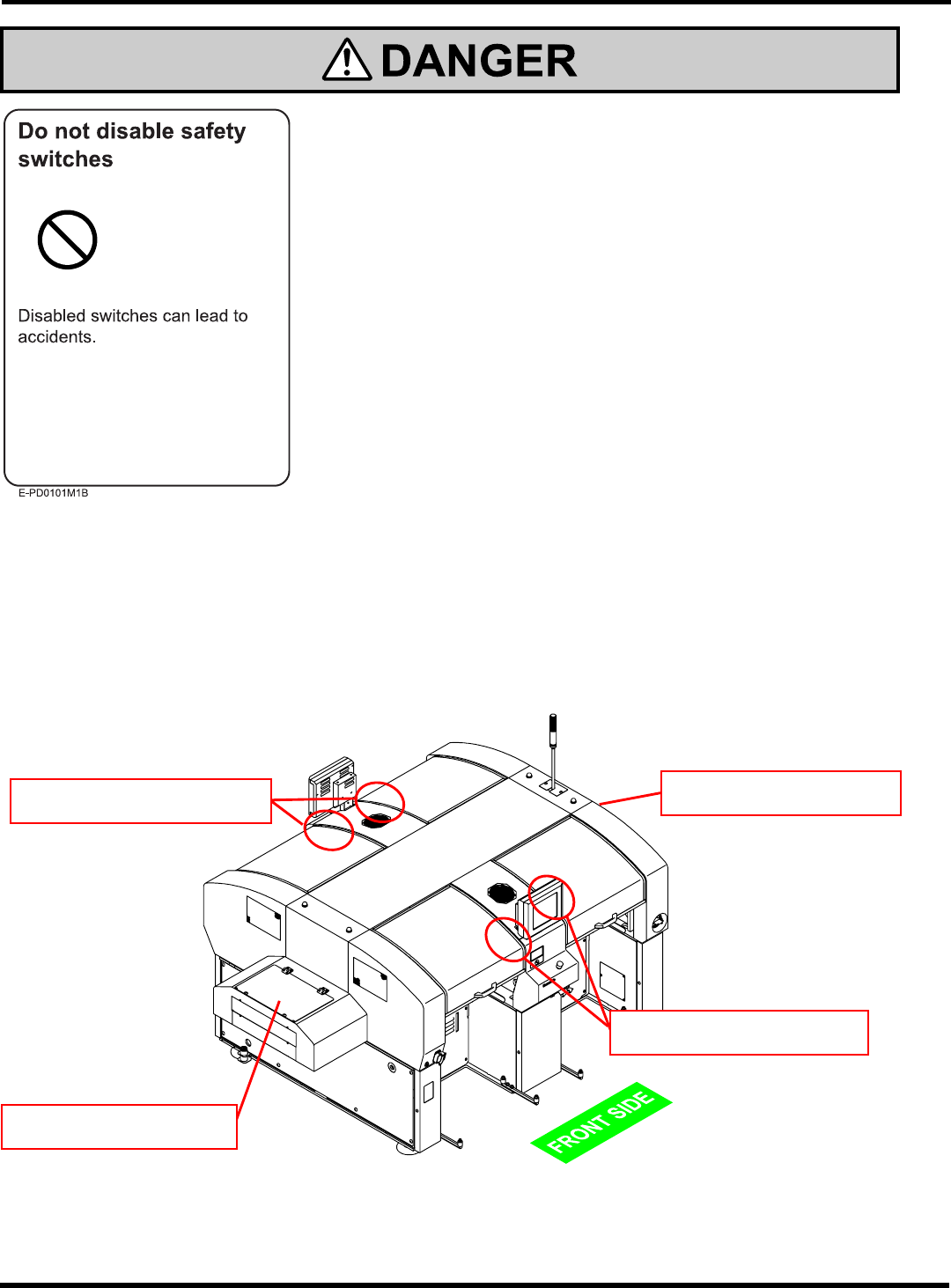
Locations of safety switches
This machine has four safety switches on the front/rear safety covers and two ones on the
optional extension conveyors.
EJM8A-E-XXA00-A03-00
EJM4A-AG01
Safety switch
on the front safety cover
Safety switch
on the rear safety cover
Safety switch
on the extension conveyor
Safety switch
on the extension conveyor
CM602-L
Service Manual
13
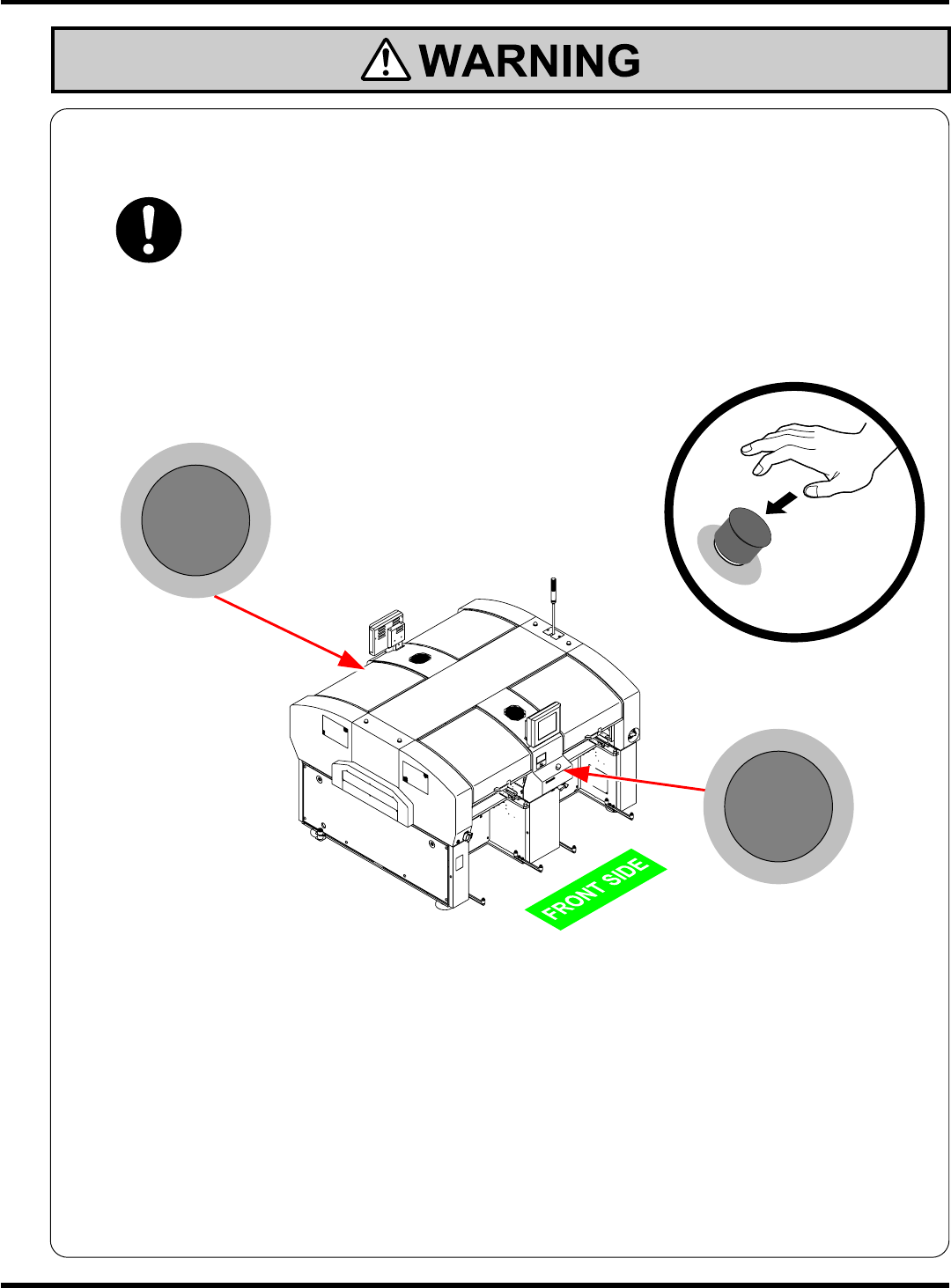
If you sense any danger or abnormality, press an emergency stop button to
stop operation.
If you continue to operate the machine in a dangerous or abnormal state, a breakdown or
an accident will occur.
CM602-L has two emergency stop buttons. Pressing any one of them stops operation.
Press the nearest one.
Eliminate the cause of danger or abnormality, and then restart operation.
To reset, pull the emergency stop button.
Emergency stop button
(At the rear side)
Emergency stop button
(At the front side)
M107B
EJM8A-E-XXA00-A03-00
EJM4A-AA01