CM602all_EJM8AESM_Service Manual.pdf - 第576页
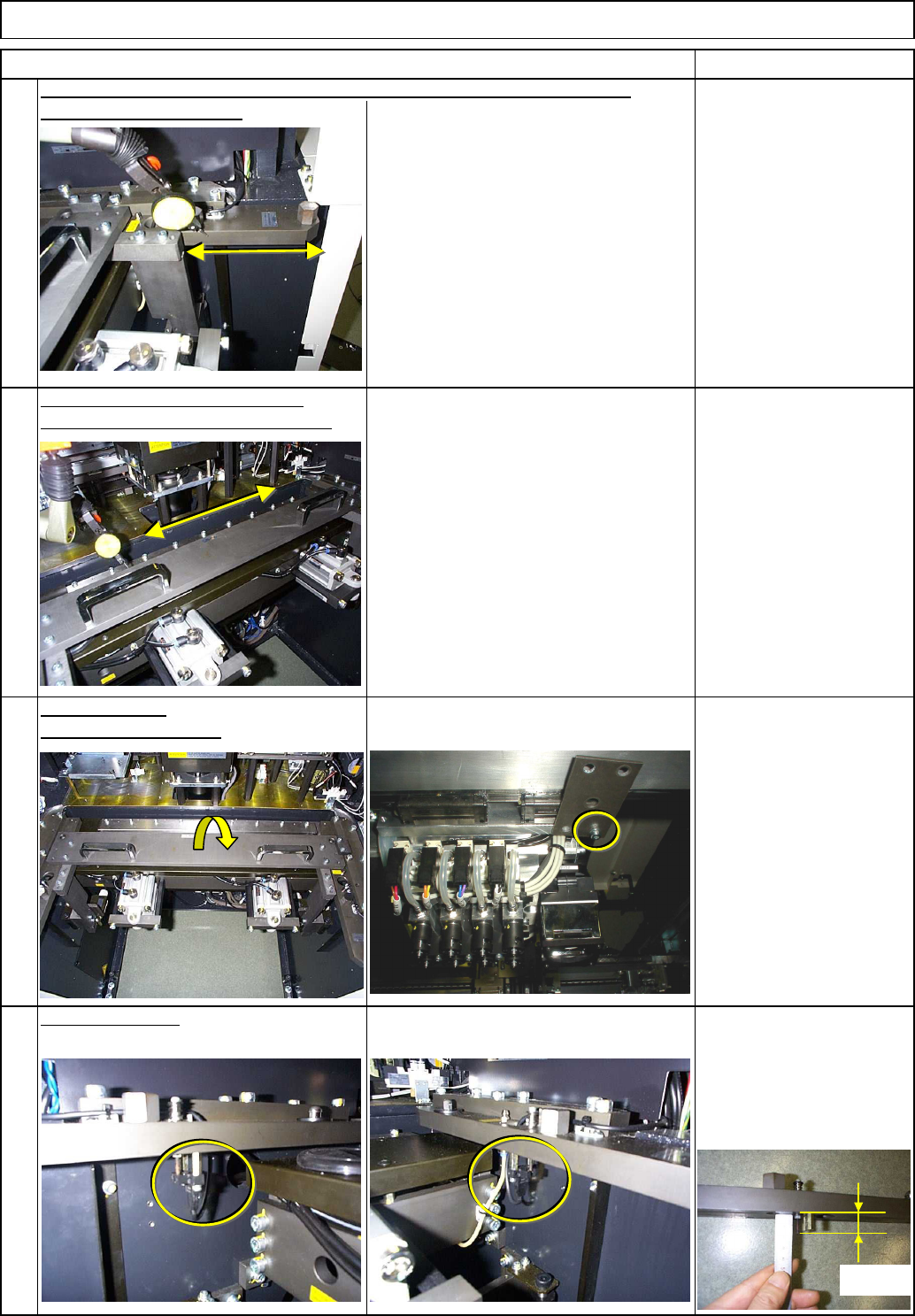
20 Allen key 2.5 mm Screw M3 4 pcs. 19 Remove the jig. Remove the iron plate. Allen key 3 mm Iron plate Magnetic stand Dial gauge Install the sensor. Once the jig has been adjusted to parallel, adjust the right bracket s…
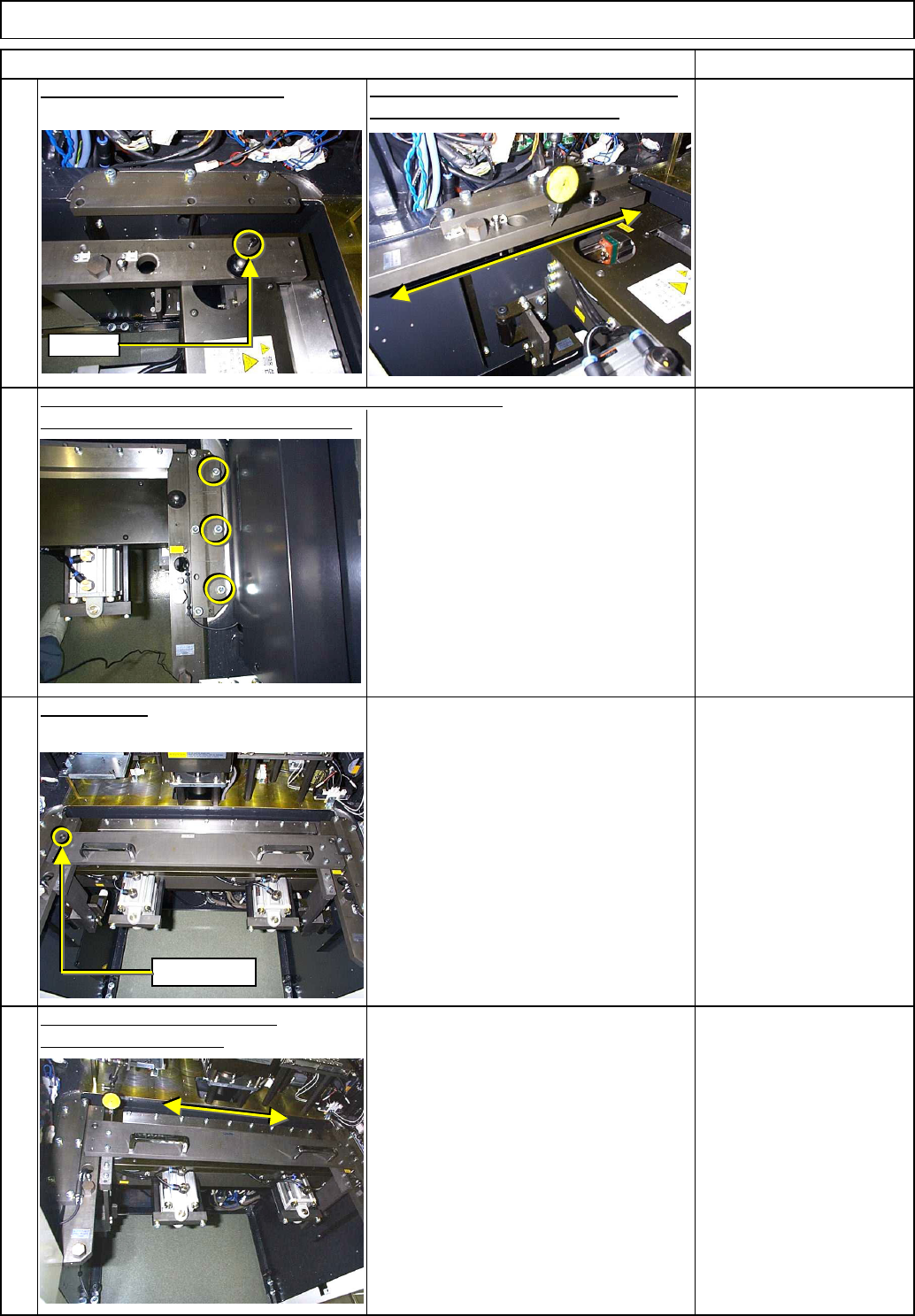
Once the parallelism is achieved,
tighten all bolts and loosen the bolts
circled at left.
To adjust it, move the right bracket,
which is half fixed.
14
16
Adjust the jig so that the jig is
parallel with the X-axis.
15
Mount the jig.
(There is no split pins on the right side.)
Adjust the right bracket so that it is parallel with the Y-axis.
Item Remarks
13
Fit the cart positioning bracket.
Referring to the split pin, adjust the bracket
so that it is parallel with the Y-axis.
Machinery Part Replacement Feeder Cart Installing Section
S
p
lit
Reference
EJM8A-E-SMA050802-A01-00
Page 5-8-2-5
20
Allen key 2.5 mm
Screw M3 4 pcs.
19
Remove the jig.
Remove the iron plate.
Allen key 3 mm
Iron plate
Magnetic stand
Dial gauge
Install the sensor.
Once the jig has been adjusted to parallel, adjust the right bracket so that it
18
Confirm the parallelism of the jig.
Tighten the bracket bolts completely.
Machinery Part Replacement Feeder Cart Installing Section
Item Remarks
17
is parallel with the Y-axis.
16.5㎜
EJM8A-E-SMA050802-A01-00
Page 5-8-2-6
24
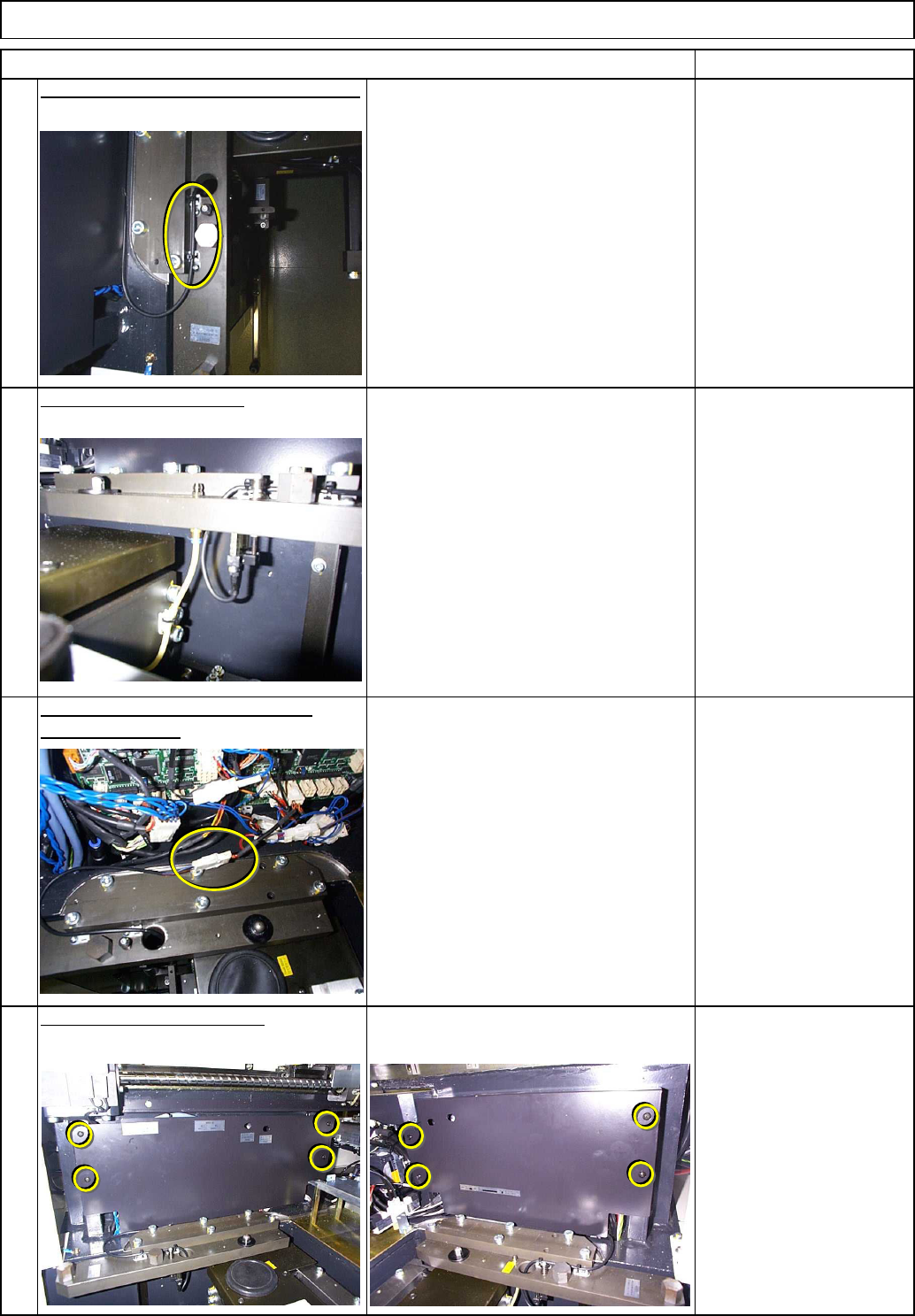
Put the side covers back on.
23
Connect the cart installation check
sensor connector.
22
Remove the grease hose.
Item Remarks
21
Secure the sensor cable with a cable tie.
Nipper
Machinery Part Replacement Feeder Cart Installing Section
EJM8A-E-SMA050802-A01-00
Page 5-8-2-7