CM602all_EJM8AESM_Service Manual.pdf - 第987页
For the procedures from this step onwar d see "Installing the Shuttle Tray Feeder" Section 7-1-1 "Installing the Shuttle Tray Feeder" 46 Connect the shuttle tray. Tray Shuttle Tray After changing the …
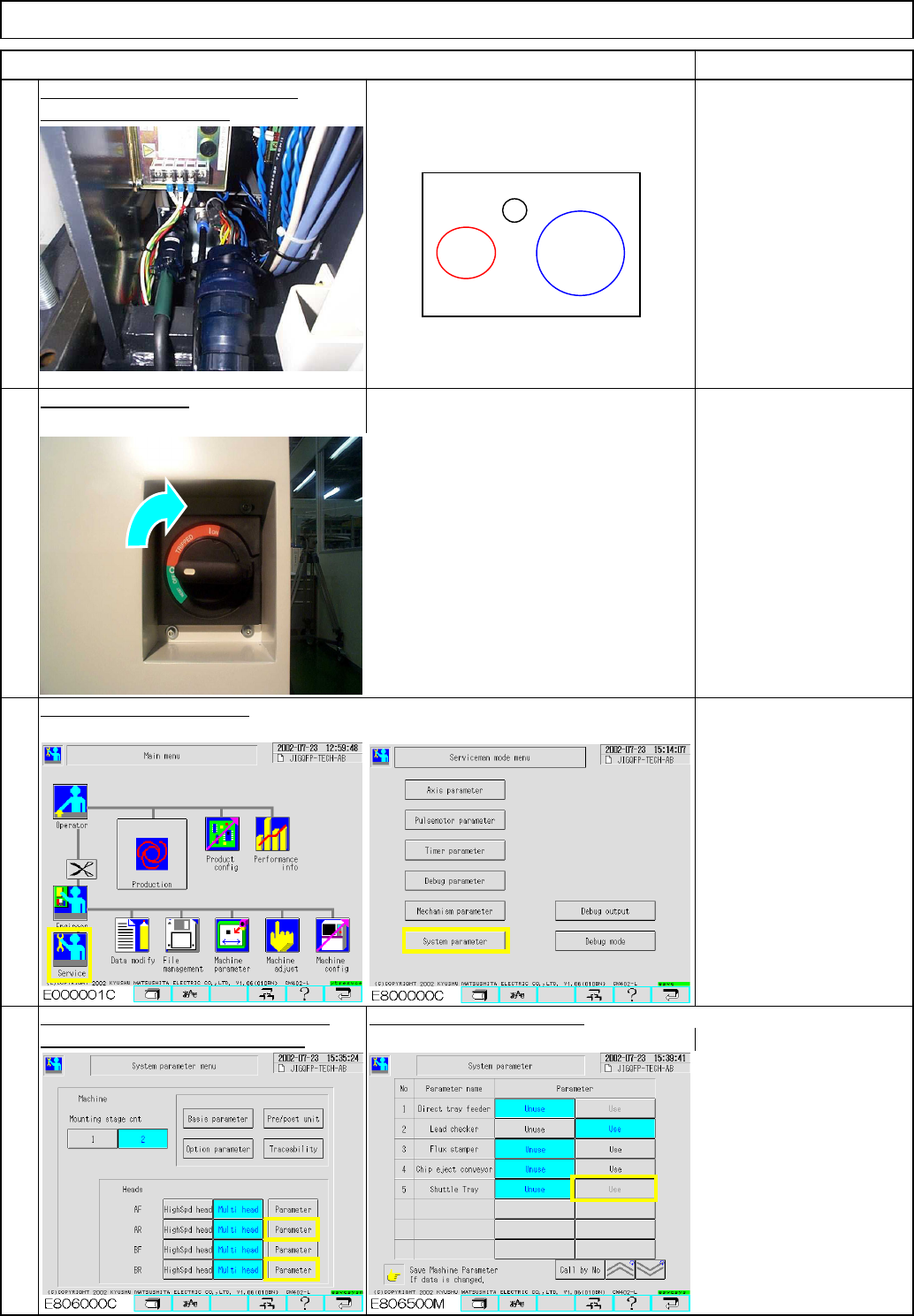
Fix the bracket in place.
Turn on the power.
Shuttle Tray
41
Fit the connectors and the joints.
Item
Connect a short connector
to the signal cable for the
unused stage. (Otherwise,
the monitor will be
locked.)
Select the stage on which the shuttle
Set "Shuttle Tray" to "Use."
tray will be installed. (AR or BR)
Change the specifications.
42
Tray
44
43
Remarks
Tray power
Tray signal
cable
Tray air joint
EJM8A-E-SMA070117-A01-00 Page 7-1-17-12
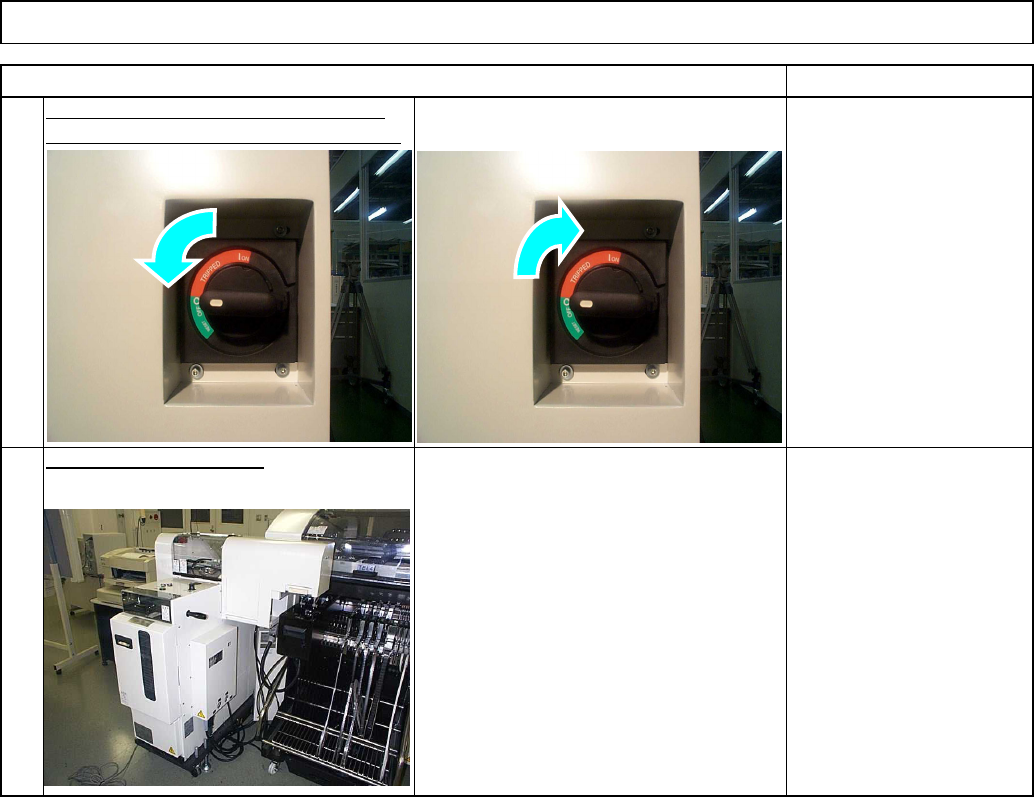
For the procedures from this step onwar
d
see "Installing the Shuttle Tray Feeder"
Section 7-1-1
"Installing the Shuttle Tray
Feeder"
46
Connect the shuttle tray.
Tray Shuttle Tray
After changing the shuttle tray setting,
Item Remarks
45
power down and power up the machine.
EJM8A-E-SMA070117-A01-00 Page 7-1-17-13
Tools
Jigs
Removal/Disassembly Assembly/Adjustment
Teaching
Total Part Weight
Min. Min. Min.
2020
kgs.
40
Min.
7-1-18 Removing the Control Box.
Shuttle TrayTray
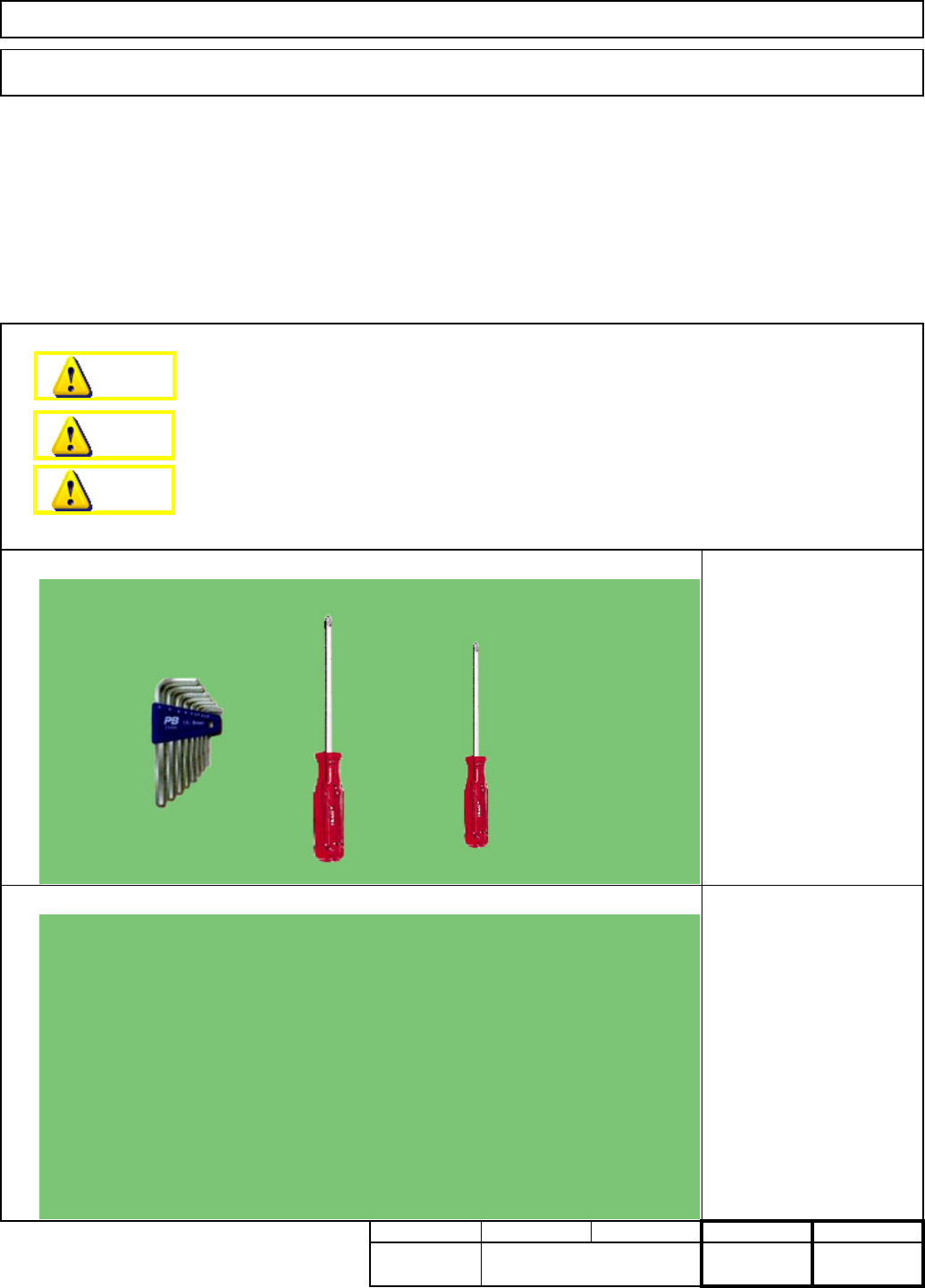
This section describes the procedures for removing the control box.
None
Phillips screwdriver #1
Phillips screwdriver #2
Allen key 3 mm
Dange
r
Warning
Caution
EJM8A-E-SMA070118-A01-00
Page 7-1-18-1