wire-bonder.pdf - 第43页
WEST•BOND MODEL 454647E SER IES INSTRUCTION MANUAL 37 OPERATION Go To (Type) This is screen 2 of the Go To Sequence (G was pressed in scree n 1 of Go To Sequence). GO TO Type: 1 of 30 A=Backspace or Escape G=OK When the …
WEST•BOND MODEL 454647E SERIES INSTRUCTION MANUAL
36
OPERATION
Go To
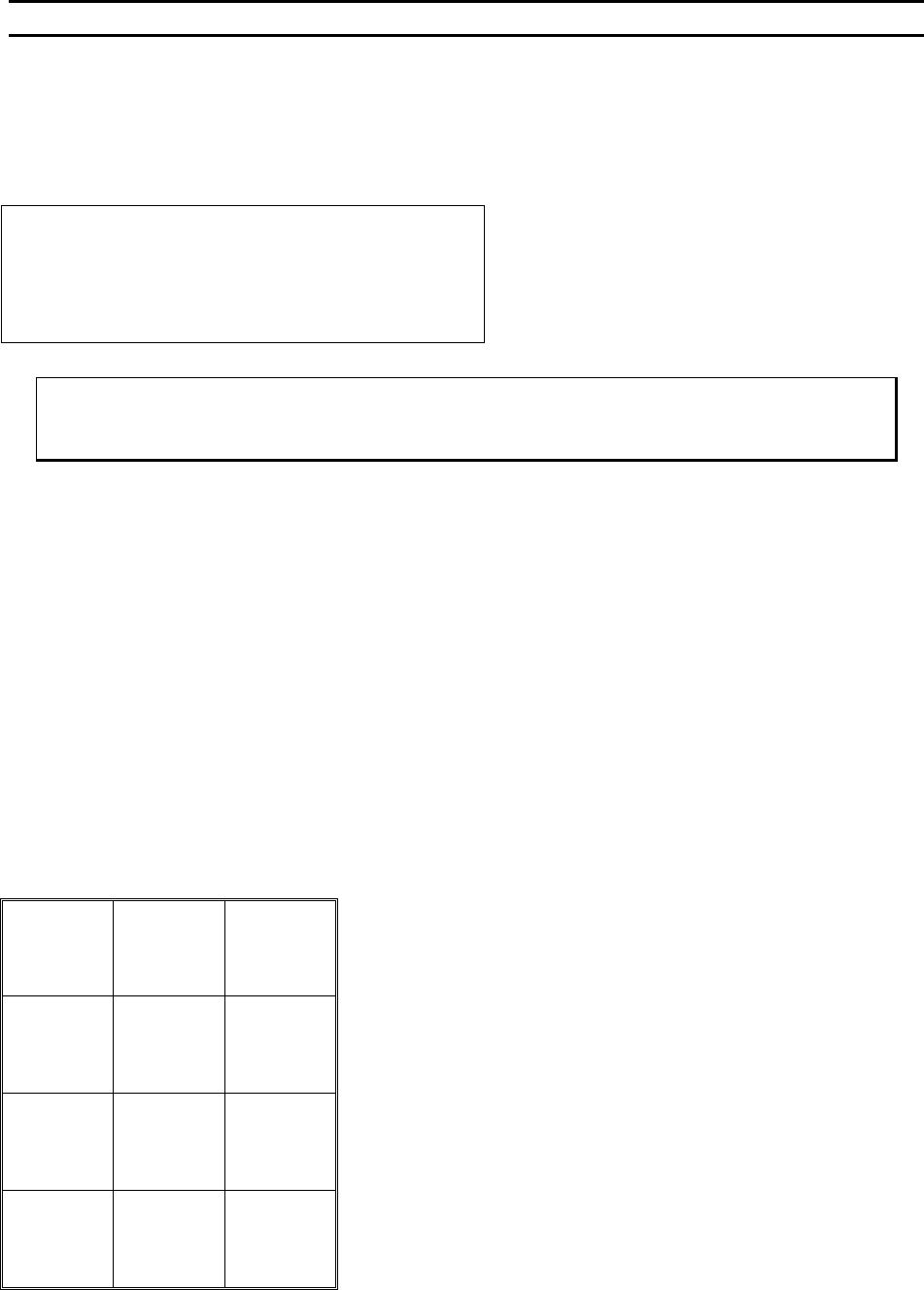
This option allows the operator to specify where the bonding sequence should begin. Specify either by
the Device #, Type #, then Wire #
Go To (Device)
GO TO
Device: 1 of 30
A=Backspace or Escape G=OK
Screen 1 of the Go To Sequence. The default is
the current device.
G = OK or Go To (Type).
The A key will exit if pressed multiple times
ϑ To call “Go To (Device)”
From the H
OME menu press key 2 (GO TO) then follow the instructions on the LCD.
Key Format:
1
2
3
4
5
6
7
8
9
Escape
A
0
OK
G
WEST•BOND MODEL 454647E SERIES INSTRUCTION MANUAL
37
OPERATION
Go To (Type)
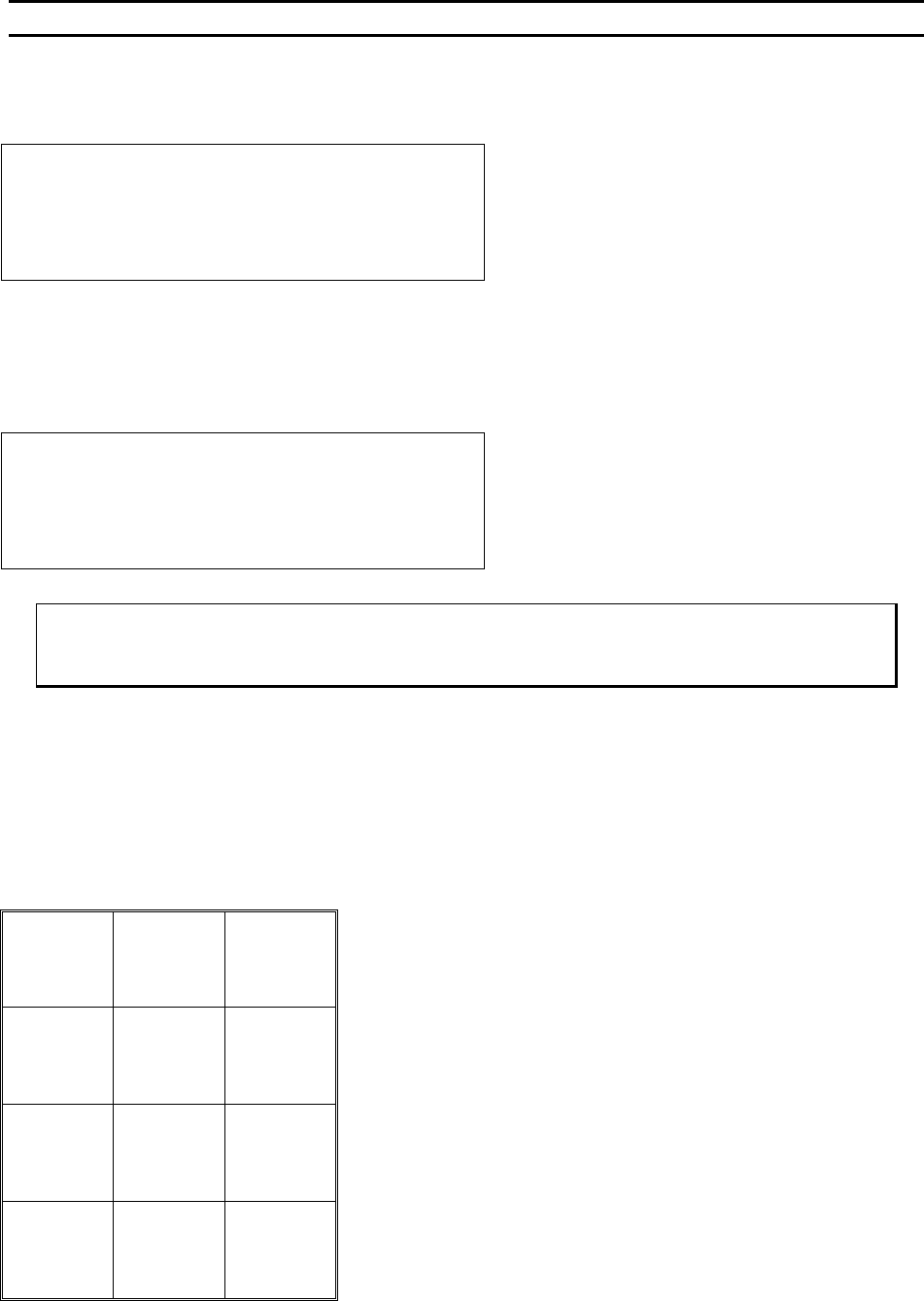
This is screen 2 of the Go To Sequence (G was pressed in screen 1 of Go To Sequence).
GO TO
Type: 1 of 30
A=Backspace or Escape G=OK
When the device has been changed, Type 1 is selected as the factory default. Otherwise, the current type
displayed is the point where bonding left off at.
The A key will exit if pressed multiple times
Go To (Wire)
GO TO
Wire: 1 of 5
A=Backspace or Escape G=OK
ϑ To call “Go To (Type)”
From the H
OME menu press 2 (GO TO) then follow the instructions on the LCD.
Key Format:
1
2
3
4
5
6
7
8
9
Backspace
Or
Escape A
0
OK
G
WEST•BOND MODEL 454647E SERIES INSTRUCTION MANUAL
38
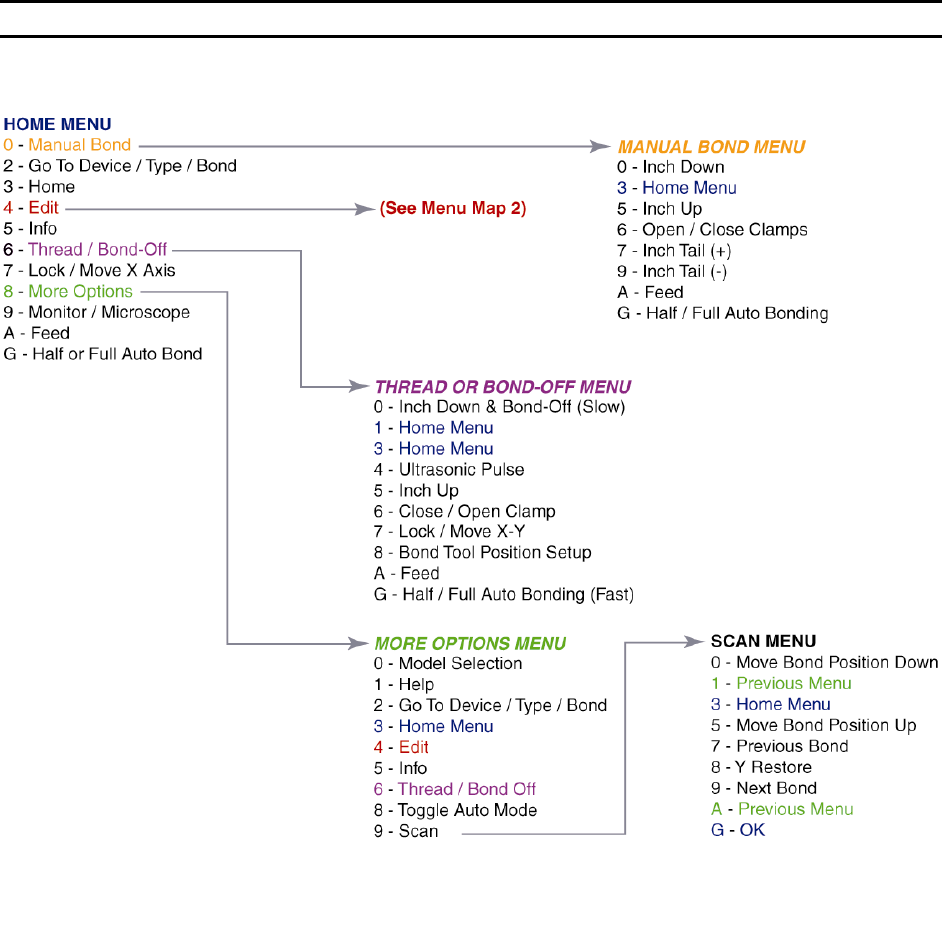
MENU MAP
Model 4546E