wire-bonder.pdf - 第88页
WEST•BOND MODEL 454647E SER IES INSTRUCTION MANUAL 82 ADVANCED PROGRAMMING Edit Bond Force This menu is only available if the Dual Force opti on has been selected. This menu will allow the operator to specify whether a b…
WEST•BOND MODEL 454647E SERIES INSTRUCTION MANUAL
81
ADVANCED PROGRAMMING
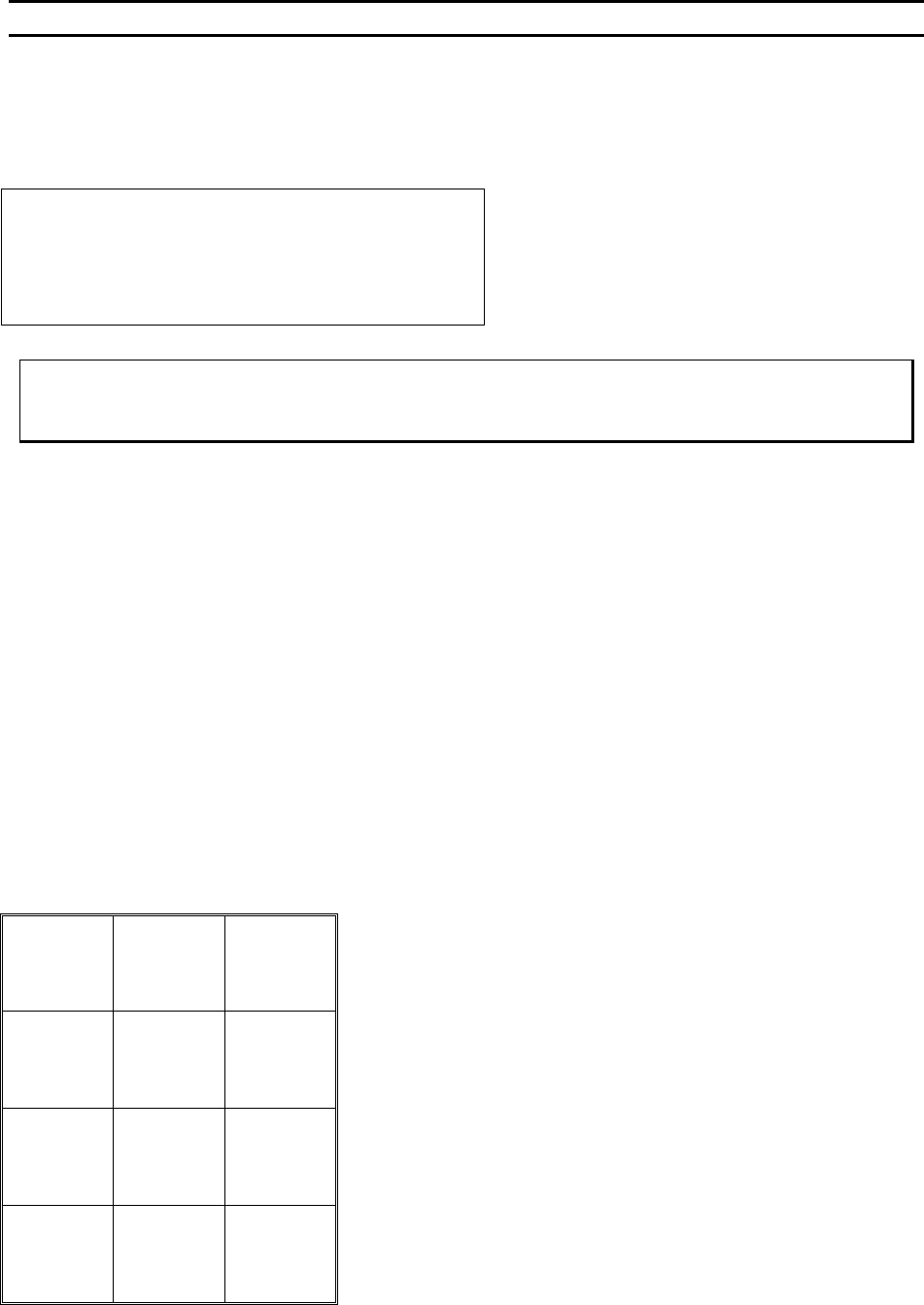
Edit Ultrasonic Time
From this menu the operator can increase or decrease the Ultrasonic Time applied to the wire for
bonding. The scale is 000 ms to 999 ms.
EDIT ULTRASONIC TIME
ULTRASONIC TIME, Bond #5: 15 msecs
4=Key in 5=Increase 6=Copy
7=Prev bond 8=Suggest 9=Next bond
A=Prev option 0=Decrease G=Next option
To edit “Ultrasonic Time”
From the H
OME menu press 4 (EDIT), A (BOND EDIT), 4 (EDIT BOND), then 5 (ULTRASONIC TIME)
Key Format:
Previous
Menu
1
Go To
Device/Type
2
Home
3
Key in
4
↑
Increase
5
Copy
6
Previous
bond
7
Suggest
8
Next bond
9
Previous
Option
A
↓
Decrease
0
Next
Option
G
WEST•BOND MODEL 454647E SERIES INSTRUCTION MANUAL
82
ADVANCED PROGRAMMING
Edit Bond Force
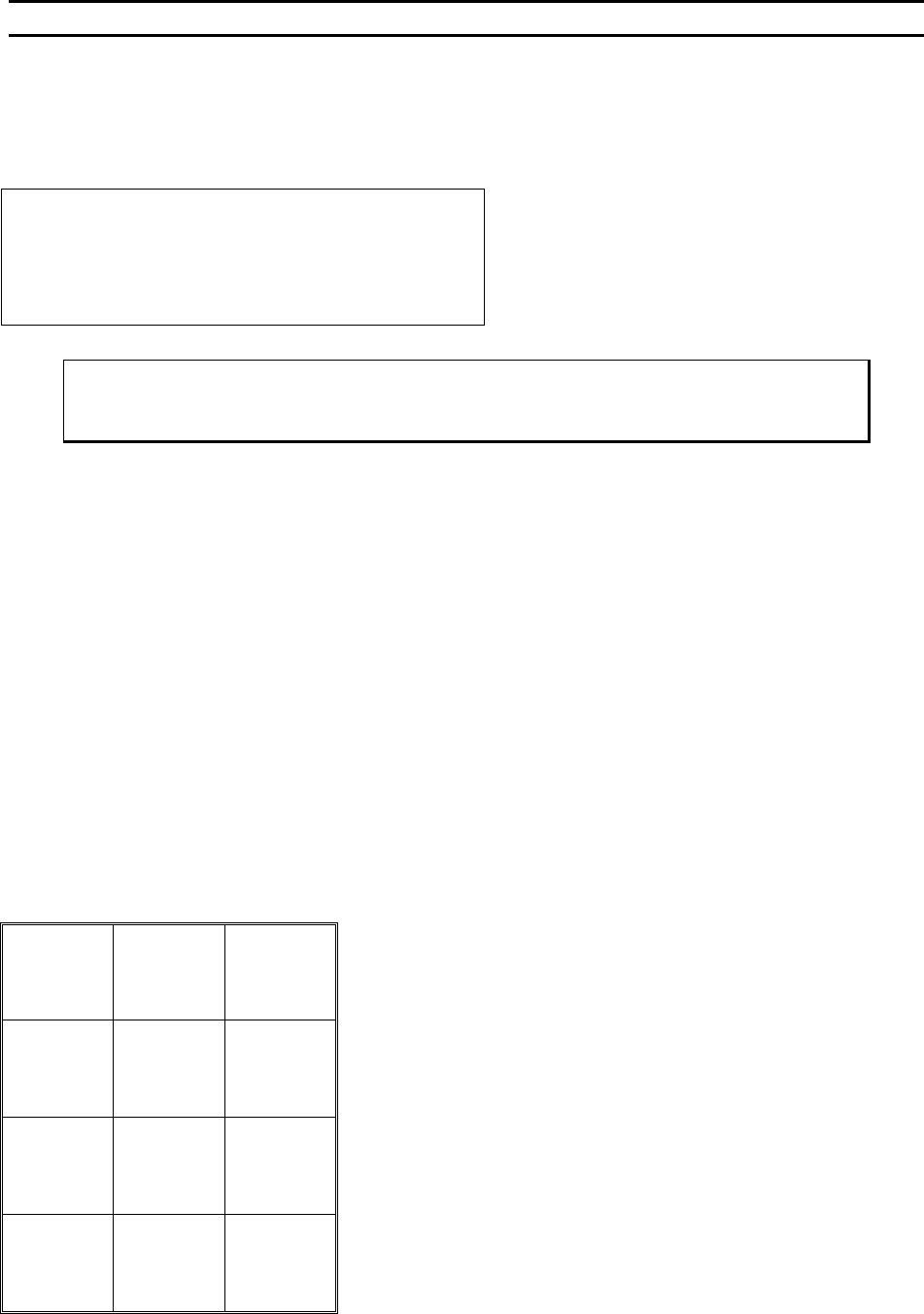
This menu is only available if the Dual Force option has been selected. This menu will allow the operator
to specify whether a bond should receive High or Low force. This can be changed from bond to bond.
EDIT BOND FORCE
FORCE for Bond #5: High
5=High 6=Copy
7=Prev bond 8=Suggest 9=Next bond
A=Prev option 0=Low G=Next option
To edit “Bond Force”
From the H
OME menu press 4 (EDIT), A (BOND EDIT), 4 (EDIT BOND), then 6 (FORCE)
Key Format:
Previous
Menu
1
Go To
Device/Type
2
Home
3
4
High
5
Copy
6
Previous
bond
7
Suggest
8
Next bond
9
Previous
Option
A
Low
0
Next option
G
WEST•BOND MODEL 454647E SERIES INSTRUCTION MANUAL
83
ADVANCED PROGRAMMING
Edit Bond Depth
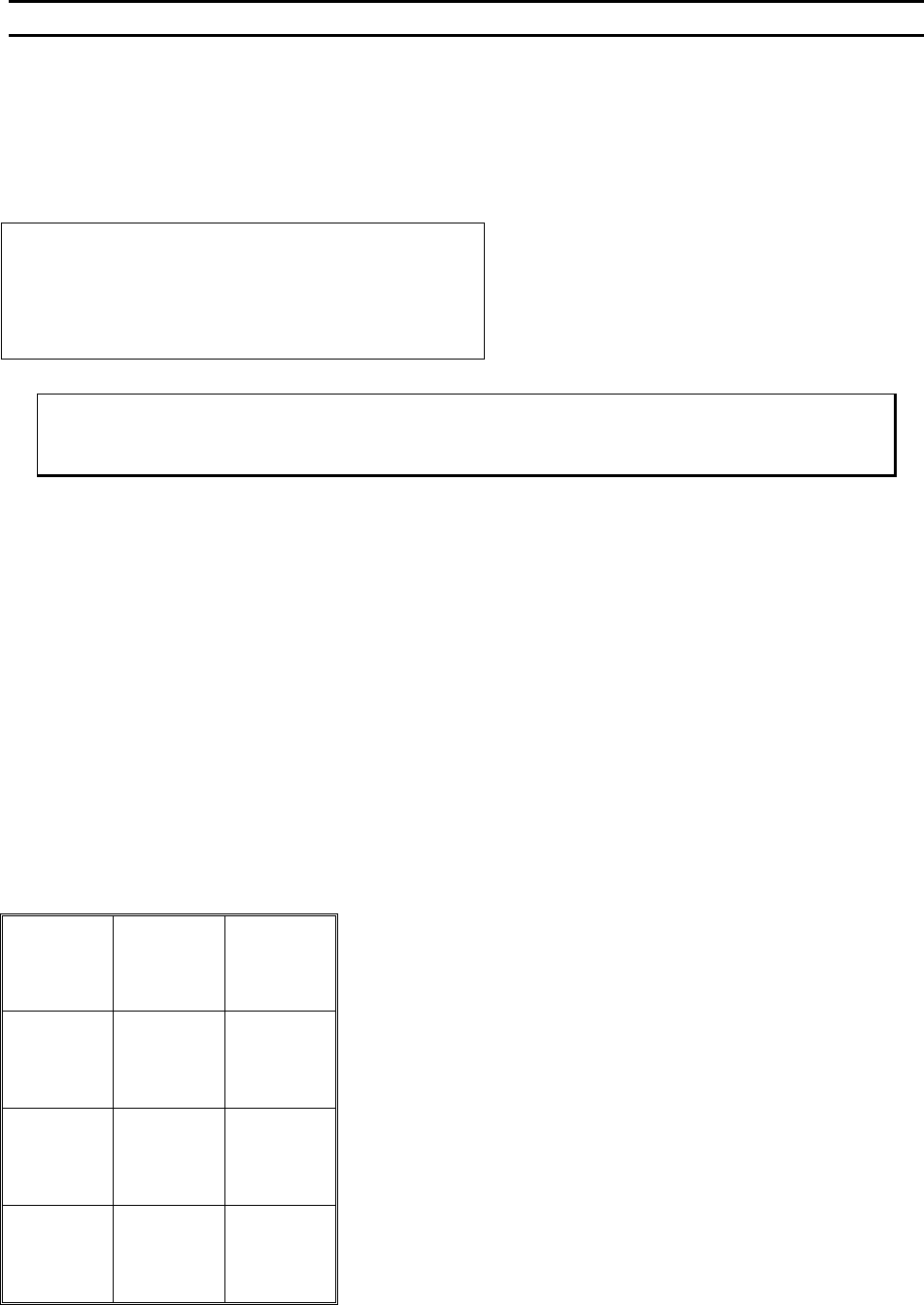
This option allows the operator to set how many Z motor step are to be taken after the work has been
contacted. By following the wire into the work, the tool can negate the dampening effects of a soft
surfaced substrate.
EDIT BOND DEPTH
Depth for Bond #3: 2 Z steps
4=Key in 5=Increase 6=Copy
7=Prev bond 8=Suggest 9=Next bond
A=Prev option 0=Decrease G=Next option
To edit “Bond Depth”
From the H
OME menu press 4 (EDIT), A (BOND EDIT), 4 (EDIT BOND), then 7 (BOND DEPTH)
Key Format:
Previous
Menu
1
Go To
Device/Type
2
Home
3
Key in
4
↑
Increase
5
Copy
6
Previous
bond
7
Suggest
8
Next bond
9
Previous
Option
A
↓
Decrease
0
Next option
G