wire-bonder.pdf - 第97页
WEST•BOND MODEL 454647E SER IES INSTRUCTION MANUAL 91 ADVANCED PROGRAMMING Z-Before-Y The number of motor steps the motor raises u p o ff of the work, after first bond, before making any movement in the Y direction. Typi…
WEST•BOND MODEL 454647E SERIES INSTRUCTION MANUAL
90
ADVANCED PROGRAMMING
Search
An elevation at which the operation can visually place the bond. When the machine is in Half-Auto mode
or any key is held in Full-Auto mode, the bonder stops here at S
EARCH to allow the operator to make any
final adjustments to the bond position. This position should be set far enough from the chip to avoid
contact at this elevation- yet it should be close enough to make visual bond targeting possible.
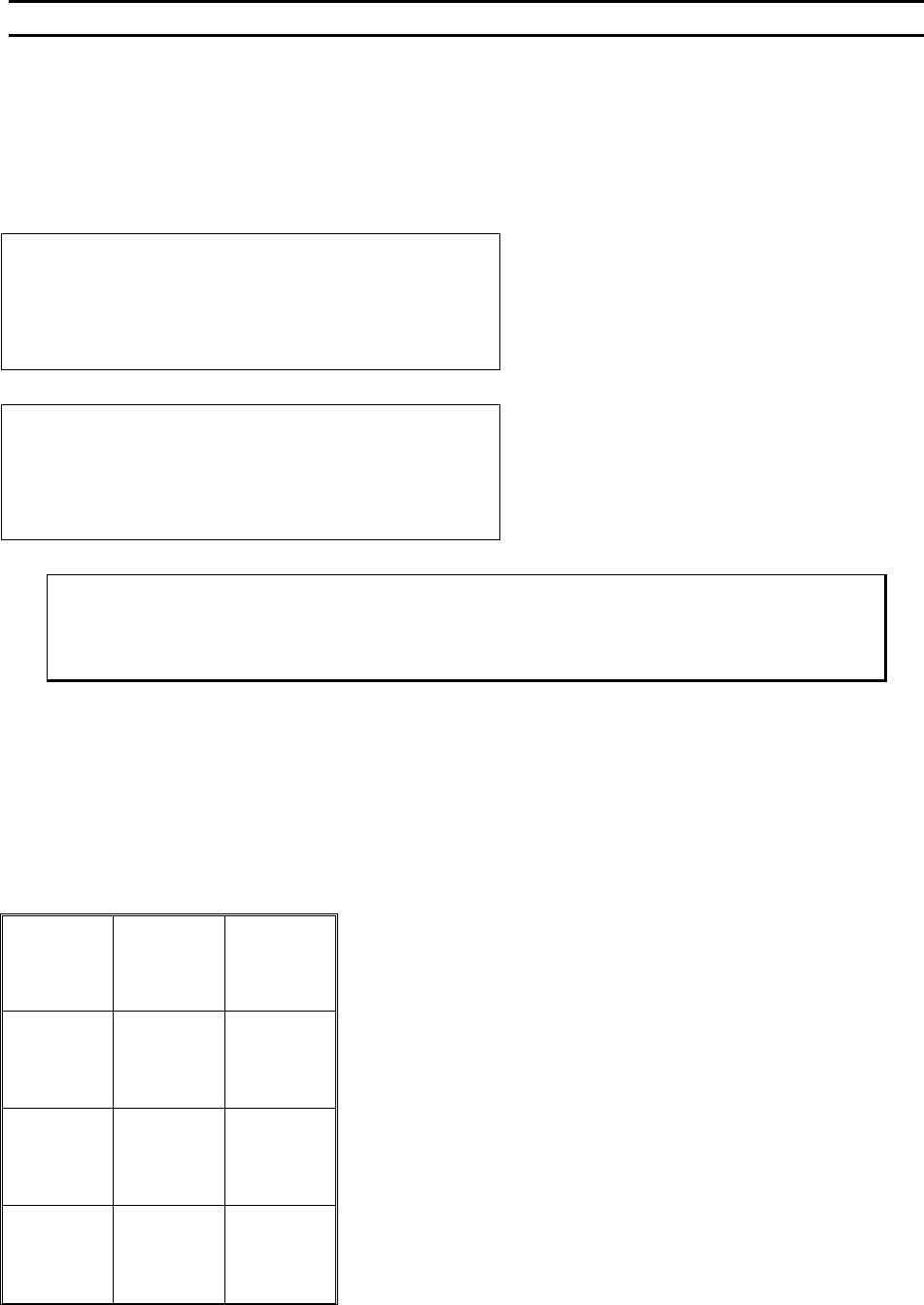
EDIT SEARCH for Bond #1: 2024 from Home
4=Key in 5=Up (0.42167”)
7=Prev bond 8=Suggest 9=Next bond
A=Prev menu 0=Down G=Next option
Using keys 7 and 9, the operator can scroll
through all of the bonds in a single wire. This
feature makes programming quick and easy.
EDIT SEARCH for Bond #2: 145 from Loop
4=Key in 5=Up (0.03021”)
7=Prev bond 8=Suggest 9=Next bond
A=Prev menu 0=Down G=Next option
Notice the Search elevation on bond 2 is
measured from the loop, not from Home as
with the first bond.
ϑ To call “Search”
From the H
OME menu press 4 (EDIT), 0 (EDIT LOOP MOTION), 4 (LOOP EDIT), and then
press 4 (SEARCH).
Key Format:
Escape
1
Go To
Device
2
Home
3
Key In
4
Up
5
6
Previous
Bond
7
Suggest
8
Next
Bond
9
Previous
Menu
A
Down
0
Next
Option
G
WEST•BOND MODEL 454647E SERIES INSTRUCTION MANUAL
91
ADVANCED PROGRAMMING
Z-Before-Y
The number of motor steps the motor raises up off of the work, after first bond, before making any
movement in the Y direction. Typically this elevation is used prior to backbend to aid in creating proper
loop shape.
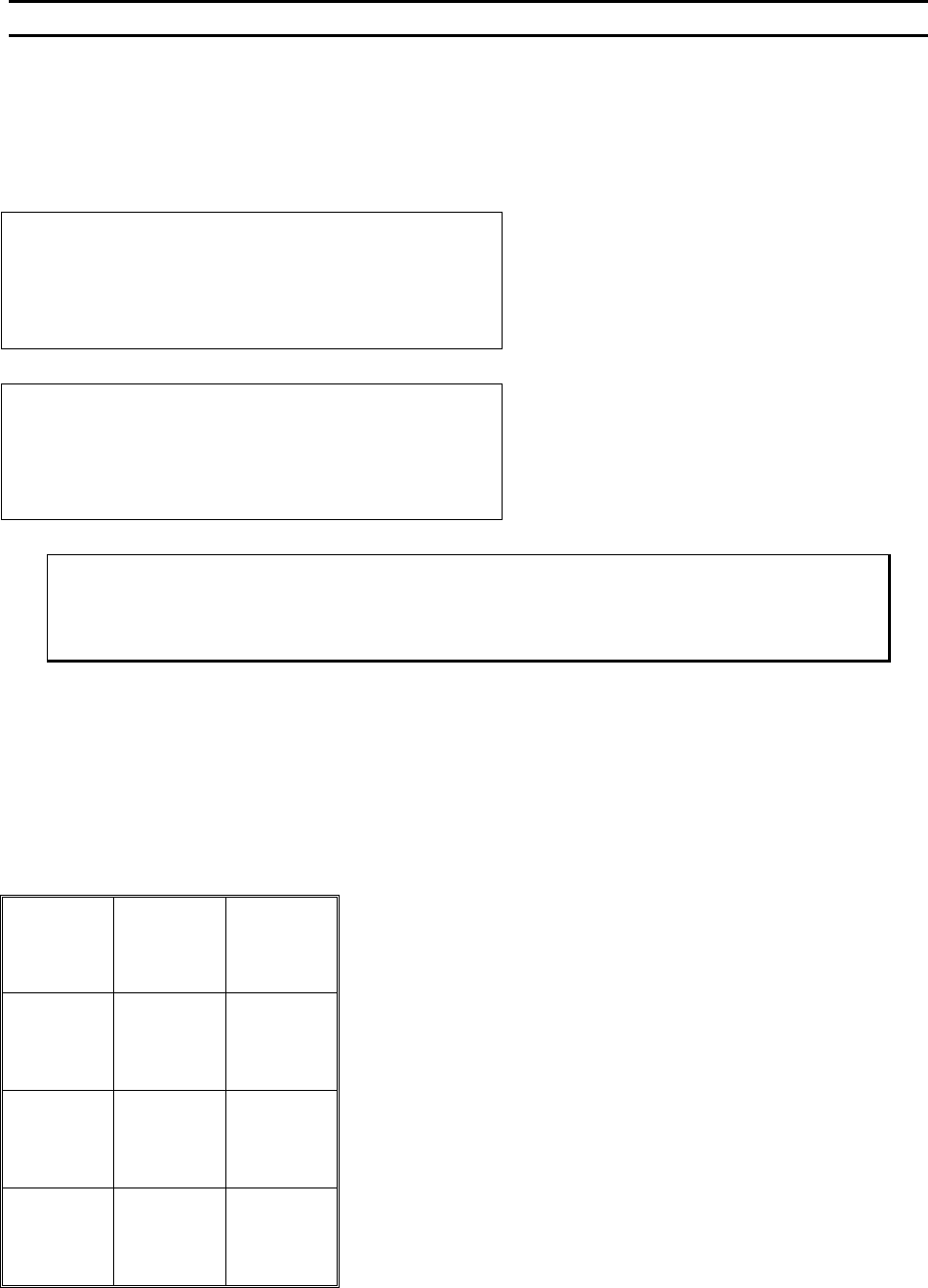
Z-BEFORE-Y before Bond #1: n/a
5=Info
9=Next bond
A=Prev option G=Next option
Notice there is no Z-Before-Y setting available
before the first bond. This motion takes place
directly after the first bond.
Z-BEFORE-Y before Bond #2: 50 steps
4=Key in 5=Up (0.01042”)
7=Prev bond 8=Suggest 9=Next bond
A=Prev option 0=Down G=Next option
Too few motor steps in this setting can cause
the wire to be pulled off of the work if the
operator is also using the backbend feature.
ϑ To call “Z-Before-Y”
From the H
OME menu press 4 (EDIT), 0 (EDIT LOOP MOTION), 4 (LOOP EDIT), and then
press 5 (Z-B
EFORE-Y).
Key Format:
Escape
1
Go To
Device
2
Home
3
Key In
4
Up
5
6
Previous
Bond
7
Suggest
8
Next
Bond
9
Previous
Option
A
Down
0
Next
Option
G
WEST•BOND MODEL 454647E SERIES INSTRUCTION MANUAL
92
ADVANCED PROGRAMMING
Backbend
This particular feature is an excellent aid in creating good loop shape when using a 454647E in the
4600E and 4700E modes. The position of the clamps on the 4500E mode allow greater control of the wire
requiring less finesse when it comes to loop motion. B
ACKBEND occurs immediately after the motor has
counted up the specified number of Z-B
EFORE-Y steps. An excessive amount of BACKBEND can easily peel
the first bond from the work. However, if used properly, B
ACKBENDING can add not only shape, but also
height to your wire loops. To achieve truly effective BACKBENDS, the operator needs to strike a balance
between the number of Z-B
EFORE-Y steps versus the number of BACKBEND steps.
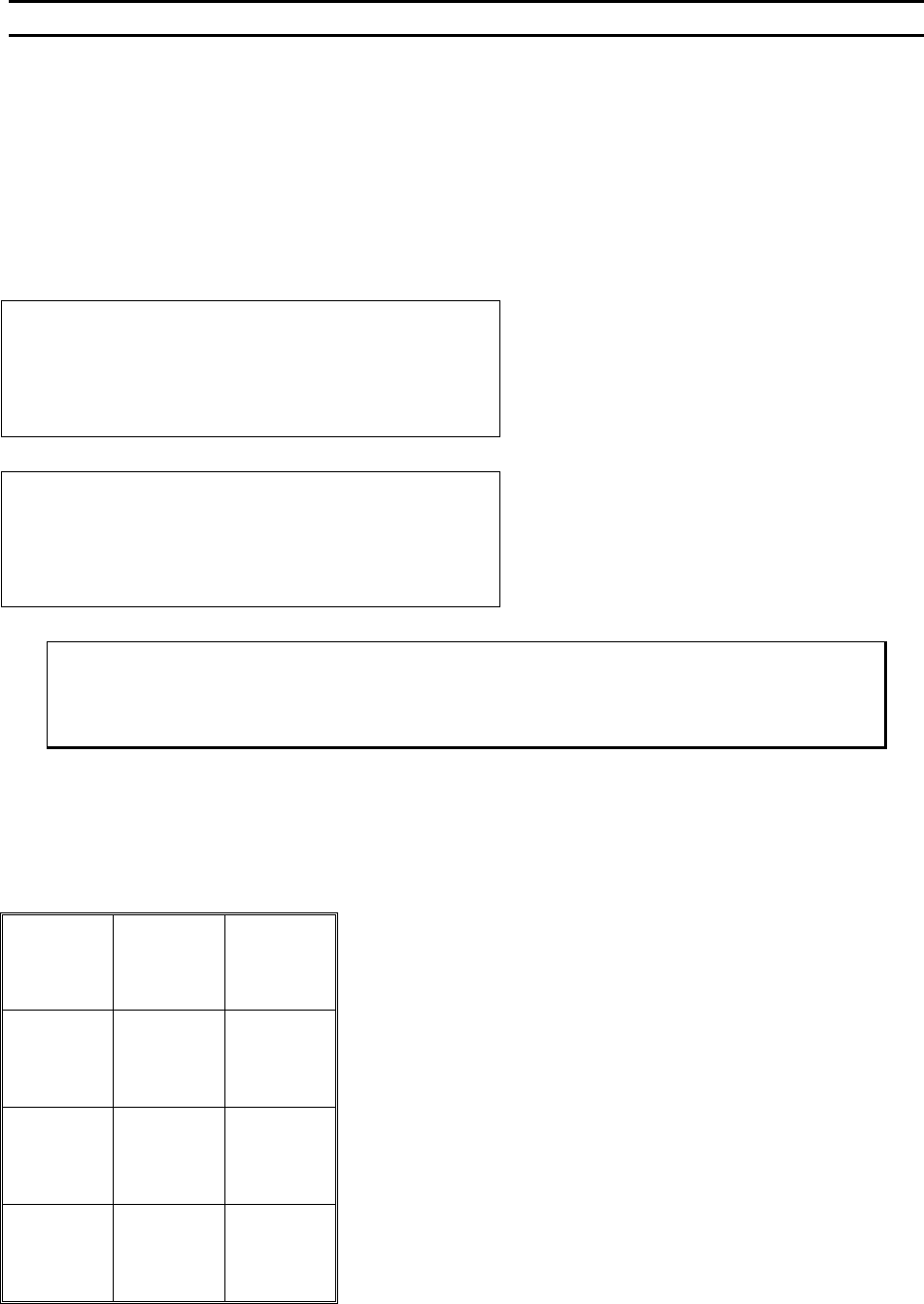
BACKBEND before Bond #1: n/a
5=Info
9=Next bond
A=Prev option G=Next option
Notice there is no Backbend setting before the
first bond. This motion takes place after the first
bond and Z-Before-Y takes place.
BACKBEND before Bond #2: 0 Y step
4=Key in 5=Increase (0.00000”)
7=Prev bond 8=Suggest 9=Next bond
A=Prev option 0=Decrease G=Next option
ϑ To call “Backbend”
From the H
OME menu press 4 (EDIT), 0 (EDIT LOOP MOTION), 4 (LOOP EDIT), and then
press 6 (BACKBEND).
Key Format:
Escape
1
Go To
Device
2
Home
3
Key In
4
Increase
5
6
Previous
Bond
7
Suggest
8
Next
Bond
9
Previous
Option
A
Decrease
0
Next
Option
G