00194703_Setup Selection Assistant Setup Center RF.pdf - 第11页
Installation Manual - Setup Selection Assistant SIPLACE Setup Center RF 2.1 - Tools 2.4 Step 4: Installation Complete You are informed of the successful installation of Setup Selecti on Assistant by the last page of the …
SIPLACE Setup Center RF 2.1 - Tools Installation Manual - Setup Selection Assistant
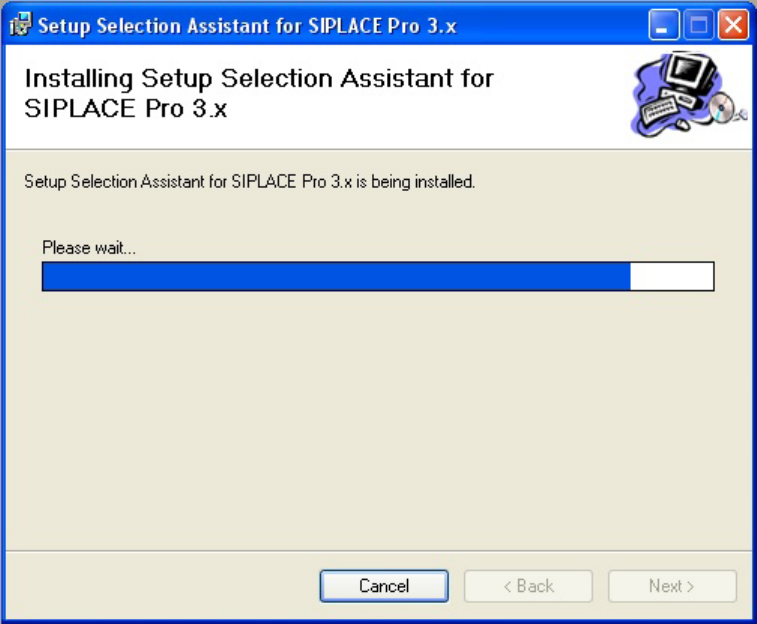
Figure 4 "Progress" page
10 of 20
Installation Manual - Setup Selection Assistant SIPLACE Setup Center RF 2.1 - Tools
2.4 Step 4: Installation Complete
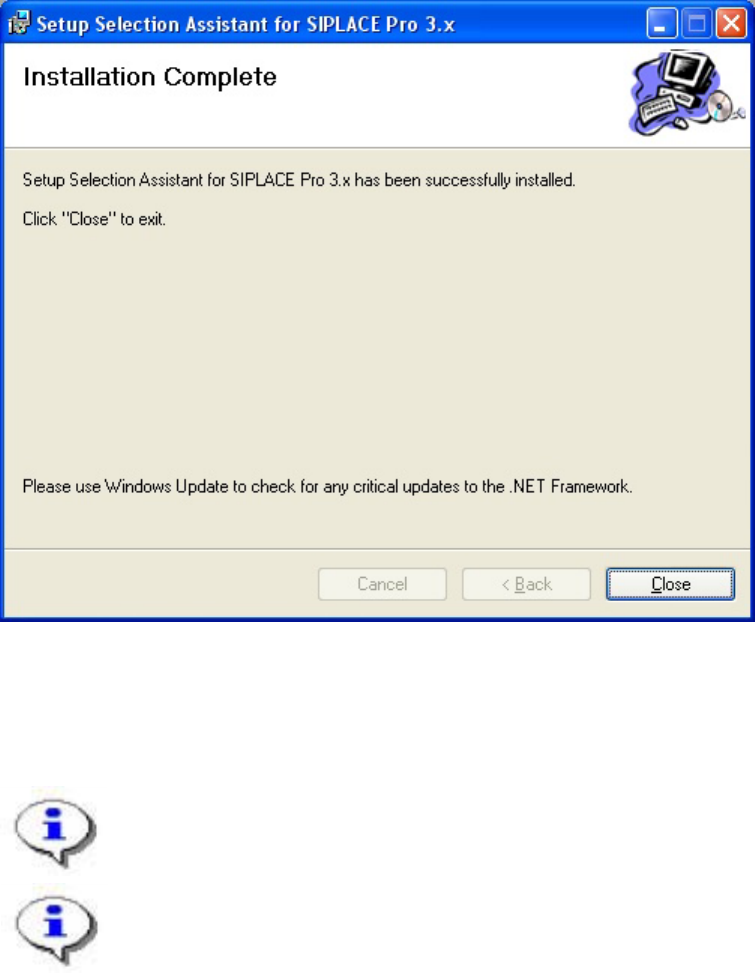
You are informed of the successful installation of Setup Selection Assistant by the last page of the
wizard:
Figure 5 "Installation Complete" page
→ Click Close to finish the Setup Wizard.
The Setup Selection Assistant is now installed on your system.
You can integrate Setup Selection Assistant into SIPLACE Pro Desk in the “External Tools”
tab in the settings.
11 of 20
-
SIPLACE Setup Center RF 2.1 - Tools Installation Manual - Setup Selection Assistant
3 Getting Started
Before using Setup Selection Assistant take the time to get familiar with this tool to find out its
possibilities and how it can support your production process.
Setup Selection Assistant can be used intuitively by an operator but should be understood by the
manufacturing engineer.
3.1 Scenarios for the Use of Setup Selection Assistant
Setup Selection Assistant is a tool delivered with Setup Center to support the handling of reduced setup
(also called partial setups).
Reduced setups are derived from setups being reduced to the component spectrum required for products
to be produced now. Use cases are:
• A family setup contains different products but only some of these products are to be produced
today. This concept is practiced by customers having products to be produced regularly. The
setup is optimized once and the tact of each product is known making planning easier.
• Another scenario is that the customer has a product in different variants and one setup optimized
covering all of these variants. In case one product needs to be produced only the components for
this specific product variant are set up.
Avoiding the setup of components which are not required saves much time and reduces the unnecessary
usage of material from stock.
The Setup Selection Assistant allows the creation of the reduced setup as the initial step in the whole
setup and production process. Therefore
• Setup Report
• SIPLACE Pro / Line Control
• Station Software (feeder reference run, component level indicator)
only work with a reduced setup not confusing the operator with components in the SIPLACE Pro Setup /
Station GUI which do not exist in the physical setup.
The user scope is:
• Setup Operators
12 of 20