00195398-0103-AI-01005Paket_DE_EN.pdf - 第50页
Asse mb ly In st ruct i on s 0100 5- Pac ket E di tio n 1 2 /20 07 50 3 F ig. 28 Cha ng eo v er ta bl e me as u rin g g au ge Æ M ove the gantry over the changeov er table measuring gauge. Æ E nable the Z-axis at the axi…
Assembly Instructions 01005-Packet
Edition 12/2007
49
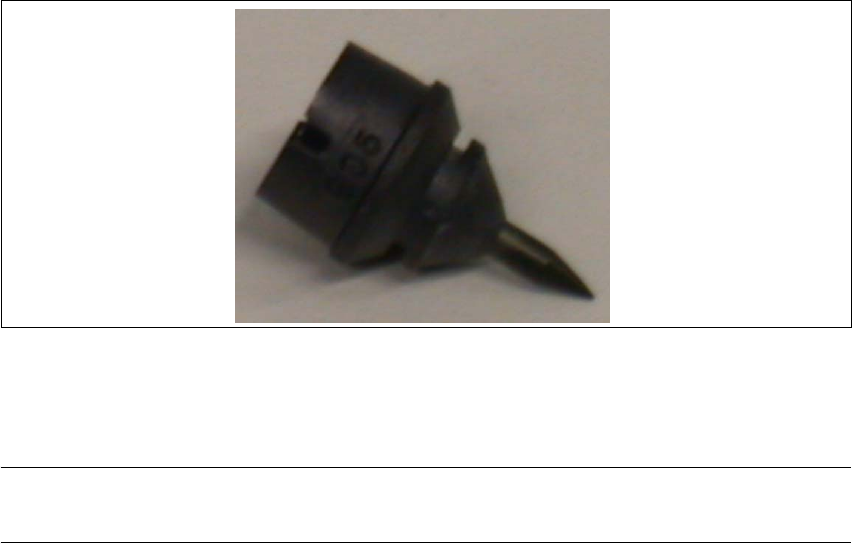
3.6.4.1 Nozzle, type 905 ESD / 1 x 0.15 [03057320-xx]
Æ Clean the nozzles daily to avoid pickup and centering errors.
3
Fig. 27 Nozzle, type 905 ESD / 1 x 0.15
3.6.5 Calibration of Changeover Table Height for SIPLACE D4
NOTE:
These settings only need to be performed for SIPLACE D4 machines. 3
3.6.5.1 Purpose
To measure the tape pockets of 01005 components, with the PCB camera, you need an optimum
focal position. This focal position is achieved by calibrating the height of the changeover table. A
correction height is determined for the changeover table at each location. 3
Depending on the height situation at a location, you will need to place small adjustment sheets
with a thickness of 0.5 and/or 1.0 mm between the changeover table support and the table itself.
These adjustment sheets are not specific to a particular changeover table and can remain at the
machine. 3
3.6.5.2 Determining the Changeover Table Height
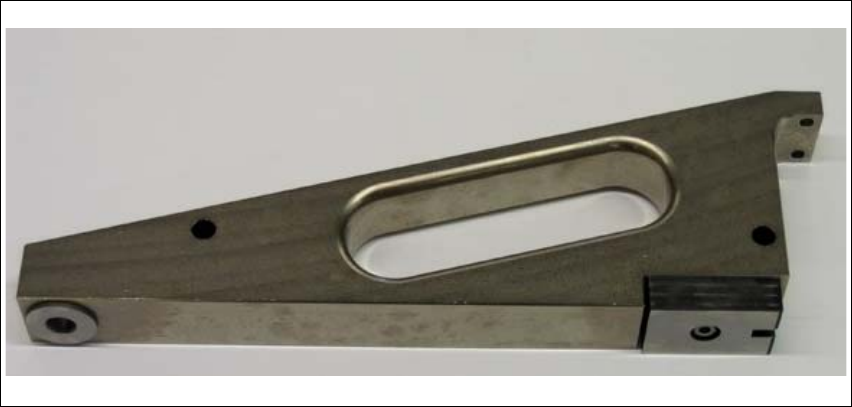
To determine the required thickness of the adjustment sheet, move the Z-axis with the nozzle 901/
925 to the upper edge of the changeover table measuring gauge. The Z height is then read out
with the help of the CACCIA program. 3
Æ Attach "nozzle 901/925" to segment 1.
Æ In SITEST, start the function "Perform Head Reference Run". The Z-axis will be in the place-
ment position.
Æ Place the changeover table measuring gauge on track 1 of the changeover table.
Assembly Instructions 01005-Packet
Edition 12/2007
50
3
Fig. 28 Changeover table measuring gauge
Æ Move the gantry over the changeover table measuring gauge.
Æ Enable the Z-axis at the axis controller board.
Æ Take hold of the toothed belt and carefully push the Z-axis downwards, to the top of the gauge
(until you reach the nozzle).
Æ Read out the current position with CACCIA.
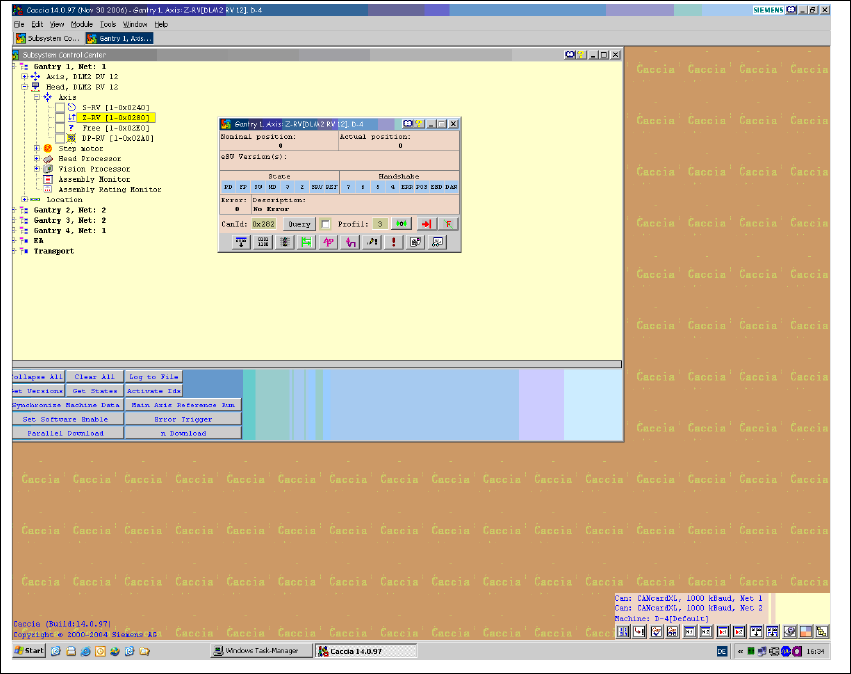
The actual position in digits can be read out online in the "Subsystem Control Center" at Z- RV
(gantry 1 or 4) with an active "query".
Assembly Instructions 01005-Packet
Edition 12/2007
51
3
Fig. 29 CACCIA Subsystem Control Center
Æ Calculate the Z-distance [ in mm] according to the following formula:
Zdistance[mm] = actualpos[digit]* 0.0225 mm 3
Æ Place the changeover table measuring gauge on track 67 and repeat the height determination
process.