00193893-04.pdf - 第70页
2 Retrofit instructions - SIPLACE HF series head re confi guration kits SIPLACE HF Series Head Reconfiguration Kits 05/2006 Edition 70 : Pull the two (or four if you are installing the FC camera) connec ting cables for t…
SIPLACE HF Series Head Reconfiguration Kits 2 Retrofit instructions - SIPLACE HF series head reconfiguration kits
05/2006 Edition
69
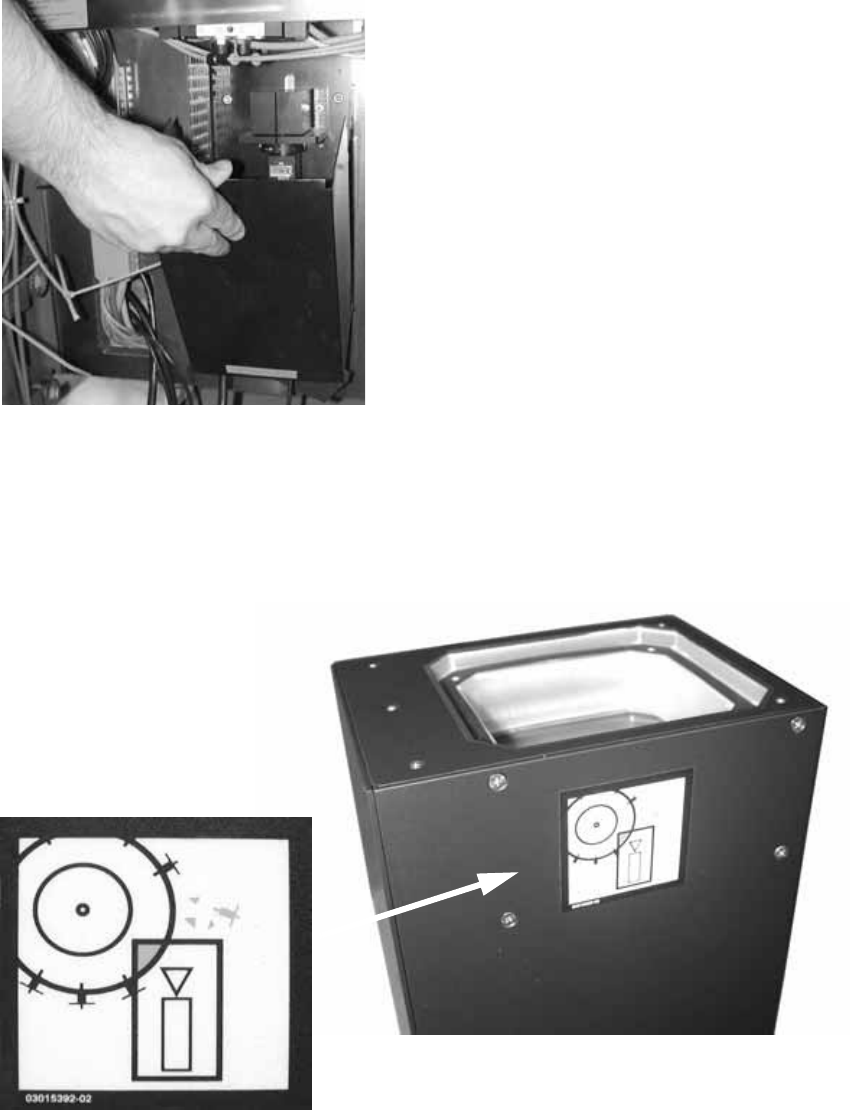
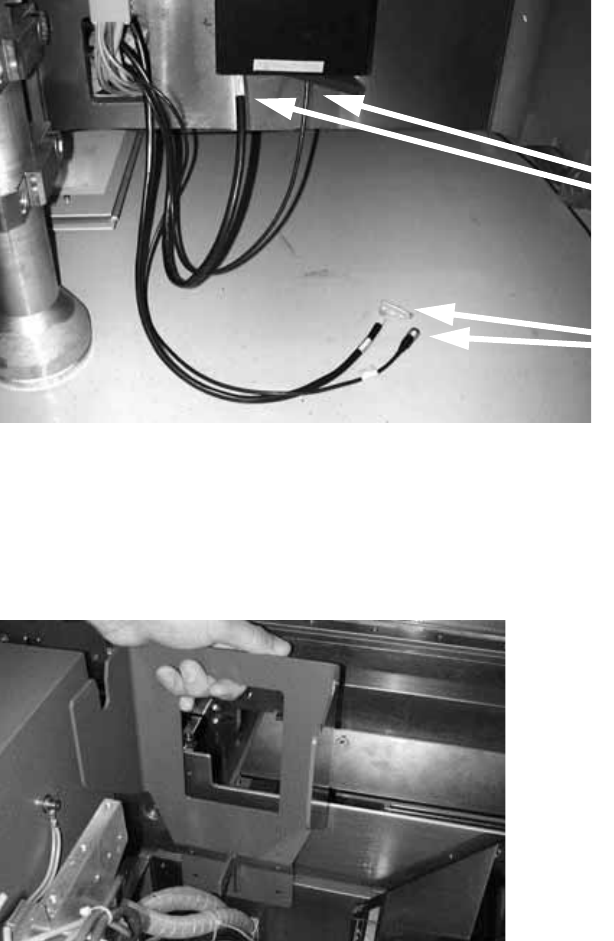
: Place the supporting frame of the IC camera on the base plate. It should latch into place un-
derneath.
2
2
: Use the machine spirit level to check that the camera is aligned horizontally.
: Attach the Risk of head crash warning label to the body of the IC camera (if it is not already
attached).
2
: Then carefully place the body of the camera on the supporting frame.
2 Retrofit instructions - SIPLACE HF series head reconfiguration kits SIPLACE HF Series Head Reconfiguration Kits
05/2006 Edition
70
: Pull the two (or four if you are installing the FC camera) connecting cables for the IC camera
out of the machine frame and connect them to the IC camera:
IC camera: 03003449-01 (X5), 03003438-01 W2 (X37)
2
: The FC camera can be fitted and connected up in the same way.
FC camera: 03003450-01, 03003438-01 W1
2
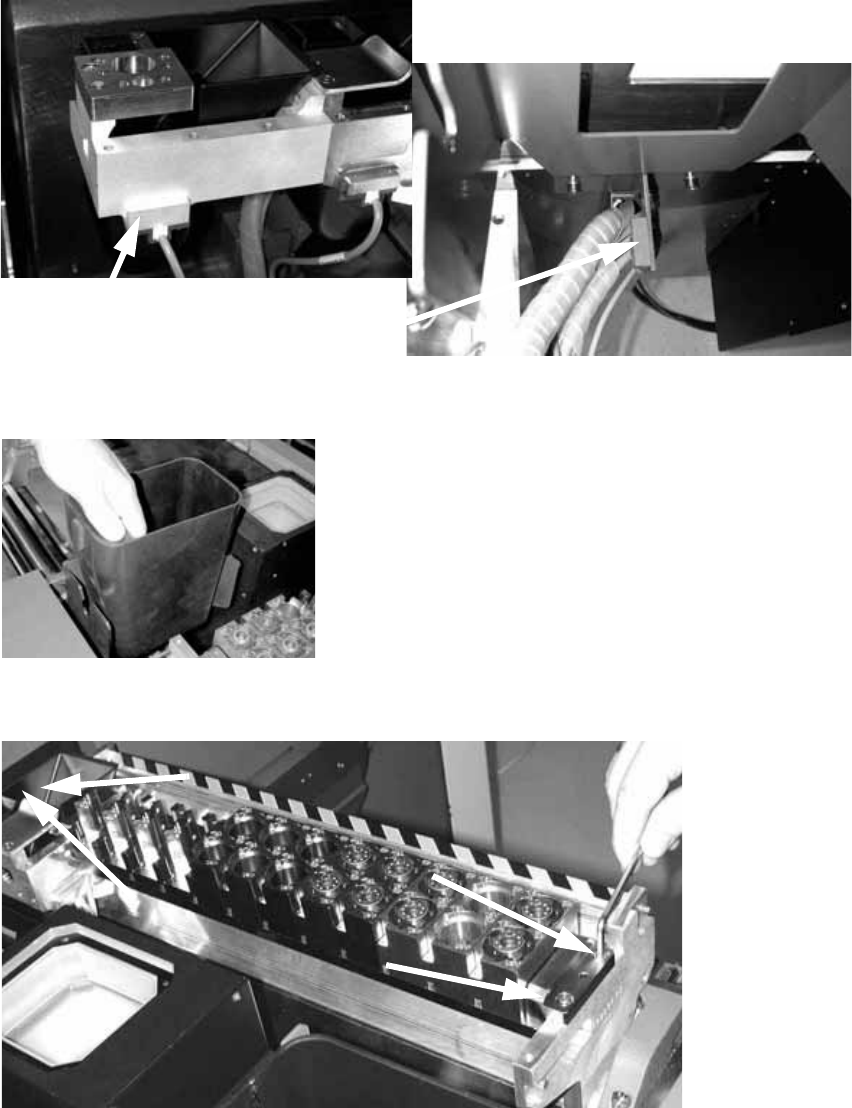
: Insert the fixings for the reject bin for the P&P / TwinHead and screw in place.
2
2
2
2
2
2
Cables for FC camera
Cables for IC camera
SIPLACE HF Series Head Reconfiguration Kits 2 Retrofit instructions - SIPLACE HF series head reconfiguration kits
05/2006 Edition
71
: Remove the sensor for the C&P head reject bin and wire it to the new reject bin for the P&P or
TwinHead.
: Attach the sensor to the mount for the new reject bin.
2
: Insert the new reject bin.
2
: Insert the new nozzle changer (P&P / TwinHead) and fix in place with four screws.
2
Remove the sensor
Refit the sensor