00195642-01_IM-SetupCenter-3.0_EN.pdf - 第65页
Installation Setup Center Software Installation Installation Manual SIPLACE Setup Center V3.0 65 Step 9 Finishing the installation X Click Fini sh to end the installation.
Installation
Software Installation Setup Center
64 Installation Manual SIPLACE Setup Center V3.0
X Click Next to continue.
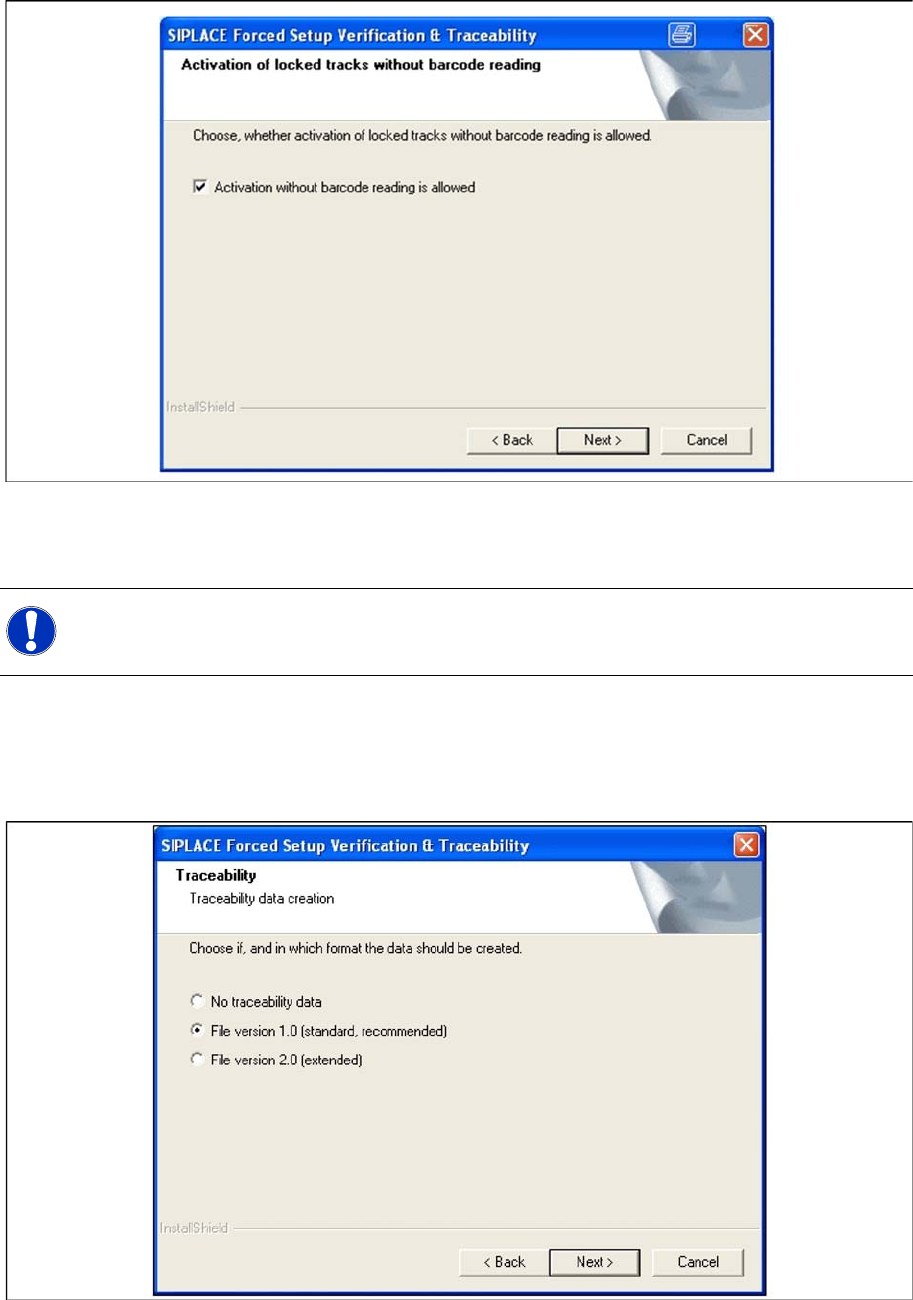
Step 7 Traceability
X Here you can choose whether the Traceability Data should be created.
X Furthermore you can select the File version 1.0 for standard TRC file or the File version 2.0 for
extended TRC file.
X Click Next to continue. Wait until the next dialog box appears. It can be take a few minutes.
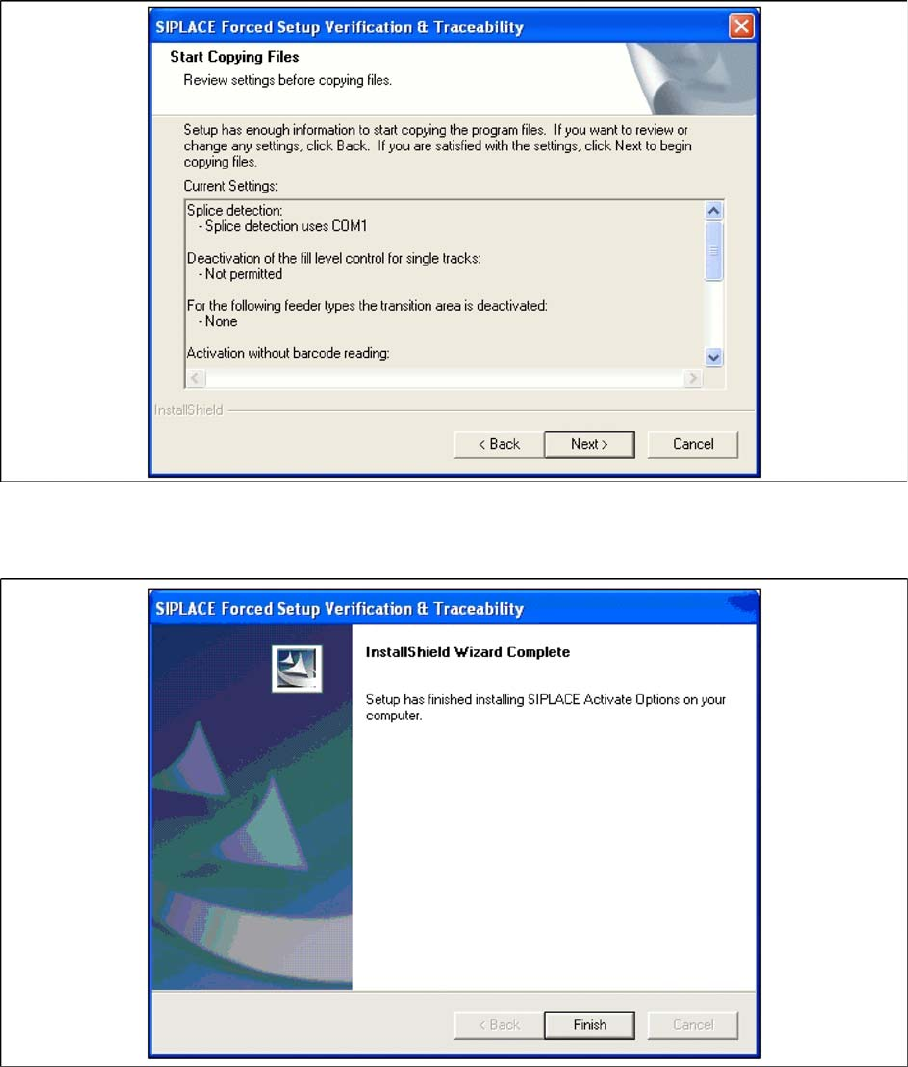
Step 8 Overview of the settings
X Here you will see the overview of the settings.
X Click Back to review or change the settings.
X Click Next to continue the installation.
NOTE:
Traceability settings can only be changed, if the Traceability Option is installed at the station.
Installation
Setup Center Software Installation
Installation Manual SIPLACE Setup Center V3.0
65
Step 9 Finishing the installation
X Click Finish to end the installation.
Installation
Steps to perform after Installation SIPLACE Setup Center Database and Windows XP SP2
66 Installation Manual SIPLACE Setup Center V3.0
6.4 Steps to perform after Installation
6.4.1 SIPLACE Setup Center Database and Windows XP SP2
When installing Windows XP Service Pack 2 (SP2), the Windows Firewall, formerly ICF (Internet
Connection Firewall), is enabled by default. The default configuration in SP2 blocks incoming traffic for
the most TCP ports.
If you are running the SIPLACE Setup Center GUI on a Windows XP SP2 host and the SIPLACE Setup
Center database on another host, you have to open the port 1433 and 1434 for the database connection.
Furthermore, you have to open the port 445, because blocking will cause errors when using mans MMC
snap-ins like Event Viewer, Local Users & Groups, Services, Computer Management, Disk
Management, Device Manager, Group Policy, and others.
Please refer to Windows help to get further information how to open TCP ports.
6.4.2 Settings in the station software
In order to use Setup Center you should make settings in the station software. For detailed information,
please refer to SIPLACE Setup Center 3.0 User Guide (item no. 00195647-xx).
6.4.3 DATALOGIC Scanner Configuration
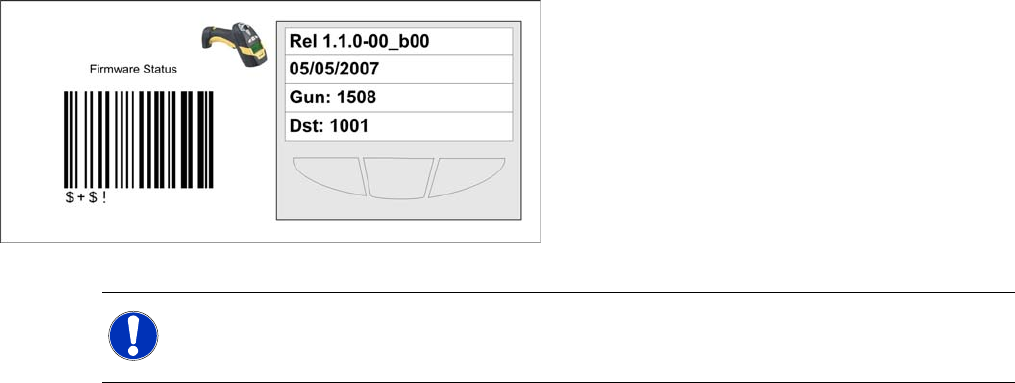
6.4.3.1 Verify the firmware status for the PowerScan scanner
For the PowerScan® M8300-D (Dragon M131) scanner it is necessary to verifiy the firmware version
before the setup.
Key:
1. Line: Firmware version
2. Line: Release Date of firmware
3. Line: Address of the Scanner
4. Line: Address of the cradle
NOTE:
Please verify whether the Firmware 1.1.0-00_b00 is displayed on the Dragon Scanner. If not,
you should upgrade the firmware version for the Dragon scanner.