00192790-01.pdf - 第39页
User Manual SIPLAC E S-25 HM / HS-50 2 PCB Camera Mu lticolor (Option) Software Version S C.502.xx 11/00 Issue 2.3 Focus Heigth: Install/Remove the Distance Plate 39 ,QVW DOOLQJDQG5HPRYLQJWKH 'LVW DQFH3OD…
2 PCB Camera Multicolor (Option) User Manual SIPLACE S-25 HM / HS-50
2.3 Focus Heigth: Install/Remove the Distance Plate Software Version SC.502.xx 11/00 Issue
38
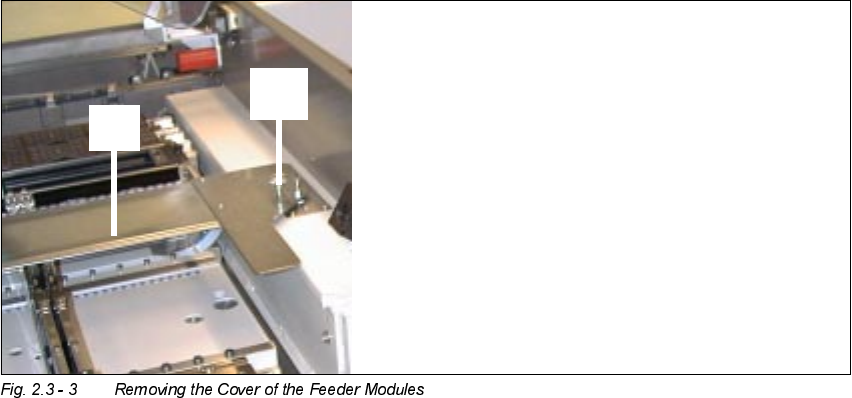
.H\
4. Knurled screw, LH and RH (to fasten the cover of the feeder moduls)
5. Cover of the feeder modules
Å Open the safety hoods and the safety doors on the component feeding areas.
Å Disassemble the cover of the feeder modules on HS-50 or S-25HM.
Å Push the pertinent gantry out of the vicinity of the component changeover table until it is above
the PCB conveyor area. During this process, be careful to observe the minimum distances of
the X-gantries so that the crash switches are not actuated.
Å Turn the machine ON at the main switch. The compressed air must be attached.
Undock the movable component changeover tables as described in detail in the User Manual.
Make certain that the allocation of the component tables is preserved.
Å Turn the machine OFF at the main switch, isolate the machine from the mains, turn OFF the
flow of compressed air at the compressed air unit (see DANGER text in Section 2.3.3).
Å Push the X-gantries toward the outside of the machine so that the placement heads are readily
accessible.
User Manual SIPLACE S-25 HM / HS-50 2 PCB Camera Multicolor (Option)
Software Version SC.502.xx 11/00 Issue 2.3 Focus Heigth: Install/Remove the Distance Plate
39
,QVW DOOLQJDQG5HPRYLQJWKH'LVW DQFH3ODWH
The distance plate (spacer) must always be removed from or installed in ALL PCB Multicolor cam-
eras.
On the HS-50, the PCB camera Multicolor is mounted on 3 bolts (L =
mm).
Removal of these bolts is not permitted. Aside from this, the steps that must be taken on the
HS-50 and the S-25 HM are the same.
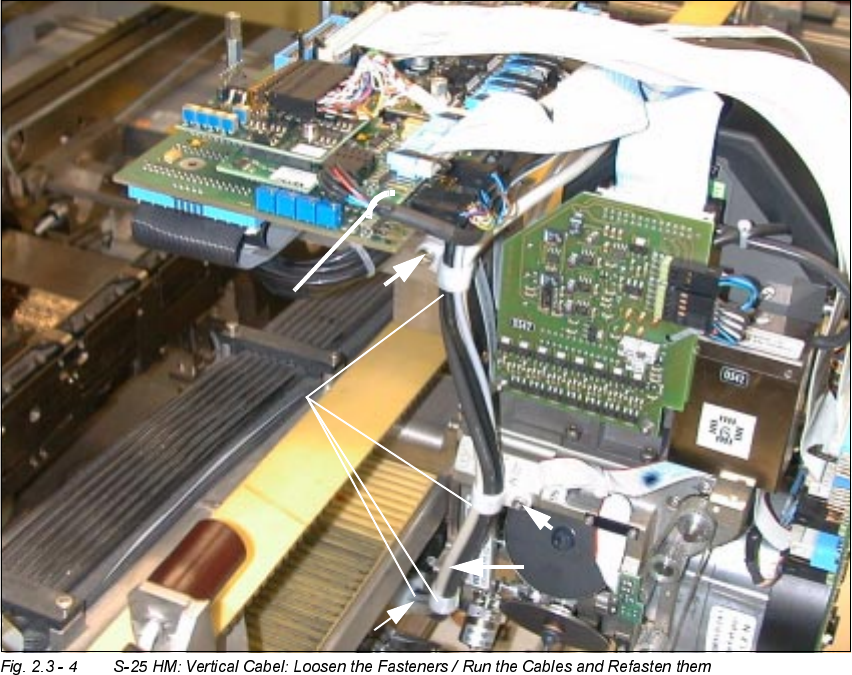
.H\
1. 4 Size 6 cable clamps and M3 or M4 socket hex head cap screws, as appropriate
2. 1 Cable tie, fastened in the hole of the vision board, modular
0
0
0
0
2 PCB Camera Multicolor (Option) User Manual SIPLACE S-25 HM / HS-50
2.3 Focus Heigth: Install/Remove the Distance Plate Software Version SC.502.xx 11/00 Issue
40
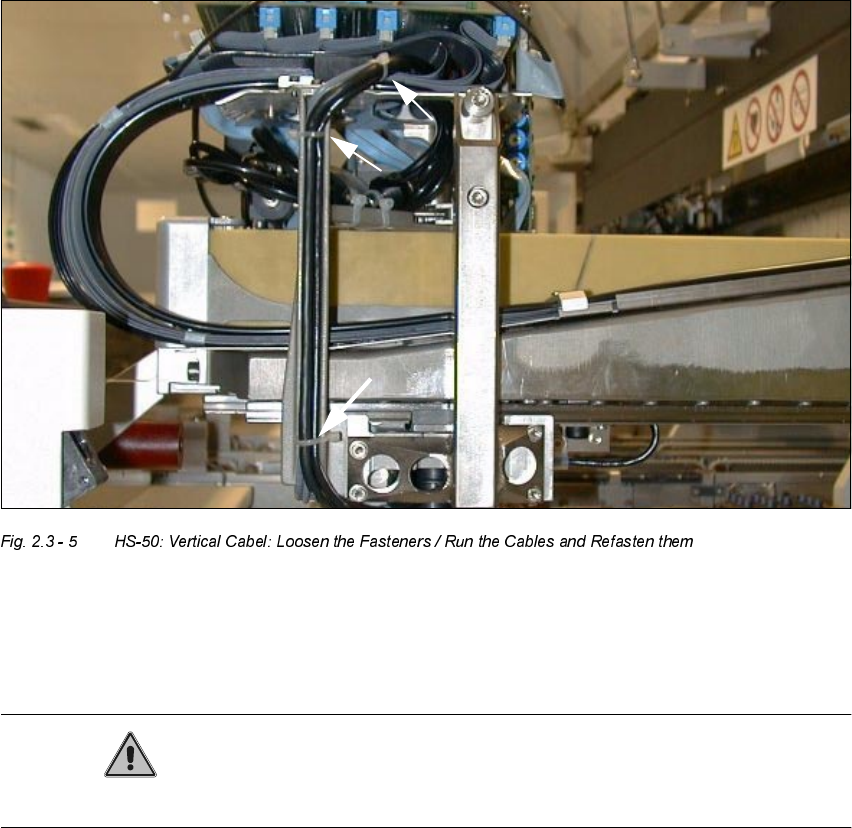
.H\
1. 3 Cable ties
CAUTION
Make certain that no screws, bolts, etc., fall into the machine.
Å CAREFULLY undo the cable ties on S-50 and S-25 HM as shown above.
Å In addition, remove the cable clamps (Allen wrench size 2.5 and 3) on the S-25 HM.