4OM-1075-002.pdf - 第75页
T able 4B1-6 Check Codes Display Section (A) Display Section (B) 990107 Install the vibratory stick feeder . (Feeder Base #1) 990108 Install the vibratory stick feeder . (Feeder Base #2) 990109 Install the vibratory stic…

Table 4B1-5
Check Codes Display Section (A) Display Section (B)
070401 Unavailable Data
070402 Specified data is not available.
070403 Unavailable data.
090101
090201
090301
090401
090402
090501
090601
090701
090702 Check the feeder.
090703
090704
090705
090801 Furnace Signal Check the furnace signal.
090901
091001
0b0101
0b0102
0b0201
0b0202
0d0101 Out Of Origin Press the [ALL] button to zero all devices.
0d0102 Zero X1 Axis.
0d0103 Zero X2 Axis.
0d0104 Zero Y Axis.
0d0105 Zero L1 Axis.
0d0106 Zero L2 Axis.
0d0107 Zero Z1 Axis.
0d0108 Zero Z2 Axis.
0d0109 Zero NC1 Axis.
0d010a Zero NC2 Axis.
0d010b Zero BPC Axis.
0d010c Zero Tray1 Unit.
0d010d Zero Tray2 Unit.
0d010e Zero all devices.
990101 Feeder Ready Check Tape Feeder Not Ready (Feeder Base No.1)!!
990102 Tape Feeder Not Ready (Feeder Base No.2)!!
990103 Tape Feeder Not Ready (Feeder Base No.3)!!
990104 Tape Feeder Not Ready (Feeder Base No.4)!!
990105 Tray Feeder Empty (Tray No.1)!!
990106 Tray Feeder Empty (Tray No.2)!!
1.2 "CHECK" Windows
0308-001 2-3-5 AHB01ETRP
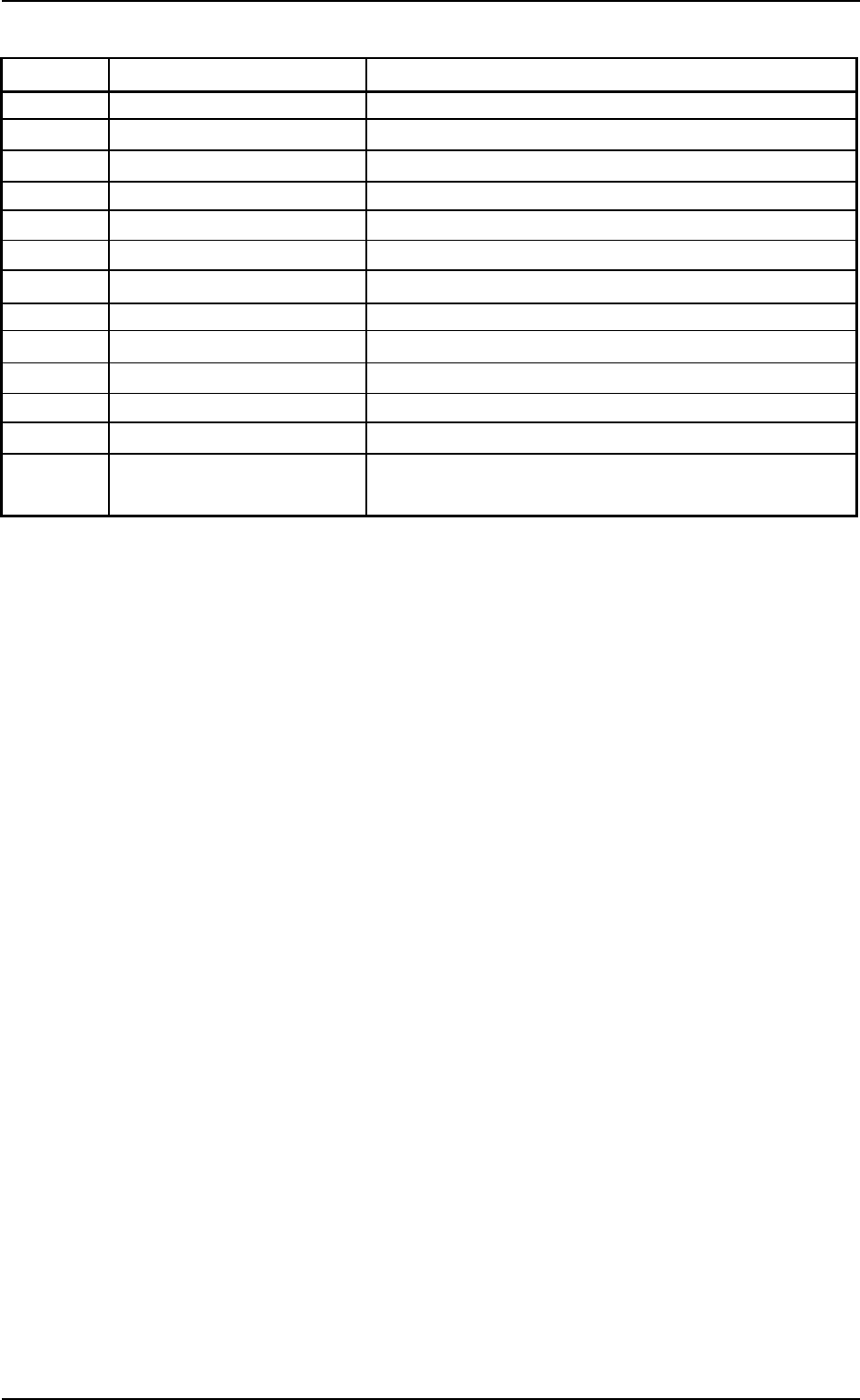
Table 4B1-6
Check Codes Display Section (A) Display Section (B)
990107 Install the vibratory stick feeder. (Feeder Base #1)
990108 Install the vibratory stick feeder. (Feeder Base #2)
990109 Install the vibratory stick feeder. (Feeder Base #3)
99010a Install the vibratory stick feeder. (Feeder Base #4)
99010b Feeder Empty (Feeder Base #1)!!
99010c Feeder Empty (Feeder Base #2)!!
99010d Feeder Empty (Feeder Base #3)!!
99010e Feeder Empty (Feeder Base #4)!!
990201 Feeder Ready Check Set the feeder pullout Feeder Base #1 Safty Bar
990202 Set the feeder pullout Feeder Base #2 Safty Bar
990203 Set the feeder pullout Feeder Base #3 Safty Bar
990204 Set the feeder pullout Feeder Base #4 Safty Bar
990301 Feeder Alternate Prepare for the feeder that can be used for compo-
nent picks.
1.2 "CHECK" Windows
0308-001 2-3-6 AHB01ETRP
1.3 Machine Information
1.3.1 "Machine Information" Window
••
••
• Window Layout
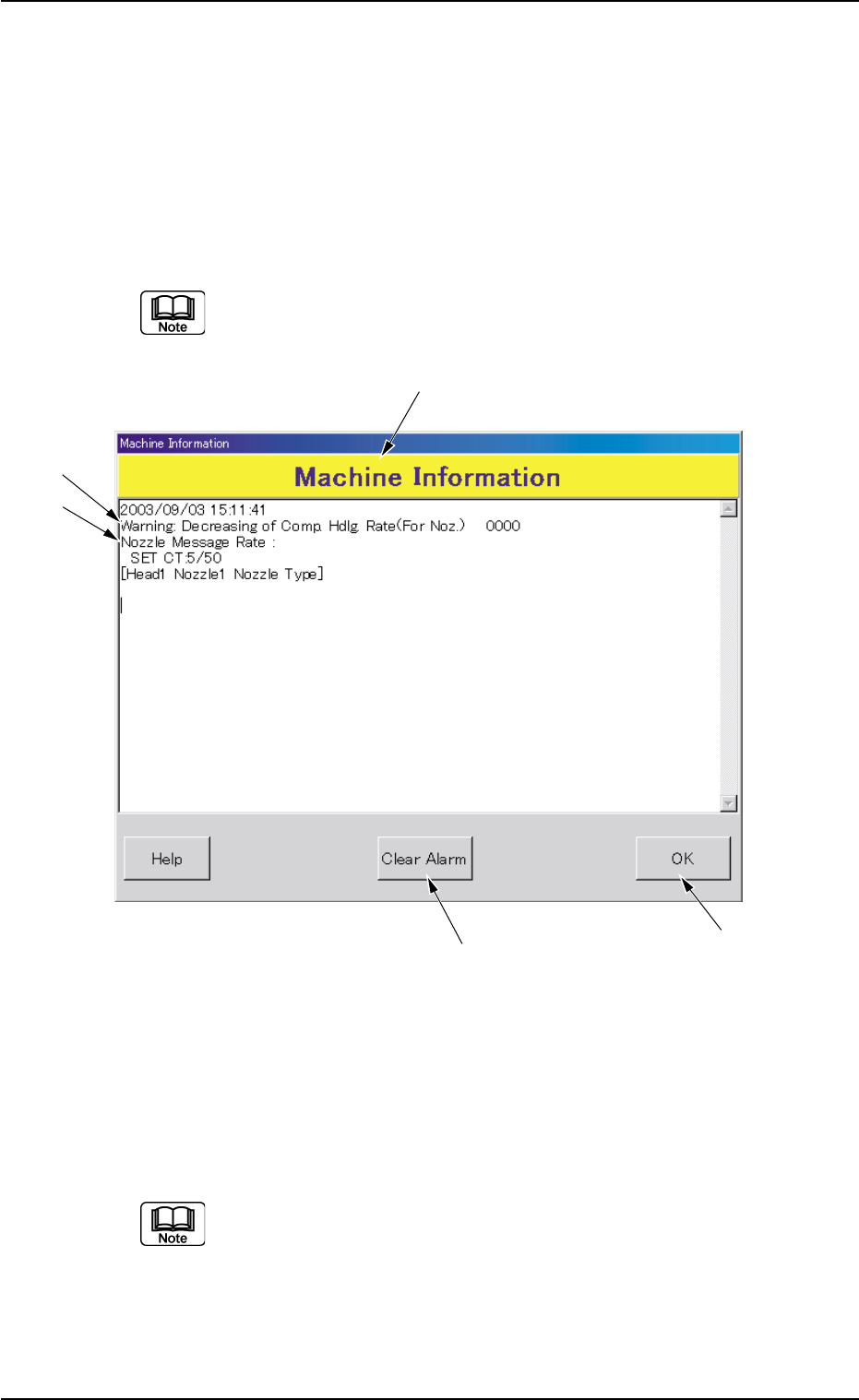
Various machine information is displayed while the machine is run-
ning.
While the "Machine Information" window is active, the machine
keeps on running.
Fig. 4B2-1 Example of "Machine Information"
••
••
• Window Composition
*1 Machine Information
The machine information is displayed.
Refer to "1.3.2 List of Check Messages" for details.
1.3 Machine lnformation
*5
*4
*1
*2
*3
0308-001 2-3-7 AHB01ETRP