YesAX V3.1.2 - Software User Manual - 第215页
Panelized Board Inspection 16 -1 16 - Panelized Board Inspection When assembling small circuit boards, it is practical to combine them into lager panels of multiple small circuit boards. A 4-up array has 4 panels of iden…
Panelized Board Inspection 16-1
16 - Panelized Board Inspection
When assembling small circuit boards, it is practical to combine them into lager panels of
multiple small circuit boards. A 4-up array has 4 panels of identical circuitry on one large board.
There are software features designed specifically for inspection of panelized boards.
16.1 Block Copy and Paste
A block can be copied from either the Video View or Map View, provided the entire block can
be enclosed with the selection tool. The Map View works best in most situations.
16.1.1 Copy Block
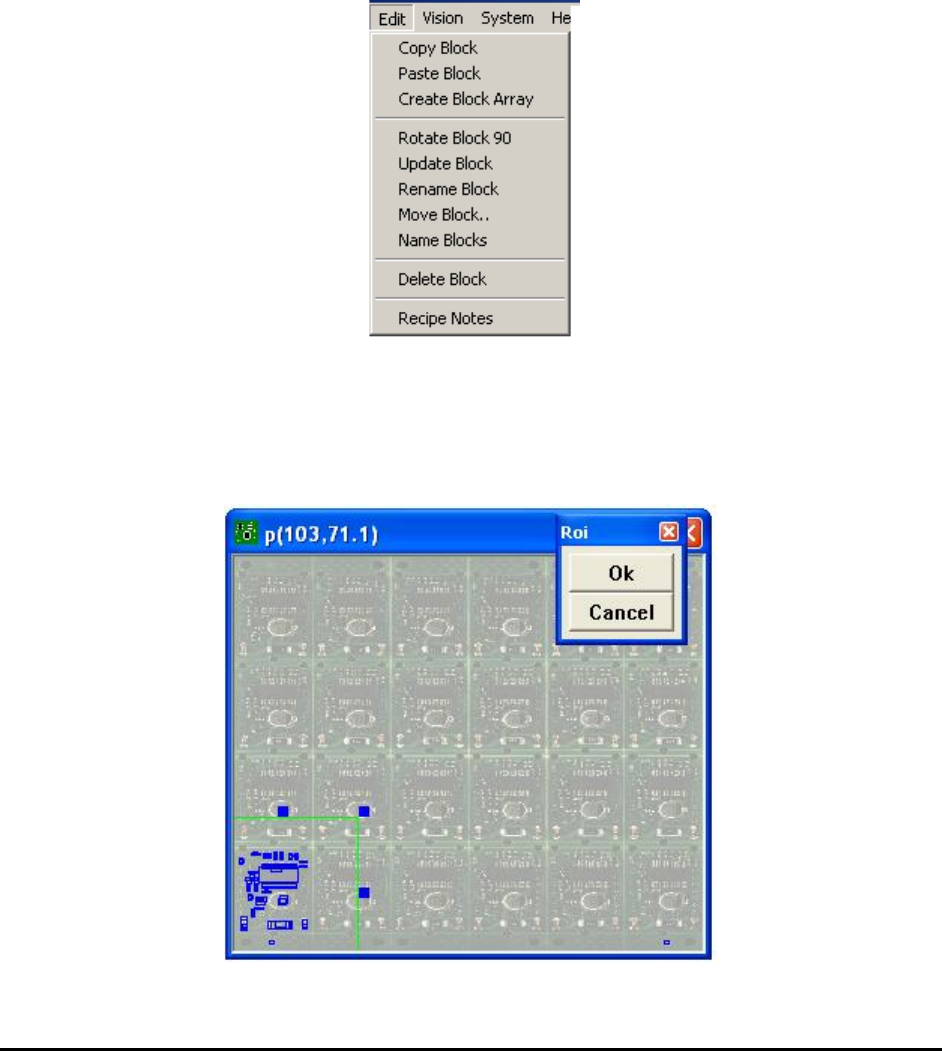
To copy a block, first select the Map View by left clicking the mouse in the Map View window.
Then select Copy Block from the Edit menu. A region of interest selection tool will appear in
the Map View window which allows you to select the block to be copied.
16-2 Panelized Board Inspection
The selection box can be much larger than the block area you want to copy, because the software
will automatically trim down the area to fit around the parts. After enclosing all the parts you
want to copy, click Ok on the ROI box.
16.1.2 Paste Block
The Paste Block selection in the Edit menu is grayed out until a block is copied. To paste a
block, first move the camera so that the top left corner of the destination block is in the field of
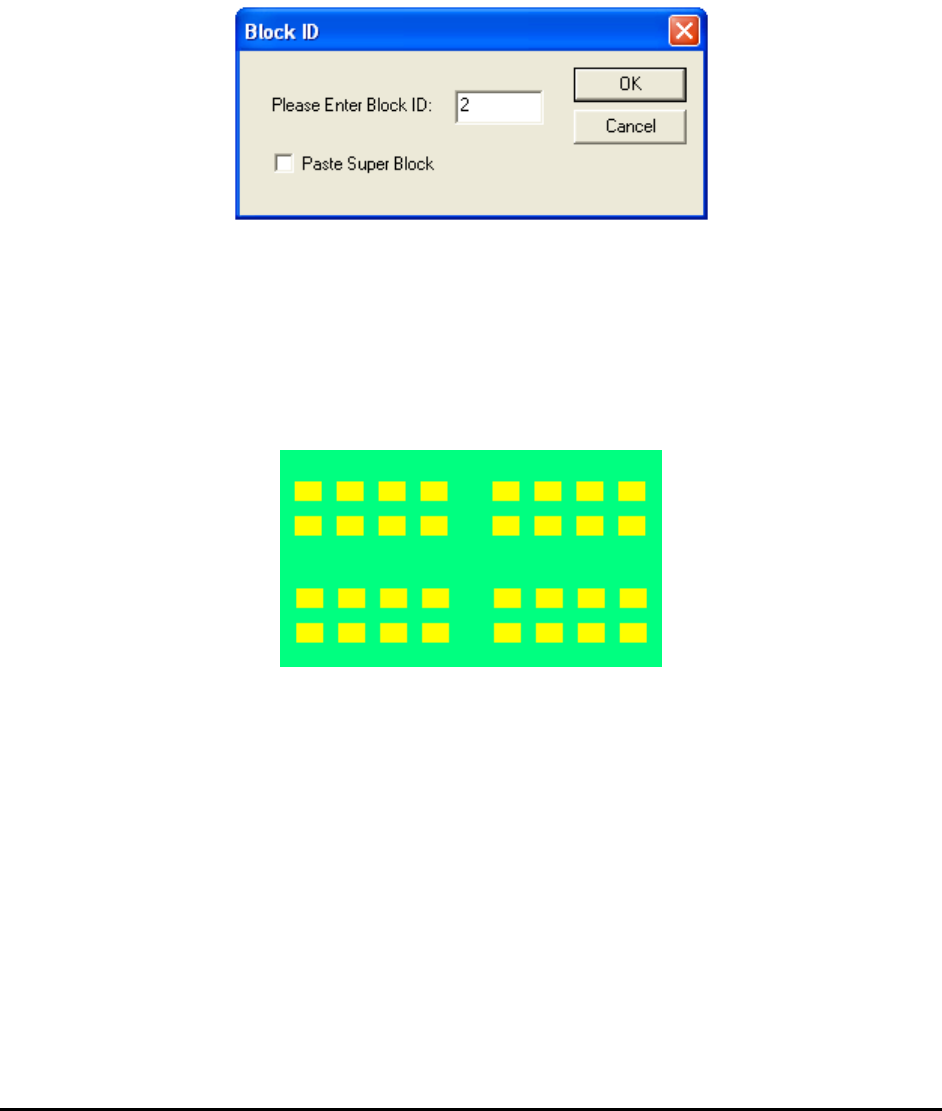
view, then select Paste Block from the Edit menu. The Block ID dialog displays.
Enter a block ID. The block ID should start from 2 because the master block is block 1.
The Paste Super Block checkbox should be checked if the block you are going to paste contains
more than one block. The definition for a Super block is a block that contains more than one
smaller block. The super block feature is very useful for creating board recipes for boards with
small blocks clustered into several regions.
16.1.3 Create Block Array
On this board you can use the block array feature to create the first 8 blocks, then copy and paste
a super block to create the other 24 blocks.