YesAX V3.1.2 - Software User Manual - 第254页
在线预览 YesAX V3.1.2 - Software User Manual PDF 文档。
Recipe Data Storage 22-3
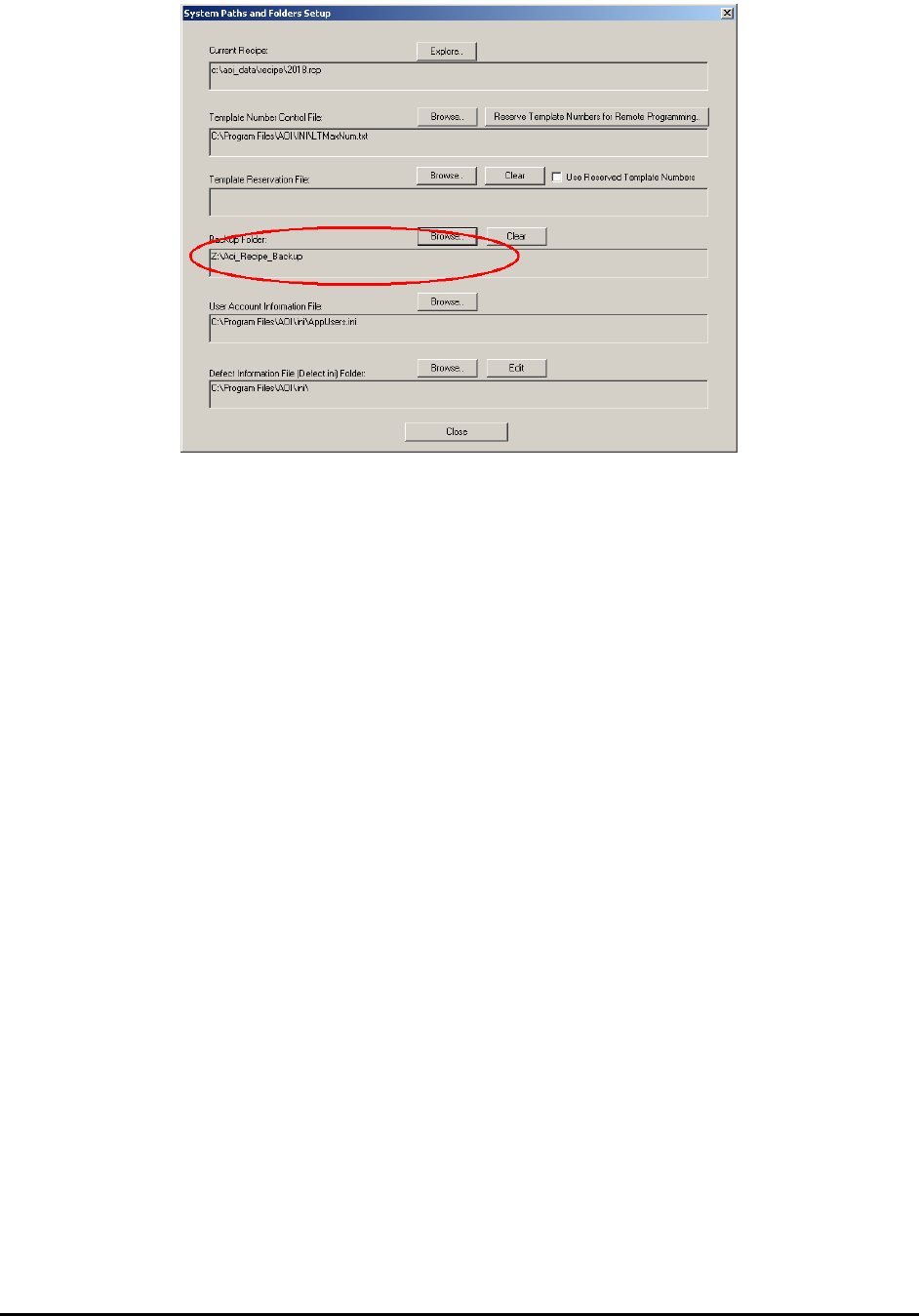
To back up any previously created recipes, you can copy all the contents of the
C:\Aoi_data\Recipe folder and paste it into the network backup location.
With the Backup Folder specified, every time the software saves the recipe it will save in both
locations.
Customer Support 23-1
23 - Customer Support
Nordson YESTECH is committed to providing excellent customer support after the product is
sold. In addition to phone support and visits, we also utilize Internet technology to help us keep
in contact with our customers.
23.1 Automated Software Upgrade
Nordson YESTECH AXI machines can upgrade to the newest software revisions automatically
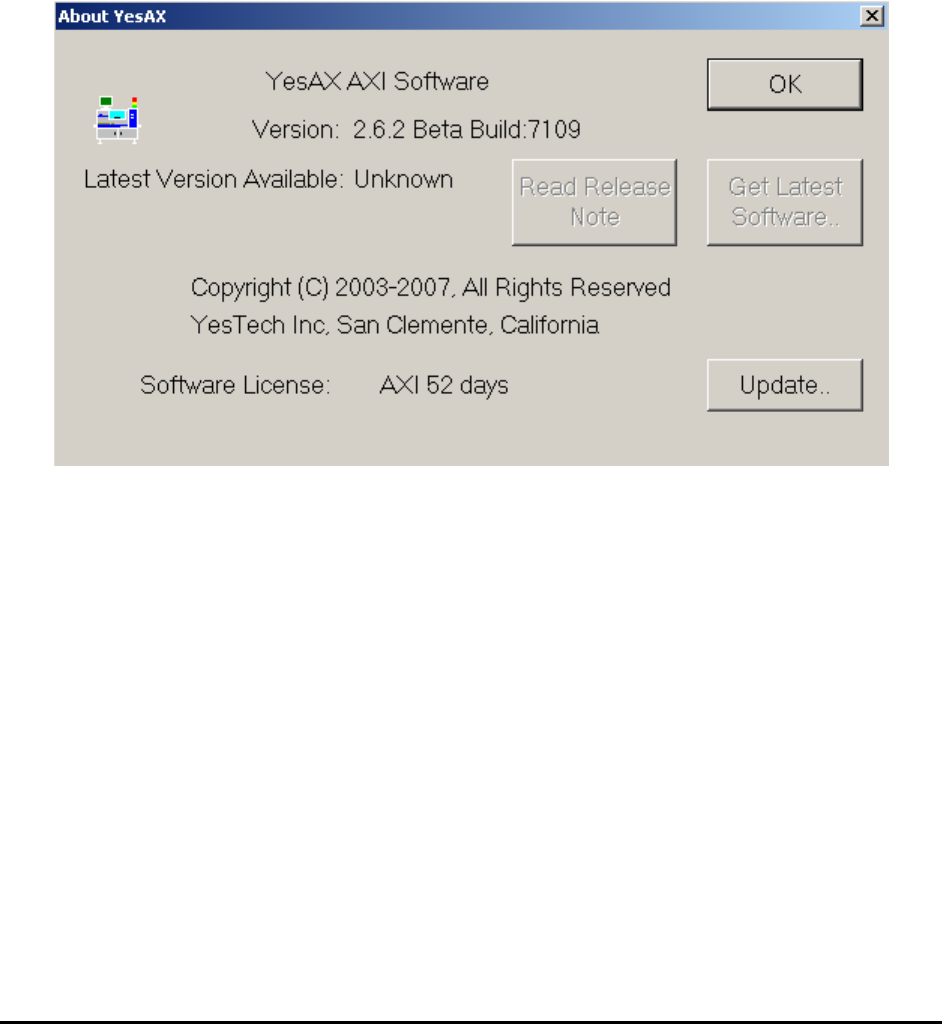
via the Internet. To use this feature, select About YesAX from the Help menu. The About
YesAX dialog displays.
During the initial launch of this dialog the software searches the Web for the latest version of the
YesAX software. If the latest version is higher than the current version the two buttons Read
Release Note and Get Latest Software are enabled. The Read Release Note button retrieves
the latest release notes from the Web and displays them. It is always a good idea to read the
release notes before upgrading the software. If you decide to upgrade, press the Get Latest
Software button to launch the upgrade wizard. It will guide you through the steps of upgrading
the YesAX software. The following is a screen shot of the Upgrade Wizard Software.