YesAX V3.1.2 - Software User Manual - 第279页
Trouble Shoot ing 28 -1 28 - T rouble Shooting 28.1 During Startup The software performs a self checking routine during startup. I f a problem is detected the following error messages may be displayed. Error Message: Lic…
Trouble Shooting 28-1
28 - Trouble Shooting
28.1 During Startup
The software performs a self checking routine during startup. If a problem is detected the
following error messages may be displayed.
Error Message: License Key not Found or Expired
The YesAX software is protected by a software license key also known as a dongle. A proper
dongle on a USB port is required for the software to run. There are two types of dongles: time
limited and permanent. A time limited dongle will expire after a period of time usually 30 days.
Time limited dongles can be extended or changed into a permanent one by a matching its locking
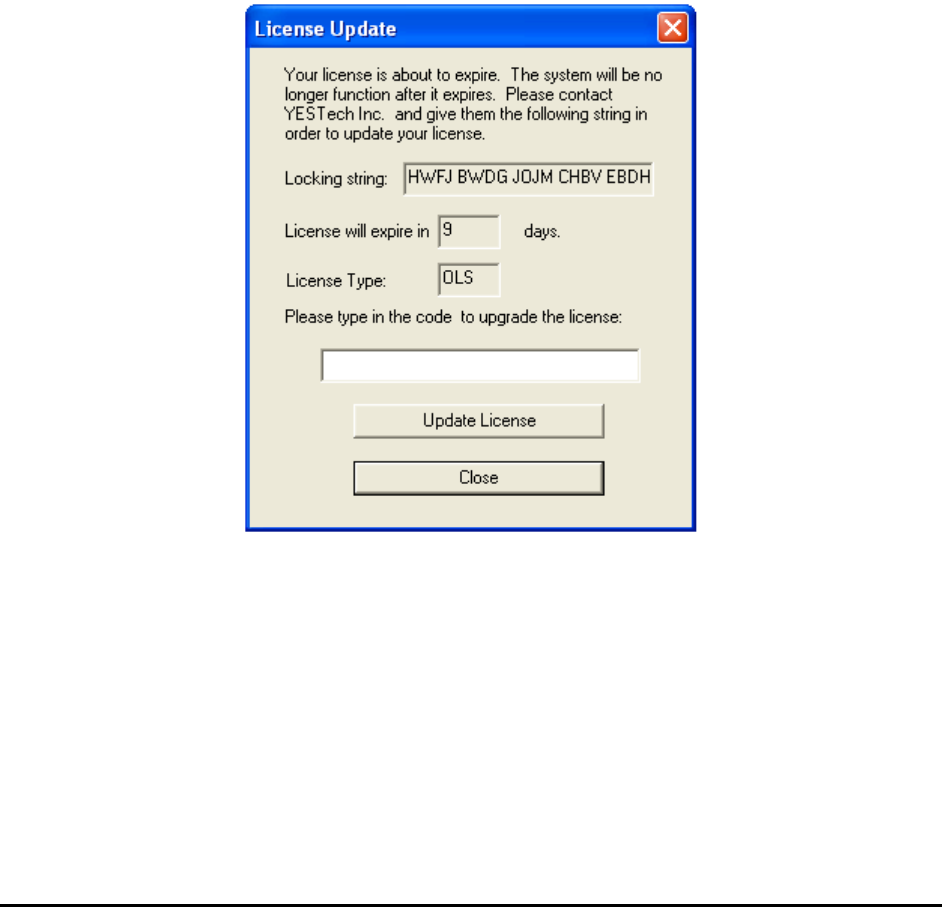
string with a licensing string. When a time limited dongle is within 10 days of its expiration, the
dialog below will display during software start up.
Users should contact Nordson YESTECH and provide Nordson YESTECH with the 20 character
locking string and the License type. Nordson YESTECH engineers will use the locking string to
generate a license string (26 characters. With the licensing string the user can update their
software license.
It is a Nordson YESTECH company policy to supply new users with a time limited dongle until
the system is paid for.
Error Message: Unable to communicate with the Teknic Servo Controller.
28-2 Trouble Shooting
The XY stage of the AXI system is driven by closed loop servo motors. Teknic is the vendor
who supplies to Nordson YESTECH the servo motor system. The computer communicates with
the servo controller via its parallel port. This error message will display if the computer is unable
to establish communication with the servo controller.
There can be a number of reasons for this to happen:
1. The power to the servo controller is not turned on. Check to make sure the power key
switch is in the ON position.
2. The servo controller is not yet ready. After power is applied to the servo controller, it
will take about 30 seconds before it is ready to communicate.
3. The computer’s parallel port is not set to EPP. The servo controller requires the
computer’s parallel port to be in EPP mode. The user may need to enter the BIOS
setup of the computer to change the settings.
Error Message: Cannot find EPB or TTL I/O & Cannot find EPB for XY Motor Control
The EPB (Embedded Processor Board) is a small (credit card size) circuit that controls the TTL
input/output (tower light, interlock) of the AXI system. The same board also controls conveyor
functionalities. The EPB communicates with the computer via the USB port. The above error
message would display if the computer is unable to communicate with the EPB.
There can be a number of reasons for that to happen:
1. The USB cable to the EPB is not connected.
2. The device driver for the EPB is not properly setup. When the EPB is working properly
its status LED would blink about once a second. Like a heart beat it indicates a healthy
EPB in operation. If the status LED is not blinking it could mean either a bad driver setup
or a damaged EPB board.
Error Message: No Top View Camera
Current AXI systems have one top view camera. This error message will appear if the computer
is unable to communicate with the top view camera. Cameras communicate with the computer
via the USB ports. There can be a number of reasons why this may happen:
1. The cable to the camera is not connected.
2. The device driver for the camera is not properly setup.
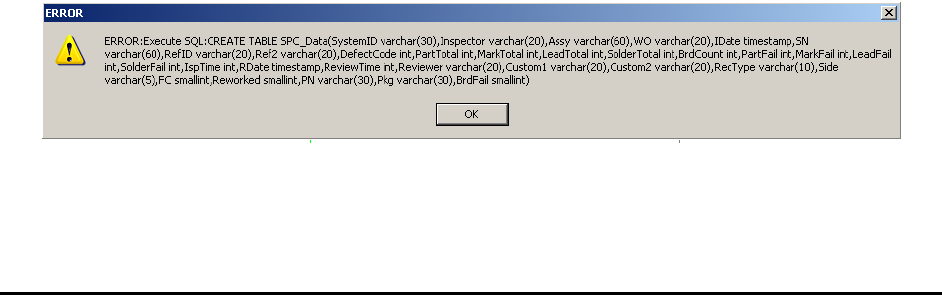
Error Message: Execute SQL..