00191025-01.pdf - 第104页
5 Placement S IPLACE 80S/F/G User’s Manual 5.6 Error Menus Edition 12/96 from Software Version S R.009.xx 5 - 28 Width Adjustment If there i s an error with regard to the width of th e board conv eyor you can change t he…

SIPLACE 80S/F/G User’s Manual 5 Placement
Edition 12/96 from Software Version SR.009.xx 5.6 Error Menus
5 - 27
Abort placement
Use the
cursor keys
to select the menu item "Abort placement" in order to quit the error menu without
placement continuing, and press the
Return key
. The board on the conveyor is transported to the output
conveyor and the component at the placement head ejected. The portals are moved into the waiting posi-
tion.
Continue placement
Use the
cursor keys
to select the menu item "Continue placement" in order to continue placement. Then
press the
Return key
. The machine transfers the printed circuit board which is on the conveyor and asks
the operator to insert a new board. In order to continue placement the machine requires a board in the
placement zone.
5.6.2.2 Range of Functions for the Line Engineer
After the line engineer password has been entered, the following additional functions are shown in the trans-
port error menu:
Sensor state
Use the
cursor keys
to select the menu item "Sensor state" in order to display the current state of the ultra-
sound sensors. Then press the
Return key
. In the righthand area of the "Transport error" menu the current
state of the ultrasound sensors (responded 1, not responded 0) is displayed.
Transport status
The menu item "Transport status” shows how the statuses (1/0) of the board conveyor have been set in the
software.
Use the
cursor keys
to select the "Transport status" menu in order to display the current states of the board
conveyor, and press the
Return key
. In the righthand area of the "Transport error" menu the current state of
all board conveyor functions is shown.
Actuate clamping
After selecting the function "Actuate clamping" by means of the
cursor keys
and pressing the
Return key
,
clamping is activated (any printed circuit board which is on the conveyor is clamped in position). When the
Return key
is pressed again the clamping device returns to the home position. This procedure can be
repeated as often as desired by pressing the
Return key
.
Actuate stopper
After selecting the function "Actuate stopper" using the
cursor keys
and pressing the
Return key
, the stop-
per is extended. When the
Return key
is pressed again the stopper returns to its home position. This
sequence can be repeated by repeatedly pressing
Return key
.
Cycle mode
Use the
cursor keys
to position the cursor bar over the menu item "Cycle mode". Then press the Return
key. For each step of the placement sequence you will now need to press the start button.

5 Placement SIPLACE 80S/F/G User’s Manual
5.6 Error Menus Edition 12/96 from Software Version SR.009.xx
5 - 28
Width Adjustment
If there is an error with regard to the width of the board conveyor you can change the width.
●
With the aid of the cursor keys position the cursor bar over the menu item "Width adjustment".
The width adjustment menu window will drop down (see Section 6.4.8).
NOTE:
If gantry 2 is positioned within the travel range of gantry 1 it will not be possible to carry out width
adjustment or measurement of the conveyor width.
Measuring the conveyor width
●
With the aid of the cursor keys position the cursor bar over the menu item "Measure conveyor width".
The conveyor width which has been set will be measured and this displayed in the conveyor fault menu
(see Section 6.4.9).
SIPLACE 80S/F/G User’s Manual 5 Placement
Edition 12/96 from Software Version SR.009.xx 5.6 Error Menus
5 - 29
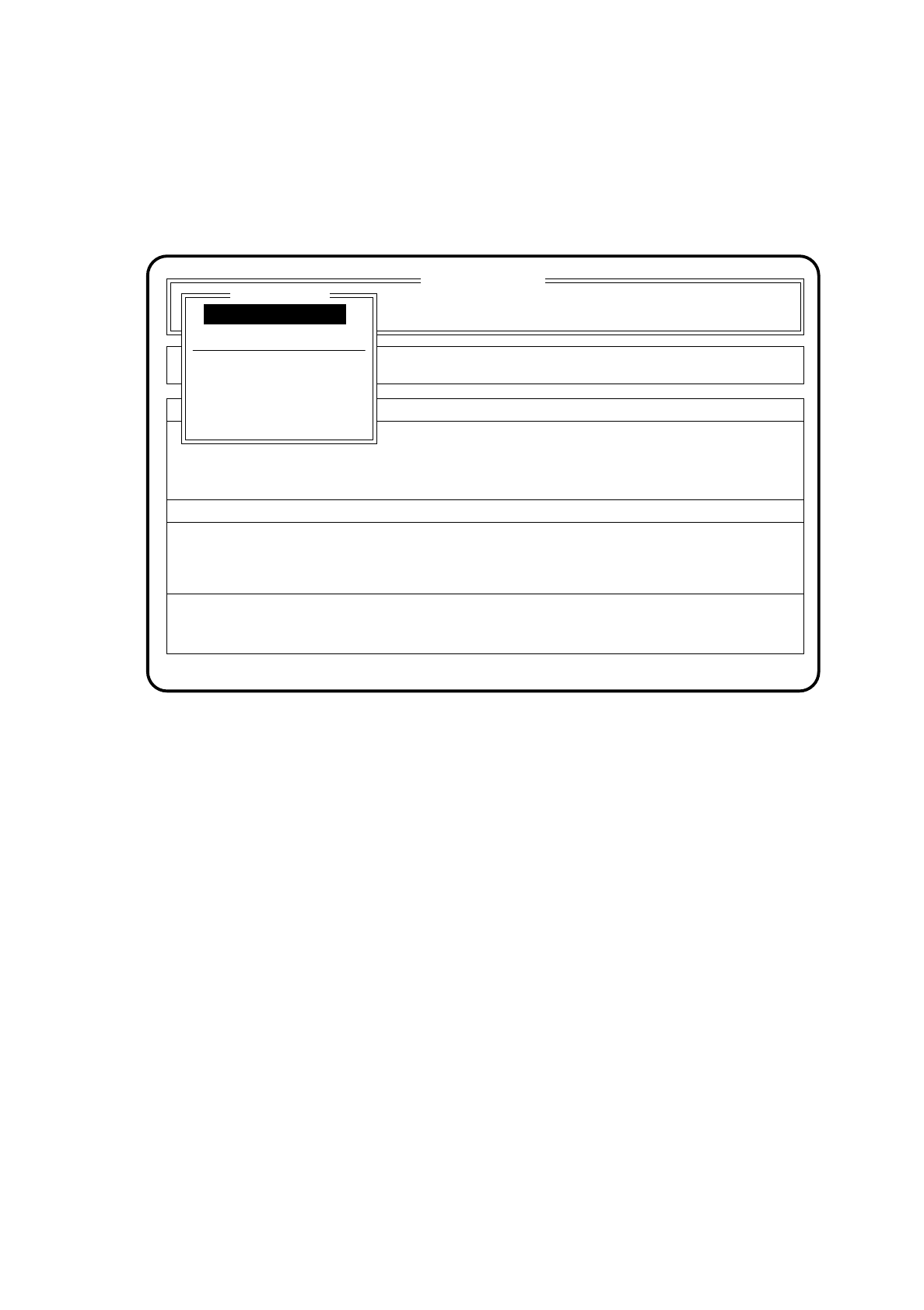
5.6.3 Fiducial Error Menu
If a fiducial is not found or not recognized during position recognition, the fiducial error menu appears auto-
matically on the screen.
Fig. 5.6.2
SI 80 V 9.x
Cluster: TEST
Neuer Nutzen
Display errors
Confirm errors
Machine options
Error
State
Action
:
:
:
Error treatment - fiducial error
Abort placement
PCB to output conveyor
PCB to center conveyor
Display errors
Continue placement
Fiducial error
Continue placement