00191025-01.pdf - 第127页
SIPLACE 80S/F/G User’s Manual 5 Placement Edition 12/96 from S oftware Version SR.009.xx 5.8 Emergency Stop Processing (Partial As sembly) 5 - 51 Fig. 5.8.3 ● Check th e board agai n at the outp ut conveyo r of the stati…
5 Placement SIPLACE 80S/F/G User’s Manual
5.8 Emergency Stop Processing (Partial Assembly) Edition 12/96 from Software Version SR.009.xx
5 - 50
5.8.1 Continuing Placement
●
If the station is ready again and you wish to continue placement, select the menu item "Continue place-
ment".
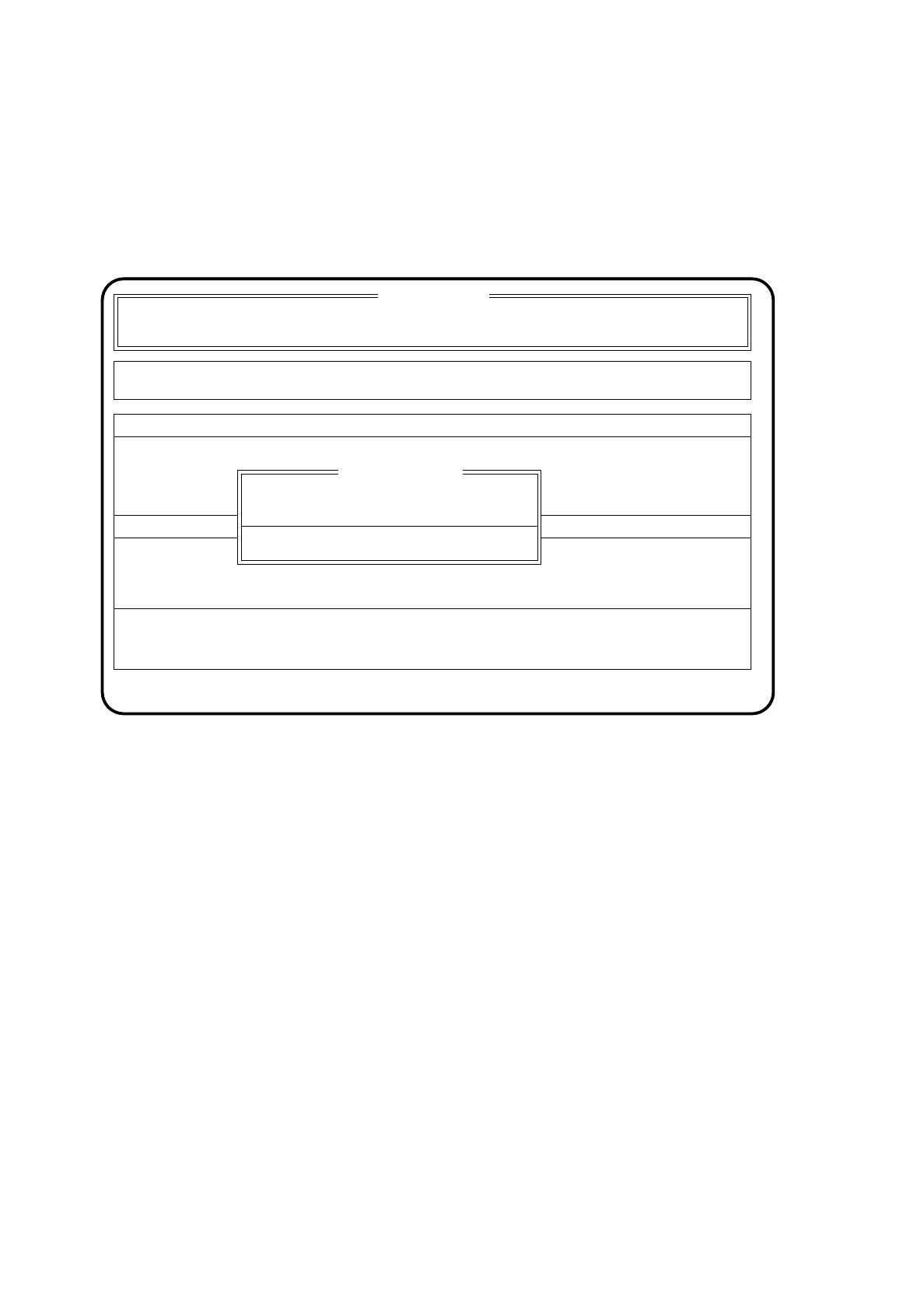
The following warning will be displayed.
Fig. 5.8.2
●
Check the board in the station for completeness and for displacement of components.
●
Press the space bar.
●
The previous menu will drop down. Select once again the menu item "Continue placement".
Placement of the board will be completed and it will be transported to the delivery point of the
corresponding station.
The following message will be issued.
SI 80 V 9.x
Component feeding Display errors
Confirm errors
Machine options
Error
State
Action
:
:
:
This PCB possibly not being processed correctly!
At end check completeness and position
WARNING
Press space bar
SIPLACE 80S/F/G User’s Manual 5 Placement
Edition 12/96 from Software Version SR.009.xx 5.8 Emergency Stop Processing (Partial Assembly)
5 - 51
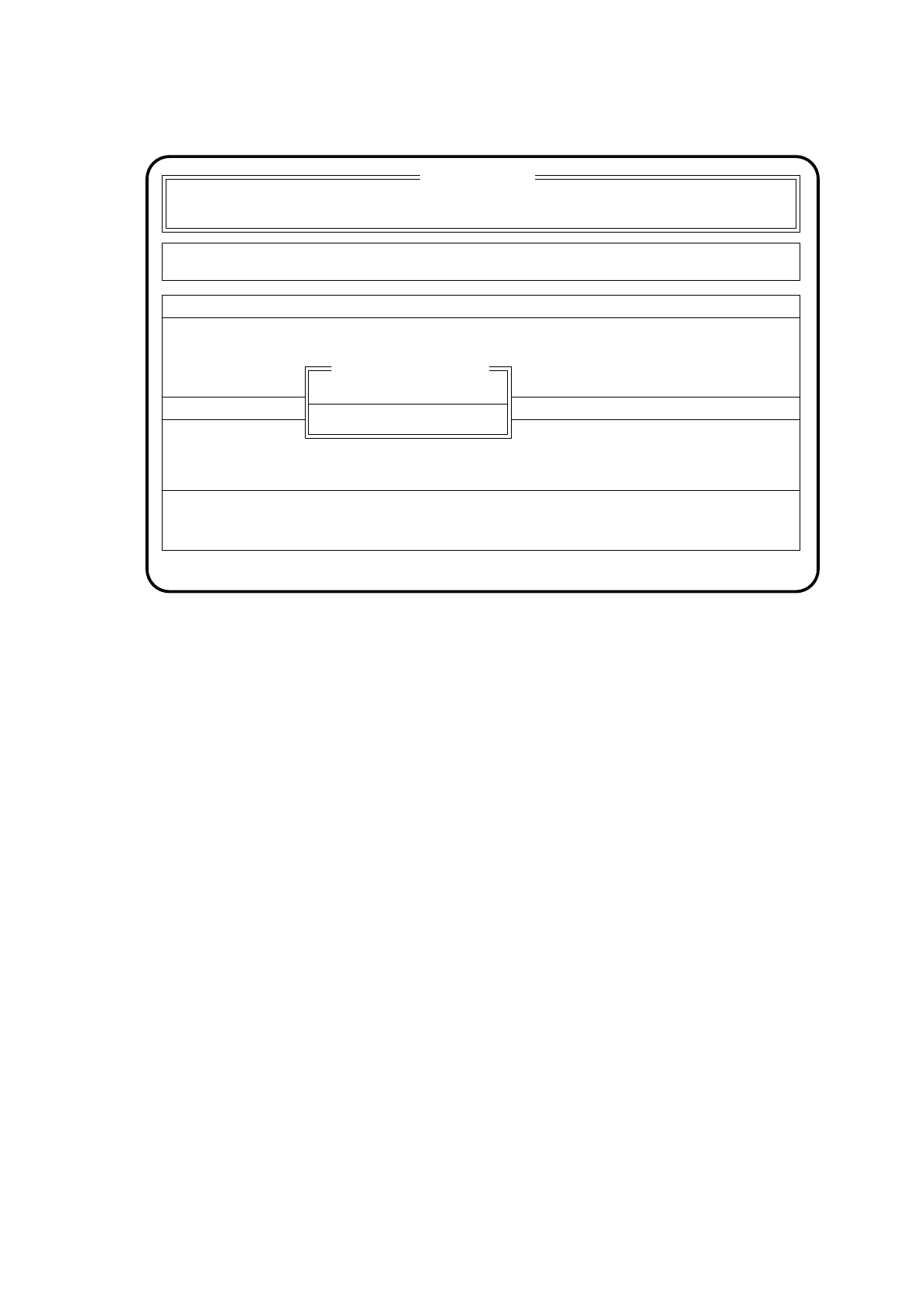
Fig. 5.8.3
●
Check the board again at the output conveyor of the station in question.
If the board has been assembled correctly, select "PCB is OK".
The board will be transported from the output conveyor to the following station (if present).
●
If the board is faulty, select "Remove PCB".
●
Remove the board.
5.8.2 Aborting Placement
If the station is ready again but you want to abort placement all the same, select the menu item "Abort place-
ment".
Assembly of the board will be interrupted and the board transported to the output conveyor.
SI 80 V 9.x
Component feeding Display errors
Confirm errors
Machine options
Error
State
Action
:
:
:
PCB is OK
Remove PCB
PCB check after stop

5 Placement SIPLACE 80S/F/G User’s Manual
5.8 Emergency Stop Processing (Partial Assembly) Edition 12/96 from Software Version SR.009.xx
5 - 52
❒