00191025-01.pdf - 第138页
6 Single Functi ons SIPLACE 80S/F/G User’s Manual 6.1 Introduction: Single Functions Edition 07/97 from Software Version S R.010.xx 6 - 6 Fig. 6. 1.3 6.1. 4.1 "G antry 1" an d "Gantry 2" The subm enus…

SIPLACE 80S/F/G User’s Manual 6 Single Functions
Edition 07/97 from Software Version SR.010.xx 6.1 Introduction: Single Functions
6 - 5
6.1.3 General
NOTE
The single functions are only accessible after the
line engineer password
has been input.
The single functions are used for setting up and checking the machine. The single functions make it possible
to operate the functional modules separately. The functions dealt with in this section (Section 6 "Single Func-
tions") are described both for the SIPLACE 80 S as well as for the SIPLACE 80 F. Where functions apply to
both machine types, in the sections dealing with the SIPLACE 80 F reference will be made to the SIPLACE
80 S. Additional functions of the SIPLACE 80 F will be treated in separate chapters.
WARNING
∆
!
∆
!
The single functions may only be operated by appropriately qualified and trained personnel as improper use
could result in physical injury or damage to the machine.
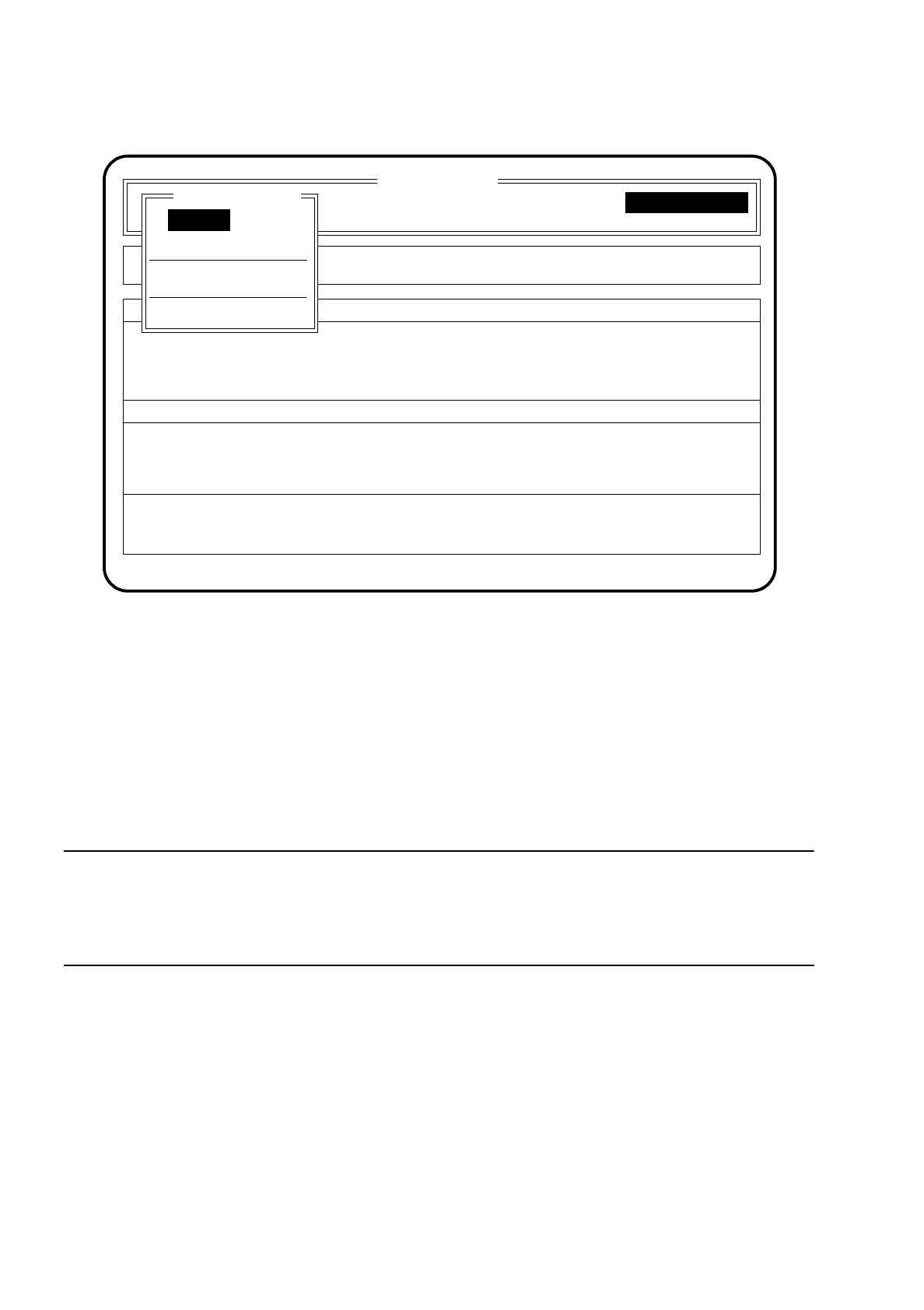
6.1.4 Main Menu "Single Functions 80 S"
Once the line engineer password has been typed in and the menu item "Single functions" has been selected
the menu "Single functions" for the SIPLACE 80 S appears on the screen.
With the
Esc key
you can jump back to the "Main menu".
In the main menu "Single functions" five submenus can be selected with the aid of the
cursor keys
.
6 Single Functions SIPLACE 80S/F/G User’s Manual
6.1 Introduction: Single Functions Edition 07/97 from Software Version SR.010.xx
6 - 6
Fig. 6.1.3
6.1.4.1 "Gantry 1" and "Gantry 2"
The submenus "gantry 1" and "gantry 2" are identical in their function. The difference is that it is only possible
to work with the selected gantry. Both gantries are switched to zero power and the protective cover can be
opened. The functions are explained taking gantry 1 as an example but the explanations still apply to both
gantries.
NOTE
For travel functions of the x or y axis the protective cover must be closed and the start button pressed to
launch them. The gantries will move without exception only at a slow speed.
The star has been programmed to the slow speed.
SI 80 V 10.x
Cluster:
Rüstung :
Display errors
Confirm errors
Machine options
Software options
Vision system
Error
State
Action
:
:
:
Gantry 2
Transport
Table functions
Single functions
Single functions
Gantry 1
Single functions
SIPLACE 80S/F/G User’s Manual 6 Single Functions
Edition 07/97 from Software Version SR.010.xx 6.1 Introduction: Single Functions
6 - 7
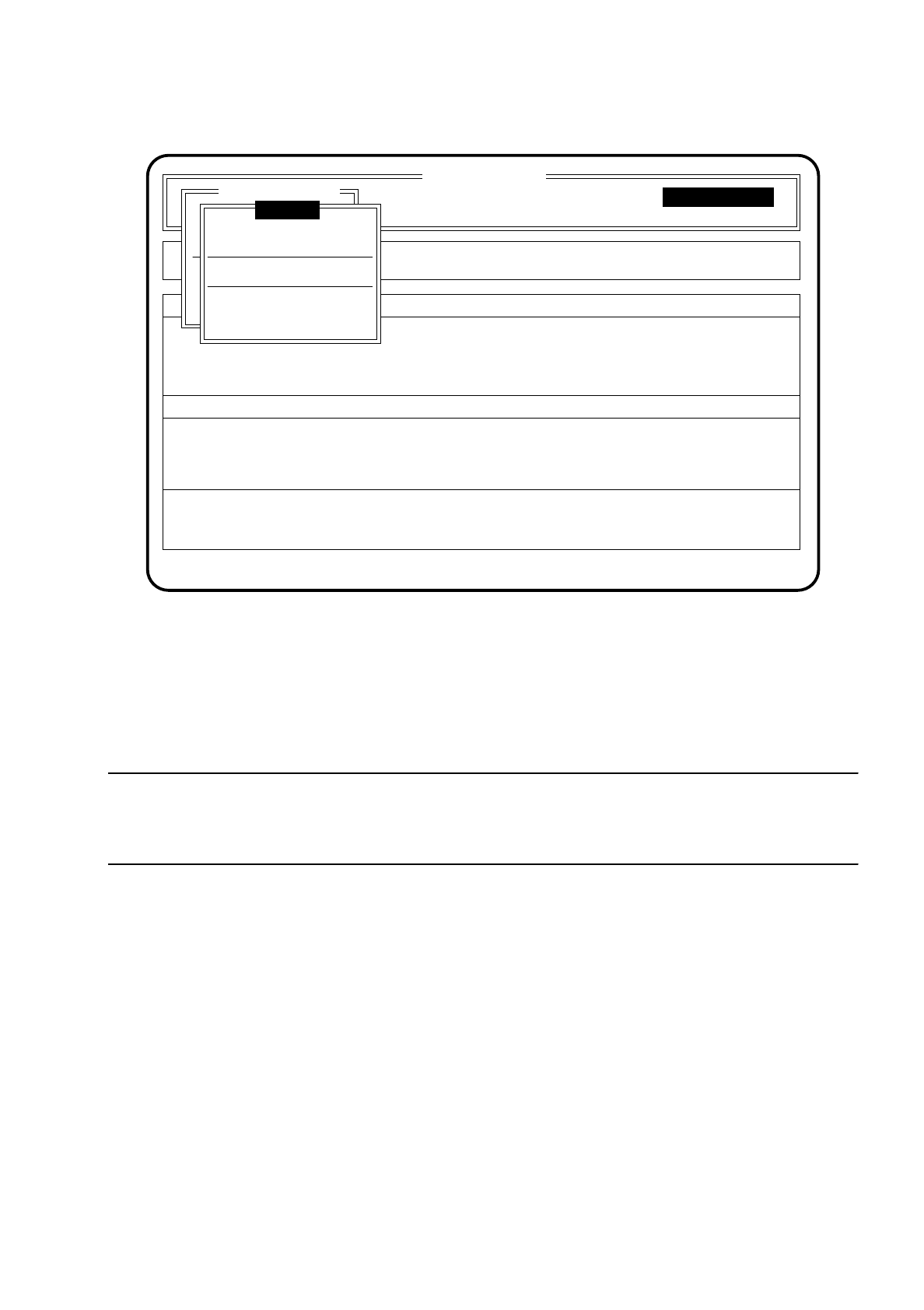
Fig. 6.1.4
The function "Gantry functions" is described in Section 6.2 "Gantry Functions 80S" in more detail.
The functions "Star head" are described in Section 6.3 "Star Head Functions 80S" in more detail.
The functions "Display errors" are described in Section 5.7 "Display Functions" in more detail.
The function "Cycle mode" is described in Section 5.6.8 "Abort Menu" in more detail.
NOTE
After quitting the gantry menu by means of the
Esc key
(return to the main menu Single functions), the active
gantry automatically performs a head reference run.
SI 80 V 10.x
Cluster:
Rüstung :
Display errors
Confirm errors
Machine options
Software options
Vision system
Error
State
Action
:
:
:
Single functions
Transportfkt.
Breitenverstell.
Star head
Display errors
Cycle mode
Single functions
Single functions
Gantry 1
Gantry functions