00191025-01.pdf - 第188页
6 Single Functi ons SIPLACE 80S/F/G User’s M anual 6.9 Table funct ions Ed ition 07/97 from Software Version SR.010.xx 6 - 56 6.9.1 Load table program The "Lo ad table prog ram" function is used for loading the…
SIPLACE 80S/F/G User’s Manual 6 Single Functions
Edition 07/97 from Software Version SR.010.xx 6.9 Table functions
6 - 55
6.9 Table functions
The table functions of the SIPLACE 80F are identical to the table functions of the SIPLACE 80S. There may
be some differences in the software version information or in the header of the screen menu. This does not
however have any effect on the functions. If at a later point in time, modifications or additions are made to the
functions which would involve differences to SIPLACE 80S functions, Section 6.9 "Table functions" will be
revised accordingly.
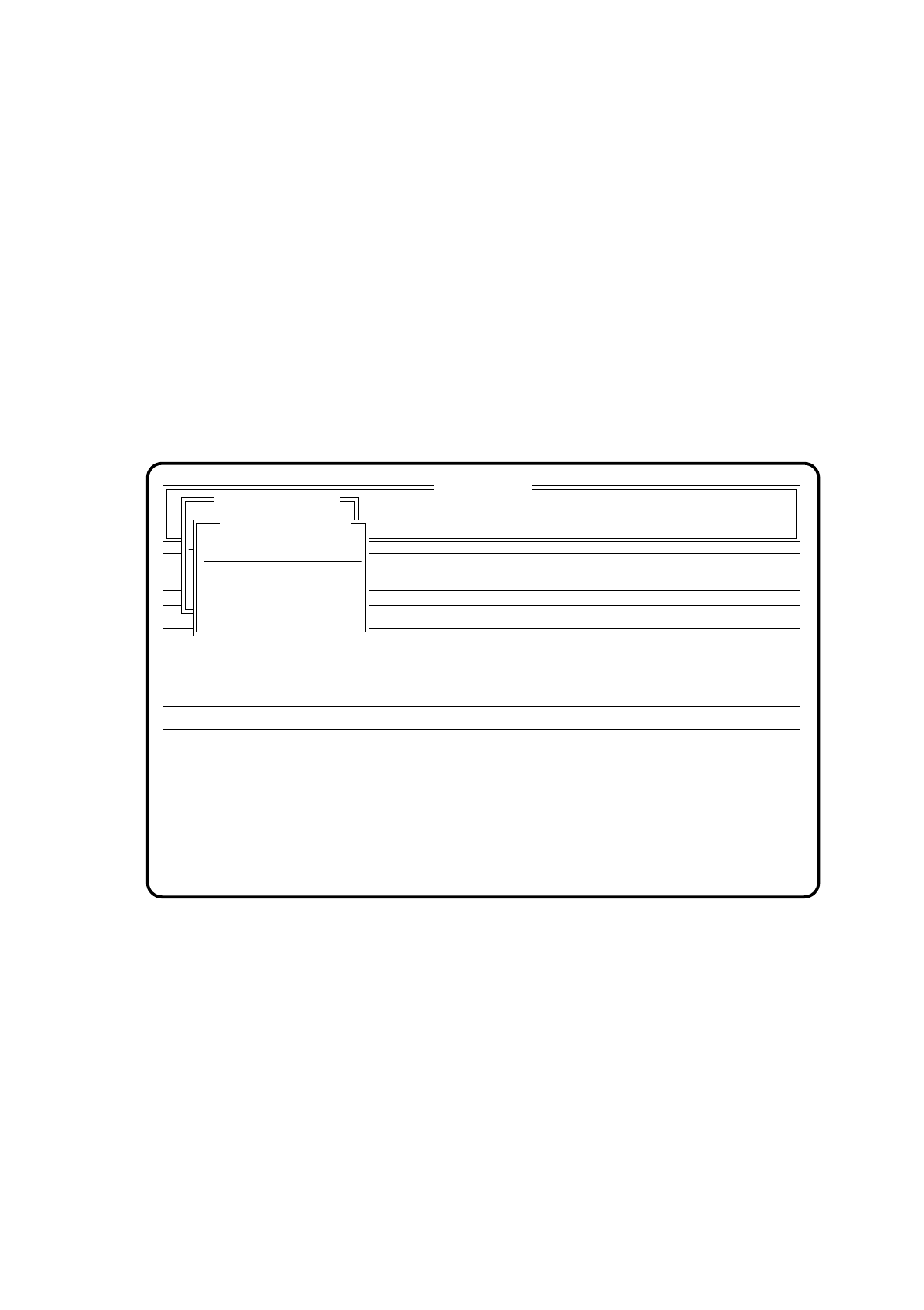
Proceed as follows to call the "Table functions" menu:
●
Using the cursor keys, select the menu item "Single functions" in the "Table functions" menu.
●
Press the return key. The Table functions menu will be displayed on the screen.
Fig. 6.9.1
Display errors
Confirm errors
SI 80 V 10.x
Rüstung :
Neuer Nutzen
Portal 2
Transport.
Tischfunktionen
Rüstung :
Neuer Nutzen
Table functions
Load table program
Cutting unit table 1
Machine options
Software options Vision system
Error
State
Action
:
:
:
Single functions
Single functions
Cluster:
Cutting unit table 2

6 Single Functions SIPLACE 80S/F/G User’s Manual
6.9 Table functions Edition 07/97 from Software Version SR.010.xx
6 - 56
6.9.1 Load table program
The "Load table program" function is used for loading the functions of the feeder control system. Proceed as
follows to activate this feature:
●
Using the cursor keys position the light bar over the menu item "Load table functions" in the "Table
functions" menu.
●
Press the return key. The feeder control system functions will now be loaded for both tables
simultaneously.
6.9.2 Cutting unit table 1 and cutting unit table 2
This function causes the cutting unit in question to make a cut.
●
Using the cursor keys position the light bar over the menu item "Cutting unit table 1" or "Cutting unit table
2" in the Table functions menu.
●
Press the return key. The cutting unit selected makes a cut.
❒

80S/F/G User’s Manual
Edition 07/97 from Software Version SR.010.xx
7 - I
Contents
Page
7 Vision Systems
7.1 Survey of the Vision Systems of the SIPLACE 80 S/F/G Machines. . . . . . . . . . . . . . . . .7 - 3
7.1.1 Vision Systems in the SIPLACE 80S Placement Machine. . . . . . . . . . . . . . . . . . . . . . . . . . . 7 - 3
7.1.2 Vision Systems in the SIPLACE 80F Placement Machine. . . . . . . . . . . . . . . . . . . . . . . . . . . 7 - 6
7.1.3 Vision System in the SIPLACE G Adhesive Application Station . . . . . . . . . . . . . . . . . . . . . .7 - 9
7.2 PCB Vision System . . . . . . . . . . . . . . . . . . . . . . . . . . . . . . . . . . . . . . . . . . . . . . . . . . . . . .7 - 13
7.2.1 Description of the System. . . . . . . . . . . . . . . . . . . . . . . . . . . . . . . . . . . . . . . . . . . . . . . . . . .7 - 13
7.2.2 Technical Data . . . . . . . . . . . . . . . . . . . . . . . . . . . . . . . . . . . . . . . . . . . . . . . . . . . . . . . . . . .7 - 14
7.2.3 Description of Function. . . . . . . . . . . . . . . . . . . . . . . . . . . . . . . . . . . . . . . . . . . . . . . . . . . . . 7 - 14
7.2.4 Functional Sequence . . . . . . . . . . . . . . . . . . . . . . . . . . . . . . . . . . . . . . . . . . . . . . . . . . . . . . 7 - 14
7.2.5 Criteria for the creation of fiducials. . . . . . . . . . . . . . . . . . . . . . . . . . . . . . . . . . . . . . . . . . . . 7 - 16
7.3 Component Vision System . . . . . . . . . . . . . . . . . . . . . . . . . . . . . . . . . . . . . . . . . . . . . . . . 7 - 21
7.3.1 Component Vision System of the SIPLACE 80S Placement System. . . . . . . . . . . . . . . . . . 7 - 21
7.3.1.1 System Description. . . . . . . . . . . . . . . . . . . . . . . . . . . . . . . . . . . . . . . . . . . . . . . . . . . . . . . .7 - 21
7.3.1.2 Technical Data . . . . . . . . . . . . . . . . . . . . . . . . . . . . . . . . . . . . . . . . . . . . . . . . . . . . . . . . . . .7 - 21
7.3.1.3 Description of Function. . . . . . . . . . . . . . . . . . . . . . . . . . . . . . . . . . . . . . . . . . . . . . . . . . . . . 7 - 22
7.3.2 Component Vision System in the SIPLACE 80 F Placement Systems . . . . . . . . . . . . . . . . 7 - 22
7.3.2.1 System Description. . . . . . . . . . . . . . . . . . . . . . . . . . . . . . . . . . . . . . . . . . . . . . . . . . . . . . . .7 - 22
7.3.2.2 Technical Data . . . . . . . . . . . . . . . . . . . . . . . . . . . . . . . . . . . . . . . . . . . . . . . . . . . . . . . . . . .7 - 23
7.3.2.3 Description of Functions. . . . . . . . . . . . . . . . . . . . . . . . . . . . . . . . . . . . . . . . . . . . . . . . . . . . 7 - 24
7.3.3 Criteria for the Registration of Components. . . . . . . . . . . . . . . . . . . . . . . . . . . . . . . . . . . . . 7 - 24
7.3.4 Safety Information concerning the Component Vision Systems in the 80F Machine. . . . . .7 - 27
7.4 Access to the Option “Vision System” . . . . . . . . . . . . . . . . . . . . . . . . . . . . . . . . . . . . . . 7 - 29
7.5 Teaching the Fiducial. . . . . . . . . . . . . . . . . . . . . . . . . . . . . . . . . . . . . . . . . . . . . . . . . . . . .7 - 31
7.5.1 “Teach fiducial” Flow Diagram . . . . . . . . . . . . . . . . . . . . . . . . . . . . . . . . . . . . . . . . . . . . . . .7 - 31
7.5.2 Explanations Concerning the Flow Diagram . . . . . . . . . . . . . . . . . . . . . . . . . . . . . . . . . . . . 7 - 31
7.5.2.1 Menus. . . . . . . . . . . . . . . . . . . . . . . . . . . . . . . . . . . . . . . . . . . . . . . . . . . . . . . . . . . . . . . . . . 7 - 31
7.5.2.2 Dialog Boxes . . . . . . . . . . . . . . . . . . . . . . . . . . . . . . . . . . . . . . . . . . . . . . . . . . . . . . . . . . . . 7 - 31
7.5.2.3 Option Box . . . . . . . . . . . . . . . . . . . . . . . . . . . . . . . . . . . . . . . . . . . . . . . . . . . . . . . . . . . . . . 7 - 32
7.5.2.4 Video Images . . . . . . . . . . . . . . . . . . . . . . . . . . . . . . . . . . . . . . . . . . . . . . . . . . . . . . . . . . . .7 - 32
7.5.2.5 Messages. . . . . . . . . . . . . . . . . . . . . . . . . . . . . . . . . . . . . . . . . . . . . . . . . . . . . . . . . . . . . . .7 - 32
7.5.3 “Teach fiducial” and “Save fiducial data” . . . . . . . . . . . . . . . . . . . . . . . . . . . . . . . . . . . . . . .7 - 35
7.5.3.1 Option “Enter fiducial number” . . . . . . . . . . . . . . . . . . . . . . . . . . . . . . . . . . . . . . . . . . . . . . .7 - 37
7.5.3.2 Option “New fiducial” . . . . . . . . . . . . . . . . . . . . . . . . . . . . . . . . . . . . . . . . . . . . . . . . . . . . . .7 - 39
7.5.3.3 Option “Edit fiducial” . . . . . . . . . . . . . . . . . . . . . . . . . . . . . . . . . . . . . . . . . . . . . . . . . . . . . . .7 - 41
7.5.3.4 Option “Center fiducial”. . . . . . . . . . . . . . . . . . . . . . . . . . . . . . . . . . . . . . . . . . . . . . . . . . . . .7 - 41