00191025-01.pdf - 第251页
SIPLACE 80S/F/G User’s Manual 7 Vision Systems Edition 07/97 from S oftware Version SR.010.xx 7.5 Teaching the Fiducial Line engi neer 7 - 59 7.5.5. 3 Opti on “Set defaul t values” Fig. 7.5.24 If programm ing the tr ansf…

7 Vision Systems SIPLACE 80S/F/G User’s Manual
7.5 Teaching the Fiducial Edition 07/97 from Software Version SR.010.xx
7 - 58 Line engineer
7.5.5.2 “Program transform 5”
NOTE
This option is protected by password and can only be activated by the highest user class.
When the option is activated input boxes appear on the screen.
Fig. 7.5.23
You can select the following parameters:
–
number of sections which the transformation table should contain: input values 1 ... 5
–
input or overwriting of paired values: with 5 sections 10 pairs of values are permitted.
●
Use the “TAB” key to toggle between the two boxes.
●
With “RETURN” you can quit the input box. The values are saved.
●
With “ESC” you can quit the option without saving the values.
Error
State
Action
Program transform 5
:
:
:
Esc: abort
Program transform 5
Ret: input
Sect. 1 begin I
Sect. 1 end I
Sect. 1 begin O
Sect. 1 end O
Sect. 2
Sect. 2
Sect. 2
Sect. 2
Sect. 3
Sect. 3
Sect. 3
begin I
end I
begin O
end O
begin I
end I
begin O
Sect. 3 end O
Sect. 4 begin I
Sect. 4 end I
Sect. 4 begin O
Sect. 4
Sect. 5
Sect. 5
Sect. 5
Sect. 5
end O
begin I
end I
begin O
end O
No. of Sections
:
:
:
:
:
:
:
:
:
:
:
:
:
:
:
:
:
:
:
:
:
Tab.: change wind
Vision system
SIPLACE 80S/F/G User’s Manual 7 Vision Systems
Edition 07/97 from Software Version SR.010.xx 7.5 Teaching the Fiducial
Line engineer 7 - 59
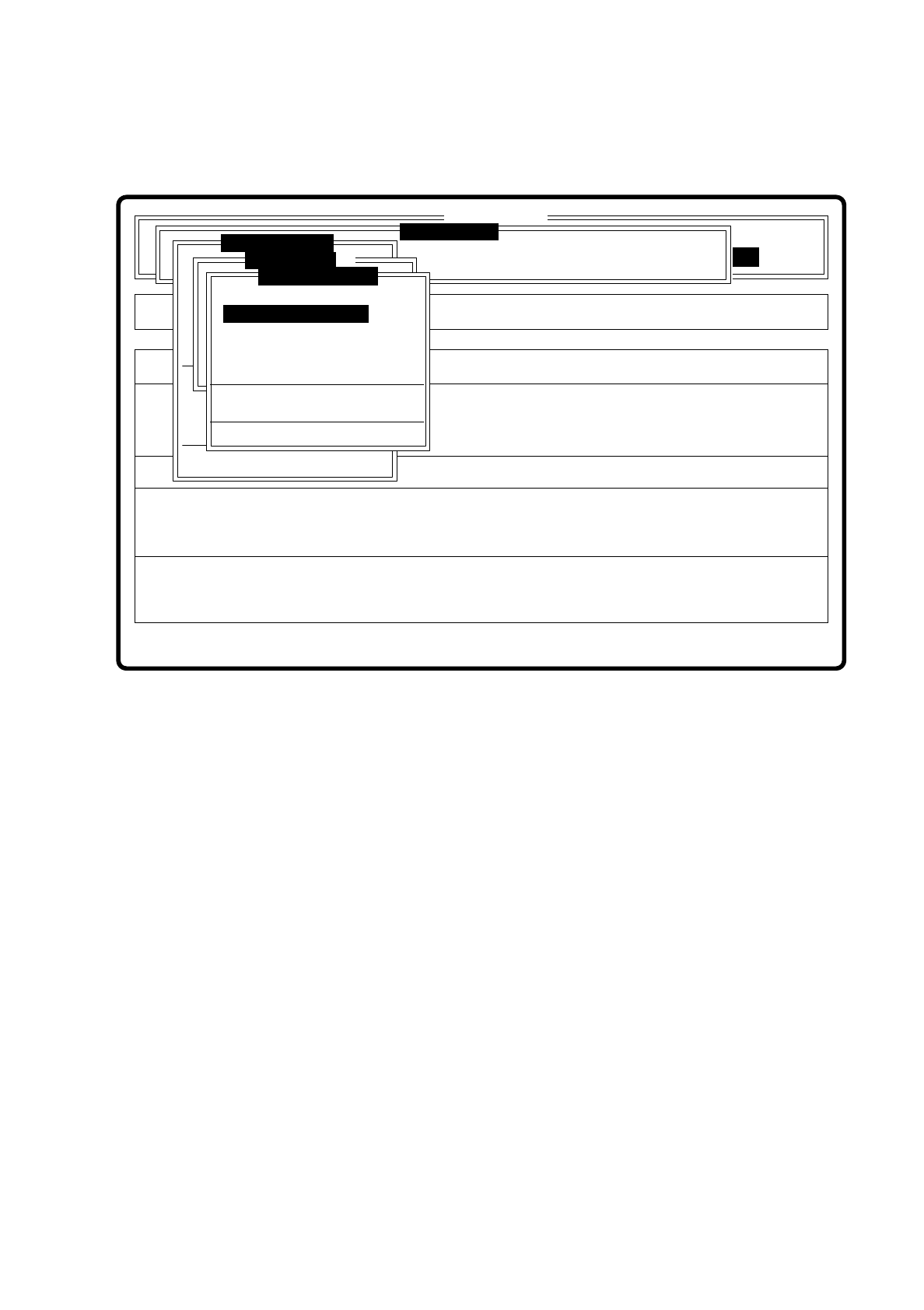
7.5.5.3 Option “Set default values”
Fig. 7.5.24
If programming the transformation table fails, set the default values in the transformation table when you call
this option. Then you can begin again with programming transformation table 5.
Error
State
Action
Show template with transform 2
Single functions
:
:
:
SI80 V 10.x
Vision system
Vision system
Rüstung:
BE - Zuführung
Vision system
Version: 2133
x/y - Achsen verfahren
Marke zentrieren
Teach fiducial
Marke neu
Marke ändern
Edit fiducial
PCB in output conveyor
Choose gantry
Display errors
Template mittl. Aufl.
Marke zentrieren
Marke neu
Color graduation
Disp with transform 1
Disp with transform 2
Disp with transform 3
Disp with transform 4
Disp with transform 5
Program transform 5
Transform 5 default values

7 Vision Systems SIPLACE 80S/F/G User’s Manual
7.5 Teaching the Fiducial Edition 07/97 from Software Version SR.010.xx
7 - 60 Line engineer