00191025-01.pdf - 第261页
SIPLACE 80S/F/G User’s Manual 7 Vision Systems Edition 07/97 from S oftware Version SR.010.xx 7.6 Test Co mponent Line engi neer 7 - 69 7.6.3.2 O ption “Pick up component” NOTE Before y ou can activate this optio n, you …
7 Vision Systems SIPLACE 80S/F/G User’s Manual
7.6 Test Component Edition 07/97 from Software Version SR.010.xx
7 - 68 Line engineer
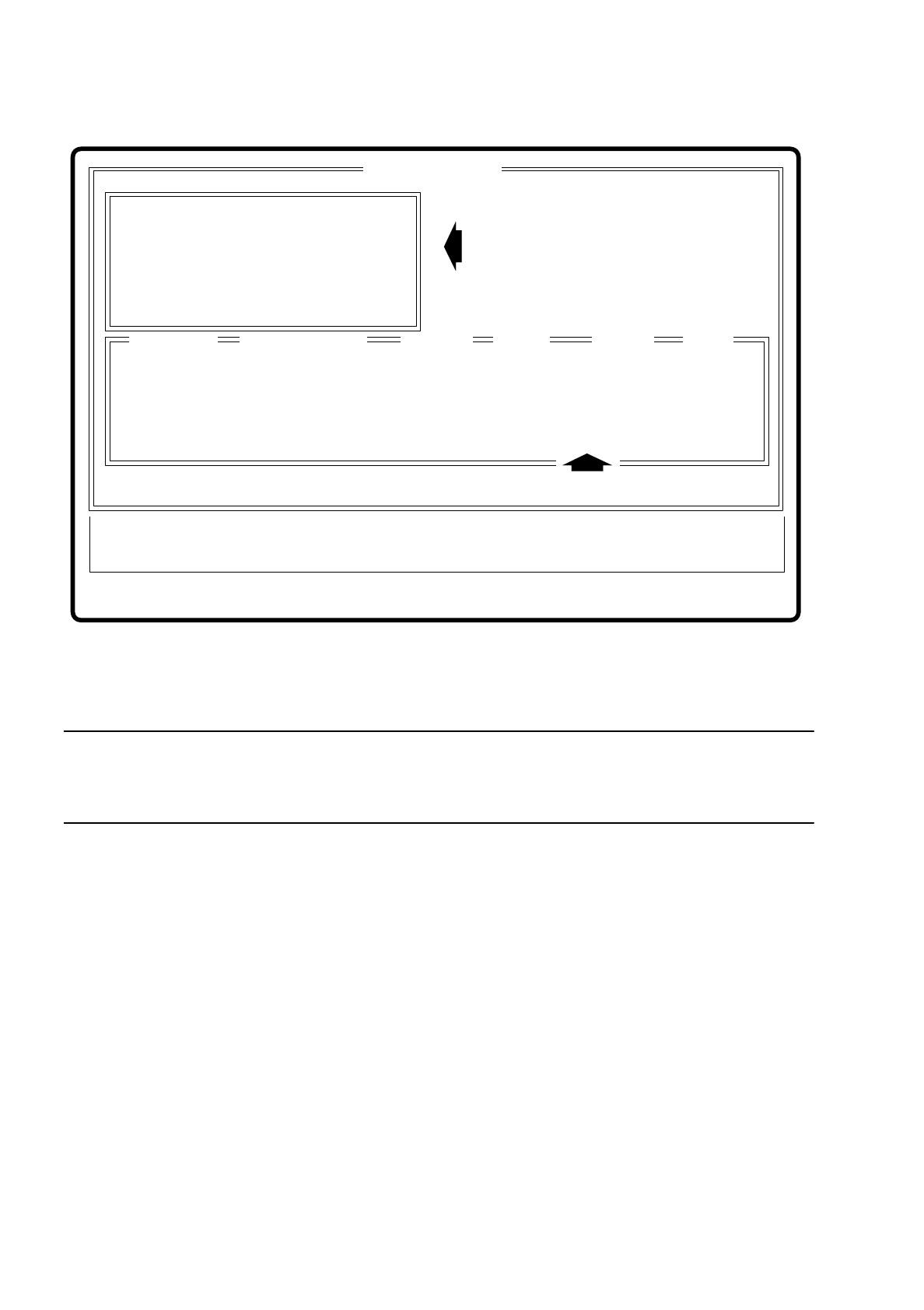
Fig. 7.6.5
NOTE
For your information we provide a brief guide to the keyboard assignments relevant for a dialog box. The guide
to the entire key assignments is to be found in Section 2.2.2 “Controlling the Machine”.
●
You can use the tab key to toggle between input and list box.
●
You can use the arrow keys to select a position in the individual boxes.
●
You can use the space bar to mark a component in the list box.
●
With “RETURN” the data are transferred to the program and the dialog box closed. You are returned to the
menu “Test component”.
●
With “ESC” you can abort the dialog without saving and return to the menu “Test component”.
If the GF number does not exist, an error message is displayed on the screen which asks you to enter a new
GF number.
If the GF number does exist, the GF data will be loaded from the line computer into the station computer. The
interpreter prepares the data and generates the teach command. With the teach command the prepared GF
data are loaded into the MVS system (evaluation unit).
Error
State
Action
Enter GF number
:
:
:
Esc: abort Ret: input
GF number
:
Component name
:
Location
:
Track
:
Division
Level
:
:
Blank: select
Enter GF number
GF number
Component name Location
Division
Level
Tab: Change wind
Input box
List box
Vision system
Track
SIPLACE 80S/F/G User’s Manual 7 Vision Systems
Edition 07/97 from Software Version SR.010.xx 7.6 Test Component
Line engineer 7 - 69
7.6.3.2 Option “Pick up component”
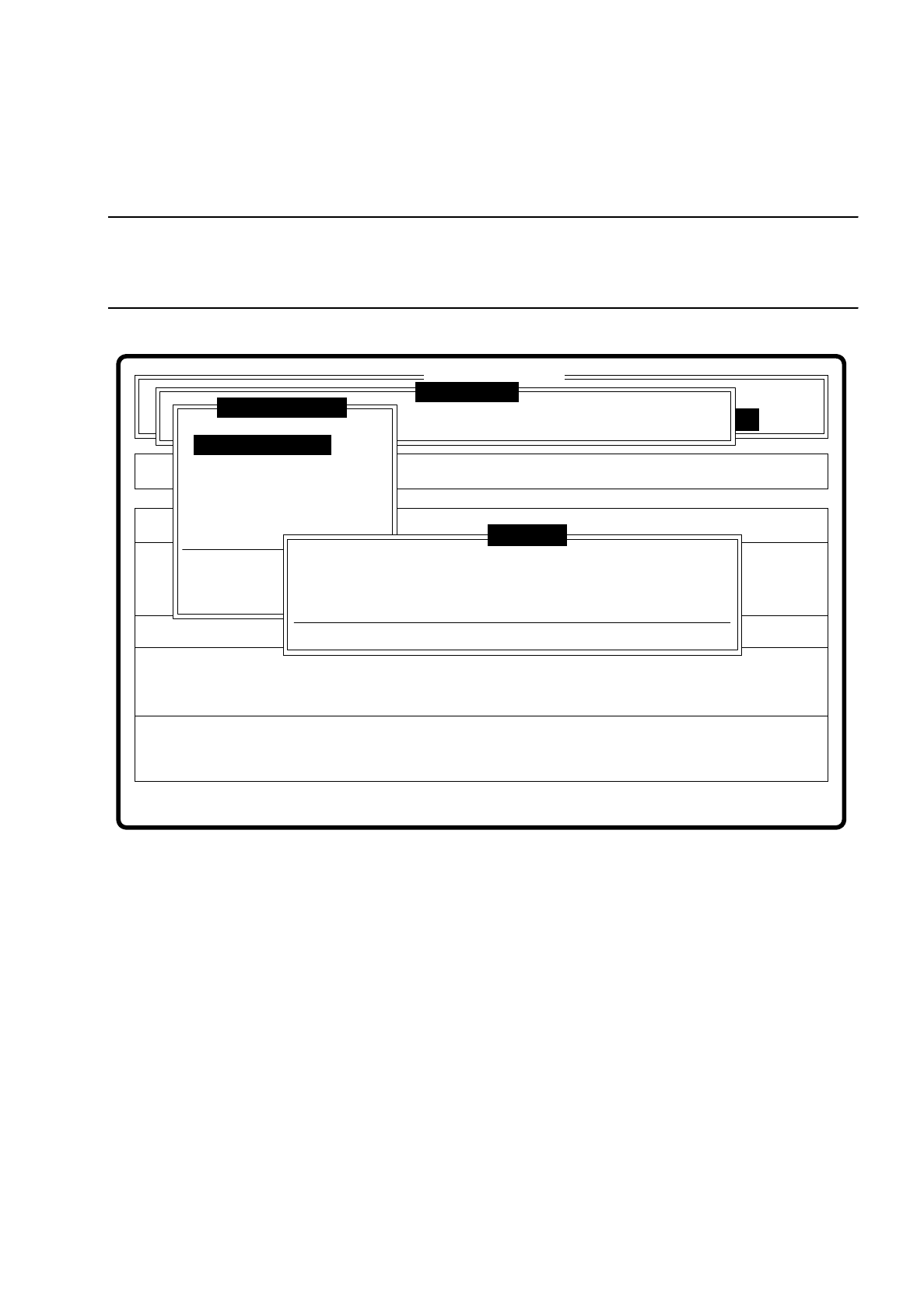
NOTE
Before you can activate this option, you must have already entered a GF number. If this is not the case, a mes-
sage is displayed asking you to enter a GF number.
Fig. 7.6.6
When this option is activated the following actions are initiated:
–
A component will be picked up from a specific track.
–
If a component is already under the component camera, it will be ejected.
Error
State
Action
Pickup component
Single functions
:
:
:
SI80 V 10.x
Vision system
Vision system
BE - Zuführung
Vision system
Version: 2133
Test component
Enter GF number
Pickup component
Display component
Measure component
Test component
Edit GF data
Change measure mode
Refill
Display errors
Test output
First enter GF number, please.
Press space bar
War ning
7 Vision Systems SIPLACE 80S/F/G User’s Manual
7.6 Test Component Edition 07/97 from Software Version SR.010.xx
7 - 70 Line engineer
7.6.3.3 Option “Display component”
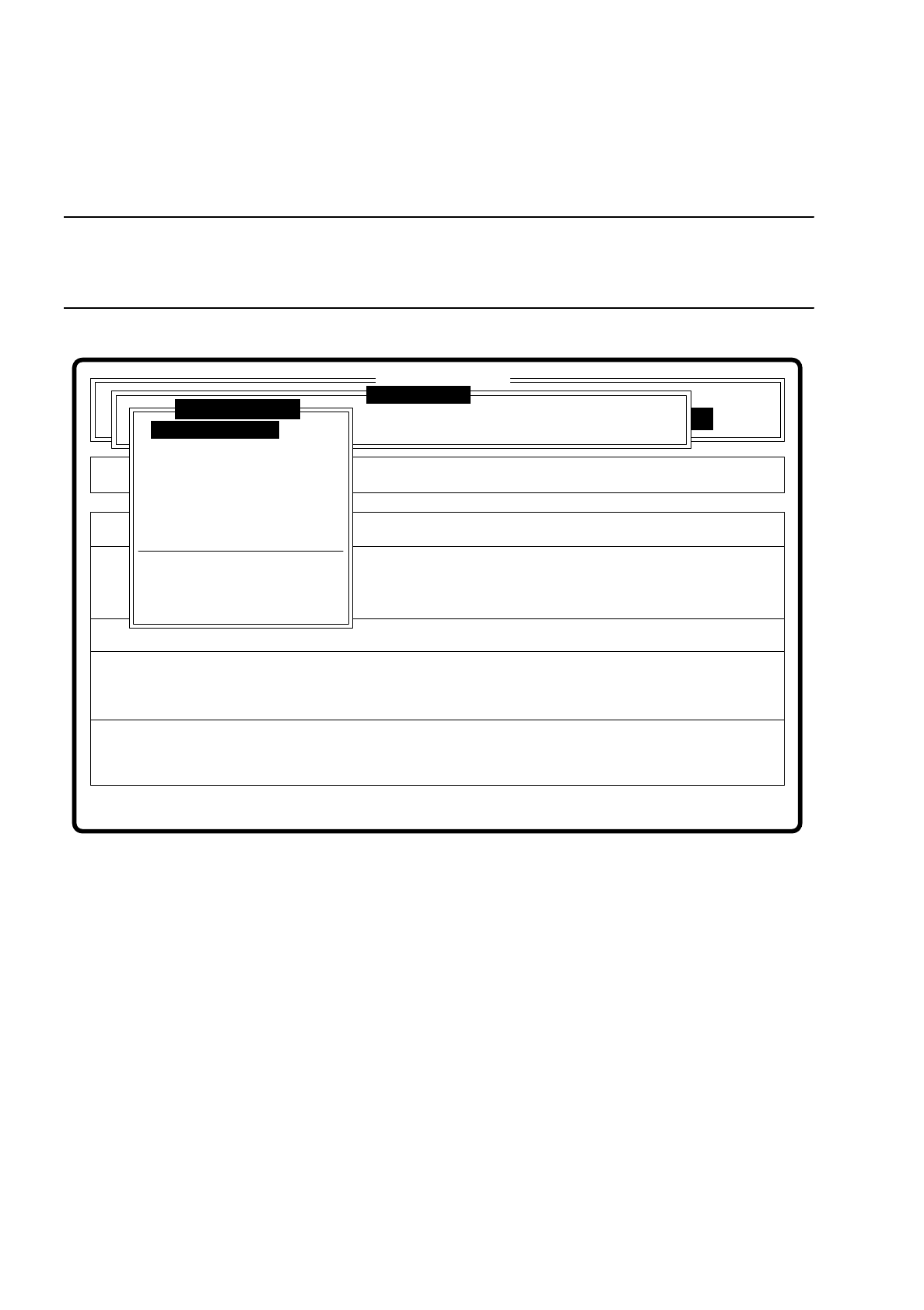
NOTE
Before you activate this option, a component must already be under the component camera. In addition, a GF
number must already have been entered.
Fig. 7.6.7
When this option is activated the following actions are initiated:
–
The teach command is initiated.
–
The vision system generates the external contours of the component from the synthetic description
–
The video image with the real camera image and the model superimposed on it is displayed on the screen.
–
The top line with comments is also displayed.
Error
State
Action
Enter package form number
Rüstung:
Single functions
:
:
:
BE - Zuführung
SI80 V 10.x
Vision system
Vision system
Vision system
Version: 2133
Test component
Enter GF number
Pickup component
Display component
Measure component
Test component
Edit GF data
Change measure mode
Refill
Display errors
Test output