00191025-01.pdf - 第319页
SIPLACE 80S/F/G User’s Manual 7 Vision Systems Edition 07/97 from S oftware Version SR.010.xx 7. 11 Teach fiducial: Supplements to the G Machine Line engi neer 7 - 127 7.11 Teach fiducial: Sup plements to the G Machine A…

7 Vision Systems SIPLACE 80S/F/G User’s Manual
7.10 Coplanarity Laser Module (SIPLACE 80F only) Edition 07/97 from Software Version SR.010.xx
7 - 126 Line engineer
7.10.5 Data Input
–
The coplanarity measurement must be entered in the package form editor under "Handling rules".
(see Section 5.4.4 "Package Form Editor" of the SIPLACE UNIX line computer operating manual).
–
Enter the maximum coplanarity deviation (see max. component height tolerance, Section 5.2.5 "Functions
of the Cluster Editor" of the SIPLACE UNIX line computer operating manual).
NOTE
With the "Placement options" menu (see Section 5.3 of this user's manual) you can deactivate or activate the
coplanarity laser module. Coplanarity measurement can be switched on or off for all of those components for
which coplanarity measurement has been set in the package form data.
SIPLACE 80S/F/G User’s Manual 7 Vision Systems
Edition 07/97 from Software Version SR.010.xx 7.11 Teach fiducial: Supplements to the G Machine
Line engineer 7 - 127
7.11 Teach fiducial: Supplements to the G Machine
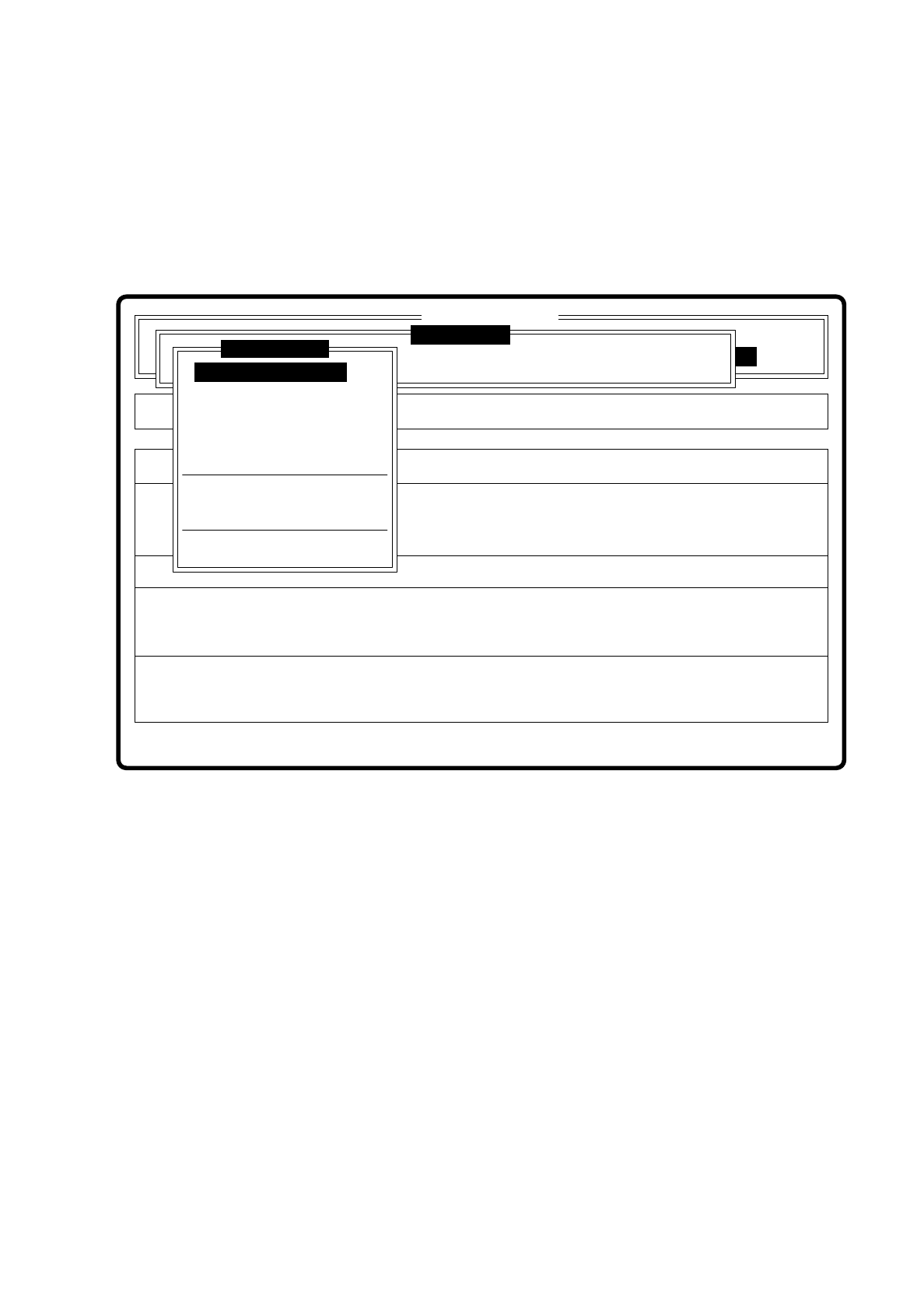
All menus are identical with those of the SI80S placement system.
You will find a description of the menus and their options in Section 7.5 Teaching the Fiducial.
Fig. 7.11.1
❒
Error
State
Action
Enter fiducial number to be processed
Single functions
:
:
:
SI80G V 10.x
Vision system
Vision system
Rüstung:
Cluster:
Vision system
Version: 2133
Setup:
Enter fiducial number
New fiducial
Edit fiducial
Center fiducial
Test fiducial
Move x/y axes
PCB to center conveyor
PCB to output conveyor
Display errors
Teach fiducial

7 Vision Systems SIPLACE 80S/F/G User’s Manual
7.11 Teach fiducial: Supplements to the G Machine Edition 07/97 from Software Version SR.010.xx
7 - 128 Line engineer