00191025-01.pdf - 第475页
10 SIPL ACE G SIPLACE 80S /F/G User’s Manual 10.2 Main Menu Edition 07/97 from Software Vers ion SR.010.xx 10 - 8

SIPLACE 80S/F/G User’s Manual 10 SIPLACE G
Edition 07/97 from Software Version SR.010.xx 10.2 Main Menu
10 - 7
10.2.3 Display Errors
See Section 10.6.1 "Display Errors"
10.2.4 Confirm errors
See Section 10.6.2 "Confirm errors"
10.2.5 Software Options
For internal servicing department use and for diagnostics by developers only.

10 SIPLACE G SIPLACE 80S/F/G User’s Manual
10.2 Main Menu Edition 07/97 from Software Version SR.010.xx
10 - 8
SIPLACE 80S/F/G User’s Manual 10 SIPLACE G
Edition 07/97 from Software Version SR.010.xx 10.3 Machine Options
10 - 9
10.3 Machine Options
In the "
operator
" user class, you are able to see which machine options have been activated in the menu
"Machine options".
In the menu "Machine options" you have the possibility, once the
line engineer password
has been typed in,
to switch subfunctions of the machine ON or OFF.
To access the menu "Machine options", use the
cursor keys
in the main menu to select the menu item
"Machine options". After this, press the
Return key
. The menu "Machine options" will then be displayed on the
screen.
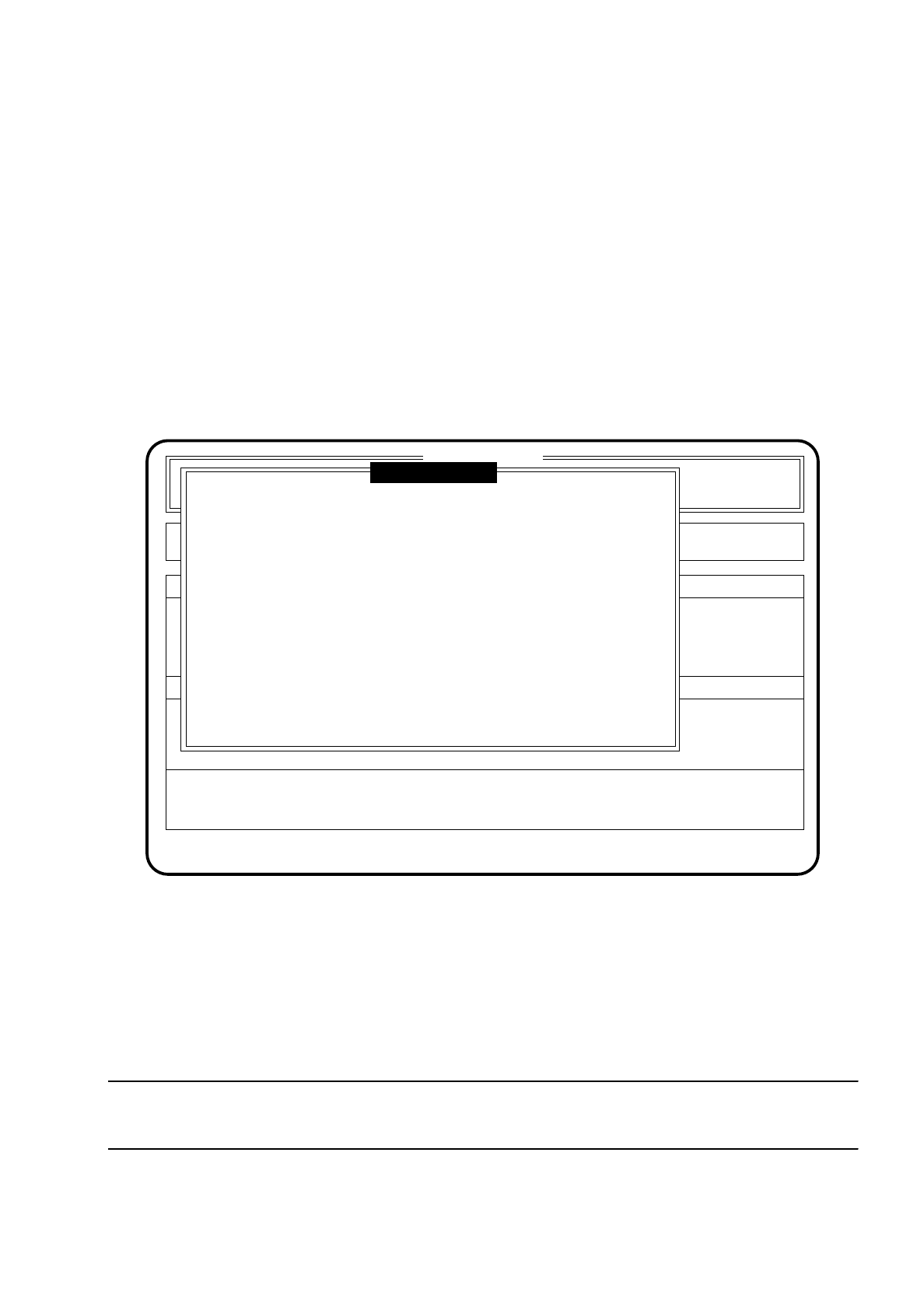
The following figure shows an example of a screen display for the function "Machine options".
Fig. 10.3.1
To quit the menu press the
Esc key
. The program will then return you to the main menu.
To change the function statuses proceed as follows (once the
line engineer password
has been typed in):
●
Move the cursor bar by means of
cursor keys
onto the function which is to be processed.
●
Press the space bar to change the status (active = (X), not active ( )) of the function.
●
Press the
Return key
to confirm this input.
NOTE
In the menu only those functions are shown which are configured in the machine data.
SI 80G V 10.x
Nutzen:
Rüstung :
Single functions
Vision system
Error
State
Action
:
:
:
Process PCB
Position recognition
Ink spot check
Interface blocked
( X )
( X )
( )
( X )
Esc: abort Blank: select Ret: input
Glue cleaning pad
( X )
Machine options