00191025-01.pdf - 第487页
10 SI PLACE G SIPLACE 80S/F/G User’s Manual 10.4 Glueing Adjustments Edition 07/97 from Software Version SR.010.xx 10 - 20 10.4.3.1 New Glue Type Line Procee d as follows to call the m enu item "N ew gluetype line&q…
SIPLACE 80S/F/G User’s Manual 10 SIPLACE G
Edition 07/97 from Software Version SR.010.xx 10.4 Glueing Adjustments
10 - 19
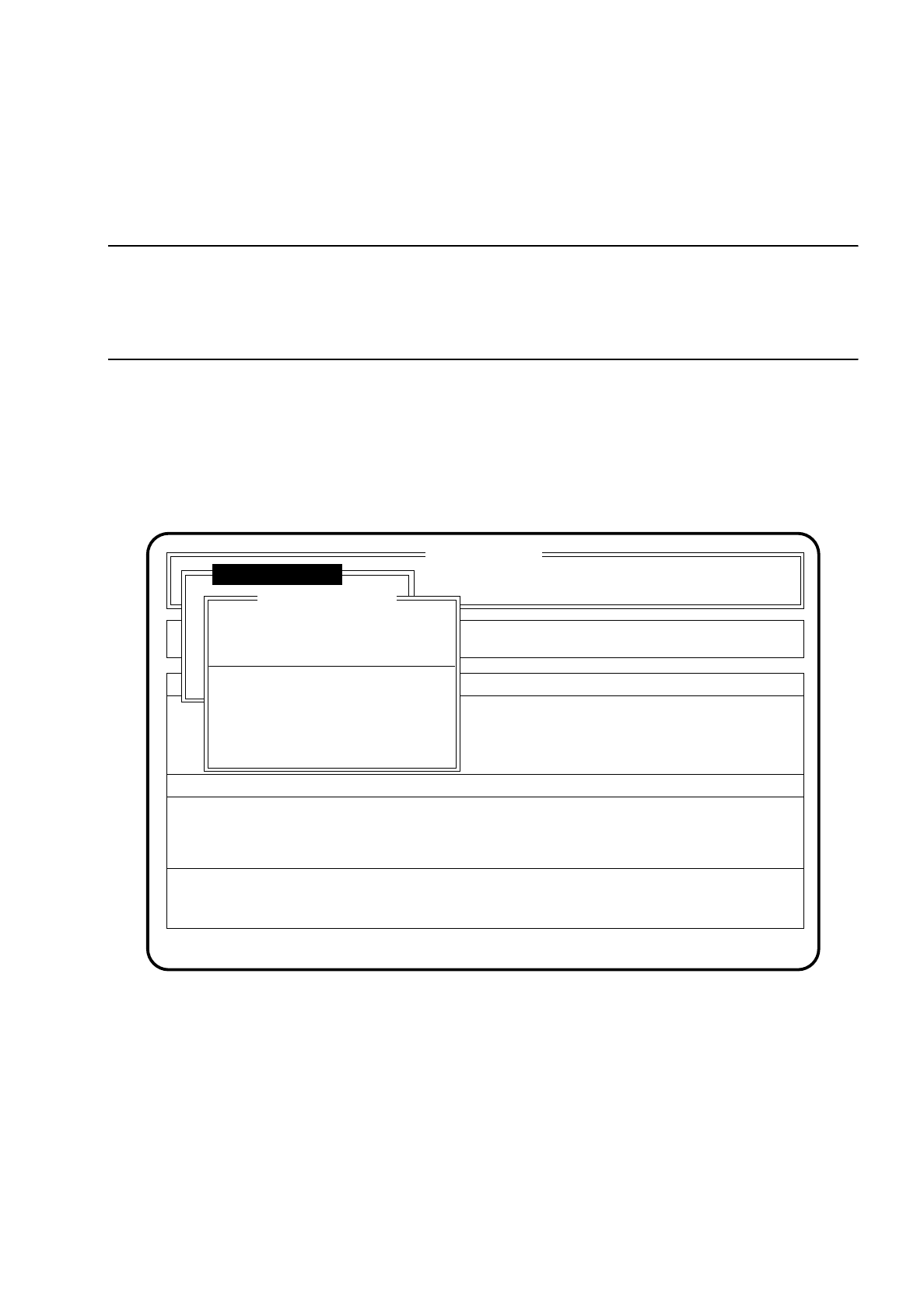
10.4.3 Modify System Data
In the menu "Modify system data" you can input new characteristics and stand-off spacers for each dispenser
unit into the system file "aktuell.ma".
CAUTION
∆
!
When system data are modified a warning will be issued when you leave the menu. This modification will only
become effective after a reboot of the station.
Proceed as follows to call the menu item "Modify system data":
●
In the menu "Glueing adjustmts" use the cursor keys to move the cursor bar over the menu item "Modify
system data".
●
Press the return key. On the screen the menu "Modify system data" will appear.
●
Press the Esc key if you wish to quit the "Modify system data" menu without making any changes.
Fig. 10.4.7
SI 80G V 10.x
Rüstung :
Machine options
Software options Vision system
State
Action
:
:
Glueing adjustmts
Single functions
Error
:
Modify system data
Ret. modify ESC: abort
Cluster:
New gluetype line GU1/2
New gluetype line GU3
Spacer angle GU1
Spacer angle GU2
Spacer angle GU3
10 SIPLACE G SIPLACE 80S/F/G User’s Manual
10.4 Glueing Adjustments Edition 07/97 from Software Version SR.010.xx
10 - 20
10.4.3.1 New Glue Type Line
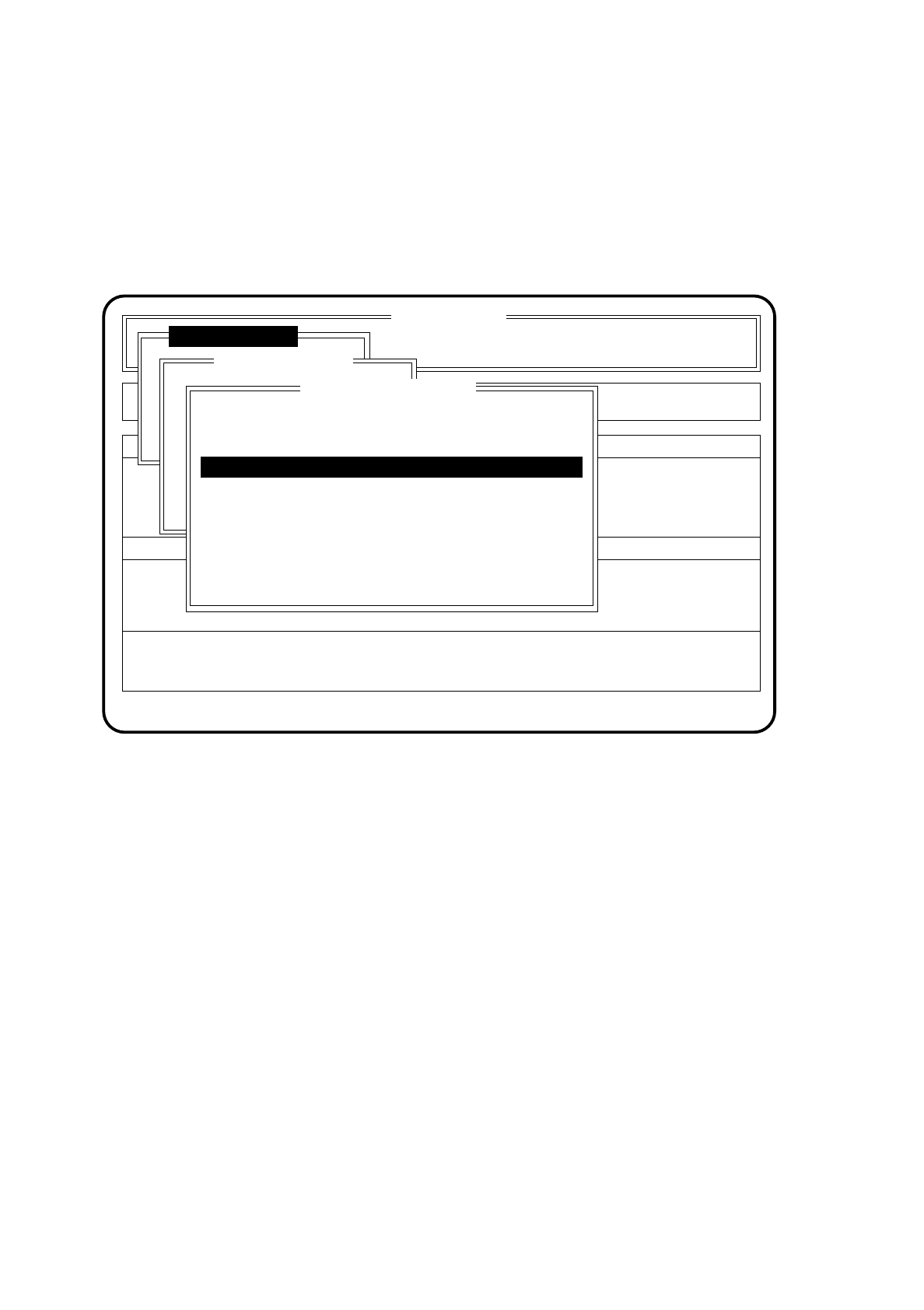
Proceed as follows to call the menu item "New gluetype line":
●
In the menu "Modify system data" use the cursor keys to move the cursor bar over the menu item "New
gluetype line" of the dispenser unit in question.
●
Press the return key. The "New gluetype line" menu is displayed on the screen.
Fig. 10.4.8
●
Use the cursor keys to move the cursor bar over the gluetype line you wish to specify and confirm with the
Return key.
●
Press the Esc key if you wish to quit the "Modify system data" menu without making any changes.
SI 80G V 10.x
Rüstung :
Machine options
Software options Vision system
State
Action
:
:
Glueing adjustmts
Single functions
Error
:
Modify system data
New gluetype line GU1/2
UHU
Glueing steps
(min./max.)
Nozzle
[mm]
Spacer
[mm]
Heraeus PD23 3 - 12 0.30 0.25
12 - 20 0.60 0.30
Pattex 25 5 - 15 0.44 0.10
Pattex 26 0.44 0.10
Pattex 27 0.44 0.10
5 - 15
5 - 15
Ret.: new char. line
SIPLACE 80S/F/G User’s Manual 10 SIPLACE G
Edition 07/97 from Software Version SR.010.xx 10.4 Glueing Adjustments
10 - 21
10.4.3.2 Spacer Angle GU1
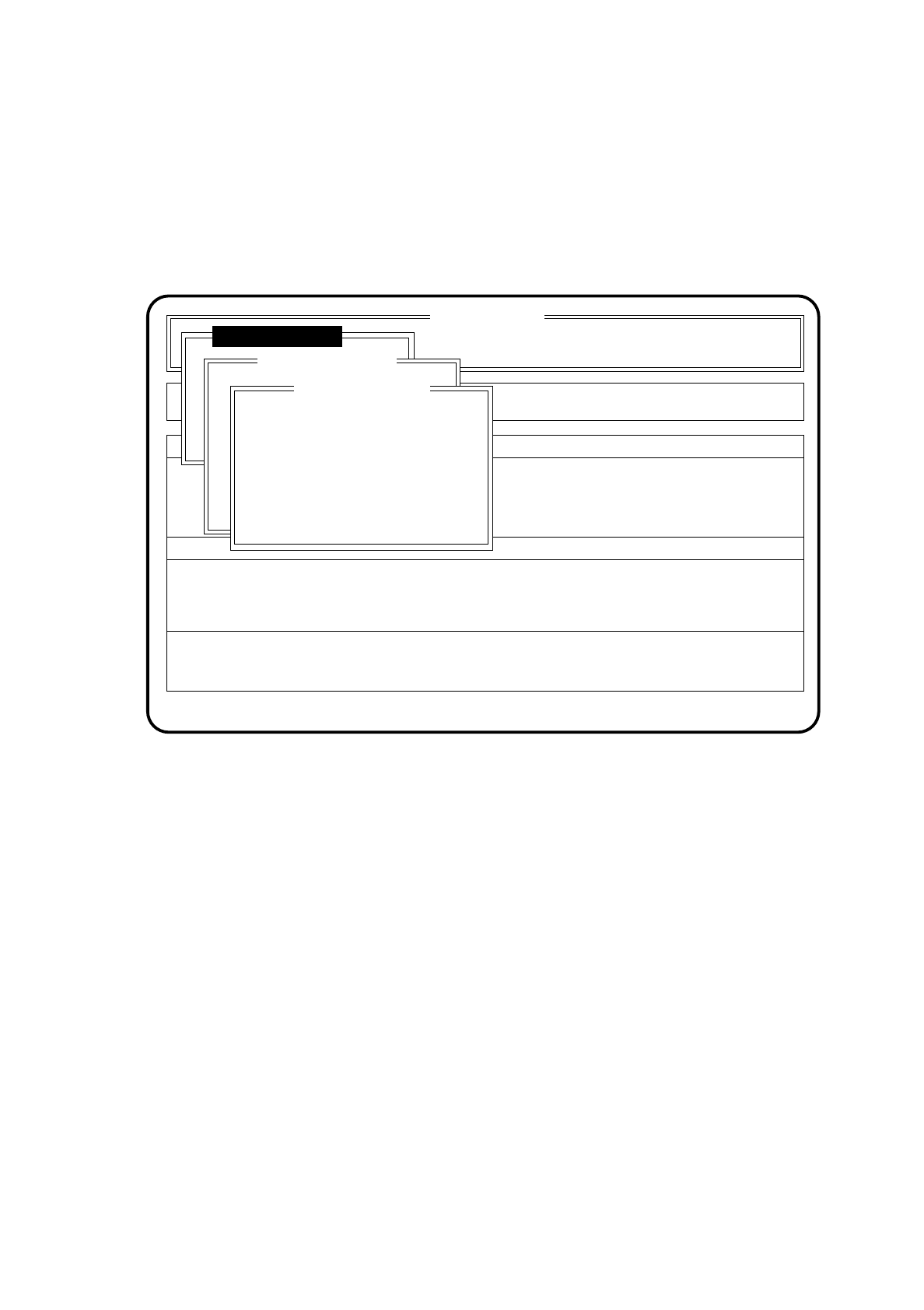
Proceed as follows to call the menu item "Spacer angle":
●
In the menu "Modify system data" use the cursor keys to move the cursor bar over the menu item "Spacer
angle" of the dispenser unit in question.
●
Press the return key. The "Spacer angle GU1" menu is displayed on the screen.
Fig. 10.4.9
●
Input the new angel (0 to 359 in degrees) into the input box and confirm with the return key.
●
Press the Esc key if you wish to quit the "Spacer angle GU1" menu without making any changes.
SI 80G V 10.x
Rüstung :
Machine options
Software options Vision system
State
Action
:
:
Glueing adjustmts
Single functions
Error
:
Modify system data
Spacer angle GU1
New install. angle: 135
Ret.: input Esc: abort