00191025-01.pdf - 第490页
SIPLACE 80S/F/G User’s Manual 10 SIPLACE G Edition 07/97 from S oftware Version SR.010.xx 10.5 Error Menu s 10 - 23 10.5 Error Menus 10.5.1 General The erro r menus wil l appear on the screen automatic ally after a fa ta…

10 SIPLACE G SIPLACE 80S/F/G User’s Manual
10.4 Glueing Adjustments Edition 07/97 from Software Version SR.010.xx
10 - 22

SIPLACE 80S/F/G User’s Manual 10 SIPLACE G
Edition 07/97 from Software Version SR.010.xx 10.5 Error Menus
10 - 23
10.5 Error Menus
10.5.1 General
The error menus will appear on the screen automatically after a fatal error. A fatal error means that the
machine cannot continue with glueing without the operator stepping in. Before the error menus appear you will
be asked to press the start key in order to bring the gantry into the service position.
NOTE
Under normal conditions the error menus will only display the functions which the operator can execute. Only
after the line engineer password has been typed in will the full range of functions of the error menus be
available.
WARNING
∆
!
∆
!
The functions which become available only after the line engineer password has been typed in must only be
used by appropriately qualified and trained personnel as incorrect use may result in physical injury to the
person and/or damage to the machine.
NOTE
All error menus can only be quit via the functions "Continue glueing" or "Abort glueing".
NOTE
In the menu "Machine errors" the cover is unlocked and the x and y axes isolated. In these menus to move the
axes the cover must be closed.
If the key-operated switch is operated when the cover is closed, the axes will only be able to move at low
speed.
10 SIPLACE G SIPLACE 80S/F/G User’s Manual
10.5 Error Menus Edition 07/97 from Software Version SR.010.xx
10 - 24
10.5.2 Transport Errors Menu
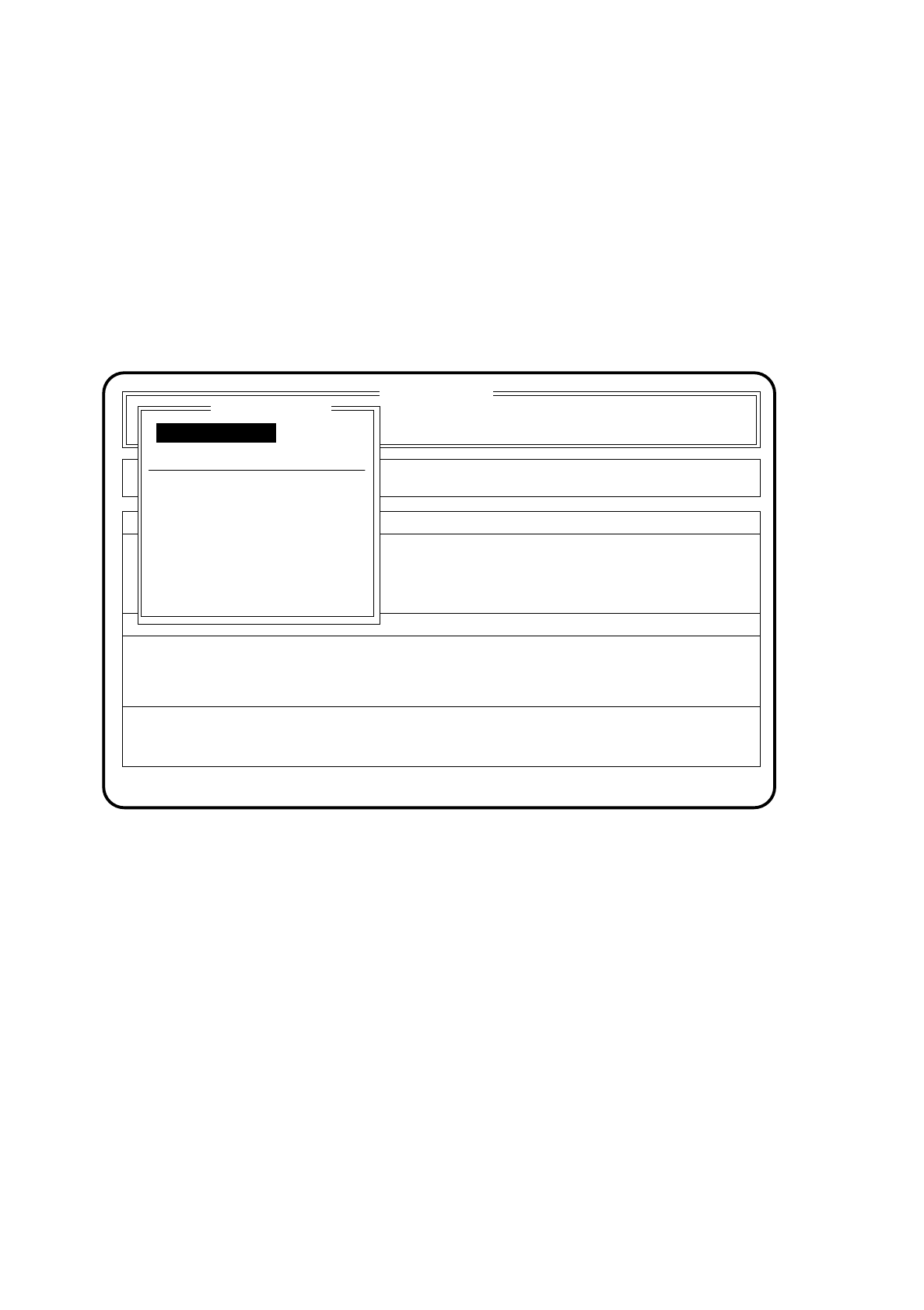
The transport errors menu appears on the screen when errors occur while the board is being transported.
Possible errors include, for example, the ultrasound sensors not responding correctly or the board not being
stopped or held.
10.5.2.1 Range of Functions - Operator
Fig. 10.5.1
PCB to output conveyor
When the function "PCB to output conveyor" is selected by means of the cursor keys and
Return key
, a
board which is on the center conveyor is sent on to the output conveyor and left there for manual
removal.
PCB to center conveyor
When the function "PCB to center conveyor" is selected by means of the cursor keys and
Return key
, a
board which is on the input conveyor is sent on to the center conveyor where it is stopped and clamped.
Display errors
In order to display all of the errors which have occurred, use the cursor keys to select the menu item
"Display errors". Then press the
Return key
. On the screen the menu described in Section 10.6 "Display
Functions": "Display errors" appears.
SI 80G V 10.x
Cluster:
Rüstung :
Error
State
Action
:
:
:
Transport errors
Abort glueing
Display errors
PCB to center conveyor
PCB to output conveyor
Error treatment - transport errors
Continue glueing
Continue glueing
Machine options