00191025-01.pdf - 第498页
SIPLACE 80S/F/G User’s Manual 10 SIPLACE G Edition 07/97 from S oftware Version SR.010.xx 10.5 E rror Menus 10 - 31 Continue glueing In order to continue the glueing p rocess, u se the curs or keys to s elect the me nu i…
10 SIPLACE G SIPLACE 80S/F/G User’s Manual
10.5 Error Menus Edition 07/97 from Software Version SR.010.xx
10 - 30
10.5.5 Machine Errors Menu
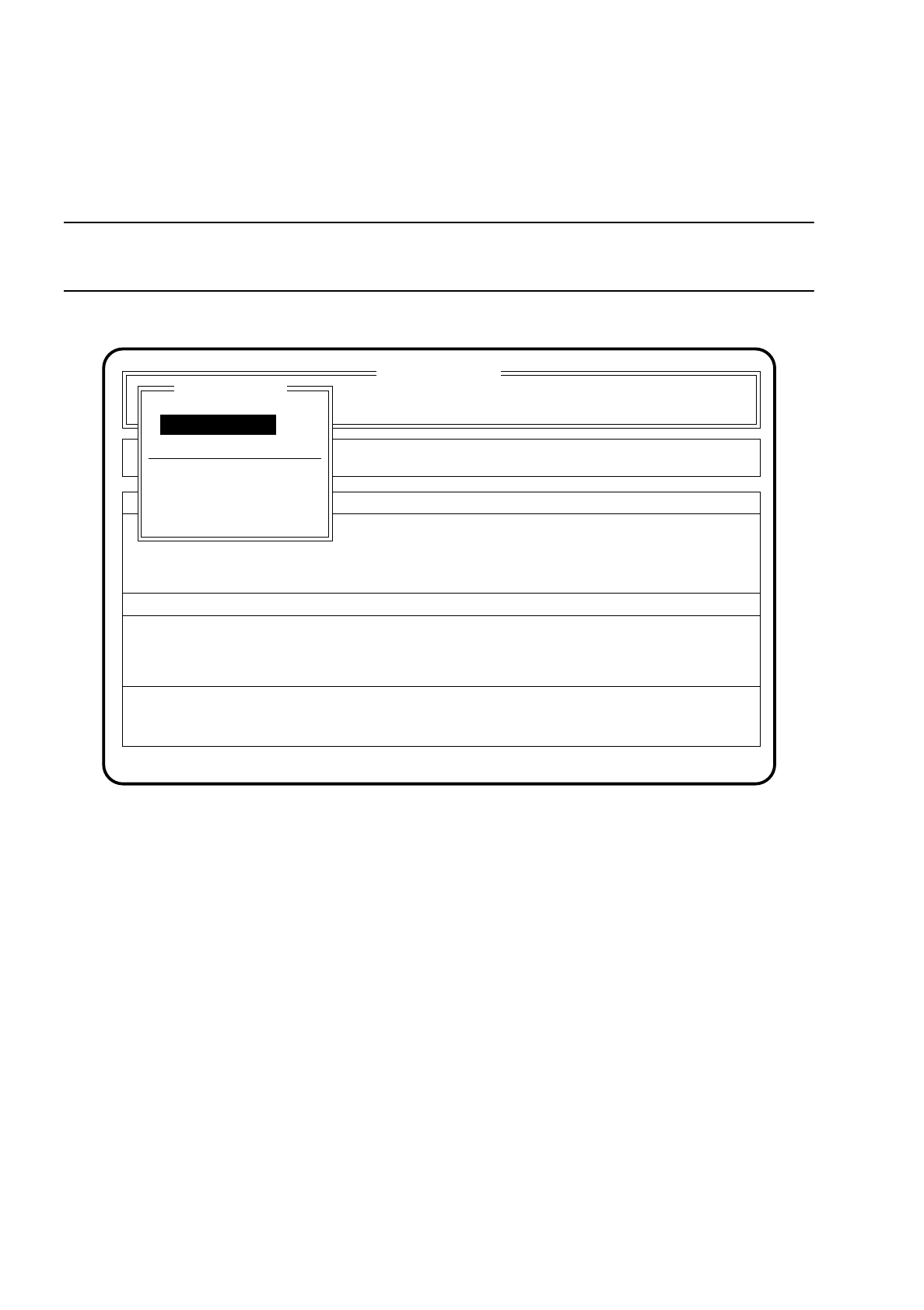
The menu "Machine errors" is shown on the screen when the machine is experiencing a functional fault.
NOTE
Not with error handling "Glue cartridge empty"
Fig. 10.5.4
10.5.5.1 Range of Functions - Operator
Display errors
In order to display all of the errors which have occurred, use the cursor keys to select the menu item
"Display errors" and press the
Return key
. On the screen the menu described in Section 10.6 (Display
Functions): "Display errors" appears.
Abort glueing
In order to leave the error menu without continuing the glueing process, use the cursor keys to select the
menu item "Abort glueing" and press the
Return key
. The board on the conveyor will be moved on to the
output conveyor. The gantry will be brought into the stand-by position.
SI 80G V 10.x
Cluster:
Neuer Nutzen
Display errors
Confirm errors
Machine options
Error
State
Action
:
:
:
Error treatment - error gantry 1
Abort glueing
Gantry functions
Display errors
Continue glueing
Machine errors
Continue glueing

SIPLACE 80S/F/G User’s Manual 10 SIPLACE G
Edition 07/97 from Software Version SR.010.xx 10.5 Error Menus
10 - 31
Continue glueing
In order to continue the glueing process, use the cursor keys to select the menu item "Continue glueing"
and press the
Return key
. The machine will continue with the glueing procedure at the glueing point where
it broke off.
10.5.5.2 Range of Functions - Line engineer
Once the
line engineer password
has been typed in the following additional functions will be displayed in the
menu "Machine errors":
Cycle mode
Use the cursor keys to move the cursor bar onto the menu item "Cycle mode". Then press the
Return key
.
For each step of the glueing sequence you must now press the start key.
Gantry functions
Use the cursor keys to select the menu item "Gantry functions". Then press the
Return key
.
On the screen the menu described in Section 10.7.4 "Gantry": "Gantry functions" appears. In this menu
you can execute various functions of the gantry.
Entire head ref. run
Use the cursor keys to select the menu item "Entire head ref. run". Then press the
Return key
.
The glueing heads and the small gantry axes will then perform a reference run.
Glueing unit 1/2/3
Use the cursor keys to select the menu item "Glueing unit" for the glueing unit concerned. Then press the
Return key
.
On the screen the menu described in Section 10.7.4 "Gantry": "Glueing unit 1/2/3" appears. In this menu
you can execute various functions of that glueing unit.
Glueing parameters
Use the cursor keys to select the menu item "Glueing parameters". Then press the
Return key
.
On the screen the menu described in Section 10.4.1 "Glueing Parameters" appears.
Paper feed cleaning pad
Use the cursor keys to select the menu item "Paper feed clean. pad". Then press the
Return key
.
The cleaning pad will perform a defined paper feed.
Cleaning pad cycle
Use the cursor keys to select the menu item "Cleaning pad cycle". Then press the
Return key
.
The glueing head moves to over the cleaning pad and places all glueing points defined in the glue cleaning
pad data onto the cleaning pad. The glueing head then moves out of the area of the cleaning pad.
10 SIPLACE G SIPLACE 80S/F/G User’s Manual
10.5 Error Menus Edition 07/97 from Software Version SR.010.xx
10 - 32
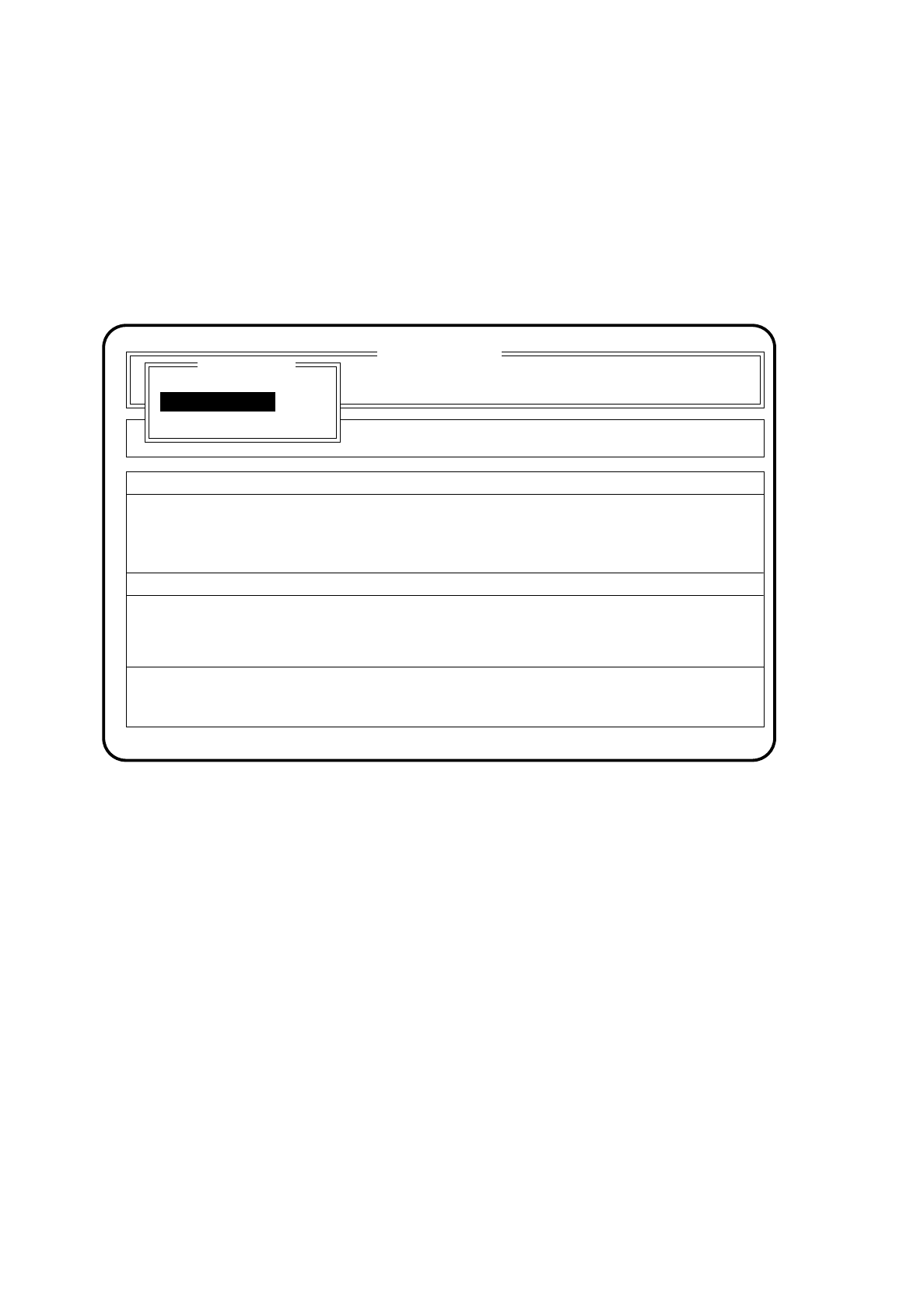
10.5.6 Abort menu
To access the Abort menu, under which the glueing procedure can be broken off or cycle mode started, you
should proceed as follows:
●
Press one of the two
stop buttons
(red with printed 0) on the input or output conveyor of the machine.
On the screen the Abort menu appears.
Fig. 10.5.5
●
Use the cursor keys to move the cursor bar onto the menu item "Continue glueing".
After this, press the
Return key
.
The placement machine will continue with the glueing procedure once the start key has been pressed.
●
Use the cursor keys to move the cursor bar onto the menu item "Abort glueing".
Then press the
Return key
.
The machine then transports the board to the output conveyor.
●
Use the cursor keys to move the cursor bar onto the menu item "Cycle mode". Then press the
Return key
.
The menu appears in this form
SI 80G V 10.x
Cluster: TEST
Display errors
Confirm errors
Machine options
Error
State
Action
:
:
:
Rüstung :
Abort menu
Abort glueing
Cycle mode
Continue glueing
Continue glueing