00191025-01.pdf - 第500页
SIPLACE 80S/F/G User’s Manual 10 SIPLACE G Edition 07/97 from S oftware Version SR.010.xx 10.5 E rror Menus 10 - 33 Fig. 10.5.6 ● Use the spac e bar to se lect Cycle mod e on (X) or Cycle mode off ( ) and confirm your se…
10 SIPLACE G SIPLACE 80S/F/G User’s Manual
10.5 Error Menus Edition 07/97 from Software Version SR.010.xx
10 - 32
10.5.6 Abort menu
To access the Abort menu, under which the glueing procedure can be broken off or cycle mode started, you
should proceed as follows:
●
Press one of the two
stop buttons
(red with printed 0) on the input or output conveyor of the machine.
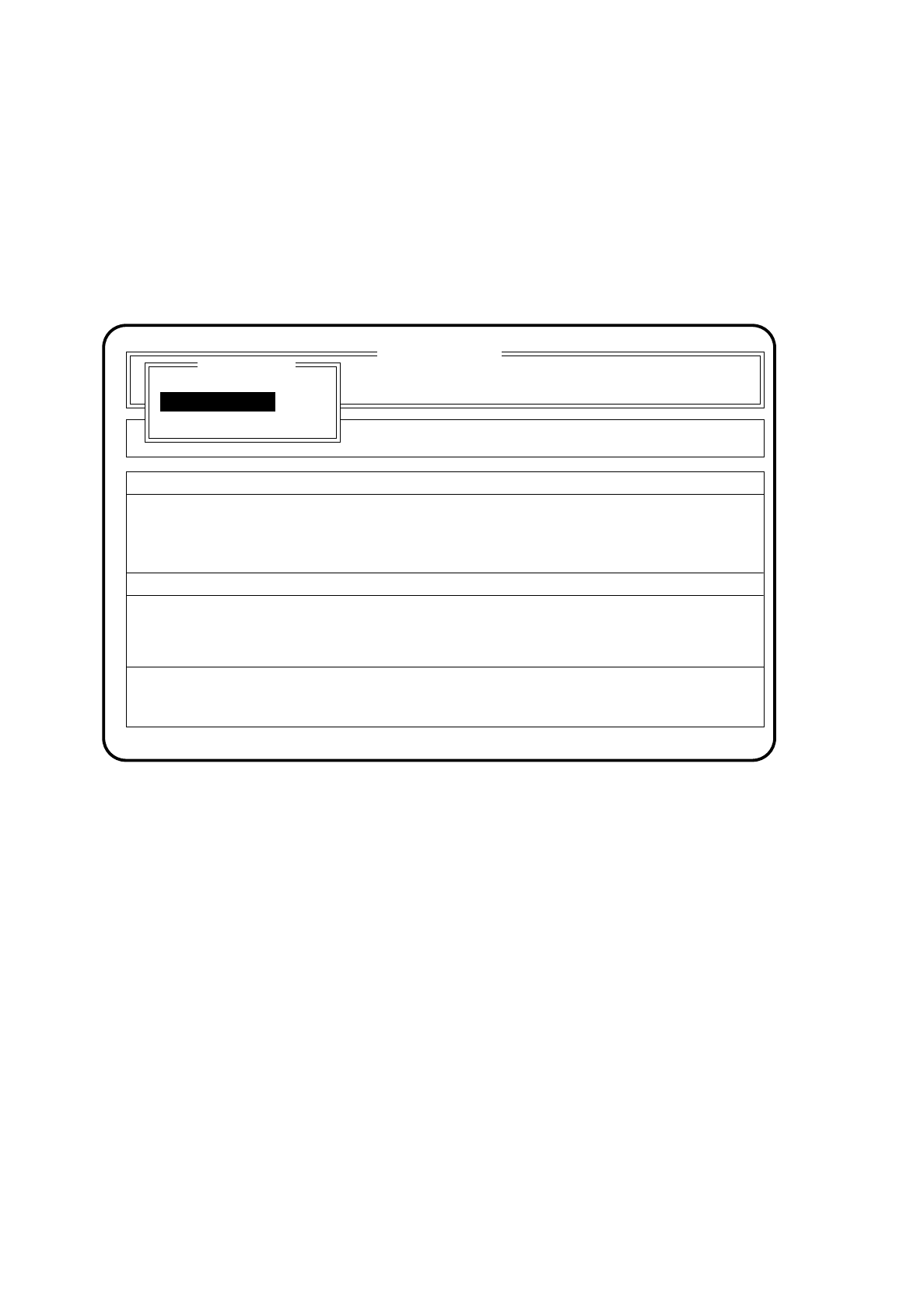
On the screen the Abort menu appears.
Fig. 10.5.5
●
Use the cursor keys to move the cursor bar onto the menu item "Continue glueing".
After this, press the
Return key
.
The placement machine will continue with the glueing procedure once the start key has been pressed.
●
Use the cursor keys to move the cursor bar onto the menu item "Abort glueing".
Then press the
Return key
.
The machine then transports the board to the output conveyor.
●
Use the cursor keys to move the cursor bar onto the menu item "Cycle mode". Then press the
Return key
.
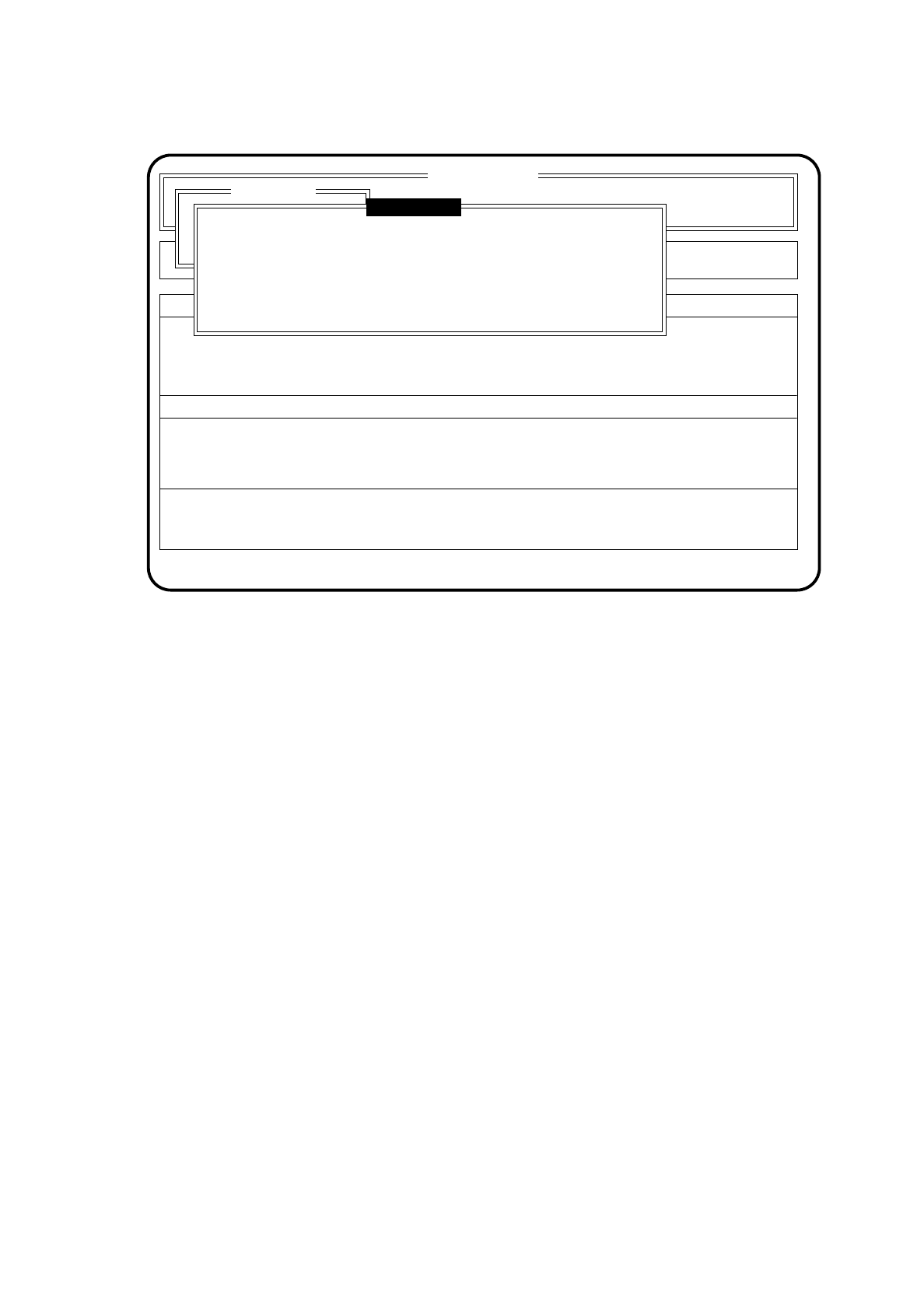
The menu appears in this form
SI 80G V 10.x
Cluster: TEST
Display errors
Confirm errors
Machine options
Error
State
Action
:
:
:
Rüstung :
Abort menu
Abort glueing
Cycle mode
Continue glueing
Continue glueing
SIPLACE 80S/F/G User’s Manual 10 SIPLACE G
Edition 07/97 from Software Version SR.010.xx 10.5 Error Menus
10 - 33
Fig. 10.5.6
●
Use the space bar to select Cycle mode on (X) or Cycle mode off ( ) and confirm your selection with the
Return key.
●
For each step of the glueing procedure you must now press the start key. The Abort menu will remain
displayed on the screen.
●
Use the cursor keys to move the cursor bar onto the menu item "Continue glueing".
After this, press the
Return key
.
The machine will continue with the glueing procedure in the Cycle mode once the start key has been
pressed.
SI 80G V 10.x
Display errors
Confirm errors
Machine options
Error
State
Action
:
:
:
Abort menu
Continue placement
Esc: abort Ret: input Blank: select
( ) Cycle mode
Cycle mode

10 SIPLACE G SIPLACE 80S/F/G User’s Manual
10.5 Error Menus Edition 07/97 from Software Version SR.010.xx
10 - 34